
Best 5K Monitors for MacBook Pro of 2026: Complete Buying Guide
Disclosure: We may earn a commission when you buy through links on this page, at no extra cost to you. As an Amazon Associate I earn from qualifying purchases. Learn more

Single cable pairing, pixel density, ports, charging and price bands for the best 5k monitors for macbook pro.
A Macbook Pro can drive a sharp external display, but 5K models differ in cables, charging power, color, and price, and the wrong match wastes money. This complete guide to the best 5k monitors for macbook pro explains what actually matters for this laptop, in the order you should check it.
We start with the single cable question, then cover density, ports, and panel quality, and finish with setup and care. The comparison table below lists the main classes side by side.

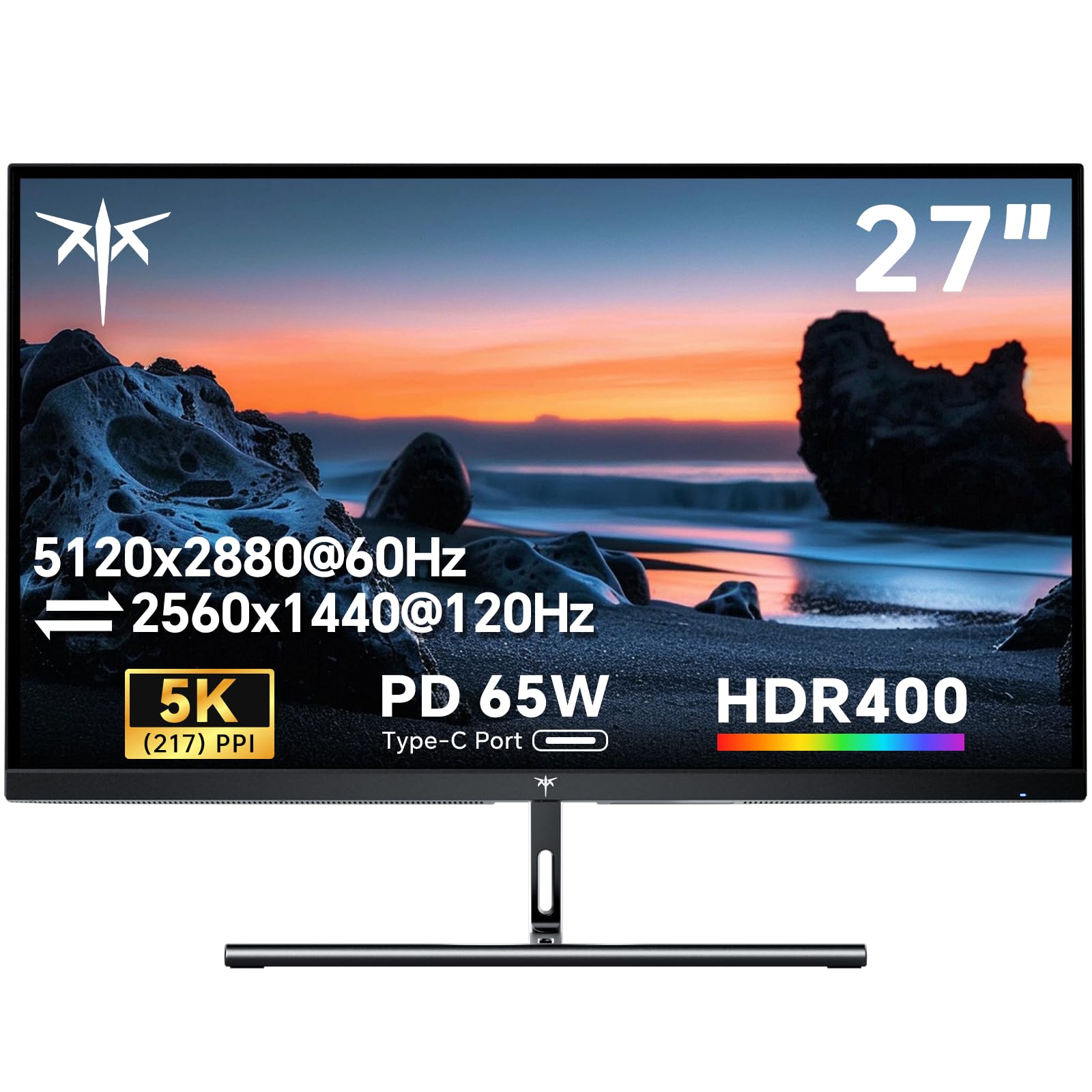

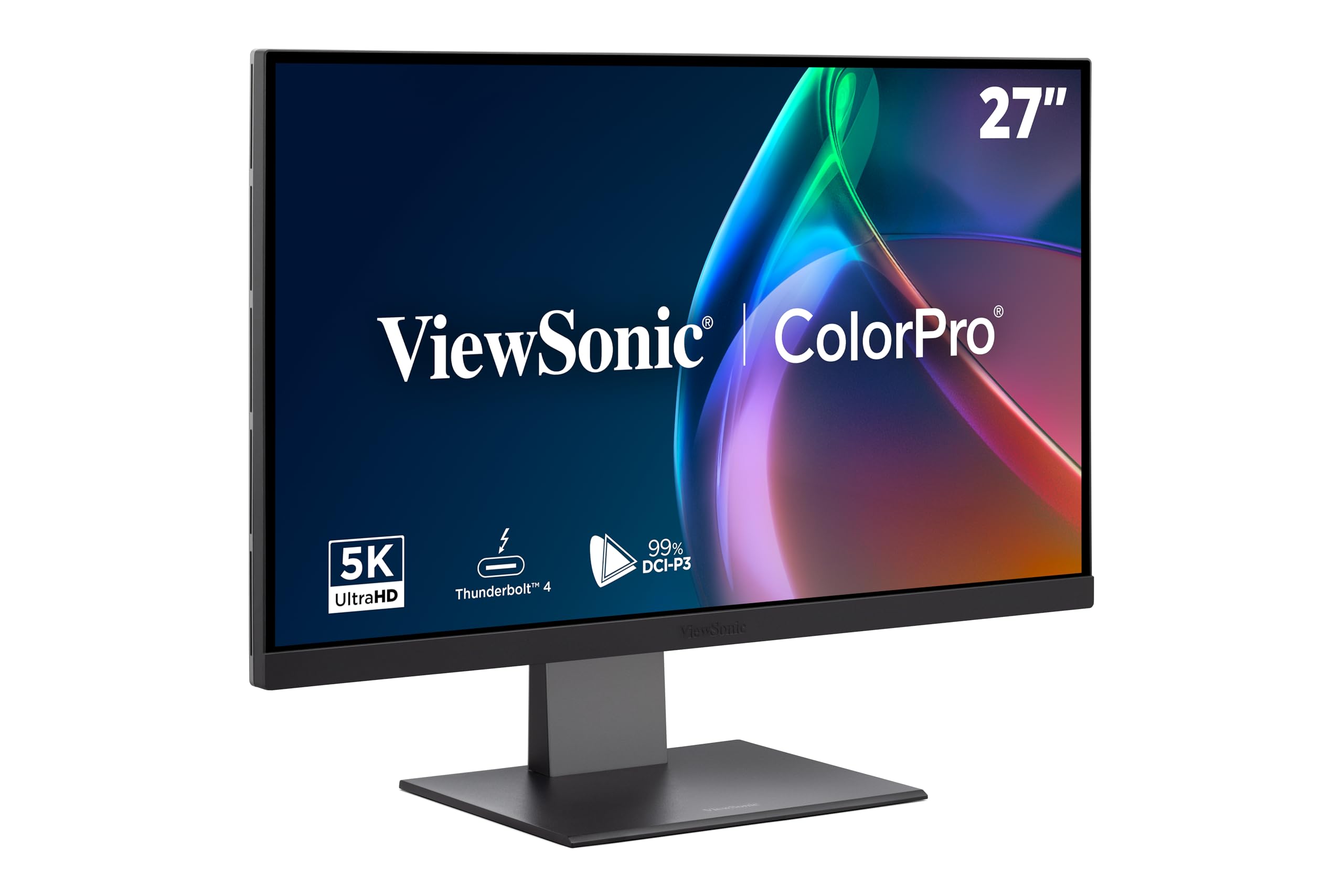
5K Monitor Classes by Budget and Build
Prices for 5K monitors that pair well with a Macbook Pro fall into three broad classes, and each class buys a different mix of panel quality, ports, and build.
The Everyday Desk Class: About $500 to $800
This class covers standard 27 inch IPS models with a single USB C input and charging in the 65 to 90 watt range. You get the full 5K sharpness and a simple one plug routine at the desk. The trade offs are plain stands with limited adjustment, brightness around 400 nits, and few spare ports. For writing, browsing, and office work, this is where most owners should start.
The Color Focused Class: About $800 to $1,200
Stepping up buys a wider color gamut, a factory calibration report, and brightness closer to 500 or 600 nits. Stands usually gain proper height adjustment, and hub ports multiply for drives and accessories. This class suits photo and video work. The limits stay the same, though: still 60 Hz, and built in speakers remain weak.
The Premium Class: About $1,200 to $1,800
The top class adds Mini LED or the best IPS panels, stronger brightness and contrast, metal builds, and extras like a built in camera and a fuller hub. Warranties tend to run longer too. The honest limit is value: the picture gain over the middle class is real but modest. Buy here when the desk is your main workplace for years.
How to Choose the Best 5K Monitor for a Macbook Pro
The right choice comes from checking a short list of factors in order, because a failure early in the list cannot be fixed by a strength later in it. Owners comparing the best 5k monitors for macbook pro should start with the cable, since everything else depends on a clean connection.
Features That Matter for Macbook Pro Pairing
The single cable setup is the key to this pairing: one USB C or Thunderbolt cable should carry the picture and charge the laptop at the same time. A monitor with power delivery in the 65 to 90 watt range lets you dock and undock with one plug. Confirm the monitor input is rated for the full 5120 by 2880 at 60 Hz, because some inputs on the same screen are rated lower.
Ports and Connectivity
The ports on your laptop set the usable resolution, so the chain is only as strong as its weakest link. A direct cable from the laptop to the monitor is the reliable route, while docks and adapters in between must each be rated for 5K at 60 Hz. Extra USB ports turn the monitor into a small hub for a keyboard and drives. Readers building a fixed desk around this setup can compare the best desktop monitors for macbook pro for more hub heavy options.
Pixel Density and Scaling
A 27 inch 5K panel holds about 218 ppi, which matches the density this laptop line is built around. At that density the system can double each pixel in each direction, so text and interface elements stay a normal size while edges stay sharp. Scaling sets the text size at this high density: a scaled mode trades some working space for larger, crisper text. A 32 inch 5K screen spreads the same pixels wider, so expect slightly softer text in exchange for a bigger canvas.
Panel, Color, and Brightness
Most 5K monitors use IPS panels with a wide color gamut, which suits photo and video work on this laptop. Brightness around 400 to 600 nits keeps the screen readable in a bright room, and a matte finish cuts reflections from windows. Factory calibration reports are worth having if you bill clients for color work. No panel in this class is a gaming panel, so judge it on still image quality rather than speed figures.
Size, Stand, and Desk Fit
The standard 27 inch size needs about 24 inches of desk depth once the stand and your keyboard are in place. Height adjustment matters more than tilt, because a screen set too low encourages a bent neck during long sessions. If you mostly need more room rather than more density, the best 4k monitors for macbook pro give a larger canvas for less money. Check the VESA mount pattern if you plan to use an arm, since a few slim models skip it.
Charging and Hub Features
Power delivery figures tell you whether the monitor can replace your laptop charger at the desk. Around 65 watts covers light use on smaller models, while about 90 watts or more keeps a hard working machine charged under load. Downstream USB ports, an audio jack, and network pass through on some models reduce the dongles on your desk. A built in webcam and speakers are convenience extras, since separate gear usually does both jobs better.
Types of 5K Monitors
Beyond price, 5K monitors split into a few build types, and the general landscape in our guide to the best monitors for macbook pro shows how this class sits among the rest.
Standard 27 Inch IPS Models
This is the default type: a 27 inch IPS panel, one main USB C input, and a simple stand. It suits the widest range of owners and carries the lowest prices in the category. If your needs are office work and media, start and probably finish here.
Color Critical Models
Color critical models add factory calibration, wider gamuts, and uniformity compensation that keeps brightness even across the panel. They serve photographers, designers, and video editors whose work leaves the screen. If your work is judged on paper or on client displays, this is your type.
Wide and Curved Variants
A small number of 5K screens stretch wider than 27 inches or add a gentle curve that wraps the edges toward you. The best curved monitors for macbook pro suit wide timelines and spreadsheets that benefit from the extra span. Their pixel density is lower, so text is less crisp than on a standard 27 inch panel. Choose them for space, not for sharpness.
Hub and Camera Equipped Models
These models build a webcam, a microphone array, speakers, and a fuller USB hub into the screen. They clear a desk of separate gadgets and make calls simpler. Owners who take calls all day often find the convenience worth the premium.
Picking the Right 5K Monitor for Different Uses
best 5k monitors with macbook pro with vega
Older Macbook Pro models with Vega graphics were sold as high end configurations, and they drive a 5K screen over a single cable. The differences that matter are heat and noise under a sustained load, since the discrete graphics chip works harder at nearly fifteen million pixels and the fans run more. Check that your cable and any adapter match the port generation on that machine, because early docks often cap the output below 5K. A standard color accurate model is the sensible match here.
Setup and Care Tips
- Use the cable in the box for the first setup, because it is the one rated for the full signal, and keep it as your spare.
- Update the monitor firmware through the maker support page when a pairing issue appears, since display fixes often ship there first.
- Clean the screen with a dry microfiber cloth, and never spray cleaner straight onto the panel.
- Set brightness to match your room rather than leaving it at full, which extends backlight life and feels easier over long days.
- Give the screen air space at the back, since a hot cabinet shortens the life of the electronics inside.
Frequently Asked Questions
What features matter most in 5K monitors for Macbook Pro setups?
The single cable connection matters most, because it decides whether docking is one plug or a handful of adapters. Look for power delivery of about 65 to 90 watts, an input rated for the full 5120 by 2880 at 60 Hz, and enough hub ports for your daily gear. One detail many listings bury is that only one input on some models carries the full rating, so check the port diagram before you buy.
How long should a 5K monitor last?
A 5K monitor should last about five to eight years in normal desk use. Backlights slowly dim over that span, and connection standards move on, so age shows as softness rather than failure. There is no battery or fan inside to wear out, which helps longevity. Keeping the original box and foam for moves protects the thin panel, and careful handling matters more than any setting.
Is one cable enough to connect a 5K monitor to a Macbook Pro?
Yes, one cable is enough when the monitor input and the cable are both rated for 5K at 60 Hz with charging. That single lead carries the picture, the charge, and the hub traffic for your keyboard and drives. The catch is length: full speed passive cables are short, usually under a meter. If the picture falls back to a lower resolution, the cable is the first suspect.
Can a Macbook Pro run two 5K monitors at once?
Some Macbook Pro models can run two 5K monitors at once, and some can run only one, so the answer depends on your exact machine. Higher tier configurations support more external displays than the entry configurations. Each screen also needs its own cable and its own port, since one cable cannot feed two 5K panels. Check the technical specifications page for your model before ordering a second screen, because this limit cannot be fixed with an adapter.
Do 5K monitors need a special cable for a Macbook Pro?
A 5K monitor needs a cable rated for the full signal, but not a special or branded one. The cable in the monitor box is rated correctly, which is why the first setup should use it. Problems start with charge only cables from phone kits, which fit the same port but cannot carry a 5K picture. Look for a cable marked for high speed data or Thunderbolt use, and treat any unmarked spare as charge only.
The Bottom Line
Check the cable and charging first, the density and scaling second, and the panel and stand third, and most 5K choices make themselves. The product table above gathers the classes in one place for a final comparison. Buyers who start with the best 5k monitors for macbook pro and work down that short list usually end up with a screen that feels like part of the laptop. If you are still comparing screen families, see our guide to the best display monitors for macbook pro before you decide.


