Best 5600X Motherboards in 2026: Which Type Is Right for You?
Disclosure: We may earn a commission when you buy through links on this page, at no extra cost to you. As an Amazon Associate I earn from qualifying purchases. Learn more

The best 5600x motherboards compared by size, chipset and price tier, to help you pick an AM4 board for your build, case and budget.
Choosing a board for a Ryzen 5 5600X can feel confusing because the same chip fits tiny desk PCs, large towers, and everything between them. Chipset names, board sizes, and power delivery ratings all compete for your attention. This guide compares the best 5600x motherboards by type, so you can match a board to your case, your graphics card, and your budget with confidence.
You get a plain comparison of board types, the trade offs each one makes, and the checks that matter before you spend money. Start with the types below, then read the type that sounds closest to the PC you want to build or buy.
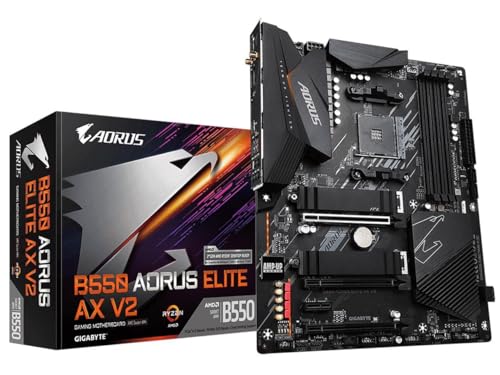
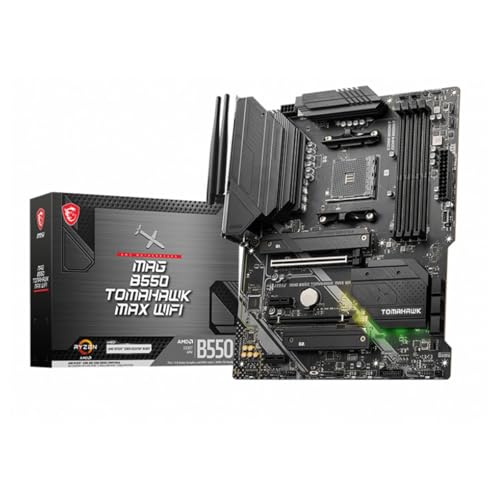
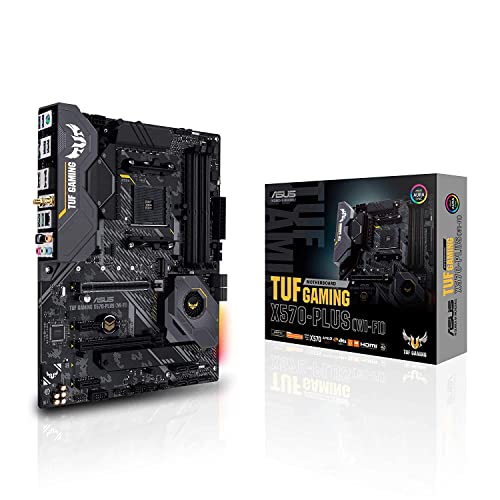


Types of 5600x Motherboards Compared
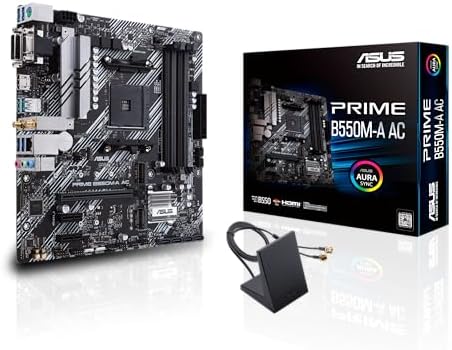
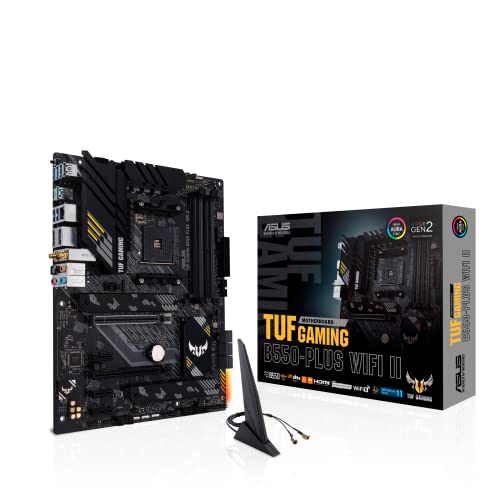
Every 5600X board uses the AM4 socket, but boards split into clear types once you look at size and chipset. Budget boards usually carry the B550 chipset, which gives you PCIe 4.0 for one graphics card and one fast NVMe SSD. X570 boards cost more and extend PCIe 4.0 to more slots, with stronger power delivery for demanding builds. A520 boards sit below both and suit simple office style PCs more than gaming rigs. Size matters just as much. ATX is the full size standard, micro ATX trims a few slots to save money, and mini ITX shrinks the board for compact cases. The best 5600x motherboards for you depend on which of these types fits your build plan, so work through each type below before you look at prices.
Small Form Factor PCs
A small form factor PC uses a mini ITX board, a square board that fits cases you can carry in one hand or hide behind a monitor. You give up expansion room, since most ITX boards offer one graphics card slot and two memory slots. In return you get a quiet, tidy system that suits a living room or a small desk.
Heat is the main watch point in a compact case, because the 5600X and a mid range GPU share a small volume of air. Look for a board with a solid VRM heatsink and at least two fan headers you can tune. If this footprint appeals to you, our guide to the best itx motherboards explains compact board layouts in more depth.
Prebuilt Gaming Desktops
A prebuilt gaming desktop arrives assembled, and the motherboard inside is often a basic B550 or A520 board chosen to keep the sticker price low. That is fine for playing games today, but it can limit upgrades later. Some prebuilt boards use unusual shapes or front panel wiring that makes a board swap harder than it should be.
Before you buy a prebuilt around a 5600X, check three things on the spec sheet. Confirm the board has a free M.2 slot for a second NVMe SSD, at least two free memory slots or a clear path to 32GB, and a standard power supply connector. If expansion matters more than looks, you may also enjoy browsing the best looking motherboards to see what a custom build could offer instead.
Custom Built PCs
A custom built PC is where a B550 ATX or micro ATX board makes the most sense. You choose the board first, then match the case, cooler, and power supply around it. B550 hits a sweet spot for the 5600X, since the chip sips power and rarely needs the extra lanes of X570 for a single GPU gaming setup.
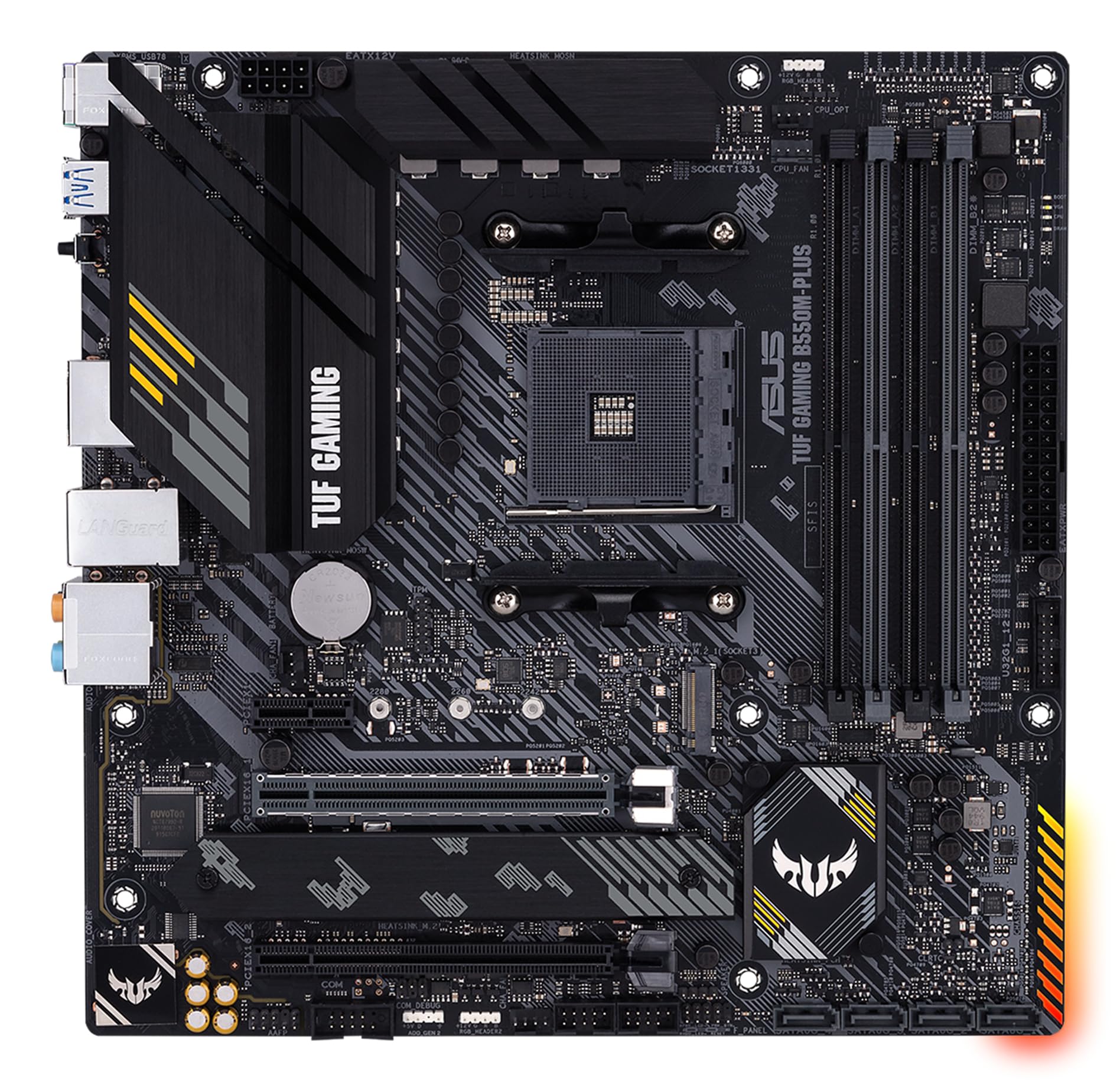
Micro ATX boards often cost less than ATX while keeping four memory slots and enough headers for most builds. If your case is a mid tower, a guide to the best matx motherboards can help you weigh the smaller format. For a wider view of the AM4 platform and its chipsets, see our overview of the best motherboards am4 before you commit.
High End 4K Builds
A high end 4K build pairs the 5600X with a powerful GPU, and here an X570 board earns its keep. You get PCIe 4.0 across more slots, room for two or three NVMe SSD drives, and stronger power stages that stay cool during long sessions. Better onboard audio and faster networking also tend to appear at this tier.
Be honest about whether you will use those extras. If you run one GPU and one SSD, X570 adds cost without changing your frame rate at 4K, where the graphics card does most of the work. Spend the difference on the GPU or a larger SSD instead. Shoppers comparing platforms beyond AM4 can also read our roundup of the best computer motherboards for context on newer sockets.
Small Form Factor PCs vs Prebuilt Gaming Desktops: Which Should You Choose?
These two routes solve different problems. A small form factor build gives you control over every part, so you can pick a quiet cooler, a quality power supply, and a board with the ports you actually need. The cost is your time, since compact builds are fiddly and cable routing takes patience. A prebuilt gives you a working PC on day one with one warranty covering the whole system, but the board inside may limit your upgrade path and use parts you would not have chosen.
Price is closer than many people expect once you add Windows, a case, and a decent power supply to a custom parts list. Choose the compact custom route if you enjoy building and want a small, quiet machine you can upgrade piece by piece. Choose the prebuilt if you want to play this weekend and prefer a single point of support when something goes wrong.
How to Choose the Right 5600x Motherboard
Type comes first, but four checks decide whether a specific board serves you well for years. Work through power, support, memory and storage, and pairing, in that order.
Power Supply Quality
The board and the power supply work as a team, and a weak supply can cause shutdowns that look like board faults. Choose a unit with an 80+ Gold certification from a reputable line, since that rating signals efficient, stable power delivery. Wattage headroom matters too. A 5600X with a mid range GPU runs happily on about 550 to 650 watts, while a high end GPU pushes you toward 750 watts or more. Headroom also keeps the fan quieter, because the supply works in the middle of its range instead of at its limit.
Warranty, Support, and Build Quality
Most boards carry a warranty of about three years, and the support behind it matters as much as its length. Check that the maker still publishes BIOS updates for the board and offers clear manuals and driver downloads. Build quality shows in small details, such as reinforced graphics card slots, solid VRM heatsinks, and debug lights or codes that help you find a fault fast. Good layout also helps cable management, with fan and USB headers placed along the edges where your cables naturally run.
RAM and Storage (DDR4 and NVMe SSD)
The 5600X platform uses DDR4 memory, so plan on DDR4 kits and ignore DDR5, which belongs to newer platforms. For gaming, 16GB is a workable floor, but 32GB gives you room for streaming, browsing, and heavier games without slowdowns, and two sticks let the memory run in dual channel mode. For storage, treat a 1TB NVMe SSD as the practical minimum, since modern games are large. A B550 board gives that main drive PCIe 4.0 speed, which shortens load times and helps large file transfers feel snappy.
CPU and GPU Pairing
Pairing is about balance, so your board, chip, and graphics card all pull in the same direction. At 1080p, the 5600X feeds mid range GPUs with ease and frame rates stay high. At 1440p, step up the GPU tier, since the screen asks more of the card than of the processor. At 4K, the GPU does nearly all the work, so buy the strongest card your budget and power supply allow. An AIO cooler can keep a compact build quiet, but a good tower air cooler suits most 5600X systems and costs less.
Tips to Get the Most From Your 5600x Motherboard
A few habits keep any of these board types running well. Clean dust filters and fans about every three months, since dust raises temperatures and noise. Update GPU drivers often, but treat BIOS updates with care, read the notes, update only when an update fixes a problem you have or adds support you need, and never interrupt the process. Finally, watch temperatures with a free monitoring tool during your first week, so you spot a loose cooler or a blocked fan while the fix is still simple.
Frequently Asked Questions
How long will a gaming PC stay relevant?
A 5600X gaming PC should stay relevant for about four to six years for most players. The graphics card usually ages first, so a board with a full speed PCIe slot and a strong power supply lets you swap in a newer GPU later. Lowering a few settings also extends the life of the whole system.
How much RAM do I need for gaming?
You need 16GB as a sensible minimum and 32GB if you stream, record, or keep many browser tabs open while you play. Buy a matched kit of two sticks so dual channel mode works from the start. Adding unmatched sticks later can force slower speeds, so one planned kit is the safer route.
Air or liquid cooling: which is better?
Air cooling is better value for most 5600X builds, since the chip uses modest power and a mid size tower cooler keeps it quiet. Liquid cooling earns its place in compact cases where a tall tower cooler will not fit, or when you want the cleanest look. Either way, case airflow matters more than the cooler type alone.
Is it cheaper to build or buy a prebuilt PC?
Building is usually cheaper when parts are on sale and you already own a case, storage, or a Windows license you can move. A prebuilt can win on price during GPU shortages or deep promotions, and it includes assembly and one warranty. Compare the full parts list, including the power supply quality, rather than the headline price alone.
What GPU do I need for 1440p?
For 1440p you need a GPU from the upper mid range tier or above if you want high settings in new games. The 5600X will not hold such a card back in most titles. Prioritize at least 12GB of video memory for longevity, and use the money you saved by choosing B550 over X570 to fund that card.
Our Verdict
Start with your build type, then check power headroom and upgrade room, and the right board becomes obvious. Compact builders should favor a well cooled ITX board, value hunters a B550 micro ATX, and 4K players an X570 only when they will use its extra lanes. Whichever route you take, the best 5600x motherboards are the ones that fit your case, your GPU plans, and your budget without forcing compromises later, so compare the options in the product table above before you buy.