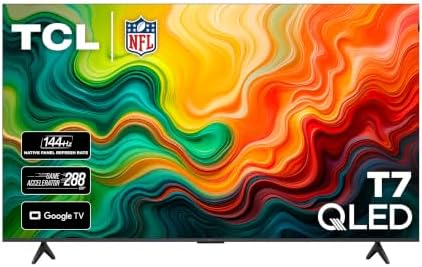
Best 55 Inch TVs: How to Choose by Panel and Features for 2026
Disclosure: We may earn a commission when you buy through links on this page, at no extra cost to you. As an Amazon Associate I earn from qualifying purchases. Learn more
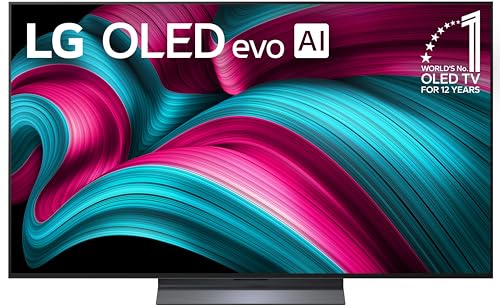
Compare the best 55 inch TVs by panel type, brightness, gaming support and smart platform to find the right screen for your room.
A 55 inch screen is the most common size for a living room or bedroom, and it is where TV prices are most competitive. This guide shows how to choose among the best 55 inch TVs by looking at panel type, picture features, gaming support, and the smart platform, so the model you pick still feels right years from now.
The product table lists current options at several price levels. Use the sections below to decide which kind of panel and feature set deserves your money, then compare the models in the table against your own checklist.
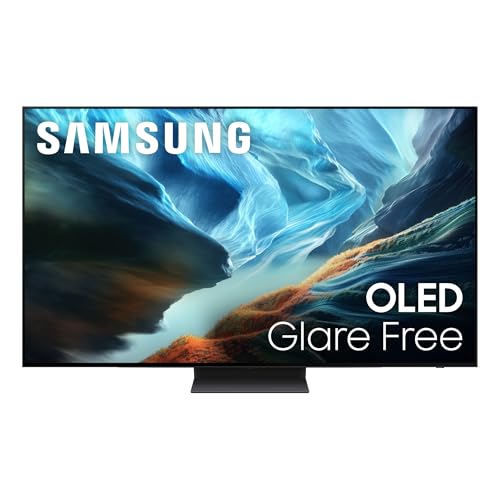
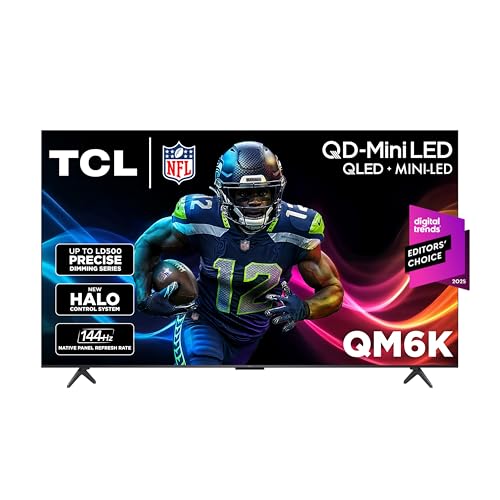
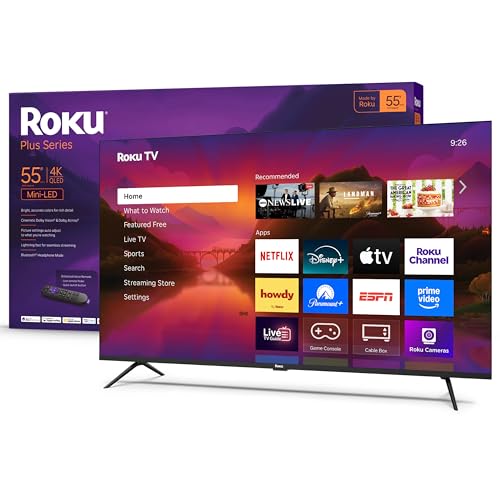


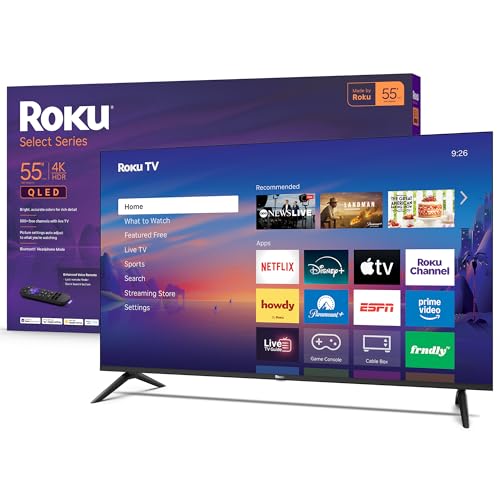
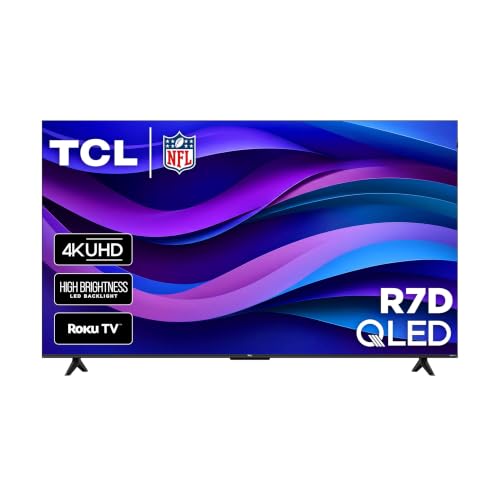
What a 55 Inch TV Is Good For
A 55 inch TV measures 55 inches across the diagonal, which works out to a screen about 48 inches wide and 27 inches tall. That size suits a seating distance of roughly 6 to 8 feet, so it fits most apartments, bedrooms, and medium living rooms without overwhelming the space. If you sit farther than 10 feet away, a 65 inch screen usually feels more natural.
Nearly every model at this size is a 4K smart TV with a built-in streaming platform, so the real differences are picture quality, brightness, motion handling, and how well the software runs after a few years of updates.
Panel Types Compared
The panel does more to decide picture quality than any other spec, and it also drives price. The table gives a quick guide to the four types you will see at this size.
| Panel type | Strengths | Trade offs | Typical price |
|---|---|---|---|
| Standard LED (VA or IPS) | Lowest cost, fine for everyday viewing | Modest contrast, limited peak brightness | $200 to $400 |
| QLED | Brighter, richer color in a lit room | Blacks depend on dimming zones | $300 to $700 |
| Mini LED | Strong contrast and high brightness | Costs more, some blooming around bright objects | $500 to $900 |
| OLED | Perfect blacks, wide viewing angles, fast response | Lower peak brightness, highest price, care with static images | $900 and up |
For a bright living room, QLED or Mini LED is usually the best value. For a dark room used for movies, OLED delivers a noticeable step up in contrast. For a bedroom or a secondary room, a standard LED at a low price is often all you need.
Features Worth Paying For
HDR and Brightness
HDR makes bright highlights and dark shadows look more natural, but it only helps if the TV can get bright enough. Entry level sets accept an HDR signal without showing much benefit. Look for support for Dolby Vision or HDR10+, along with a peak brightness well above what a basic LED panel offers, if you watch a lot of movies and streaming shows.
Refresh Rate and Gaming Features
A 60 Hz panel is fine for TV shows, sports, and movies. A 120 Hz panel with HDMI 2.1 matters if you play on a current game console or a gaming PC, because it supports higher frame rates and variable refresh rate. Auto low latency mode, which switches the TV to a faster game setting on its own, is a useful extra.
Smart Platform and Sound
The smart platform controls how quickly apps open and how easy the menus are. Roku, Google TV, Fire TV, and the major brand systems all cover the big streaming services, so choose the interface you find easiest to use. TV speakers are thin at this size, so budget for a soundbar if dialogue clarity matters to you.
Ports and Mounting
Count the HDMI ports you need for a console, a soundbar, and a streaming box, and check that at least one supports eARC for soundbar audio. Also look at the VESA pattern and stand design. Some models use feet placed far apart, which needs a wider TV stand than the screen width suggests.
Choosing a 55 Inch TV for Your Situation
Bright Living Rooms
Prioritize peak brightness and anti glare treatment. A QLED or Mini LED panel handles daytime light much better than a basic LED, and a matte or low reflection screen helps when windows face the TV.
Movie Nights
Dark room viewing rewards deep blacks and wide dynamic range. An OLED or a Mini LED with many local dimming zones will show shadow detail that cheaper panels crush into gray.
Gaming
Choose a 120 Hz panel with HDMI 2.1, variable refresh rate, and low input lag. Check how many HDMI ports support the full feature set, since many models enable it on only one or two.
Budget Buyers
A basic 4K LED model from a known brand covers most needs for a bedroom or guest room. Spend the savings on a wall mount or a soundbar rather than chasing features you will not use.
Setting Up a 55 Inch TV
Once the TV is on the stand or wall, switch from the vivid store setting to a cinema or movie mode, and turn off extra motion smoothing for films. Use game mode for consoles to cut input lag. Place the TV where windows do not reflect on the screen, and seat viewers at about eye level to the middle of the display for the best viewing angle.
Long Term Costs to Factor In
A TV is cheap to run, but a few extras add up. A wall mount, a soundbar, and a surge protector can add $100 to $300 to the total. Check the warranty length, and consider whether you want an extended plan on an OLED. Software updates also matter, since a smart platform that stops receiving updates can feel slow after a few years.
55 Inch TVs: Your Questions Answered
Is a 55 inch TV big enough for a living room?
For a seating distance of 6 to 8 feet, yes. If your sofa is farther back, consider a 65 inch model for a more immersive picture, and see our guide to the best 55 inch 4K TVs if you want to narrow by resolution.
Is OLED worth the extra cost at 55 inches?
OLED is worth it for dark room movie watching and for gamers who value fast response. In a bright room, a QLED or Mini LED often looks better for less money. The best 55 inch OLED TVs guide covers that option in more detail.
Do I need 120 Hz?
Only if you play fast games on a console or PC, or you are sensitive to motion blur in sports. For streaming and TV shows, 60 Hz looks the same.
How long does a 55 inch TV last?
Most sets last 7 to 10 years of normal use. Panel type matters less than heat, power surges, and how long the manufacturer supports the software.
What should I check before buying?
Measure the space on your TV stand or wall, count the HDMI ports you need, and confirm the VESA pattern if you plan to wall mount. For gaming picks, the best 55 inch TVs for gaming list narrows it further.
Final Thoughts
The best 55 inch TVs balance panel quality, brightness, and a smooth smart platform at a price that suits your room. Match the panel to your lighting, add gaming features only if you play, and compare the models in the product table against that short list before you buy.