Best 55 Inch Smart TVs: Platforms, Panels and Room Fit
Disclosure: We may earn a commission when you buy through links on this page, at no extra cost to you. As an Amazon Associate I earn from qualifying purchases. Learn more
Roku, Fire TV, Google TV, and panel types compared to help you find the best 55 inch smart tvs.
Fifty five inches is the size where a TV starts to feel like a real screen without taking over the room, and almost every 55 inch set sold today is smart. That makes the smart platform, not the panel size, the most visible daily difference. This guide to the best 55 inch smart tvs compares the main platforms and panel types so you can choose a set you will enjoy using.
Use the product table below to see models across Roku, Fire TV, Google TV, and Samsung's system, then read on for how each platform feels and which panel suits your room.

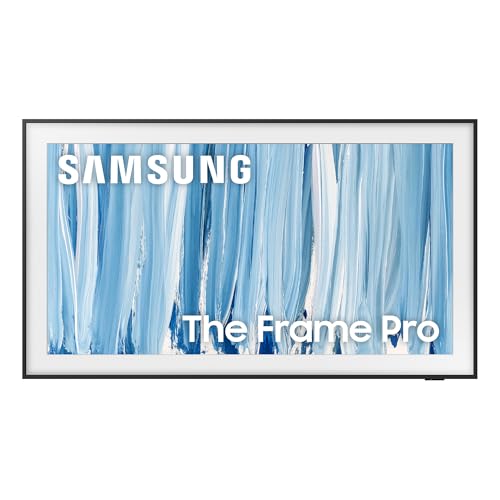
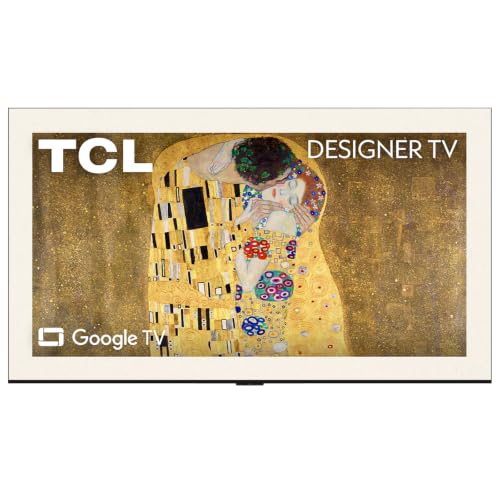

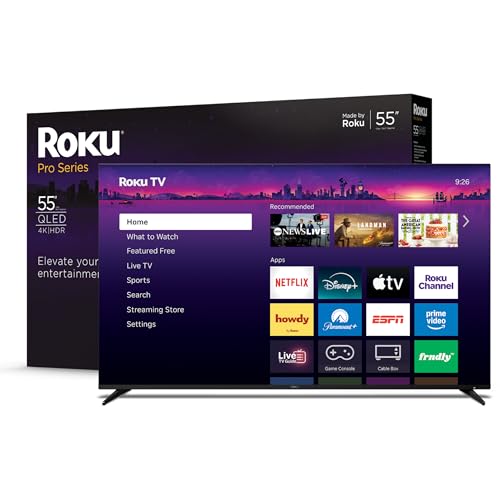

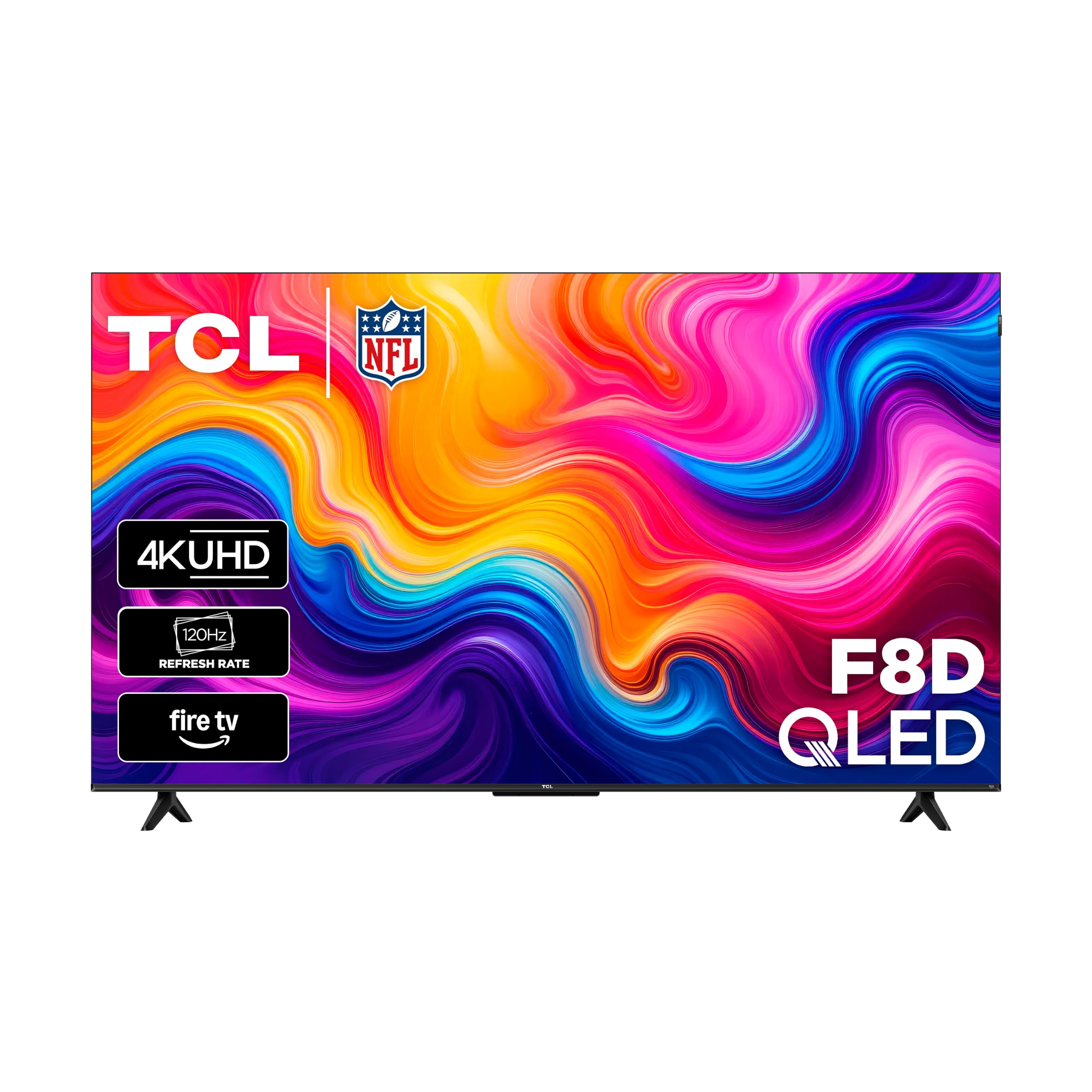


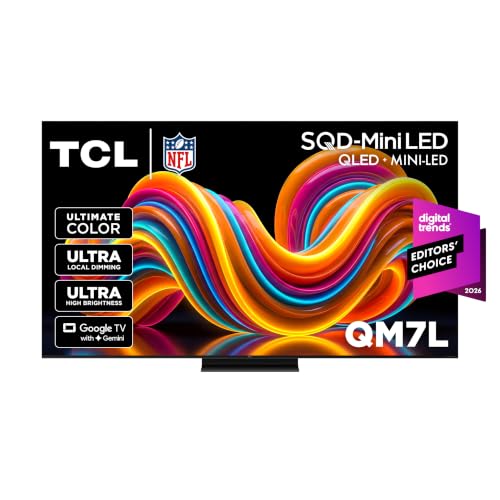
Smart Platforms Compared
Roku
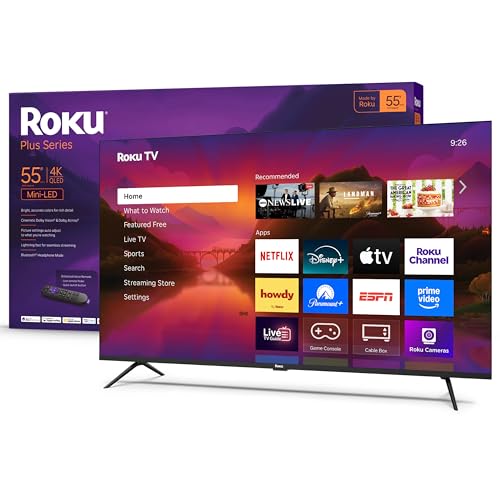
Roku sets use a simple grid of apps with a plain remote. They are easy for the whole family, work with most streaming services, and rarely feel slow. Roku suits buyers who want the simplest path to their shows.
Fire TV
Fire TV brings Alexa voice control and tight integration with Amazon content and smart home devices. The home screen shows a lot of recommendations, which some people like and others find busy. It suits households that already use Alexa.
Google TV
Google TV suggests shows across your services and works well with Android phones and Google Assistant. It has a large app store and casting built in. It suits people who live in the Google ecosystem.
Samsung and Other Maker Systems
Samsung's own system and similar maker platforms are fast and polished, and they often include extras such as game and art modes. App choice is wide but not always identical to Roku or Google, so check for the services you use.
Panel Types for a 55 Inch Smart TV
Standard LED and QLED sets are bright and affordable and suit bright living rooms. Mini LED adds many small backlight zones for better contrast and HDR. OLED gives perfect blacks and wide angles and suits dim rooms, usually at a higher price. At 55 inches, a QLED with local dimming is the best value for most buyers, while OLED is the choice for film fans.
Choosing the Best 55 Inch Smart TVs by Room and Use
Bright Living Rooms
Look for higher peak brightness, a low reflection screen, and local dimming. QLED and Mini LED sets handle daylight best.
Movie Nights in the Dark
Choose OLED or a Mini LED with many dimming zones. Check HDR support for Dolby Vision and HDR10.
Gaming
Look for 120 Hz, variable refresh rate, and low input lag in game mode. Check that the HDMI port supports full bandwidth.
Bedrooms and Small Spaces
A simple Roku or Fire TV set at a modest price is enough. Pay attention to the stand width so it fits your dresser.
Budget Tiers at 55 Inches
Under about $300 you will find basic LED sets with a built in streaming system, fine for bedrooms and casual viewing. From about $300 to $600 come QLED and Mini LED models with better color and brightness, and many have 120 Hz panels. Above that sit premium Mini LED and OLED sets with stronger contrast, better sound, and faster processors. Prices move often, so compare before sales and holidays, and check how long the maker promises software updates for the smart system.
If you plan to add a soundbar, put part of the budget there instead of a small step up in panel. Dialogue clarity improves more from a modest soundbar than from a higher tier panel.
Features Worth Checking
Look at the HDMI ports: you need enough for a console, a soundbar, and a streaming box, and one should support eARC. Check the remote, because a backlit remote with a few buttons is easier in the dark. Check the viewing angle if your seating is wide, since some panels lose color off center. Finally, check the VESA mount pattern if you plan to hang the TV on a wall.
Sound and Connections
At 55 inches the speakers are small, so check whether the set supports eARC and Dolby Atmos pass through to a soundbar. Look for at least three HDMI ports, and see whether the set has Bluetooth for wireless headphones, which is handy for late night viewing. If you plan to wall mount, confirm the VESA pattern and leave room behind the TV for cables and ventilation.
Setup and Care
Choose the movie picture mode and turn off motion smoothing for films. Sign in to your streaming apps, and update the software on first boot. Place the TV so the center of the screen is at eye level when you sit, and leave space behind it for ventilation. Use a surge protector. Clean the screen with a dry microfiber cloth and no sprays.
Common Mistakes to Avoid
The most common mistake is buying on price alone and ending up with a platform you dislike. Another is ignoring brightness in a sunny room. A third is forgetting about sound: thin TV speakers often need a soundbar. Check the return policy for at least a month.
Frequently Asked Questions
Which smart platform is best on a 55 inch TV?
It depends on what you already use. Roku is the simplest, Fire TV suits Alexa homes, and Google TV suits Android users. All of them run the main streaming apps.
Is 55 inches the right size for my room?
A 55 inch TV suits a seat about six to eight feet away. For a larger room, consider 65 inches.
Do I need 120 Hz on a 55 inch smart TV?
Only if you game or watch lots of fast sports. For general streaming, 60 Hz looks the same.
QLED or OLED for a 55 inch TV?
QLED is brighter and cheaper, which suits bright rooms. OLED has better contrast and suits dark rooms.
How long does a 55 inch smart TV last?
Many last six to ten years. Software support for smart features can end sooner than the hardware, so a streaming stick can extend the life of an older set.
The Bottom Line
Pick the platform you like, then match the panel to your room, and use the product table above to compare the best 55 inch smart tvs by price. For a related guide, see the best 55 inch tvs.