Best 4K TVs Under 500: Sizes, Features and What to Skip
Disclosure: We may earn a commission when you buy through links on this page, at no extra cost to you. As an Amazon Associate I earn from qualifying purchases. Learn more
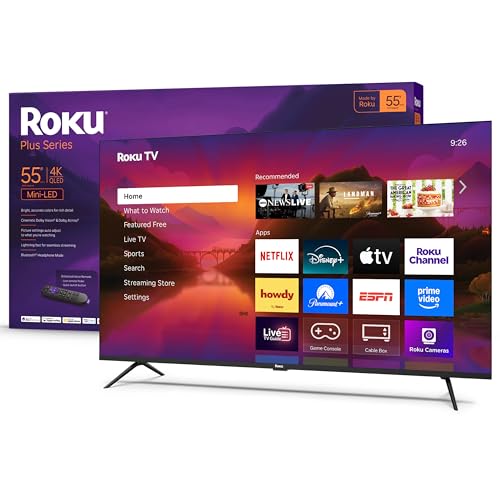
Choose among the best 4k tvs under 500 by size, brightness, smart platform, and gaming features.
Five years ago a 4K TV at this price meant a dim screen and a sluggish menu. Today the best 4k tvs under 500 offer bright QLED panels, built in streaming, and 120 Hz gaming modes in sizes from 43 to 65 inches. The hard part is knowing which features are worth paying for within a fixed budget.
Use the product table below to compare current models, then use this guide to decide between size, brightness, smart platform, and gaming features. It also covers what to skip and how to set up the TV for the best picture.
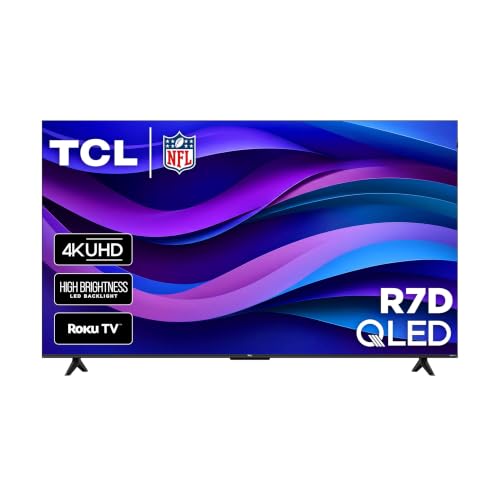

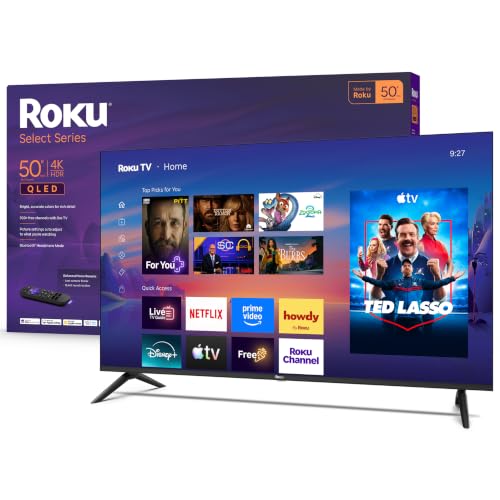
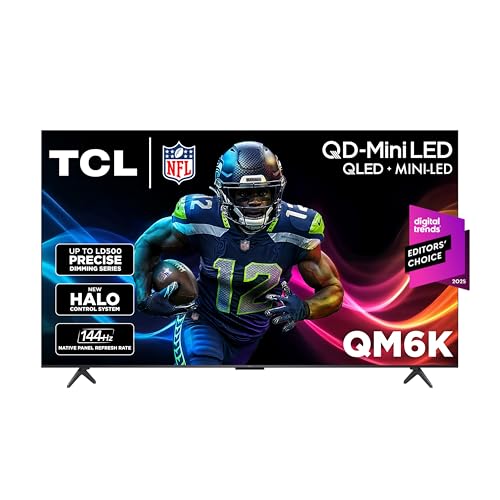
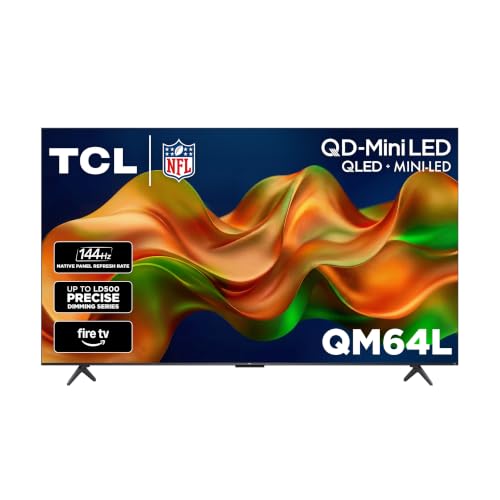



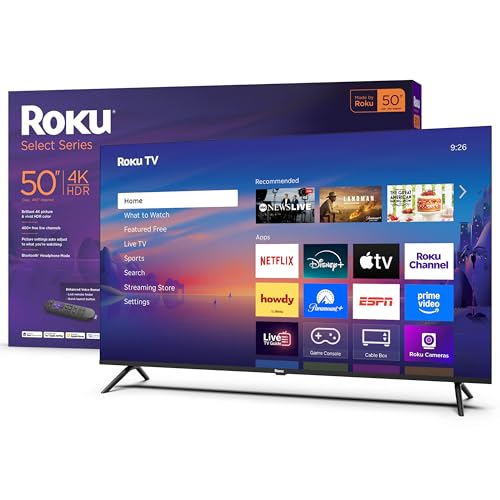
What $500 Buys Today
At about $250 or less you get a basic 4K LED in the 43 to 55 inch range with a built in streaming system. Between $300 and $400 you often find QLED panels with better color, and 55 inch sets with higher brightness. Near $500 you can find a 55 to 65 inch set with local dimming or a 120 Hz panel. Sales move prices often, so the same model can sit in a different tier from month to month.
The trade off in this range is almost always peak brightness and contrast. Sets under $500 rarely match premium models in a bright room, but they are fine for evening viewing and daytime viewing with curtains.
Best 4K TVs Under 500 by Screen Size
43 to 50 Inches
These suit bedrooms, dorms, kitchens, and small apartments. At this size 4K detail is hard to see from far away, so choose on smart platform and sound rather than chasing extra specs. Roku and Fire TV models keep menus simple.
55 Inches
The most popular size, and the sweet spot for price. A 55 inch set works from about six to eight feet. This size has the widest choice of QLED and 120 Hz models in the budget range.
65 Inches
A few 65 inch models now reach this price, usually on sale. They suit a living room with a seat about nine feet away. Expect a basic panel, so check reviews for brightness and viewing angle.
Features Worth Paying For
HDR and Brightness
HDR10 is standard and Dolby Vision adds scene by scene tuning. Peak brightness matters more than the logo: a dim set makes HDR look flat. QLED and local dimming help.
Refresh Rate and Gaming
A 60 Hz panel is fine for video. A 120 Hz panel makes sports and games look smoother. If you game, look for an auto low latency mode, variable refresh support, and an HDMI port with full bandwidth.
Smart Platform
Roku, Fire TV, Google TV, and Samsung's system differ in app choice and menu speed. Choose the one you already know, because you will use it every day. Make sure your streaming apps are available.
Sound and Ports
Built in speakers on thin TVs sound small. Plan on a soundbar if you watch films often. Count HDMI ports for a console, a streaming box, and a soundbar, and check that one supports eARC.
Who Should Buy Which Kind of TV
Students and small rooms do best with a 43 or 50 inch smart set at the lowest price. Families who stream sports and shows in a bright living room should look for a QLED 55 inch with strong brightness. Console gamers should favor 120 Hz, low lag, and a port with HDMI 2.1. Movie fans in dim rooms should look at contrast and Dolby Vision support.
Seating Distance and Room Light
A simple rule is to sit about one and a half times the screen diagonal away for a 4K set. That puts you near six feet for a 50 inch TV and about eight feet for a 65 inch one. Room light matters as much as distance. In a bright room, choose a set with higher brightness and a screen that handles glare. In a dark room, contrast and viewing angle matter more, so a VA panel with local dimming can look better than a brighter but flatter screen.
Setup Tips for a Better Picture
Switch the picture mode from vivid or standard to movie or filmmaker for natural color, and turn on game mode only for consoles. Disable motion smoothing for films, and set sharpness near zero. Mount or place the TV so the screen center sits near eye level, and keep vents clear. Update the software on first boot to get the latest fixes.
Common Mistakes to Avoid
Buying on screen size alone is the most common mistake, because a larger set with a weak panel can look worse than a smaller, brighter one. Another is ignoring the warranty and return window. A third is paying for a refresh rate or a gaming badge that your console cannot use. Check what each port supports.
Frequently Asked Questions
Can you get a good 4K TV under $500?
Yes. Panel quality has improved a lot, and 55 inch QLED models are now common at this price. Check brightness, HDR format, and smart platform before buying.
What size 4K TV should I buy under $500?
Fifty five inches is the best value for most rooms. Choose 43 or 50 inches for bedrooms and 65 inches only when a sale brings it into budget and your seat is far enough away.
Is 120 Hz worth it at this price?
It is worth it if you play fast games or watch a lot of sports and your console or PC can use it. For films and casual streaming, 60 Hz looks the same.
Do I need a soundbar?
Often yes. Thin TV speakers sound small. A basic soundbar improves dialogue noticeably and costs about $100 to $200.
How long does a budget TV last?
Many last five to seven years or longer with normal use. Keep vents clear, use a surge protector, and update the software.
Final Thoughts
Start with the room and the seating distance, then choose the size, smart platform, and brightness that suit it. Check the product table above to compare the best 4k tvs under 500 and choose the one that fits how you watch. For related picks, see the guide to the best 4k smart tvs under 500.