Best 4K UHD TVs: A First Time Buyer Guide
Disclosure: We may earn a commission when you buy through links on this page, at no extra cost to you. As an Amazon Associate I earn from qualifying purchases. Learn more
A plain guide to the best 4k uhd tvs: panels, room fit, HDR, smart platforms, and setup.
The "4K UHD" label sounds like one standard, yet it covers screens with very different brightness, contrast, and speed. For a first time buyer, the best 4k uhd tvs are the ones that match the room, the seating distance, and the way you watch, not the ones with the longest feature list. This guide explains the choices in plain terms.
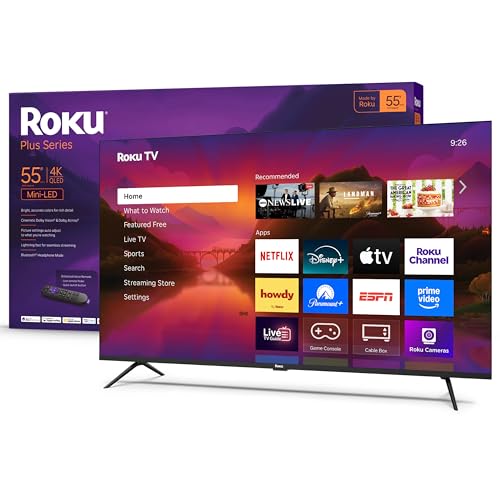
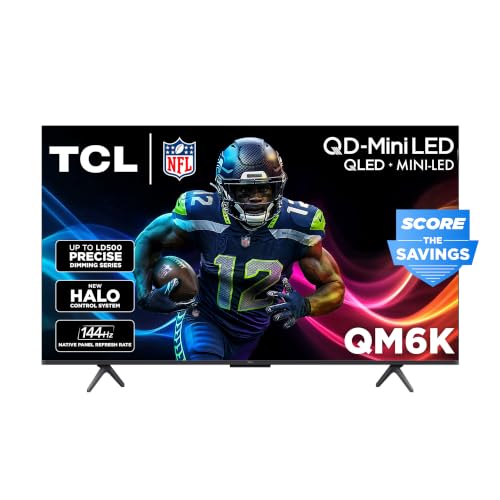
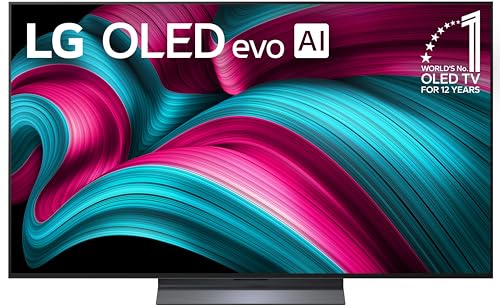
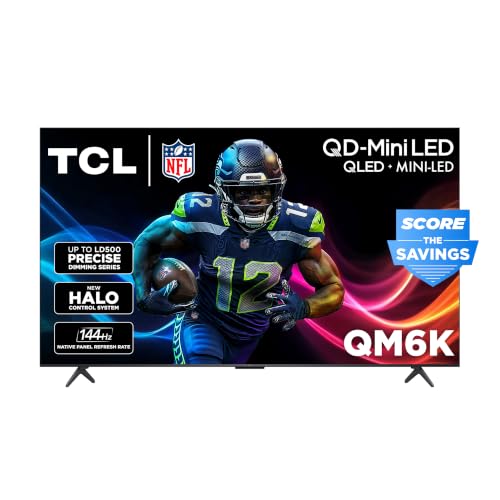
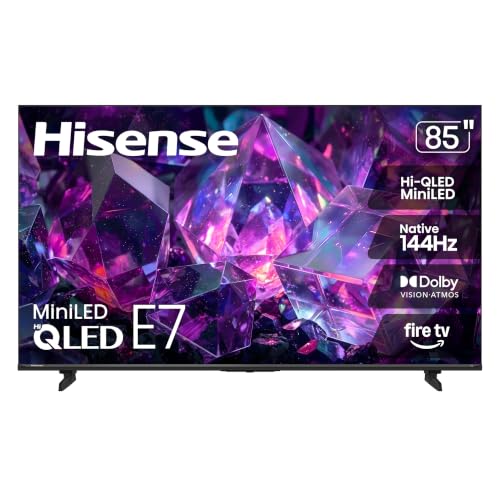
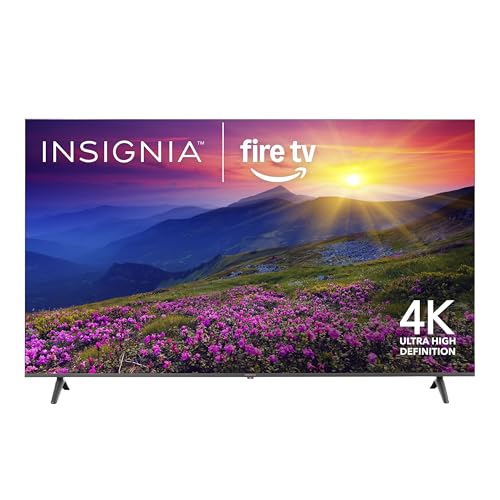
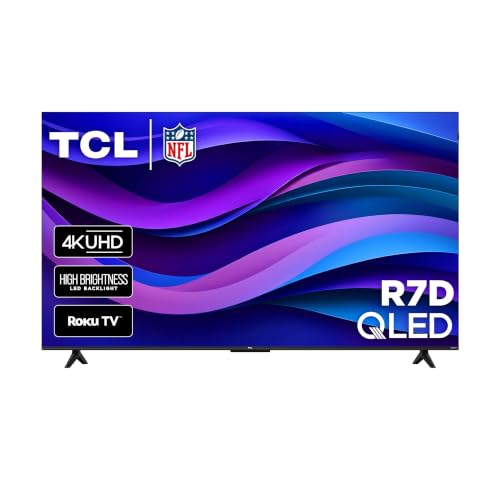
Use the product table below to compare sizes and panel types, then read on for what each term means, how to place the screen, and how to set it up for a good picture.





What 4K UHD Means
4K UHD means 3840 by 2160 pixels, about four times the detail of Full HD. The extra pixels show most on large screens and from closer seats. Resolution alone does not set picture quality: brightness, contrast, color range, and processing matter just as much. Much content is still lower resolution, so a TV that upscales cleanly makes older shows look better.
Panel Types in Plain Terms
LED and QLED
Most 4K UHD TVs are LED backlit LCD screens. QLED adds a quantum dot layer for brighter, more saturated color. These suit bright living rooms and mixed viewing, and they cost less per inch than OLED.
Mini LED
Mini LED uses many small backlight zones to control light more precisely. It gives stronger contrast and brightness than basic LED, which helps HDR films and dark scenes. Prices sit between standard QLED and OLED.
OLED
OLED pixels make their own light, so blacks are perfect and viewing angles are wide. It is the best choice for dark room film viewing. OLED screens are usually less bright than the best Mini LED sets and cost more.
Room, Size, and Seating Distance
Choose size by seating distance and wall space. A good starting point is to sit about one and a half times the screen diagonal away. A 55 inch set suits about seven feet, and a 75 inch set suits about nine to ten feet. Measure the space, including the stand width, before you order. Place the screen so its center is close to eye level from your main seat, and keep it out of direct sun.
Curtains, wall color, and lamps change how a screen looks. A dark room suits contrast, while a sunny room suits brightness. If the TV faces a window, a screen with a low reflection coating can save you from glare during daytime shows and sports.
Features That Matter
HDR Formats
HDR10 is the basic format. Dolby Vision and HDR10+ add scene by scene tuning on supported content. A TV needs enough brightness to show HDR well, so the format list matters less than the panel.
Smart Platform
Roku, Fire TV, Google TV, and the maker's own systems all run the main streaming apps. Choose a system you find easy and check that your services are available. A slow menu irritates every day.
Refresh Rate and Gaming
A 60 Hz panel suits most viewing. Choose 120 Hz if you play on a modern console or a PC. Look for variable refresh rate and a game mode that cuts input lag.
Sound
Thin TVs have small speakers. A soundbar makes dialogue clearer and is the simplest upgrade. Check for an eARC HDMI port to connect it.
How to Compare the Best 4K UHD TVs on a Spec Sheet
Spec sheets lead with big numbers that mean little on their own. Ignore "dynamic" refresh figures and look for the native panel rate, usually 60 or 120 Hz. Look for the number of local dimming zones on LED sets, since more zones mean better contrast. Check the HDMI ports: you want at least one full bandwidth port for a console and one eARC port for a soundbar.
Brightness is often listed in nits. Around 400 nits is workable in a dim room, while 600 nits or more helps in a bright one, and HDR looks better with more. Finally, check the viewing angle if people sit to the side, because VA panels lose color off center while IPS and OLED panels hold it better.
Setup for a Better Picture
Choose a movie or cinema picture mode, adjust brightness for day and evening, and turn off heavy motion smoothing for films. Update the software on first boot and label the inputs. A wired network connection beats WiFi if streaming stutters. Keep the packaging until you have tried the TV in your own room.
Mistakes First Time Buyers Make
Many buyers choose by resolution alone and ignore brightness, contrast, and viewing angle. Another mistake is judging a screen in a bright shop, where vivid modes hide weak dark scenes. Test in your own light during the return window. Do not pay for features you will never use.
Frequently Asked Questions
What does 4K UHD mean?
It means a screen with 3840 by 2160 pixels. The benefit is clearest on larger screens and with native 4K content.
Is 4K worth it on a smaller TV?
For small screens viewed from far away the gain in sharpness is modest. A 4K set still brings modern smart features, so most TVs sold today are 4K anyway.
Do I need special cables for 4K?
External devices such as consoles need a high speed HDMI cable and the right port. Built in apps need no cable at all.
How do I make a new TV look better?
Start with a movie mode, set brightness for the room, and turn off motion smoothing for films. Small settings changes help more than extra features.
Should I buy a soundbar too?
If you watch films or care about clear dialogue, yes. Thin TV speakers rarely sound full.
Final Thoughts
Treat resolution as a starting point. Measure your room, pick a panel type that suits your light, and choose a smart system you like. The product table above compares the best 4k uhd tvs by size and panel, and it works well alongside your own room measurements. For a closely related choice, see the guide to the best 4k ultra hd tvs.