Best 500gb External Hard Drives Buying Guide 2026
Disclosure: We may earn a commission when you buy through links on this page, at no extra cost to you. As an Amazon Associate I earn from qualifying purchases. Learn more

Learn how to choose best 500gb external hard drives with confidence. Compare size, features, setup, and care, and avoid common buying mistakes before you order.
A 500GB external hard drive is a simple, inexpensive way to back up documents, photos, and everyday files, or to carry projects between computers. This guide to the best 500gb external hard drives explains what to check before you order, from drive type and USB speed to durability and compatibility.
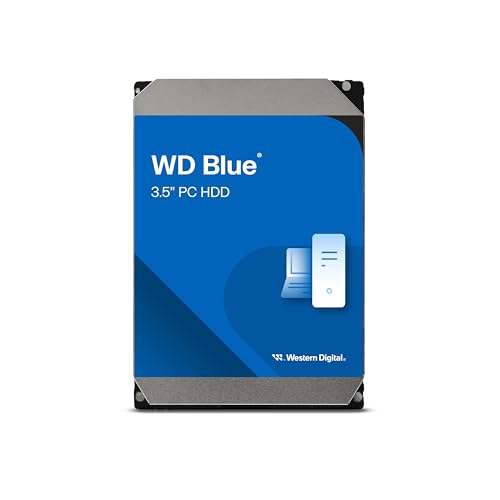
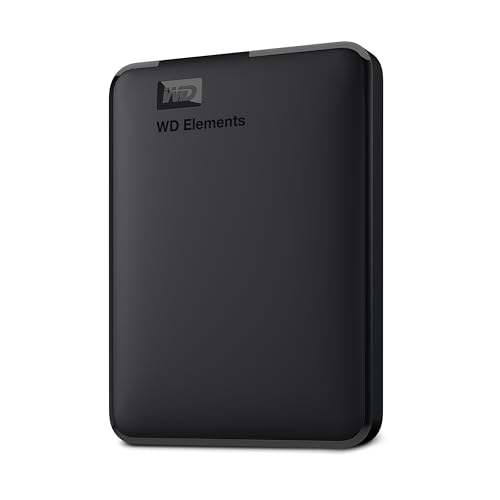
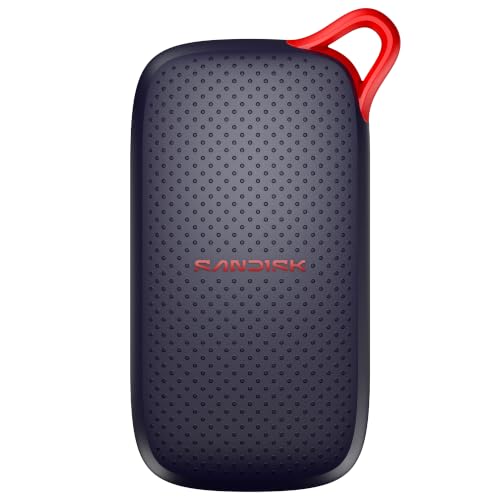
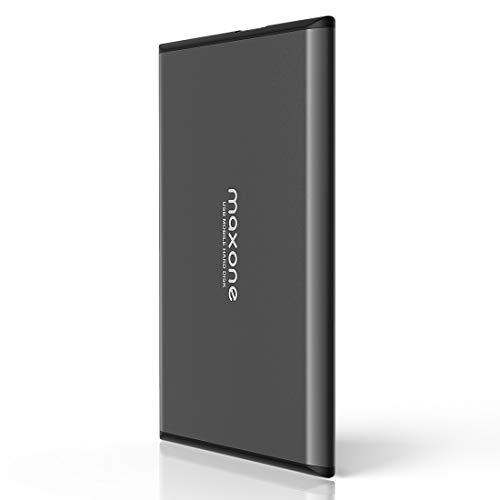
The product table below lines up the main choices side by side. The sections that follow cover capacity, speed, build, formatting, and backup habits, so you can match a drive to your computer and your routine.


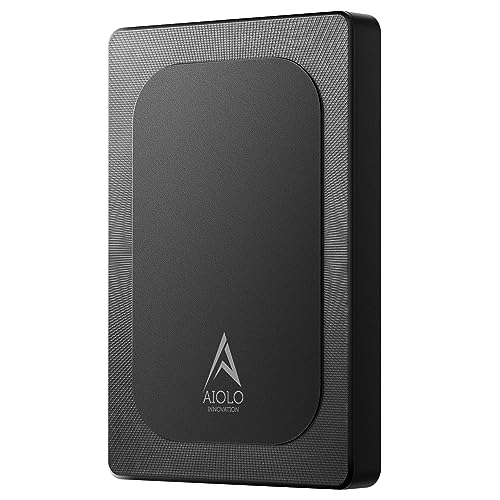


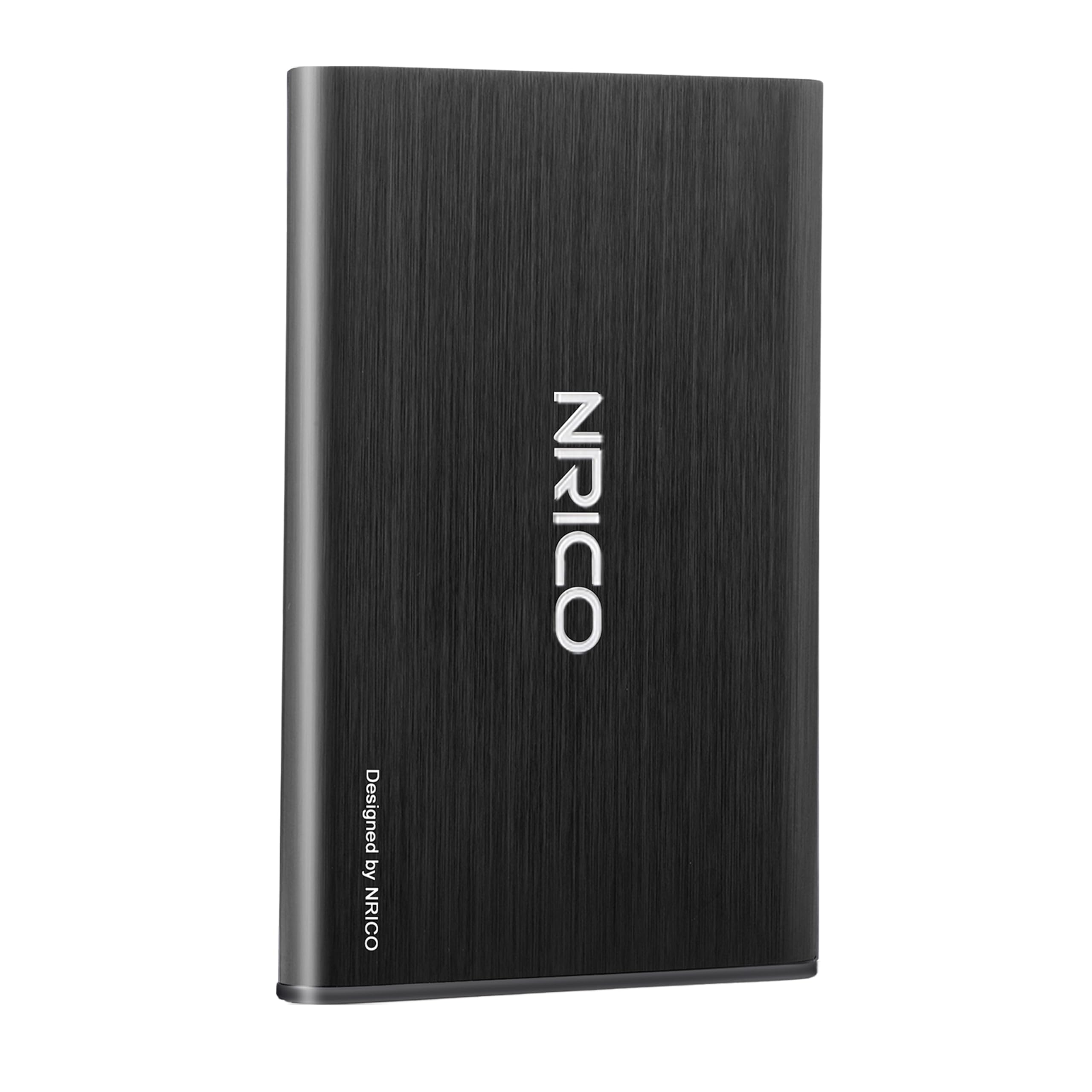
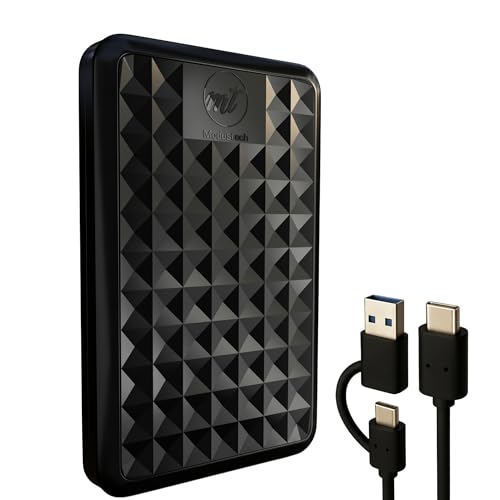
Who Should Buy a 500GB External Hard Drive
This size suits users who need portable backup for documents, photos, and school or office files, and anyone who wants a spare copy of a laptop's important folders. It also suits game consoles with small libraries and people who move files between a home and a work computer.
If you store large video libraries, RAW photo collections, or full system images, 500GB fills up quickly, and a 1TB or larger drive gives more room for little extra cost. For related options, see our guides to the best external storage hard drives and the best external backup hard drives.
Key Features to Compare
- 500GB capacity, with the formatted size slightly lower
- USB 3.0 or USB C for fast transfers
- A compact, slim body for travel
- Shock resistance for bag transport
- Backup software or simple drag and drop use
- Compatibility with Windows, Mac, or both
Rank these for your own use. A student carrying a drive in a backpack values durability, while a home user backing up a desktop values capacity and price.
Hard Drive or SSD
A portable hard drive (HDD) costs less per gigabyte and is fine for backups and archives. It has moving parts, so it is slower and more sensitive to drops. A portable solid state drive (SSD) costs more at this size but transfers faster, runs silently, and handles bumps better. Choose an SSD for frequent travel and big transfers, and an HDD for desk backup on a budget.
Speed, Ports and Compatibility
Check your computer's ports, because a fast drive needs a matching port to reach full speed. USB 3.0 is enough for most hard drives, and USB C is common on newer laptops. Many drives ship formatted for Windows (NTFS). Mac users can reformat to APFS or exFAT, and exFAT works on both systems with no file size limit worth worrying about for this capacity. Back up first before reformatting.
Care and Backup Habits
Eject the drive safely before unplugging, avoid drops and extreme heat, and keep a second copy of vital files, because any single drive can fail. Run backups on a regular schedule, organize folders by date and device, and restore a file occasionally to confirm the backup works.
Budget
Most 500GB external hard drives cost about $30 to $60, with rugged and SSD models costing more. A higher price should buy durability, speed, or software you will use, not just a brand name.
Common Mistakes to Avoid
- Treating one external drive as the only copy of important files.
- Buying on capacity alone and ignoring port speed and format.
- Pulling the cable without ejecting, which risks data corruption.
- Dropping a spinning drive while it is running.
- Forgetting to check how the drive is formatted for your system.
Related Guides
If you are comparing broader categories, read our guides to the best hard external hard drives, the best external hard disk drives, and the best external hard drives for photography.
Frequently Asked Questions
Is 500GB enough for backup?
For documents, photos, and everyday files, yes. Large video libraries fill it faster. Check your current storage use first and keep a second copy of vital files.
SSD or hard drive for 500GB portable storage?
An SSD resists drops and transfers faster, and an HDD costs less per gigabyte. Choose an SSD for frequent travel and an HDD for desk backup.
How fast is a 500GB external drive?
Speed depends on drive type and USB port, not capacity. An SSD over USB 3 is much faster than a spinning drive, which matters most with large transfers.
Can I use one drive for Mac and Windows?
Yes, with a shared format such as exFAT. Back up your data before reformatting, and format the drive before first use.
How should I organize external drive backups?
Organize backups by date and device, keep a simple folder structure, and run them on a regular schedule. Restore a file occasionally to check the backup works.
Final Thoughts
Confirm the drive type, port, and format for your computer, and keep a second copy of anything important. Compare your shortlist in the product table above, and you will find the best 500gb external hard drives for your files and your budget.