
Best 4K Video Doorbell: Buying Guide (2026)
Disclosure: We may earn a commission when you buy through links on this page, at no extra cost to you. As an Amazon Associate I earn from qualifying purchases. Learn more
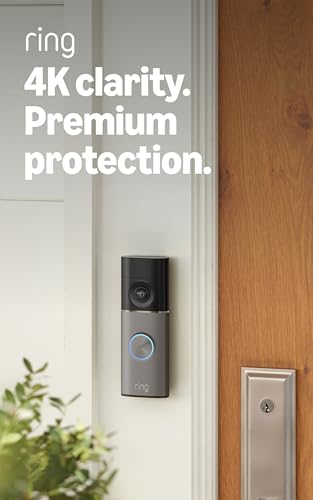
Wired or battery, local storage or subscription: how to choose a 4K video doorbell that keeps clips clear at your door.
A standard doorbell camera can show that someone stood at your door, yet still leave you guessing about a face or the label on a box. Choosing the best 4k video doorbell is about closing that gap, so a clip stays clear when you zoom in on the moment that matters. This guide compares 4K models on detection reliability and accuracy, ecosystem compatibility, and installation.
Every type and feature below is judged for front door use only, and the comparison table below sums up the main choices at a glance. If you are still weighing whether you need a camera doorbell at all, our guide to the best video doorbell covers the wider category first.
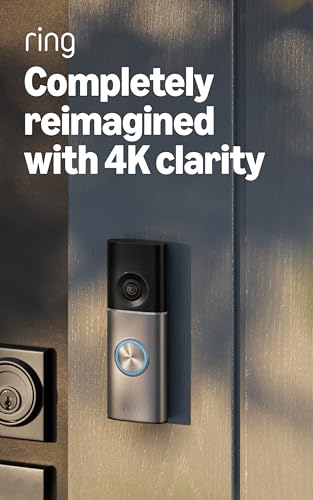
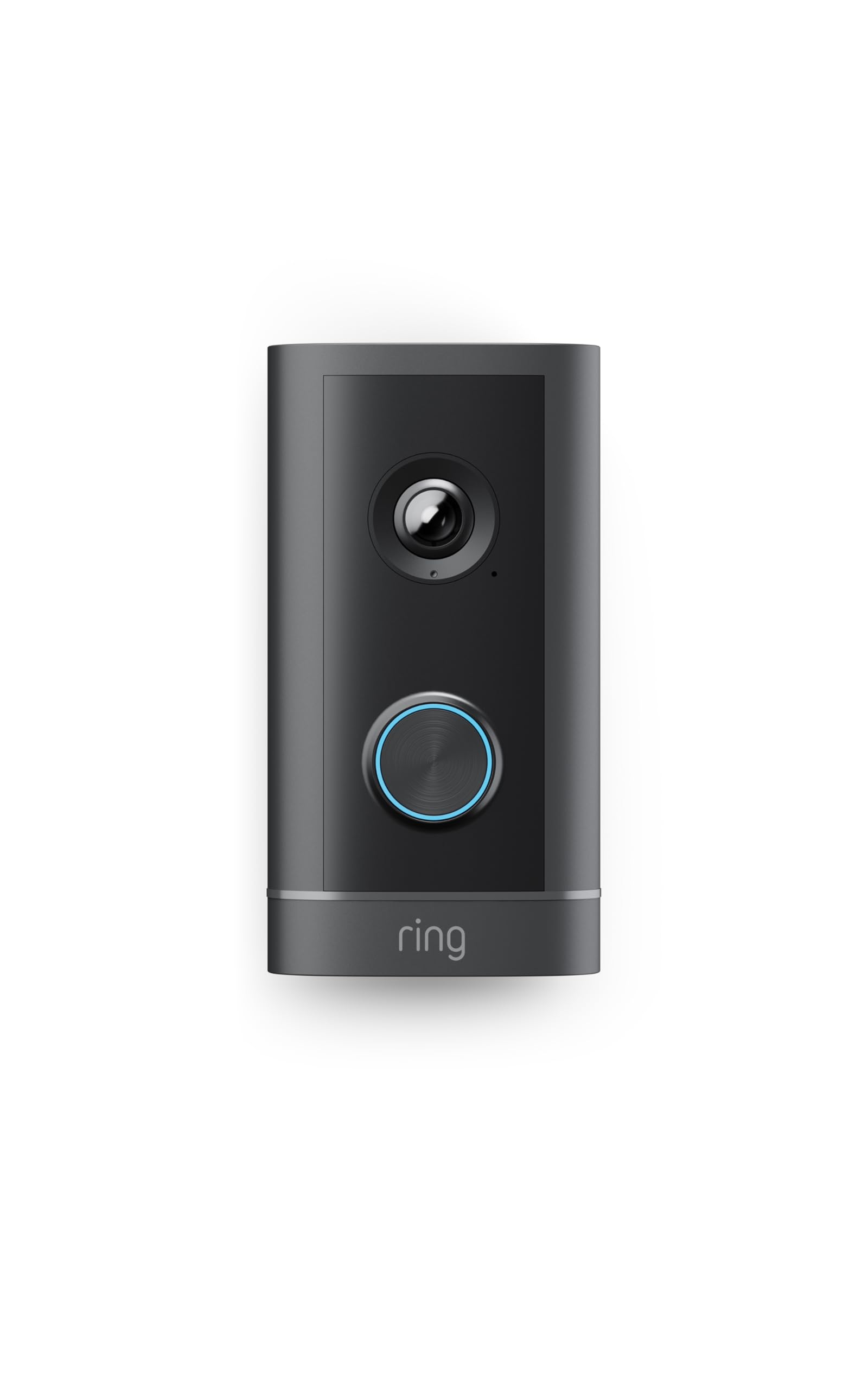
Types Compared at a Glance
4K doorbells fall into a few clear types, and the type matters as much as the resolution. Wired models draw constant power from doorbell wiring and suit homes with a working chime circuit. Battery models mount almost anywhere and suit renters and doors with no wiring. Models with local storage keep recordings on a card or hub inside your home instead of sending every clip online.
A second camera pointing down helps with packages left under the main lens. Peephole models replace an existing viewer in an apartment door and leave no marks. Start with the mounting and power limits of your door, then compare features inside that type.
Who Should Buy a 4K Video Doorbell?
Homes With a Long Porch or Driveway Approach
If visitors become visible far from the door, at a gate, a long path, or the end of a driveway, extra pixels earn their keep. A 4K image holds more detail across that distance, so a face stays readable when you enlarge the clip later. Homes where the camera sits close to callers gain less, because a lower resolution already fills the frame.
Households That Receive Packages Most Days
Frequent deliveries make clarity a daily need rather than a rare one. You may need to confirm which box arrived, read a carrier name, or show where a parcel was left. A tall field of view plus 4K detail helps you check the porch floor and the caller in one frame. Pair that with package detection, covered below, and you spend less time scrubbing through clips of passing cars.
Owners Who Review Clips on a Large Screen
Watching recordings on a phone hides the limits of a softer image, because the screen is small. On a tablet, a monitor, or a TV, those limits show up fast as blur around faces and edges. If you often review footage on a big display or zoom into one corner of the frame, 4K gives you cleaner still frames and more usable detail to save or share.
How to Evaluate 4K Video Doorbells
Judge every 4K smart doorbell on the same five points. First, reliability and accuracy, meaning alerts that fire for people and packages without flooding you with false alarms. Second, compatibility with the smart home system you already use. Third, installation that fits your wiring and comfort level. Fourth, total cost once subscriptions are counted. Fifth, privacy controls that decide where recordings live and who can view them.
How to Choose the Right Video Doorbell
Type
Start with how the doorbell mounts and stores video. A wired model never needs charging, but it depends on a healthy transformer and chime circuit. A battery model trades that freedom for charging every few weeks or months. If charging sounds like a chore you will skip, look at our guide to the best wired video doorbell for constant power options. Doors with no wiring are better served by a best battery video doorbell, and homes that want no cable run to the door often prefer a best wireless video doorbell that links to an indoor hub.
Features Worth Paying For
Package detection is worth paying for when deliveries are frequent, because it labels the alert and saves you opening every clip. Facial recognition can name family members and regular callers, though it usually needs a paid plan. A chime inside the house matters if your current chime is broken or too quiet. Local storage is worth the premium if you want recordings to stay in your home, and color night vision helps more than extra megapixels after dark.
Ecosystem Compatibility
Pick a doorbell that talks to the system already running your home. Alexa homes can show the live view on smart displays and announce visitors through speakers. Google Home setups route alerts through their own app and displays, while Apple Home and HomeKit favor models with secure video storage in iCloud. Matter support promises easier mixing of brands over time, but features still vary by brand. If you are torn between the two biggest ecosystems, our ring vs nest doorbell comparison shows how their apps and plans differ.
Wired vs Battery Power
Power choice shapes your routine for years. Wired models stay awake and never send low battery warnings, yet they demand working wiring and a transformer with enough output for a camera load. Battery models install in minutes, and many add a small solar panel to stretch the time between charges. Cold weather shortens battery life, and heavy motion traffic drains a charge faster than maker estimates suggest. Choose wired when the wiring works, and battery when it does not.
Subscriptions and Local Storage
Many 4K features live behind a monthly plan, including long clip history, person and package labels, and facial recognition. Without a plan, some models still give live view and instant alerts but save little for later review. Local storage avoids the monthly fee, but a memory card can fill up and loop over older clips. Add the plan cost across three years before you judge a low sticker price, because the gap between models often flips once fees are counted.
Privacy and Security
Look for two step sign in on the account, encryption for clips, and clear controls for sharing access with family members. Privacy zones let you block a neighbor window or a busy street from triggering recordings, which also keeps your alert count sane. Check how long the maker keeps clips and how you delete them. Give each adult their own login instead of sharing one household password.
How Much Should You Spend?
Models priced under $50 usually offer lower resolution, so treat any 4K claim at that level with care. Genuine 4K models begin at about $100 to $150, often with a plan needed for saved clips. Paying about $150 to $200 adds faster alerts, better night color, and wider views. At about $200 to $300 you get dual cameras, local storage hubs, and the strongest detection.
4K vs Other Video Doorbells: Pros and Cons
A 4K sensor records 3840 by 2160 pixels, about four times the pixel count of a 1080p image. The gain shows when you zoom into a face, a badge, or a box label inside a recorded clip. The costs are real too. Larger files use more WiFi capacity, fill storage faster, and can take longer to load on a weak connection, and the front door is often the spot with the weakest signal in the house.
- Pro: Cleaner detail when you enlarge clips of faces, plates, and package labels.
- Pro: Sharper still frames to save or share after an incident.
- Con: Bigger files that drain batteries faster and fill cards sooner.
- Con: Higher prices and, on many models, a paid plan to store full quality clips.
A 2K doorbell camera is the middle path for many doors. It improves on basic HD, uses less power and bandwidth, and costs less, while giving up some zoom clarity. If your callers stand close, 2K may serve you just as well.
Installation and Setup Basics
Most battery models need a level mount, two screws, a charged battery, and a QR code scan inside the app. Wired models add a few stages: switch off power at the breaker, confirm the chime and transformer work, connect the two wires, and restore power before pairing. Our walkthrough on how to install a video doorbell lays out the wiring stages in order. After mounting, set motion zones and walk the approach path to confirm alerts fire where you expect.
Common Mistakes to Avoid
- Mounting the camera too high, so caps and hoods hide faces at the door.
- Pointing the lens at a busy street with no motion zones, so alerts never stop.
- Skipping the transformer check on a wired install, so the doorbell reboots under load.
- Judging price without the plan, so a cheap camera costs more across three years.
- Placing the router far from the door, so 4K clips stutter and arrive late.
- Sharing one account login with everyone, so you cannot control who views clips.
How to Make Your Video Doorbell Last Longer
Care for a doorbell camera is light but steady work. Check the mount screws twice a year, because a loose plate lets the view drift and can strain wired connections. Keep the app and firmware current, since updates often fix detection bugs and security flaws. For battery models, recharge before the level falls very low in cold months. A small cover above the unit also reduces heat and rain wear on the housing.
FAQ
What is the best 4K video doorbell?
The strongest choice is the model that fits your power setup, your smart home system, and your storage preference at the same time. For wired homes it is a hardwired 4K model with package detection and a plan you accept paying for. For renters it is a battery model with local storage or a fairly priced plan. No single model wins for every door.
Are 4K video doorbells worth it?
They are worth it when you need detail at a distance or often zoom into saved clips on a large screen. The sharper image can settle questions about who came to the door or what a driver did with a parcel. They are harder to justify for a short, covered porch where callers stand two steps from the lens, because a good 2K image already shows faces clearly at that range.
How long does a video doorbell last?
Most units serve about three to five years before batteries weaken, seals age, or newer detection features leave them behind. Heat on a sun facing wall tends to shorten that span, while a shaded, covered porch extends it. The app behind the camera matters just as much, because a maker ending support can retire a working camera early. Check the support policy before you buy.
Is a video doorbell worth it?
For most homes, yes, because it answers the door from anywhere, logs deliveries, and gives you a record when something goes wrong. The value drops if your door faces a private courtyard with almost no visitors, or if your internet service is too weak to stream video reliably. Renters gain a lot from battery and peephole models, since they add door awareness without wiring changes and can move with you to the next home.
How do you clean a video doorbell?
Power the unit down or remove the battery first if your model allows it. Use a soft microfiber cloth, lightly damp with plain water, and wipe the lens in small circles to lift grit without scratching. Skip glass sprays and rough paper towels, which can cloud the lens coating over time. Clean the motion sensor window with a dry brush, and let the housing dry fully before you restore power.
What is the most reliable video doorbell brand?
Reliability depends more on alert accuracy, app stability, and support length than on the badge on the box. Brands with large user bases tend to fix bugs fast and keep parts in stock longer. Read recent owner reports about missed alerts for the exact model you want, and favor makers that publish how long they will supply security updates. A strong warranty protects you if your unit is faulty.
Final Thoughts
Start with your door, not the spec sheet. Confirm your power source, your smart home system, and how you want clips stored, then pick the 4K type that fits those limits. When those basics line up, the best 4k video doorbell for your home is the one whose alerts you can trust every day. Compare your shortlist against the product table above and check the current plan terms before you order.


