
Best 4K TVs under 1500: Everything to Know Before Your First Purchase for 2026
Disclosure: We may earn a commission when you buy through links on this page, at no extra cost to you. As an Amazon Associate I earn from qualifying purchases. Learn more
Shopping for the best 4k tvs under 1500 for the first time? Learn the key terms, compare panel and gaming options, and avoid common rookie mistakes.
A budget of $1500 is a comfortable place to buy your first serious 4K TV, because it reaches premium panels and large sizes without flagship prices. It can still feel overwhelming, since every brand claims bright, fast, and smart in the same breath. This guide to the best 4k tvs under 1500 starts with the basics, explains each spec in plain English, and shows you what this budget should realistically buy. The comparison table below sums up current options in one view.
Take it in order. Learn the terms, set your size by your room, then use the specification sections to judge any model a salesperson or a sale page puts in front of you.




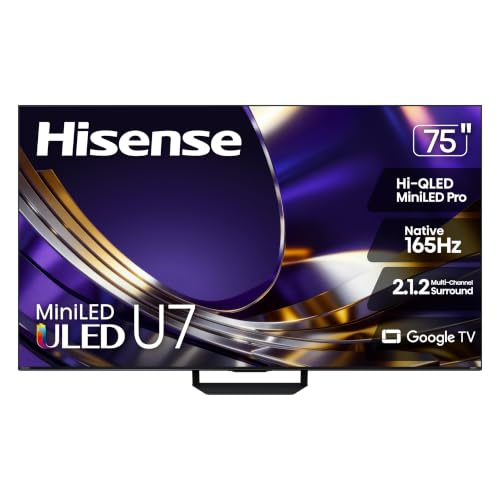
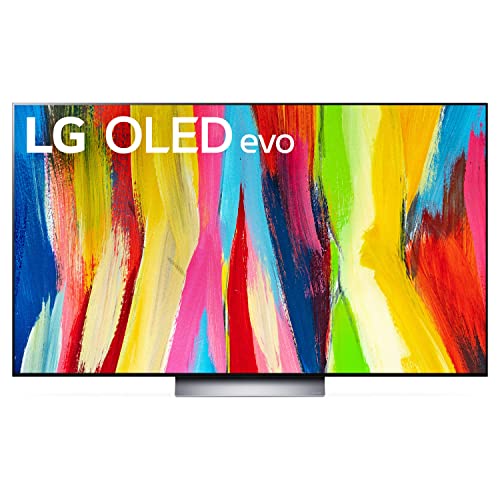
4K TVs 101: The Basics
A 4K TV shows about 3840 by 2160 pixels, four times the detail of a 1080p screen, so images look fine and clean even on large panels. An LED TV uses a backlight behind a liquid crystal panel, while an OLED TV lights each pixel itself, which is why OLED blacks look truly black. HDR expands the range between dark and bright parts of the picture, and modern sets handle it as a standard feature.
You will also meet three practical terms. Refresh rate, in Hz, is how often the picture updates each second. Input lag is the small delay between a remote or controller input and the on screen result. A smart platform is the built in system that runs streaming apps. None of these ideas is hard once you see them tied to daily use, which is what the next section does spec by spec.
Key Specs Explained in Plain English
What You Can Realistically Get Under $1500
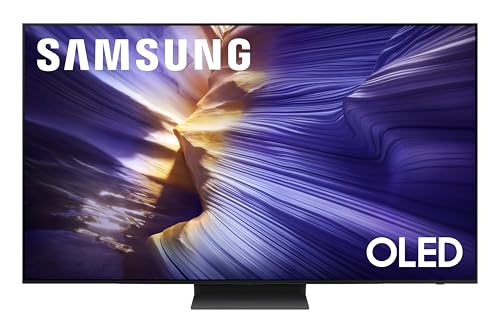
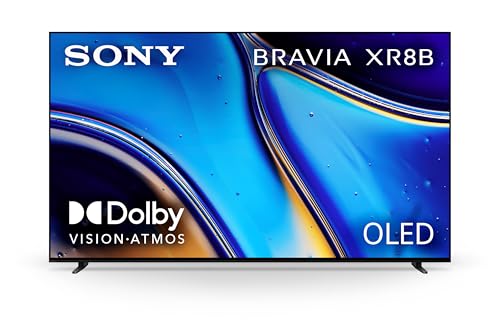
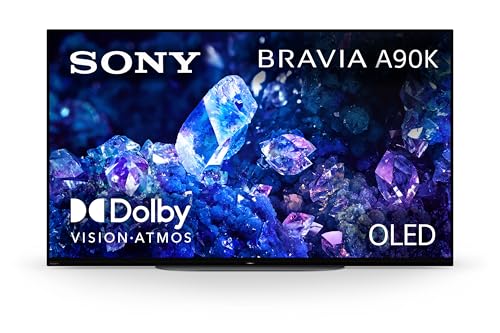
Around $1,000 to $1,500 buys a 55 inch or 65 inch OLED in sale periods, or a high end Mini LED set at 65 inches or even 75 inches with strong brightness and local dimming. Expect several HDMI 2.1 ports, a 120 Hz panel, and capable sound for the class. What still costs more is the very largest OLED sizes and the brightest flagship processing. Do not cut corners on panel quality or port count to chase size, since those two shape every hour of use.
Panel Technology
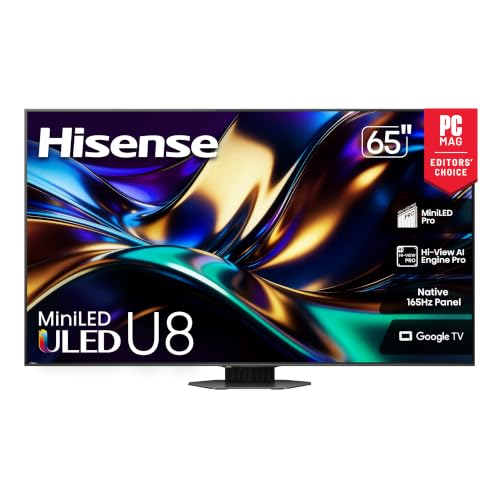
OLED leads on contrast and response speed, making films and games in dim rooms look superb, with care needed around static images left on screen for hours. VA panels in LED and Mini LED sets give strong contrast and much higher brightness for sunny rooms, with narrower viewing angles. IPS keeps color accurate from wide seats but shows lighter blacks. Mini LED is a backlight upgrade rather than a new panel, and at this budget it closes much of the contrast gap to OLED.
Adaptive Sync and Gaming Features
Variable refresh rate syncs the screen to the frame rate a console or PC sends, removing tearing and smoothing dips. ALLM switches the TV to game mode automatically when a console starts. Both need HDMI 2.1, which also carries 4K at 120 Hz. If you play games at all, insist on at least two HDMI 2.1 ports, so a soundbar on the eARC port does not block your console from the best input.
Buyers comparing budgets can see how the range changes in our guide to the best tvs under 1500, which includes HD models for secondary rooms.
Connectivity and Ports
Count four HDMI ports as the healthy standard at this level, with eARC for soundbars and receivers. USB ports handle media drives and recording on some models. Ethernet gives streaming a steadier link than WiFi in busy homes, while WiFi 5 or better is fine for most. Optical audio still helps older sound gear. Few TVs offer DisplayPort, so PC users rely on HDMI and should confirm the cable and port both support the refresh rate they want.
Refresh Rate and Response Time
Native 120 Hz is the norm in this budget and the figure to trust, rather than larger marketing motion numbers. It smooths sport, games, and camera pans, and it plays 24 frame films evenly. Response time governs blur behind moving objects. OLED responds almost instantly, while VA panels can smear dark tones slightly. For a first purchase, a native 120 Hz panel with a game mode under about 10 milliseconds of lag covers every common use well.
Smart Platform and Sound
Google TV, webOS, Roku, and Tizen all run the major apps and receive updates for years. Pick the menu you find calmest and the remote you like holding, since you will use both daily. Sound improves at this budget, with clearer dialogue and some bass, but a soundbar around $200 to $400 still lifts films a lot. Check for eARC so the bar receives the best audio format your streaming apps offer.
If your total budget is tighter for a second room, our guide to the best 4k tvs under 600 shows the sensible cuts to make.
Best 4K TVs under 1500: Rookie Mistakes to Avoid
- Buying size before panel quality. A dull 75 inch picture disappoints longer than a superb 65 inch picture ever feels small.
- Trusting the store demo loop. Demo clips are made to flatter every TV, so judge with normal shows and sports at home during the return window.
- Forgetting port layout. One HDMI 2.1 port shared with eARC can strand a console on a lesser input once a soundbar arrives.
- Ignoring stand and mount costs. Large sets may need a new bench or a wall mount rated for their weight, which belongs in the total budget.
- Skipping the room light check. A glossy screen in a room facing bright windows needs brightness and glare control more than perfect blacks.
Getting Started: Setup and First Use
Unbox with two people for larger sizes, attach the stand or mount, and connect your main source to an HDMI 2.1 port. Turn on the enhanced signal setting for that input, connect the TV to your network, and let it update its software before judging the picture. Choose a film or standard picture mode, turn off vivid settings, and set motion smoothing low for films and off for games.
On an OLED set, allow the pixel refresh cycle to run when prompted and set a screen saver for pauses. Run any built in HDR setup screens on your console in a dim room. Then watch one familiar film scene and one live sport segment, and adjust brightness and color temperature once, rather than tweaking daily. Good settings should disappear into the viewing.
For a lower cost spare room option, compare notes with our guide to the best 4k tvs under 500 before spending more than the room needs.
Frequently Asked Questions
Can you get a good 4K TV under $1500?
Yes, under $1500 you can buy TVs that were flagship class only a few seasons ago, including OLED at 55 inches and 65 inches during sales. Picture quality, gaming features, and build all step up clearly from budget sets. The main limit is the largest sizes with premium panels, which still cost more. If your room suits 65 inches, this budget needs no compromise for most households.
Is 4K worth it on a first big TV purchase?
Yes, 4K is worth it because content, consoles, and streaming have fully moved to 4K, and at 55 inches and above the detail is visible from a normal sofa. A 4K set also future proofs your purchase for the full life of the TV. What matters more is the panel and processing behind the resolution, since a poor 4K panel looks worse than a good one at any distance.
What size should I get for my room or desk?
For living rooms, 65 inches suits seating around 6.5 to 9 feet away, and 55 inches suits 5 to 7 feet. At this budget, resist going larger if it forces a weaker panel. For desks, TVs are rarely ideal above 48 inches. Measure your stand depth and the width between stand feet, because premium sets vary, and confirm the doorway path for the box before delivery day arrives.
Does refresh rate matter for non gamers?
It helps sports and film fans. A native 120 Hz panel shows fast sport with less blur and handles 24 frame films without uneven judder. For news and drama alone, the gain is subtle. Since nearly every worthwhile TV under $1500 already includes 120 Hz, treat it as a welcome standard rather than a feature to pay extra for, and put any spare money toward panel quality or sound.
How long do 4K TVs under $1500 last?
Plan on about 8 to 10 years of good service. Premium panels and power supplies at this level are built to a higher standard than entry sets. Software support usually runs for many years, and a streaming stick can extend smart features later. Keep vents clear, use surge protection, and avoid running maximum brightness constantly, and the TV should age slowly and evenly.
IPS vs OLED: which is better under $1500?
OLED is better for contrast, dark room films, and gaming response, and this budget finally makes it realistic at useful sizes. IPS is better only where seating is very wide and the room is bright, and even then a bright Mini LED VA set often beats IPS on contrast. For most first time premium buyers, OLED or Mini LED is the stronger path, chosen by room light. Our guide to the best 4k tvs under 300 shows the other end of the market for contrast.
Our Verdict
Spend this budget in a clear order. Buy the best panel your room light suits, keep native 120 Hz and at least two HDMI 2.1 ports, and let size follow your seating distance rather than the sale banner. Judged that way, the best 4k tvs under 1500 are easy to recognise and hard to regret. Check your finalists in the product table above, measure once more, and enjoy a first purchase that should serve you well for years.


