
Best 4K TVs under 600: Buying Guide for 2026
Disclosure: We may earn a commission when you buy through links on this page, at no extra cost to you. As an Amazon Associate I earn from qualifying purchases. Learn more
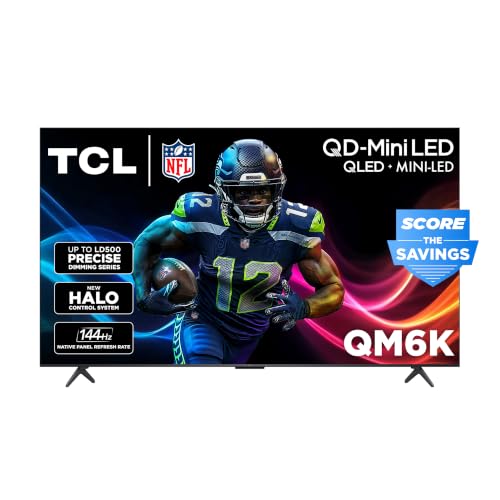
Use this buying guide for the best 4k tvs under 600 to compare panels, gaming features, and sizes, and choose a set that fits your room and budget.
A budget of $600 is where 4K TVs get interesting. You move past the dimmest panels and start seeing real local dimming, brighter HDR, and gaming features that console owners actually use. The problem is that spec sheets at this price mix genuine upgrades with marketing padding.
This guide sorts the two apart. You will learn what this budget should buy, which features deserve your money, and how to match a set to your room. Start with the comparison table below, then use the sections that follow to narrow your best 4k tvs under 600 shortlist with confidence.
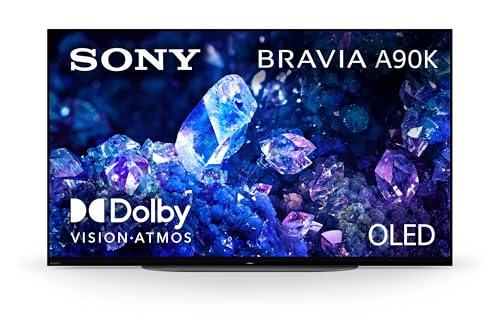
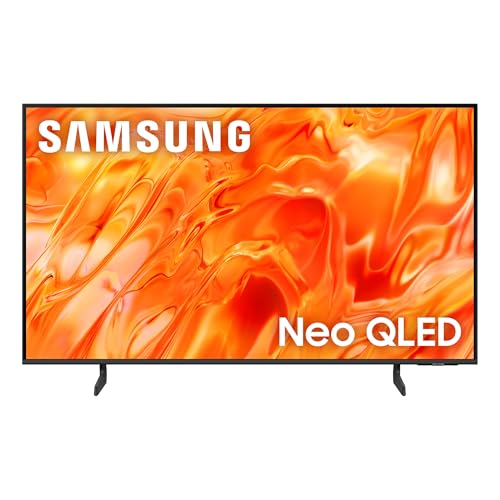
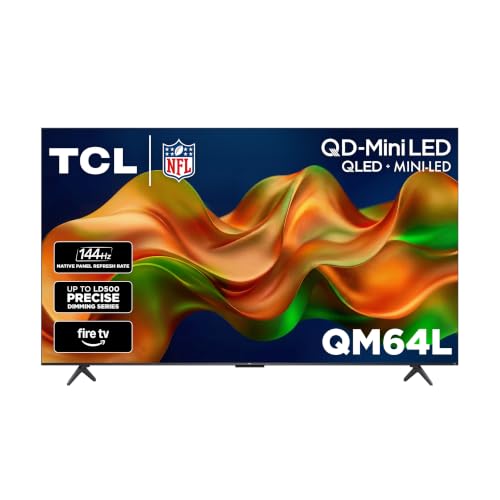
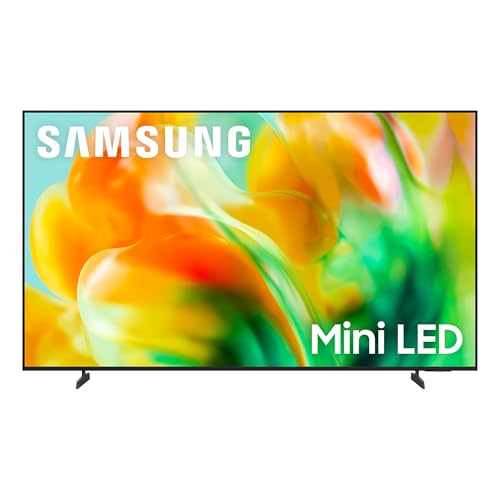

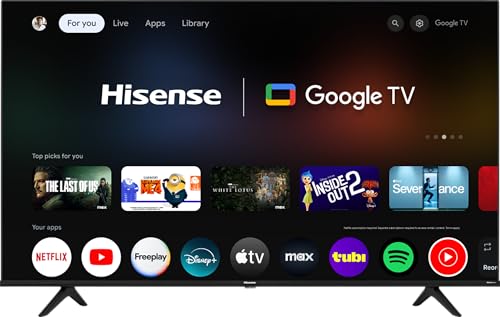


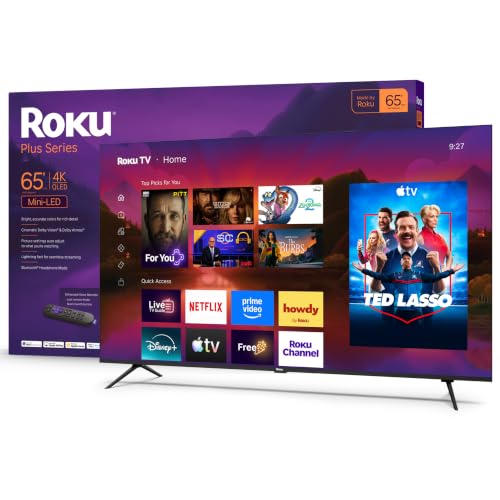
Three Shopping Profiles at a Glance
Treat these three roles as shopping profiles. Find a set in the product table above that matches the profile you need, then check it against the buying guide criteria below.
Overall Profile
The overall profile at this price is a 55 inch LED TV with full array local dimming, a VA panel, and brightness around 600 nits or more. It should support Dolby Vision and HDR10, carry at least one HDMI 2.1 port, and run a smart platform that still feels quick. This is the set for mixed use: movies at night, sports on weekends, and streaming every day.
The typical compromise is sound. Built in speakers on even good midrange TVs sound thin, so plan around $100 to $200 later for a soundbar if dialogue clarity matters to you.
Value Profile
The value profile spends less on screen size or dimming zones and more on the basics done well. Look for a 50 or 55 inch VA panel around $400 to $500, solid native contrast, and low input lag. You give up the brightest HDR highlights and perhaps HDMI 2.1, but everyday picture quality stays close to pricier sets.
This profile suits a bedroom, a guest room, or a first apartment. It also suits anyone upgrading from an older 1080p set, because the jump in color and detail will feel large without stretching the budget.
Premium Profile
The premium profile pushes toward the top of the budget, around $550 to $600, and buys Mini LED backlighting or a 120Hz native panel. Mini LED adds many more dimming zones, so dark scenes hold detail instead of glowing. A 120Hz panel with HDMI 2.1 suits current game consoles at their best output.
The compromise is usually size. You may choose between a loaded 55 inch set and a simpler 65 inch set. Pick the smaller loaded set for a main room with controlled light, and the larger one for casual group viewing.
How to Choose the Best 4K TVs under 600: Buying Guide
What You Can Realistically Get Under $600
Expect a 55 to 65 inch LED TV, brightness around 500 to 800 nits on stronger models, and local dimming on most sets above around $450. Dolby Vision, voice remotes, and at least one HDMI 2.1 port are common. True OLED at this price appears only in small sizes or older clearance stock.
Do not compromise on panel quality or dimming to gain a bigger screen. A dim 65 inch set disappoints more than a bright 55 inch set pleases. If you are comparing budgets, our guide to the best tvs under 600 shows how 4K models stack against lower resolution sets at the same money.
Panel Technology (IPS, VA, OLED, Mini LED)
VA panels dominate this tier for good reason: strong native contrast makes movies look rich in a dim room. IPS panels keep color accurate from wide seats but show weaker blacks. Mini LED is a backlight upgrade rather than a new panel, pairing VA panels with hundreds of dimming zones for better control.
OLED still leads on contrast and response time, with the burn in caution for static content. At $600, most buyers get more screen and brightness from Mini LED than from a small OLED, which is why it anchors the premium profile above.
Stand, Mounting, and Ergonomics
Check foot spacing against your furniture before ordering, because 65 inch sets often need a bench nearly as wide as the screen. Center stands are friendlier to narrow furniture but rarer at this price. For wall mounting, note the VESA pattern and the set weight, and buy a mount rated comfortably above it.
Few TVs here offer height adjustment or swivel stands, so set the mount height so the screen center sits near eye level. Leave a few inches behind the set for cable access, especially with wall mounted HDMI 2.1 cables, which are thicker and less flexible.
Adaptive Sync and Gaming Features
Adaptive sync, sold as variable refresh rate, matches the TV refresh to the console output so motion stays smooth without tearing. Auto low latency mode switches the TV into game mode when it detects a console. Together they remove the menu digging older sets required every time you played.
Check which HDMI ports carry these features, because often only one or two do. Also confirm the set passes 4K at 120Hz if you own a current console. Our coverage of the best 4k tvs under 500 explains which of these gaming features start disappearing as the budget drops.
Refresh Rate and Response Time
Native refresh rate is the number that matters. A native 120Hz panel shows fast sports and games with less blur than a 60Hz panel. Ignore inflated marketing numbers that describe processing effects. Response time on good LED sets here is fast enough that console gaming feels responsive in game mode.
For movie and show watchers, 60Hz remains fine because film content runs at low frame rates. Spend on brightness and dimming first if gaming is rare in your home. Spend on the 120Hz panel if a console is your main source.
Connectivity and Ports
Count your devices before you buy. A console, a streaming box, a soundbar on the eARC port, and a cable box can fill four HDMI ports quickly. At this price, insist on at least three HDMI ports, with eARC for soundbar audio and HDMI 2.1 on the gaming port.
USB ports help for media drives and for powering a streaming stick. Optical audio output is a useful backup for older sound equipment. Note that TV buying differs from monitor buying here: DisplayPort and USB C video inputs are rare on TVs, so HDMI is your main path.
Resolution and Screen Size
At $600, 4K resolution is standard and worth it, because streaming platforms deliver most new releases in 4K with HDR. Size choice depends on distance. Sit about five to seven feet from a 55 inch screen, or seven to nine feet from a 65 inch screen, for detail that fills your view without visible pixels.
If your room forces a short distance, a sharper smaller set beats a larger dim one. Measure your wall and your furniture, then check the actual width in the specifications, since a 65 inch class screen measures about 57 inches wide.
Types of 4K TVs
Productivity and Ultrawide Displays
Some buyers use a 4K TV as a large work display. A 43 inch model at close range gives huge space for documents and timelines. Text clarity depends on proper chroma support, so check that the set handles full color detail from a computer. True ultrawide shapes are monitors, not TVs.
Gaming Displays
Gaming displays in TV form prioritize low input lag, variable refresh rate, and HDMI 2.1 bandwidth. At this budget they are LED sets with strong game modes rather than dedicated monitors. They suit living room console play on a big screen. Desk gamers who sit close may still prefer a smaller monitor, which is a different purchase entirely.
OLED Displays
OLED displays offer perfect blacks and instant pixel response, making them the movie lover benchmark. At under $600 they appear only as small or discounted models, so most shoppers will admire the technology and buy LED instead. If you find one at this price, check the model year and warranty terms carefully before deciding.
Large Screen Options
Large screen options at this budget mean 65 inch LED sets, and occasionally 70 or 75 inch models on sale with simpler panels. The gain is immersion for sports and group viewing. The cost is lower brightness and fewer dimming zones per dollar. In a bright room, a smaller brighter set often looks better than a huge dim one.
Tips to Get the Most From Your 4K TV
- Calibrate picture settings on day one. Turn off vivid mode and choose the movie or filmmaker mode for accurate color.
- Use pixel refresh on OLED sets when prompted, and vary content to reduce static image wear.
- Clean screens with a microfiber cloth only, slightly dampened with water if needed, never with glass cleaner.
- Use quality HDMI 2.1 cables for 4K at 120Hz, and keep cable runs short to avoid signal dropouts.
- Update the TV firmware after setup, since updates often improve dimming behavior and app stability.
- Turn off motion smoothing for movies if faces look unnaturally glossy, but keep it low for sports if you prefer smoother pans.
FAQs
Can you get a good 4k tv under $600?
Yes, and this is the budget where good becomes genuinely strong. You can expect local dimming, useful HDR brightness, and a responsive smart platform. The remaining gaps versus pricier sets are sound quality, peak brightness in sunny rooms, and the deepest black levels. For most homes, those gaps are easy to live with.
Does refresh rate matter for non gamers?
A native 120Hz panel helps sports look smoother, but it is not essential for shows and films. Processing quality matters as much as the headline rate. If you never game and rarely watch fast sports, put the money toward Mini LED dimming or a larger screen instead. Your everyday picture will benefit more.
What size should I get for my room or desk?
For most living rooms, 55 inches suits seating five to seven feet away and 65 inches suits seven to nine feet. On a desk, even 43 inches demands about three feet of distance, which most desks cannot give. Consider viewing distance first and wall space second, because an oversized screen at close range causes eye strain during long sessions.
IPS vs OLED: which is better?
OLED is better for picture quality, and IPS is better for wide seating at a friendly price. In this budget, though, the practical contest is VA or Mini LED versus IPS. Choose IPS only if your seating spreads wide and your room stays fairly bright. Choose VA based sets for movie nights and front facing seats.
How long do 4k tvs under $600 last?
Expect about seven to ten years from the panel and backlight with normal use. The smart software will feel dated sooner, often after four or five years, and a streaming stick solves that cheaply. Keeping brightness below maximum for everyday viewing can extend backlight life, and a surge protector guards against the most common sudden failure.
Is 4K worth it?
Yes, 4K is worth it at 55 inches and above, where the extra detail is visible at normal distances. The bigger gain for many viewers is HDR, which improves contrast and color on the same content. If you mostly watch cable channels that broadcast in lower resolutions, temper expectations, since upscaling helps but cannot create detail that was never there.
The Bottom Line
Prioritize panel quality and dimming, then brightness for your room, then the gaming ports you will actually use. Size comes after those three, not before. Compare your shortlist in the product table above, and you will land on the best 4k tvs under 600 for your home without paying for features that only look good on a box. For a wider historical view, see our roundup of the best tvs of all time.

