Best 4K TVs for PC Monitors of 2026: Complete Buying Guide
Disclosure: We may earn a commission when you buy through links on this page, at no extra cost to you. As an Amazon Associate I earn from qualifying purchases. Learn more

A clear buying guide to the best 4k tvs for pc monitors, covering panel type, text clarity, ports, size, and the settings that matter at a desk.
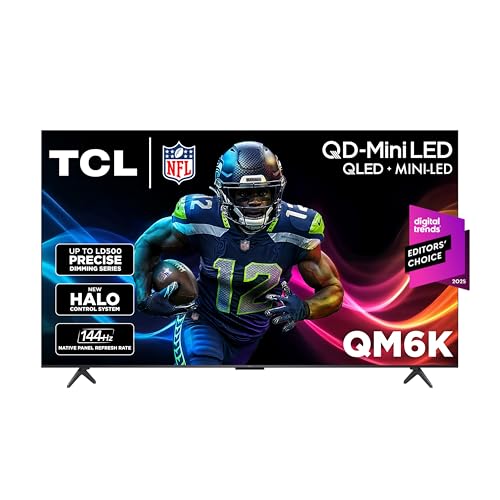
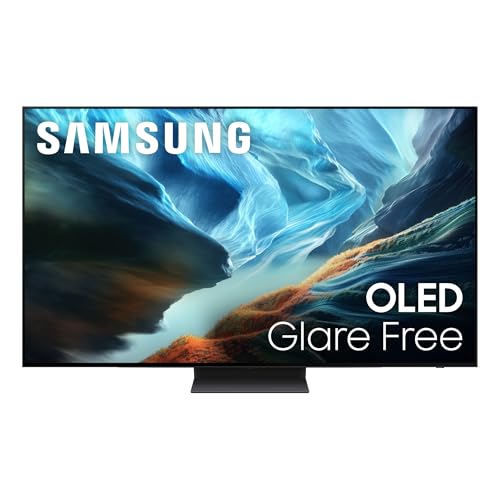
A TV can give you a huge 4K workspace for far less money per inch than a large monitor, but only if it handles text, motion, and desk viewing well. Choosing the best 4k tvs for pc monitors means looking past living room specs and checking the details that matter when you sit close. This guide walks through those details in plain order, and the comparison table below gathers the key specs in one place so you can compare sizes and panels quickly.
By the end, you will know which panel type suits your work, what refresh rate you actually need, and how to set the TV up so Windows or macOS looks sharp from the first day.

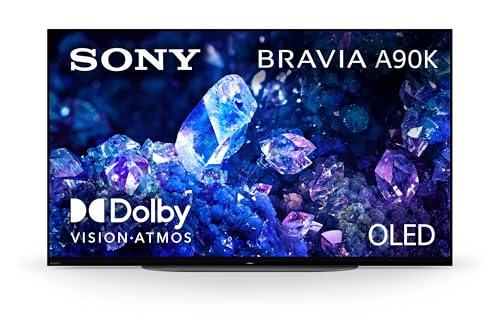

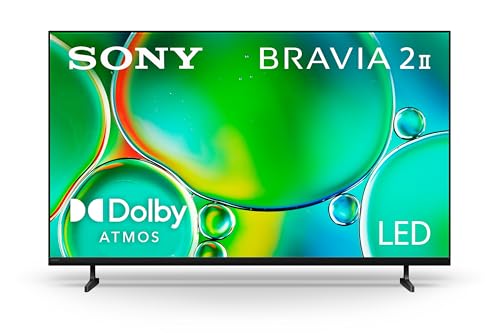
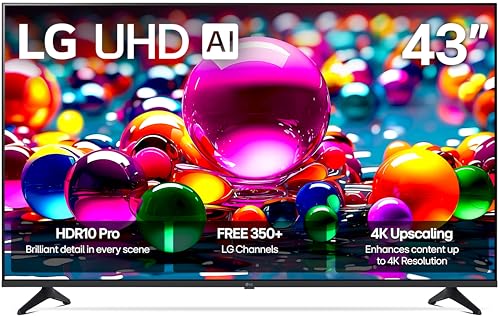

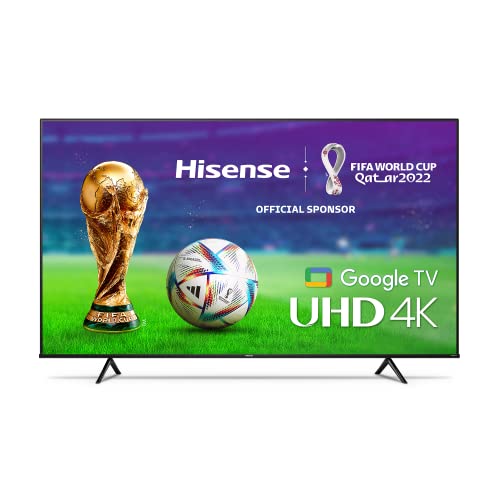
Three Buying Paths at a Glance
Instead of chasing a single winner, it helps to think in three profiles. Each profile below describes a type of TV, what it does well, and the trade off you accept. Match your daily work to one profile first, then use the product table above to check which sizes and prices fit that profile.
Balanced Profile
The balanced choice is a 42 inch or 43 inch 4K TV with a VA or OLED panel, full bandwidth HDMI 2.1 ports, and support for 4:4:4 chroma at 60 Hz or higher. That mix gives you crisp text, strong contrast for video, and smooth scrolling. The main limit is desk depth. You need roughly 30 inches between your eyes and the screen, so a deep desk or a wall mount is part of the real cost.
Value Profile
Value models use LED backlights with VA panels, one or two HDMI 2.1 ports, and 60 Hz refresh. Prices often land around $400 to $700 in the smaller sizes, which is far less than a large monitor with similar area. You give up wide viewing angles and the fastest motion, and the stand is usually fixed. For office work, browsing, and streaming, that trade off is sensible and leaves budget for a good mount and keyboard tray.
Starter Profile
If this is your first TV as a monitor, start with a 43 inch model with low input lag, a simple menu system, and a VESA mount pattern. A modest panel you set up correctly will feel better than a premium panel left in vivid mode. Keep the box and receipt for the first weeks, sit at your real desk distance, and check text in the apps you use most before the return window closes.
How to Choose the Best 4K TVs for PC Monitors: Buying Guide
This section is the core of the decision. Work through each feature in order, because a weakness in one area, such as text clarity, can undo strengths elsewhere. When you finish, you should have a short spec list you can hold any model against, including the best 4k tvs for pc monitors shown in the comparison table above.
Features That Matter for PC Monitors
A PC sends a static, detailed image for hours at a time, so text clarity comes first. The TV must show 4:4:4 chroma, which means color detail is not reduced next to each pixel. Without it, colored text looks fuzzy and coding becomes tiring. Also look for low input lag in game or PC mode, ideally under 10 milliseconds at 60 Hz, and a dedicated PC input label that disables extra processing and keeps edges clean.
Panel Technology
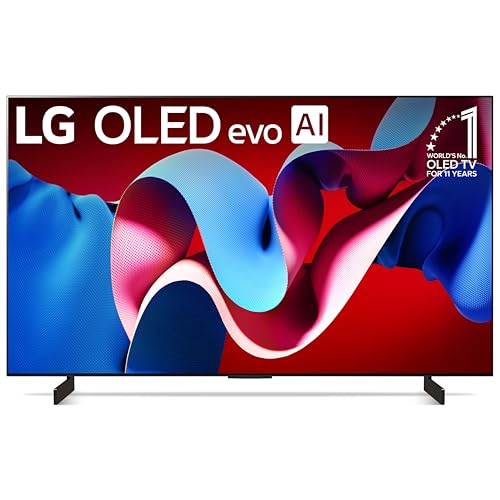
OLED panels light each pixel on its own, so contrast is excellent and motion looks clean, but static toolbars raise a small risk of image retention over years. VA panels give deep blacks and good value, with narrower viewing angles. IPS panels keep color steady from the side, which helps if you often show your screen to someone beside you, but blacks look gray in a dark room. Mini LED backlights raise brightness and control glare well in sunny offices.
Resolution and Screen Size
At desk distances, 4K earns its keep because you can run several windows side by side without scaling away the benefit. A 42 inch or 43 inch screen at about 30 inches away fills your view without constant head turning. A 48 inch screen suits deeper desks and mixed gaming use. A 55 inch screen is usually too tall for close work, since the top edge forces you to tilt your head up for menus and tabs.
Adaptive Sync and Gaming Features
Variable refresh rate, often shortened to VRR, lets the TV match the frame rate your graphics card sends, which removes tearing in games. HDMI 2.1 is the port standard that carries 4K at 120 Hz plus VRR on most TVs. FreeSync and G Sync compatibility both ride on that link, so check your card against the TV spec sheet. Auto low latency mode switches the TV into its fastest setting when a game starts, which saves menu digging.
If you also play fast games after work, compare options in our guide to the best 4k tvs for pc gaming, since gaming use raises the value of 120 Hz support.
Stand, Mounting, and Ergonomics
Most TV stands are wide feet with no height or tilt adjustment, and they eat desk space. Check the VESA pattern, commonly 200 by 200 or 300 by 300 on mid size sets, and plan on a monitor arm rated for the TV weight or a simple wall mount. Raising the screen so the top third sits near eye level reduces neck strain. Keep the screen slightly below straight ahead if you wear progressive lenses.
Connectivity and Ports
You want at least one full bandwidth HDMI 2.1 port for your PC, plus spare HDMI ports for a console or streaming stick. Few TVs offer DisplayPort, so most desktops connect by HDMI, and laptops often need a USB C to HDMI adapter that truly supports 4K at 60 Hz or higher. Check that the adapter spec matches, since many cheap adapters cap the refresh rate at 30 Hz and make the pointer feel sluggish.
For a broader look at screens built only for computers, see our guide to the best 4k pc monitors and compare the port layouts side by side.
Types of 4K TVs
OLED Displays
OLED sets give the best contrast and the fastest pixel response, so games and films look superb and text edges stay clean. They cost more, peak brightness is lower than bright LED sets, and static desktop elements need sensible habits such as auto hiding the taskbar. Choose OLED if picture quality matters most and your room light is controlled.
Budget Displays
Budget LED sets in the 43 inch to 50 inch range often cost around $300 to $600 and still deliver sharp 4K text when 4:4:4 chroma works in PC mode. Expect 60 Hz panels, modest HDR, and basic stands. They suit students, second workspaces, and anyone who wants screen area first. Check input lag figures carefully, because the cheapest sets sometimes skip a proper low lag mode.
Gaming Displays
Gaming focused TVs add 120 Hz panels, VRR, and several HDMI 2.1 ports. Motion stays clear in fast scenes and consoles run at their best settings. You pay more than for a 60 Hz set of the same size, and fan noise is rare but worth checking in quiet rooms. If your PC time splits evenly between work and play, this is often the sweet spot category.
Productivity and Ultrawide Style Displays
Some buyers use a large 4K TV as a window grid instead of buying an ultrawide monitor. Window management software lets you split the screen into zones that mimic two or three monitors, without bezels between them. This works best at 43 inches and above, where each zone stays readable. The limit is ergonomics, since corners sit far from your center view, so keep mail and chat in the middle zones.
Choosing 4K TVs for Your Situation
Best Small 4K TVs for PC Monitor Use on a Tight Desk
When people search for the best small 4k tvs for pc monitor setups, they usually mean 42 inch or 43 inch models for desks under 30 inches deep. At this size, pixel density stays high, text looks monitor sharp, and a wall mount can reclaim nearly all desk space. Prioritize 4:4:4 chroma and a matte or low glare finish, because small rooms often place the screen near a window.
Best Small 4K TVs for PC Monitors in Shared Spaces
For the best small 4k tvs for pc monitors in a bedroom or shared office, viewing angle and sound matter more. An IPS panel keeps the picture steady for a second viewer, and decent built in speakers remove the need for a soundbar on a small desk. Also check the width between the stand feet against your desk width, a detail many buyers miss until delivery day.
If you are still weighing a TV against a purpose built screen, our guide to the best tv pc monitors explains where each option wins.
Tips to Get the Most From Your 4K TV
- Set the picture mode first. Choose the PC or game mode, turn off vivid settings, and lower sharpness until text edges look natural rather than outlined.
- Match your computer output. Set your operating system to 3840 by 2160, pick 100 percent or 125 percent scaling, and confirm the refresh rate in the display settings panel.
- Protect an OLED screen. Run the built in pixel refresh when prompted, auto hide static bars, and vary your window layout during long weeks.
- Clean with care. Use a dry microfiber cloth only, with no sprays on the panel, since coatings can streak or wear.
- Use the right cable. A certified ultra high speed HDMI cable carries 4K at 120 Hz reliably, while an old cable may cause black screens or flicker.
- Label the input as PC. Many TVs unlock full chroma and lower lag only after you rename the input, a two minute step that changes text quality a lot.
Readers who want the wider category view can also browse our roundup of the best 4k tvs as monitors for more size and panel comparisons.
Frequently Asked Questions
What features matter most in 4K TVs for PC monitors?
Full 4:4:4 chroma, low input lag, and the right size matter most. Those three decide whether text stays sharp and the pointer feels direct during eight hour workdays. After that, check HDMI 2.1 bandwidth and VESA mounting. One extra check many people skip is the menu setting for HDMI signal format, which often must be set to enhanced before a PC will send its best signal.
Is 4K worth it for a desk screen?
Yes, at 42 inches and above 4K is worth it because you gain real workspace, not just sharper pictures. You can keep a document, a spreadsheet, and a browser open at readable sizes at once. At smaller sizes the gain shrinks, and a good 1440p monitor may cost less. Think of 4K here as extra desk area that happens to be digital, which is how the best tvs for pc monitors earn their place.
What size should I get for my room or desk?
Measure your viewing distance first. Around 24 to 32 inches of distance suits 42 inch and 43 inch screens, while 48 inch screens feel better past 36 inches. Sit in your chair and hold a tape at eye level if you can. Also measure door and stair clearance for delivery, since large boxes fail on tight turns more often than buyers expect.
Does refresh rate matter for non gamers?
It matters a little. A 120 Hz panel makes scrolling, window dragging, and pointer movement feel smoother, and many people find long reading sessions easier on the eyes. It is not essential for documents and mail, though. If your budget forces a choice, spend first on panel quality and the right size, then on refresh rate. Office apps gain less from 120 Hz than games do.
IPS vs OLED: which is better for PC use?
OLED is better for contrast, motion, and dark room viewing, while IPS is better for shared viewing angles and zero worry about static image retention. For a bright office with fixed toolbars on screen all day, IPS or VA is the lower stress choice. For a mixed use screen in a dim room, OLED looks clearly richer. Price also differs, so weigh the room before the specification sheet.
The Bottom Line
Start with size and distance, confirm full chroma support and low input lag, then pick the panel that fits your room light and budget. Those three checks will steer you to the best 4k tvs for pc monitors for your own desk far better than any single headline spec. Compare your shortlist against the product table above, plan the mount before you order, and your new screen should feel like a natural upgrade from day one.