
Best and Worst 4K TVs: Everything to Know Before Your First Purchase for 2026
Disclosure: We may earn a commission when you buy through links on this page, at no extra cost to you. As an Amazon Associate I earn from qualifying purchases. Learn more

Learn how to spot the best and worst 4k tvs with this first time buyer guide to panels, HDR brightness, refresh rate, gaming features, and screen size.
A wall of glowing screens can make every television look impressive, yet home viewing quickly reveals the differences that store demos hide. Weak contrast, dim HDR, and slow responses to your remote are the traits that land a set on the worst lists within a year of purchase.
This guide teaches you to spot the best and worst 4k tvs before you pay, using plain language for every key spec. You will learn how panels, brightness, and gaming features affect daily viewing, and which shortcuts makers take at low prices. Start with the comparison table below, then check any model you like against the points that follow.


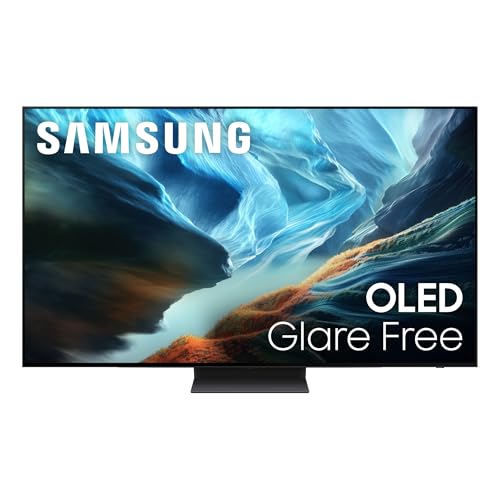
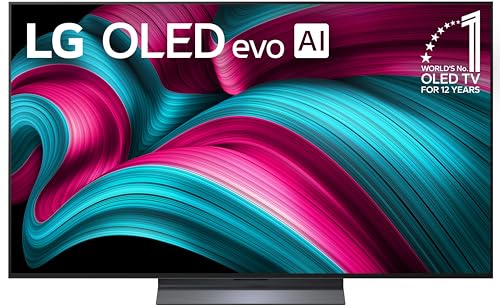
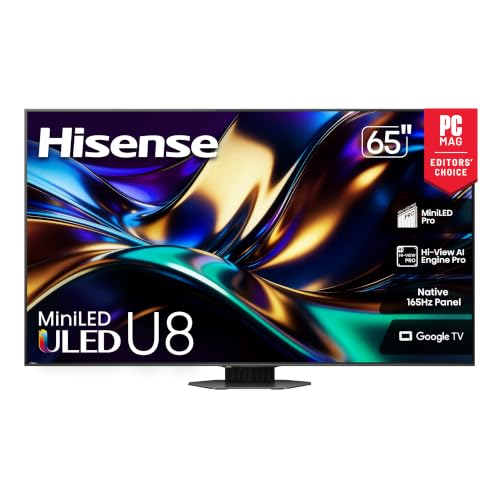
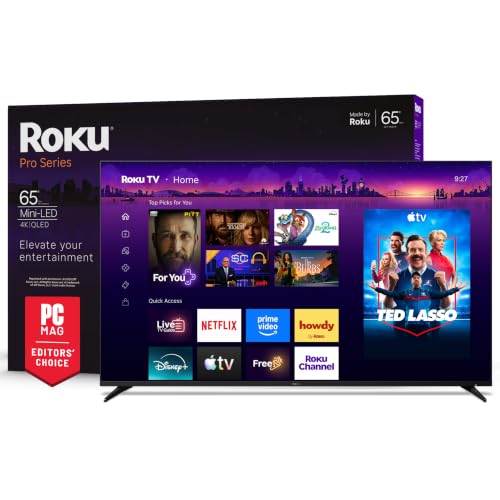
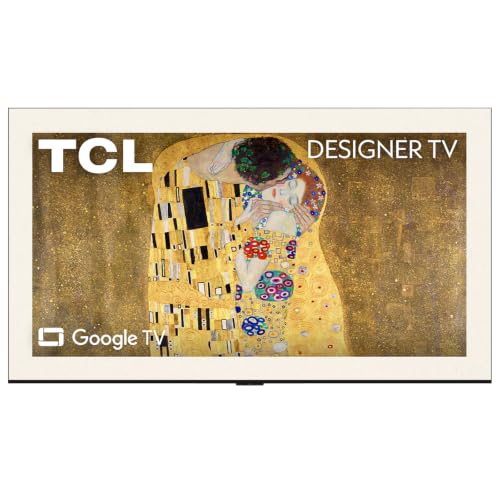
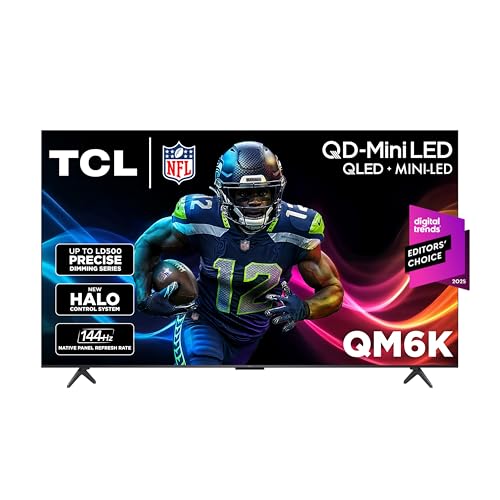
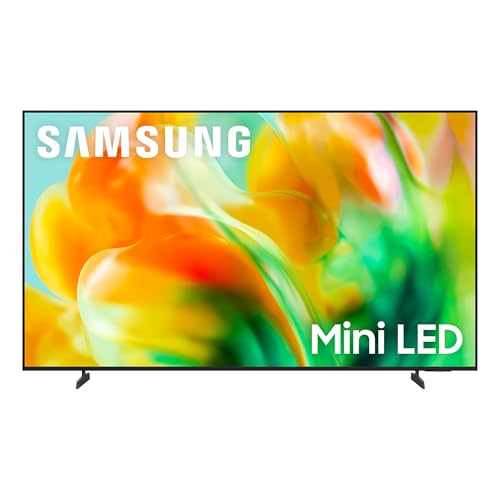
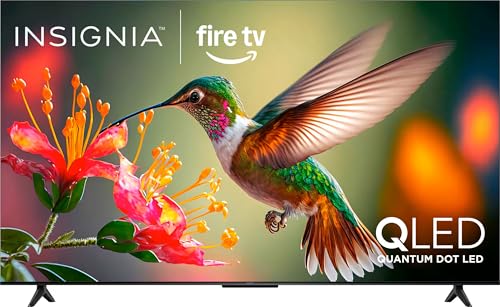
Best and Worst 4K TVs 101: The Basics
A 4K TV displays about four times as many pixels as a 1080p set, which makes the picture look sharper, especially on larger screens and at closer seating distances. Resolution is only the starting point, though. Two 4K sets can look completely different because panel type, backlight control, brightness, and video processing shape contrast and motion far more than pixel count alone.
The worst 4K TVs usually cut corners in the same places: dim panels that make HDR look flat, poor contrast that turns night scenes grey, narrow viewing angles that fade the picture from side seats, and slow software that lags with every click. The strongest sets pair a good panel with enough brightness for HDR highlights and processing that handles sports and games smoothly. Learning these basics first makes every spec sheet easier to judge.
If you enjoy background on how top sets have evolved, our look at the best tvs of all time shows which picture traits have mattered across many generations of displays.
Key Specs Explained in Plain English
Panel Technology (IPS, VA, OLED, Mini LED)
Panel type sets the ceiling for contrast and viewing angle. VA panels give deep black levels and strong contrast for movie nights in dark rooms, but their picture can fade when you sit far to the side. IPS panels hold color better from wide seats yet show weaker contrast. OLED pixels light themselves, so black is truly black and response is nearly instant, though very bright rooms and static images need some care. Mini LED uses many small backlight zones to approach OLED contrast with higher brightness.
HDR and Brightness
HDR expands the range between dark shadows and bright highlights, and it needs real brightness to work. Look for support for HDR10 and Dolby Vision, since Dolby Vision adjusts the picture scene by scene on supported content. Peak brightness around 600 nits or more makes HDR highlights stand out, while sets under about 400 nits often show HDR that looks little better than standard video. Local dimming quality matters as much as the nit number, because poor dimming causes glowing halos around bright objects.
Refresh Rate and Response Time
Refresh rate tells you how many times per second the panel can draw a new image, and a native 120 Hz panel handles sports and games more smoothly than a 60 Hz panel. Beware of marketing terms that double the number, because only the native rate counts. Response time affects blur behind fast moving objects, and lower is better for gaming. For console gaming, a 120 Hz panel paired with HDMI 2.1 inputs lets current consoles run at their best settings without compromise.
Adaptive Sync and Gaming Features
Adaptive sync matches the panel refresh rate to the frame rate of your game, which removes screen tearing and reduces stutter. Support may be listed as G Sync, FreeSync, or the VRR feature built into HDMI 2.1, and any of them helps when games cannot hold a steady frame rate. ALLM switches the TV into its low lag game mode automatically when a console starts. If gaming matters to you, the dedicated breakdown in our guide to the best gaming tvs 4k explains input lag and port counts in more detail.
Stand, Mounting, and Ergonomics
A stand decides whether the TV fits your furniture today, while VESA mounting holes decide whether it can go on the wall later. Check the width between stand feet, because many modern sets place feet near the edges and need a wide cabinet. Note the VESA pattern size so any wall mount you buy matches. Cable routing, port placement, and a center stand option all matter in real rooms, and a heavy set may need two people and a rated mount for safe wall installation.
Resolution and Screen Size
All sets in this category share 4K resolution, so your real choice is screen size against seating distance. As a simple guide, a 55 inch set suits seating about 5 to 7 feet away, and a 65 inch set suits about 7 to 9 feet. Sitting too close to a large screen makes low quality broadcasts look rough, while a small screen at long distance wastes the benefit of 4K detail. Measure your room first, and let distance and wall space set the size rather than the sale price.
For shoppers comparing build and picture quality within this category specifically, our guide to the best quality 4k tvs focuses on the construction and processing details that separate strong sets from average ones.
Rookie Mistakes to Avoid
- Judging the picture under store lighting. Bright showrooms hide weak contrast and dim HDR, so check reviews of dark room performance and return policies instead of trusting the demo wall.
- Trusting inflated refresh rate labels. Marketing numbers can double the real rate, and only a native 120 Hz panel delivers true high refresh performance.
- Buying too big or too small for the room. The wrong size makes 4K detail invisible or makes everyday broadcasts look harsh at close range.
- Ignoring the number of HDMI 2.1 ports. Gamers with several devices can run out of full speed ports quickly on cheaper sets.
- Skipping sound quality. Thin sets often have weak speakers, so budget for a soundbar if clear dialogue matters in your room.
Getting Started: Setup and First Use
Place the TV, connect your sources, and run the channel or app setup before you judge the picture, because default settings are rarely the best. Calibrate picture settings early: turn off vivid mode, which oversaturates color and crushes detail, and choose the movie or filmmaker style preset for accurate tones. Set motion smoothing to your taste, since many viewers find the default setting makes films look like daytime soap episodes.
On OLED models, use the pixel refresh function as the manual directs and vary your content, because static logos left on screen for many hours raise the risk of burn in over time. Update the TV software once connected, since updates often improve app stability and HDMI behavior with consoles. Finally, adjust the backlight or brightness for your room lighting rather than leaving the showroom defaults in place.
If you are still deciding between categories, our comparison of the best and worst tvs across all resolutions can help you confirm that 4K is the right step for your room.
Best and Worst 4K TVs: Your Questions Answered
Is 4K worth it for a new TV?
Yes, 4K is worth it for most buyers because nearly all new midsize and large TVs are 4K, and streaming services offer wide 4K libraries. The benefit grows with screen size and closer seating, where the extra detail stays visible. On a small screen viewed from far away, the jump from 1080p is modest. Even then, modern 4K sets usually bring better HDR and processing, so the upgrade still improves everyday viewing.
IPS vs OLED: which is better for a 4K TV?
OLED is better for contrast, black levels, and response time, which makes it the stronger choice for movies and gaming in controlled light. IPS holds color from wide seating angles and avoids any burn in concern, which suits bright family rooms with varied seating. Your room decides the winner: dark and focused viewing favors OLED, while bright and social viewing can favor a good IPS or Mini LED set at a lower price.
What size 4K TV should I get for my room or desk?
Choose your 4K TV size from your seating distance first. About 43 to 50 inches suits desks and small rooms, 55 to 65 inches suits most living rooms, and larger sizes need seating farther back to stay comfortable. Leave space in your budget for a mount or a soundbar if the size increase stretches your total. A slightly smaller set with a better panel almost always looks better at home than a larger set with weak contrast.
Does refresh rate matter for non gamers with a 4K TV?
Refresh rate matters less for non gamers, but it still helps sports and fast action look cleaner with less blur. For news, dramas, and casual streaming, a good 60 Hz panel with strong processing can look very satisfying. Where non gamers do feel a difference is motion handling on live broadcasts. If you watch a lot of football or racing, a native 120 Hz panel is a worthwhile step up even without any gaming.
How long do 4K TVs usually last?
Most 4K TVs last about seven to ten years of typical home use, with the backlight and software support usually aging before the panel itself fails. Apps may stop updating sooner than the screen wears out, and an external streaming device can extend useful life when that happens. OLED panels can slowly lose brightness over very long periods. Keeping brightness moderate and ventilation clear around the set helps any panel reach its full lifespan.
Shoppers drawn to self lit panels can compare options in our guide to the best 4k oled tvs for a focused look at that panel type.
The Bottom Line
Separate the best sets from the worst with three checks: real contrast from the panel and dimming, honest brightness for HDR, and a native refresh rate that matches your sports and gaming habits. Resolution alone tells you almost nothing, since every set here is 4K. Use the product table above to compare those traits side by side, and let your seating distance settle the size before price tempts you up a class.
The right choice among the best and worst 4k tvs is simply a set whose strengths match your room and your viewing, bought with eyes open about its limits. Check those basics once, and you can enjoy the picture for years without second guessing the purchase.
