Best Android Smart TVs 2026: Complete Buying Guide
Disclosure: We may earn a commission when you buy through links on this page, at no extra cost to you. As an Amazon Associate I earn from qualifying purchases. Learn more
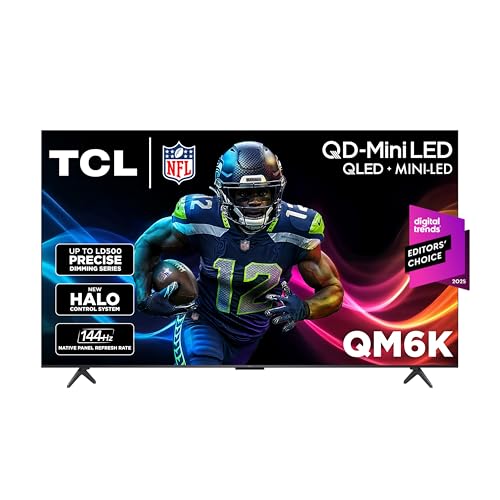
Choose the best android smart tvs by size for your viewing distance, panel brightness, app support, voice control and soundbar connections.
An Android smart TV puts Google TV or Android TV inside the set, so apps, voice search and casting from your phone work without a separate streaming box. The best android smart tvs pair a panel that suits your room with a fast, current system and enough HDMI ports for your gear. Use the product table to compare sizes and prices, then use this guide to judge what the numbers mean for your living room.
Start with where the TV will sit and how far you will sit from it. Room light, seating distance and the devices you plan to connect decide most of the choice, long before brand names come into it.



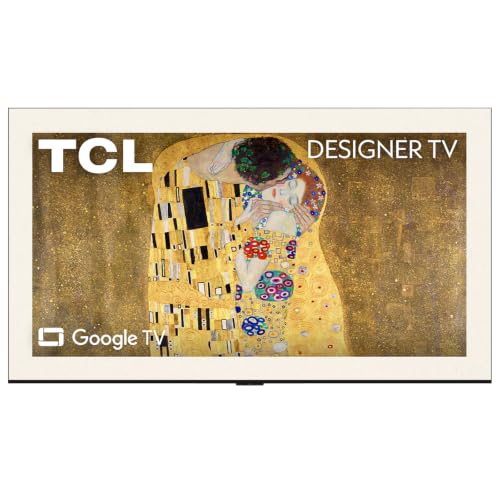
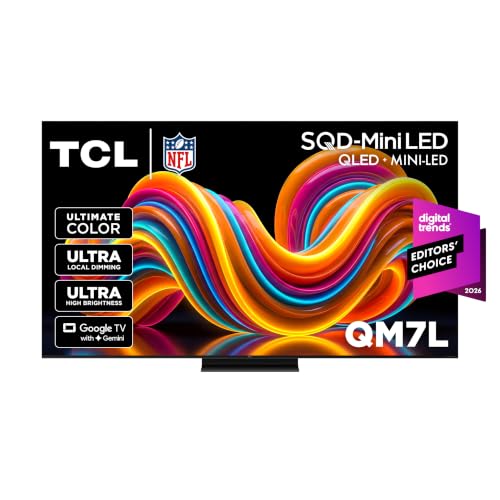

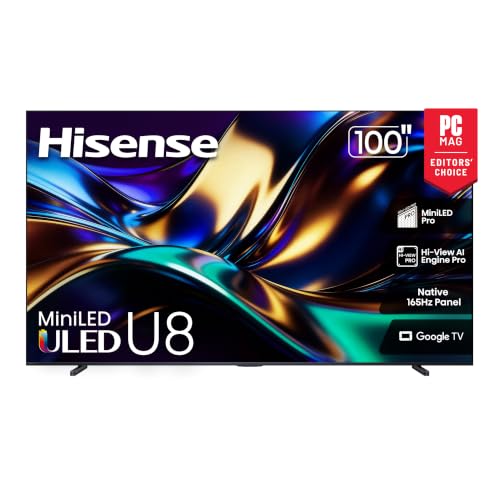
Who Should Buy an Android Smart TV
This type suits households that use Android phones or Google services, since accounts, watch lists and casting carry over easily. It also suits anyone who wants a large app store and good voice search built into the set.
It is a weaker fit if you already love another smart system or plan to run everything through an external streaming box. In that case, spend on panel quality and treat the built in system as a bonus.
Choosing the Best Android Smart TVs by Room and Size
Size should match seating distance. A very large TV viewed from too close shows pixels and forces head movement, while a small set viewed from far away hides detail and subtitles. As a rough guide, many people sit comfortably about one and a half times the screen diagonal from a 4K TV, so a 55 inch set suits a seat about 7 feet away.
If you sit between two sizes, the larger usually suits film nights and the smaller suits mixed daytime use. Check that the stand or wall mount holds the weight and that the cabinet is wide enough for the feet.
Panel Type, Brightness and Picture Quality
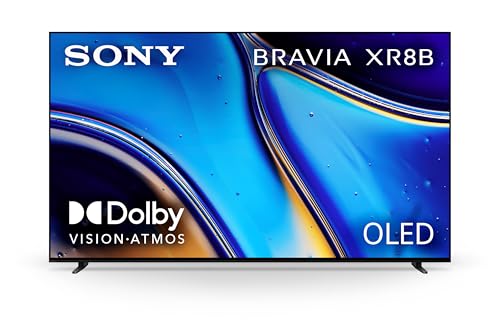
OLED panels give deep blacks and wide viewing angles, which suits dark rooms. QLED and Mini LED panels get much brighter, which keeps the picture vivid in a sunny living room and helps with HDR highlights. Check peak brightness and how the screen handles reflections if your room has large windows.
Local dimming matters for LED based sets. More dimming zones usually mean better contrast, with fewer gray looking black bars on films. Native 120 Hz panels also handle sport and games more smoothly than 60 Hz panels.
Apps, Voice Control and Casting
Confirm that the streaming apps you use are available and run smoothly on the TV. A slow system with laggy menus spoils the experience even if the panel is excellent, so look for a recent processor, at least 2 GB of memory and a maker that promises software updates.
Voice search and phone casting add real convenience for finding shows and sharing photos. Built in Chromecast support is standard on Google TV models, and many sets add a remote with a microphone button and a finder for a lost remote.
Sound, Ports and Gaming Features
Built in TV speakers are thin by nature, so plan for a soundbar if dialogue and music matter. Check that an HDMI port supports eARC, which sends full quality sound to a soundbar, and count the ports needed for a console, a soundbar and a streaming device.
Gamers should look for HDMI 2.1, a 120 Hz or 144 Hz panel, variable refresh rate and a low latency game mode. Sports fans should check motion handling and brightness, because fast action in a lit room exposes blur and washout quickly.
Budget and Long Term Value
Spend on panel quality and size first, because those decide daily viewing pleasure. A slightly better panel at the right size beats a bigger, dimmer panel that washes out in daylight. Entry level 4K sets under about $500 suit bedrooms and casual viewing, mid range QLED sets around $500 to $1,000 suit most living rooms, and OLED or Mini LED sets above that reward dark room film fans.
Delivery and installation matter for large screens. A TV that arrives without a safe way to mount or place it can sit boxed for weeks, so measure doors and plan help before you order.
Common Mistakes to Avoid
- Buying the largest TV that fits the wall without checking seating distance.
- Ignoring sound and then finding dialogue hard to follow, which a soundbar fixes at extra cost.
- Counting HDMI ports too late, leaving no input for a console or soundbar.
- Judging brightness in a dim showroom corner instead of thinking about your own windows and lamps.
- Skipping the update policy, which can leave apps broken as services change.
Setup and Care
Switch off showroom style vivid modes and choose a movie or filmmaker mode for a natural picture. Lower brightness and motion smoothing at night, and save a separate bright setting for daytime if your TV supports it.
Set up profiles for each household member so recommendations stay separate, add parental controls for younger viewers and label the HDMI inputs clearly. Keep the system updated so apps keep working, and tidy cables so the ports are not under strain.
Mounting, Placement and Cable Tips
Decide early whether the TV will sit on a stand or hang on a wall. Check the VESA pattern and weight limit of any mount against the TV, and leave a few inches of space behind and above the set so heat can escape. Mount at a height where the middle of the screen sits near eye level when you are seated.
Plan the cables before you finish the room. Use a high speed HDMI cable rated for 4K 120 Hz for the console and soundbar, label each input, and keep power and signal cables apart to reduce interference. A cable cover or in wall kit keeps a wall mounted TV tidy, and a surge protector protects the set in a storm.
Frequently Asked Questions
Is Android TV easy to use?
Yes, for most viewers. The home screen shows apps and recommendations clearly, voice search finds shows quickly and casting from a phone works smoothly. If you already use Google services, setup feels familiar within minutes.
What size TV should I buy?
Choose by seating distance. Larger screens suit longer distances and film viewing, while smaller screens suit close seats and mixed daytime use. Measure your seat distance and compare it with a size guide before you decide.
Do I need OLED or is LED enough?
OLED gives deeper blacks and wider viewing angles for dark rooms. A good QLED or Mini LED panel gives higher brightness for sunny rooms at a lower price, so pick by the light in your room.
Can I use a soundbar with an Android TV?
Yes. Most sets connect through HDMI eARC or optical output, and many let one remote control the volume. Check the port count so a console and a soundbar both fit.
Will my streaming apps work on Android TV?
Most major services are available, but confirm the exact apps you use for your region before buying. Choose a maker that keeps the system updated so apps keep working over the years.
Final Thoughts
Start with size and room brightness, then pick a panel and system that run your apps smoothly at your seating distance. Compare finalists in the product table, and the best android smart tvs for your room will be the one that looks great in your light and keeps getting updates. Add a soundbar if dialogue matters to you. For nearby options, see our guides to the best android tvs and the best quality smart tvs.