
Best And Worst TVs: Our 2026 Checklist and Buying Guide
Disclosure: We may earn a commission when you buy through links on this page, at no extra cost to you. As an Amazon Associate I earn from qualifying purchases. Learn more
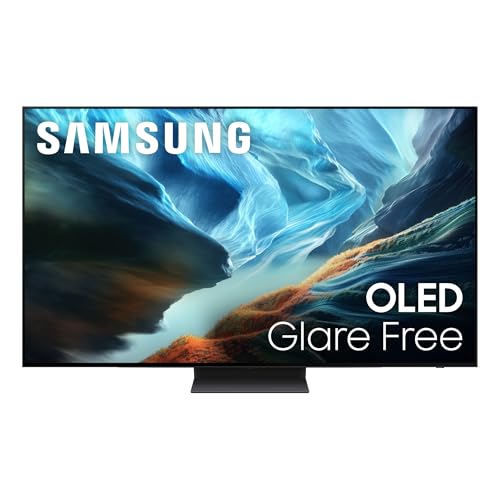
Learn how to judge the best and worst tvs with a clear checklist covering panel type, size, HDR, gaming features, sound, and common red flags to avoid.
TV listings throw dozens of numbers at you, and two sets with the same screen size can look completely different at home. This guide gives you a simple checklist for sorting the best and worst tvs before you spend anything, so you judge picture, sound, and features the same way every time.
You will see what good and poor results look like for each part of the checklist, what each price tier usually delivers, and which warning signs should make you walk away. The comparison table below is a handy place to apply the checklist once you know your room and budget.

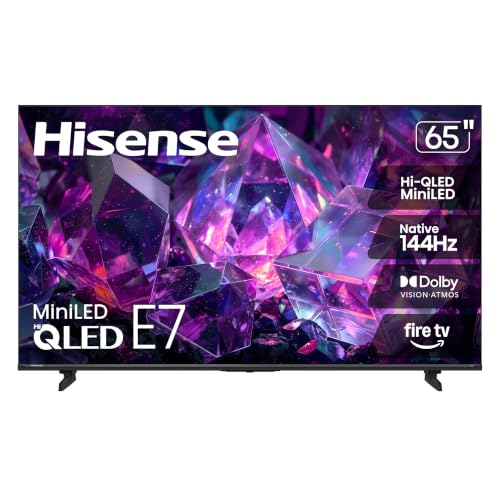
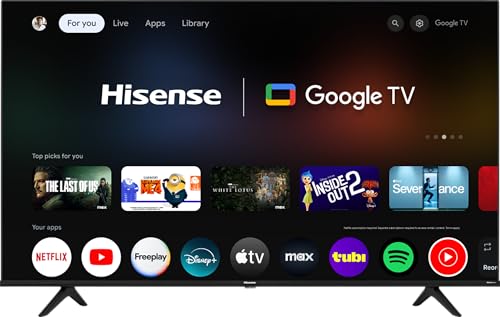
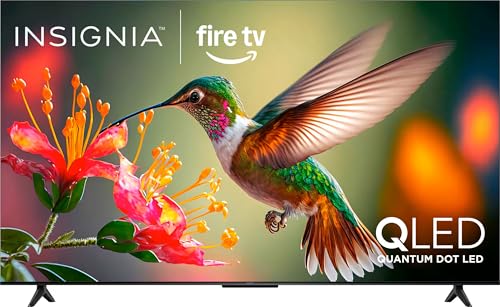
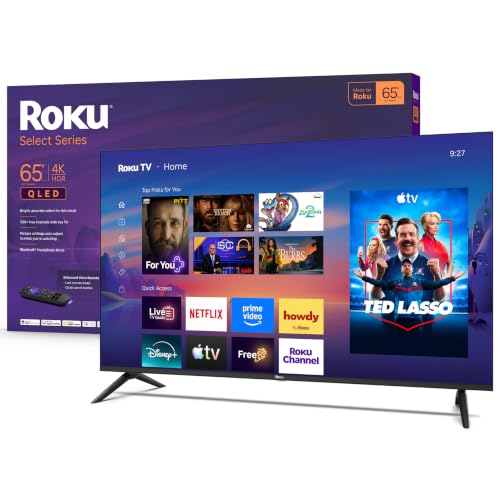

How We Evaluate TVs
Panel Technology
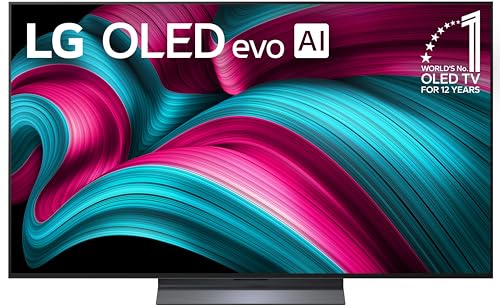
The panel decides contrast, color, and viewing angle. OLED panels light each pixel on its own, so blacks stay truly black and contrast looks excellent in dark rooms, though very bright rooms can reduce the effect. VA panels also give strong contrast at a lower price, but the picture can fade when you sit far to the side.
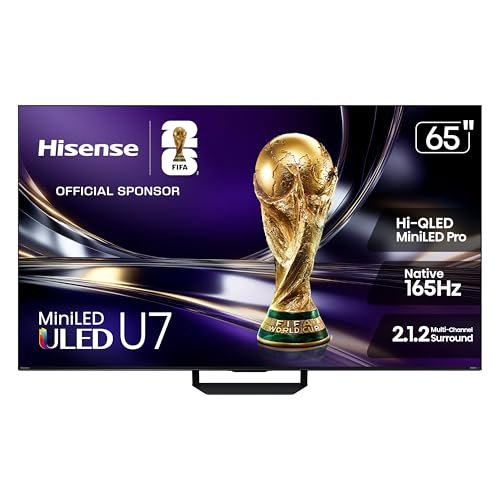
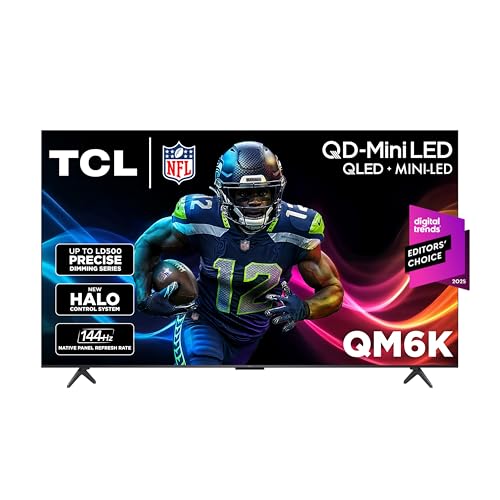
IPS panels keep color accurate from wide angles, which helps large families, but their blacks often look gray in the dark. Mini LED is a backlight method used with VA or IPS panels that improves brightness and local dimming. On any OLED, use the built in pixel refresh and avoid leaving a static image on screen for many hours to reduce burn in risk.
Resolution and Screen Size
Most buyers should choose 4K, because streaming services and game consoles now target that resolution and prices have fallen. A 1080p set can still make sense for a small bedroom or kitchen screen viewed from a distance. Below those options, low resolution screens look soft once the size grows past about 40 inches.
Match size to your seating distance. As a rough guide, a 55 inch TV suits seating about 5 to 7 feet away, while a 65 inch set suits about 6 to 9 feet. Sitting closer to a huge screen can make low quality sources look rough, while sitting too far from a small screen wastes the detail you paid for. Guides to the best tvs of all time show how size trends changed as 4K became standard.
Stand, Mounting, and Ergonomics
Check the stand before you buy, because wide feet may not fit your media unit even when the screen itself fits. Measure the distance between the feet and the depth of your furniture, and note whether cables can pass behind the stand neatly. A center pedestal stand is easier to place on narrow furniture.
For wall mounting, confirm the VESA pattern and the weight of the set so you buy the correct bracket. Also check where the ports face, because side facing ports are far easier to reach after mounting. If the TV will sit in a bright room, a mount that tilts can help reduce reflections from windows.
Smart Platform and Sound
The smart platform is the menu system you will use every day, so speed and app coverage matter. Google TV, Roku, and webOS all cover the major streaming services, but they differ in search quality, ads on the home screen, and how often they receive updates. A slow platform is a daily annoyance you cannot fix later, so favor sets known for responsive menus or plan to add a streaming stick.
Built in TV sound is often thin because modern sets have little room for speakers. Dialogue clarity matters more than loudness for most viewers. If voices sound buried in store demos or reviews of the platform, budget for help from our guide to the best soundbars tv options, since a simple soundbar improves clarity a lot.
Adaptive Sync and Gaming Features
Gamers should look for HDMI 2.1 ports, a 120Hz panel, and variable refresh rate support, often labeled VRR. These features let current consoles run smoother with less tearing and lower input lag. ALLM, or auto low latency mode, switches the TV into game mode automatically when a console starts.
Adaptive sync names such as G Sync and FreeSync come from the computer monitor world and matter most if you plan to connect a gaming PC. For console only use, VRR over HDMI is the key item. Casual players who only play slow paced games can save money by accepting a 60Hz panel.
HDR and Brightness
HDR makes bright highlights and shadow detail look richer, but only when the TV gets bright enough and dims parts of the screen well. Look for support for HDR10 and, if possible, Dolby Vision, which adjusts the picture scene by scene. A set that lists HDR but peaks at low brightness will show little real benefit.
Brightness is measured in nits. Around 400 to 600 nits is workable in a controlled room, while 800 nits or more handles bright living rooms and stronger HDR. Full screen brightness matters for daytime sports, while peak highlight brightness matters for movies at night. If you compare sets for a bright patio or sunroom, start with our guide to the best tvs for outside for the extra weather and glare checks those spaces need.
What Each Price Tier Usually Delivers
The Balanced Tier for Most Rooms
The middle tier is where most buyers get the best balance of picture and price, often around $500 to $900 for a 55 inch set. Expect a 4K panel with decent local dimming, a responsive smart platform, and at least one HDMI 2.1 port on many models. Picture quality here is a clear step above budget sets, especially for movies in dim rooms.
The limits are usually brightness and viewing angle rather than basic features. You may give up the deepest blacks and the widest color of premium sets. For mixed family use with streaming, sports, and some gaming, this tier usually passes every item on the checklist without strain.
The Value Tier for Tight Budgets
Value tier sets, often under $500 at common sizes, focus on size and basic 4K streaming. Expect a simpler backlight with less precise dimming, lower peak brightness, and a 60Hz panel. They suit bedrooms, guest rooms, and first apartments where cost matters most and viewing is mostly casual.
The trade off appears in dark scenes and fast sports, where motion can blur and blacks can look washed out. You can still get a satisfying set by choosing a size that fits your distance and checking that the platform runs your main apps smoothly. Saving money here and adding a soundbar later is a sensible plan.
The Premium Tier for Movie and Game Rooms
Premium sets, often above $1,000 at 55 inches and more at larger sizes, deliver OLED or strong Mini LED panels, high brightness, and full gaming features on several ports. Color accuracy, contrast, and motion handling are the main gains, and they are easiest to see with movies and high quality games. Build quality and sound also tend to improve.
The limit is value rather than quality, because each step up costs much more than the last. Premium makes sense if you watch a lot of films in a dark room or play fast games on current consoles. If your viewing is mostly daytime news and streaming shows, the balanced tier will likely satisfy you for far less.
Quick Buyer Checklist
- Does the screen size match your seating distance and your furniture width?
- Is the resolution 4K unless the TV is small or for a secondary room?
- Does the panel type suit your room lighting and your seating layout?
- Is peak brightness high enough for your windows and daytime viewing?
- Does the smart platform carry every streaming app you use weekly?
- For gaming, does it have HDMI 2.1, VRR, and a low input lag game mode?
- Are there enough HDMI ports for your console, player, and sound gear?
- Does the warranty cover the panel for at least one year with local service?
If you can answer yes to most of these for a model in your budget, it belongs on your short list. A no on size, brightness, or your main apps is a strong reason to keep looking, and comparing with dedicated best and worst 4k tvs guides can sharpen your sense of fair prices.
Red Flags to Watch For
- Vague HDR claims. A set that says HDR compatible but lists no brightness figure or dimming details may show almost no HDR benefit.
- Fake refresh rate numbers. Marketing terms that double the real rate are common on budget sets. Look for the native panel rate, such as native 60Hz or 120Hz.
- Very short warranty. A warranty under one year or with unclear panel coverage suggests low confidence from the maker.
- Unusual review patterns. Many short, generic five star comments posted in a burst are a warning sign for any unfamiliar brand.
- Missing basic certifications. No clear listing for current streaming apps, HDR formats, or safety marks makes returns and support more likely.
How to Make Your TV Last Longer
Small habits protect both picture and hardware. Calibrate picture settings early and turn off the vivid mode most sets use in stores, because it overdrives brightness and color. Use pixel refresh on OLED sets when the TV prompts you, and avoid pausing static images for hours. Clean the screen with a dry or slightly damp microfiber cloth only, never with household glass cleaner, and keep vents free of dust so heat can escape.
Frequently Asked Questions
Is 4K worth it?
Yes, 4K is worth it for most buyers because prices are close to older 1080p sets and most new streaming and gaming content targets 4K. The benefit grows with screen size and closer seating. One extra point is upscaling quality, which varies by brand and decides how good older cable and DVD content looks on the sharper screen.
IPS vs OLED: which is better?
OLED is better for contrast and movie nights, while IPS is better for wide seating and bright rooms at a lower price. OLED blacks are true black because each pixel can switch off. IPS keeps color steadier from the side but shows grayer blacks. Your room lighting and seating layout should decide, not the label alone.
Does refresh rate matter for non gamers?
It matters less, but a native 120Hz panel can still make sports look cleaner because fast motion stays sharper. For news, dramas, and most streaming, 60Hz is fine. Be careful with processing features that smooth motion on films, since they can create an artificial look that many viewers dislike and turn off.
What size TV should I get for my room?
Pick size from your seating distance first, then check furniture width and door clearance for delivery. About 55 inches suits most living rooms, 43 inches suits small rooms and bedrooms, and 65 inches or more suits dedicated movie spaces. Also leave a few inches of space around the set for heat and cable access.
How long do TVs last?
Most modern TVs last about seven to ten years of regular use before brightness fades or parts fail. The smart platform often feels old sooner than the panel, and a streaming stick can extend useful life cheaply. Keeping brightness moderate and vents clear helps, and broader best and worst comparisons can show which brands tend to support software longest.
Final Thoughts
Judge every set with the same three checks first: panel and brightness for your room, size for your seating distance, and the platform and ports for your daily gear. Those checks quickly separate strong value from sets that only look good in a listing.
Use the product table above to compare your short list of best and worst tvs against the checklist, and you will pick a set that still feels right years from now.

