
Best 4K Resin Printers: What Actually Matters Before You Buy for 2026
Disclosure: We may earn a commission when you buy through links on this page, at no extra cost to you. As an Amazon Associate I earn from qualifying purchases. Learn more
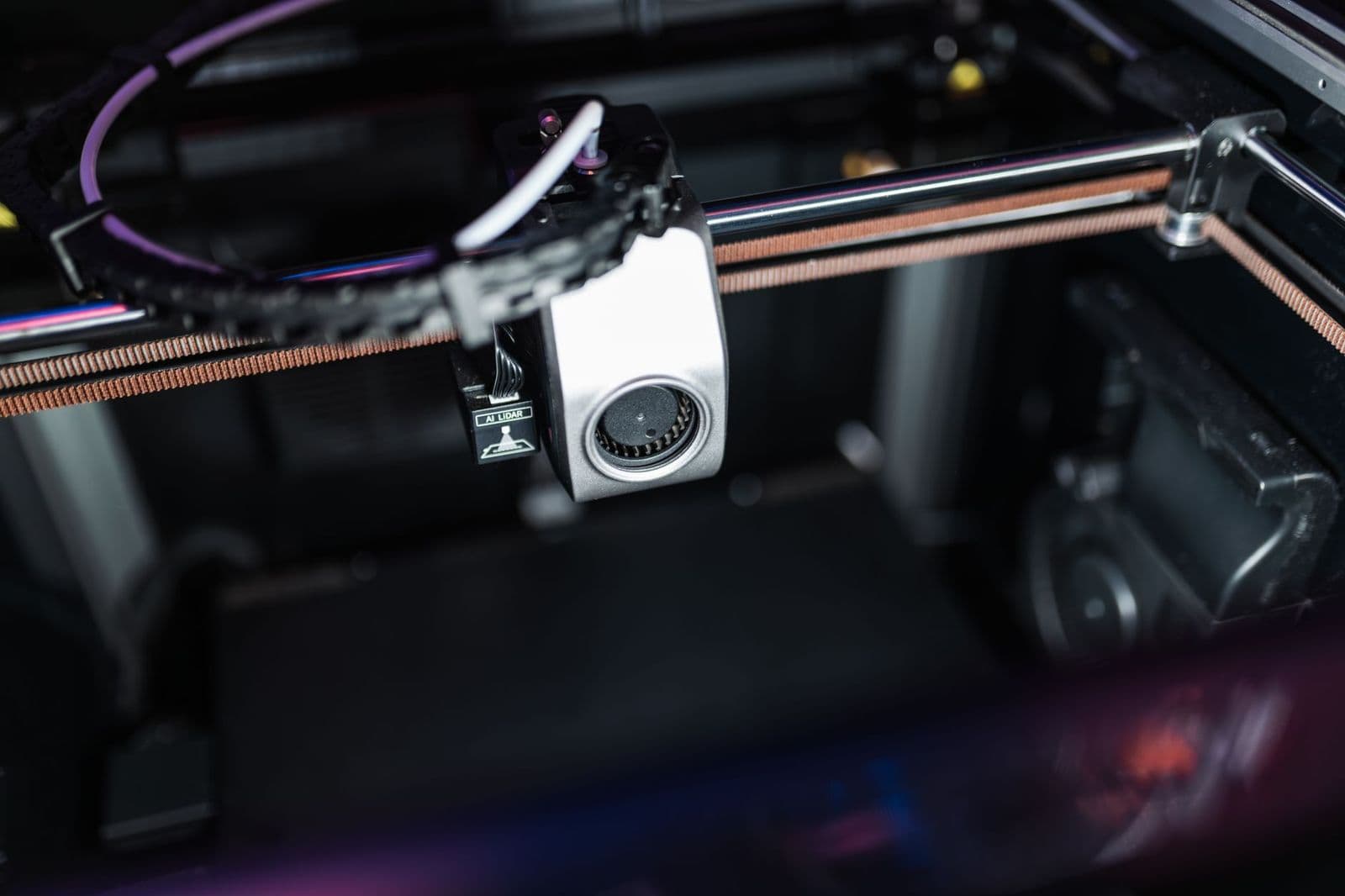
Use a clear checklist to compare the best 4k resin printers by detail, build volume, curing, safety, and running costs before you spend on a first machine.
The 4K label on a resin printer sounds like a promise of fine detail, but it only describes the screen inside the machine. Real print quality depends on how that screen size, the light source, and the moving parts work together. The best 4k resin printers are the ones that pass a clear checklist on detail, size, safety, and running costs, not the ones with the boldest box art.
This guide gives you that checklist and explains each check in plain terms. Note build volumes and screen sizes as you go, then work through the criteria before you choose a tier.
The Evaluation Checklist: What Actually Matters
Score any candidate among the best 4k resin printers against the seven criteria below. A printer that is strong on detail but weak on support or safety will frustrate you within a month. If you are new to the category, our wider guide to the best resin printers explains how resin machines differ from filament machines.
Screen Resolution and Real XY Detail
The number that predicts detail is the pixel size, usually listed in microns, not the 4K label alone. A 4K screen stretched across a large build area spreads its pixels wider, so a big 4K machine can print coarser detail than a small 4K machine. Look for an XY resolution around 50 microns or finer for miniatures and jewelry work, and accept a coarser figure if you print large display pieces. This single insight prevents the most common buying mistake in the category.
Build Volume and Footprint
Build volume decides the largest part you can print in one piece, and it also decides the desk or bench space the machine takes. Small machines suit miniatures and dental or jewelry scale work, while large machines suit helmets, terrain, and batch printing of smaller parts. Remember that a bigger vat holds more resin and costs more to fill and to clean. Measure your workspace with the lid open, and leave room for a wash container and a curing setup beside the printer. The guide to the best large resin printers covers the big end of the range.
Light Source and Cure Speed
A monochrome screen and a strong, even light source cure each layer in a few seconds, which shortens long prints by hours compared with older designs. Even light matters as much as strong light, because dim corners cure layers unevenly and cause weak spots or failures. Look for a stated light uniformity figure or a lens or reflector design that spreads light across the whole screen. Speed claims only count at a standard layer height, so compare cure times at the same layer setting when two machines both look fast.
Ease of Setup and Leveling
Resin printing starts with leveling the build plate against the screen, and a good design makes that a two minute job with clear instructions. Four bolt leveling systems hold their setting well, while some ball joint designs drift and need more checks. A metal resin vat with a replaceable film, clear fill lines, and a lid that seals well all reduce mess and failed prints. Your first week will include failed prints, so a machine that is easy to clean and reset saves real frustration.
Reliability, Support, and Community
A resin printer is a tool you will troubleshoot, so support is a feature, not a bonus. Favor makers that publish firmware updates, sell spare screens and film without delay, and answer support requests with real guidance. A large user community matters too, because exposure settings for popular resins and fixes for common failures are usually shared by owners first. Check that the slicer software is stable and updated, since slicing errors ruin prints before the machine ever starts. The guide to the best slicers for resin printers explains what good slicing software should do.
Running Costs: Resin, Film, and Screens
The printer price is the start, not the total. Standard resin often costs about $20 to $40 per liter, and specialty resins cost more. The clear film at the vat bottom is a consumable that clouds and needs replacement after heavy use, and the screen itself wears over thousands of hours. Add nitrile gloves, filters, paper towels, and washing liquid or water washable resin to the yearly budget. A cheap machine with costly or scarce spares can pass an expensive machine in total cost within a year.
Connectivity and Slicer Workflow
Most machines load files from a USB drive, and some add WiFi transfer so you can send a sliced file from your desk. WiFi is a comfort, not a quality feature, and a poor network tool can waste more time than a walk with a USB drive. What matters more is the full workflow, from supporting a model in the slicer to washing and curing the finished part. If that chain feels smooth in the manual and the software, you will print more and waste less resin.
What Each Price Tier Usually Delivers
Price tiers in this category map to size and refinement more than to raw detail. A small budget machine can match a premium one on miniature detail, because both may share a similar pixel size. The wider category view in our guide to the best resin 3d printers shows how these tiers sit across the market.
Budget Tier: Small Screens, Sharp Detail
Budget machines, often around $150 to $250, usually offer a small build volume with a fine pixel size, which makes them excellent for miniatures and small parts. You give up WiFi, heated or filtered enclosures, and premium vats, and the Z axis may use a simpler rail. For a first machine, this tier is the smartest entry point, since your early failures cost less resin. Tabletop gamers should also read the guide to the best resin printers for miniatures for size specific advice.
Midrange Tier: The Balanced Workshop Choice
Midrange machines, often around $300 to $550, add build volume, sturdier rails, and better light systems. Faster and more even curing shortens print time, and features such as a hinged cover, air filtration, and a more rigid vat appear here. This tier suits sellers, serious hobbyists, and anyone printing parts taller or wider than a miniature. It is the tier where reliability and support tend to improve as well, which lowers the cost of the failures that still happen from time to time.
Premium Tier: Size, Speed, and Refinement
Premium machines, often around $600 and above, buy large build volumes with fine detail, fast cure systems, and thoughtful touches such as resin heating, automatic feeding, or camera monitoring on some designs. These features pay off for production work, large display pieces, and studios that print daily. Casual users rarely gain enough to justify the jump, because a midrange machine already prints beautiful parts. Spend at this level only when size or daily volume truly demands it.
Quick Buyer Checklist
- Is the pixel size around 50 microns or finer for the detail I want?
- Does the build volume fit my largest planned part with room to spare?
- Can I buy spare film and a spare screen for this model easily?
- Do I have a ventilated space away from bedrooms and food areas?
- Have I budgeted for resin, gloves, washing supplies, and a curing light?
- Does the maker publish firmware updates and clear setup guidance?
- Will the slicer software run well on my computer?
Red Flags to Watch For
Walk away from listings with vague detail claims that never state a pixel size in microns. Be wary of a very low price paired with no spare parts for sale, since a worn screen or film then ends the machine. Short warranties, missing safety data for bundled resin, and exposure tables that no community has confirmed are all warning signs. A flood of similar glowing reviews with no mention of failures also deserves doubt, because every resin printer fails prints sometimes.
Safety and Care Tips
Uncured resin is a skin sensitizer, so treat safety as part of the purchase. Wear nitrile gloves and eye protection whenever you handle liquid resin or fresh prints, and work in a ventilated space, ideally with an enclosure or a fan that moves air outside. Keep resin and washing liquid away from children and pets, and never pour uncured resin or wash water down a drain. Cure waste resin and used towels under UV light until solid before you discard them with household trash, and follow your local rules for chemical waste. If resin touches your skin, wash at once with soap and water, and seek medical advice if irritation or any rash develops or persists. Wipe spills at once, keep the vat film clean and free of cured bits, and store resin sealed, dark, and at room temperature.
FAQs
What does 4K mean on a resin printer?
On a resin printer, 4K describes the resolution of the LCD screen that shapes each layer with UV light. It does not by itself guarantee fine detail, because the same pixel count spread over a larger screen gives a larger pixel size. Always check the pixel size in microns alongside the 4K label. A smaller 4K screen usually prints finer detail than a larger 4K screen.
Is a 4K resin printer a good first printer for a beginner?
Yes, a small 4K resin printer can be a good first machine if you accept the workflow. Resin printing needs washing, curing, gloves, and ventilation, which is more involved than filament printing. Beginners who want miniatures or fine detail gain a lot, while those who want large, tough, low mess parts may prefer to start with filament. Decide by the parts you want, not by the detail headline.
How much does resin printing cost after I buy the printer?
Plan on a steady spend beyond the machine. A liter of standard resin costs about $20 to $40, and a regular hobbyist may use one or two liters a month. Add gloves, vat film, washing supplies, filters, and eventual screen replacement. A fair planning figure is about $30 to $80 a month for an active hobbyist, less for occasional printing. Failed prints are part of that cost, especially in the first month.
Do I need a wash and cure station for resin printing?
You need the functions, even if you skip the dedicated station. Every resin print must be washed to remove uncured resin and then cured with UV light to reach full strength and a safe surface. A station combines both steps neatly, but a sealed wash container plus a UV lamp or a sunny curing spot can work on a budget. Never handle a print as finished before it is fully washed and cured.
Wrapping Up
Judge by pixel size, build volume, and the cost and safety of the full workflow, and the right tier will be obvious. Small budget machines already print superb detail, while larger budgets buy size, speed, and support. Compare your shortlist against the checklist one last time. Chosen that way, the best 4k resin printers become a tool you use weekly with confidence, rather than a bargain that gathers dust.


