
Best 4K HDR Gaming TVs: The Buyer Checklist for 2026
Disclosure: We may earn a commission when you buy through links on this page, at no extra cost to you. As an Amazon Associate I earn from qualifying purchases. Learn more

Use this checklist for the best 4k hdr gaming tvs to judge refresh rate, HDR brightness, HDMI ports, input lag, panel type, and overall value.
Gaming TVs can promise cinematic HDR and lightning fast play, then fall short on the one port or setting your console actually needs. This checklist helps you judge best 4k hdr gaming tvs by clear thresholds, so you know what good looks like before you compare prices. You will check panel type, refresh rate, HDR brightness, adaptive sync, and ports in a set order, which makes weak listings easy to spot.
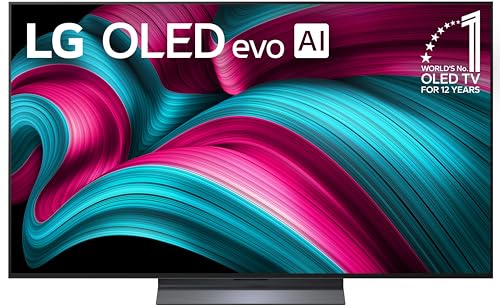
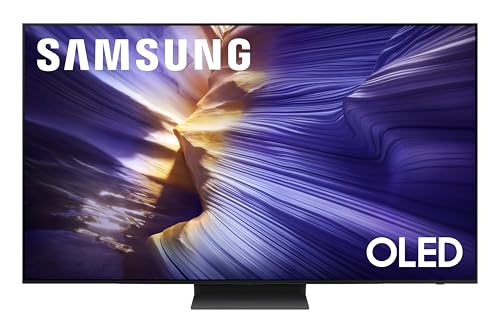
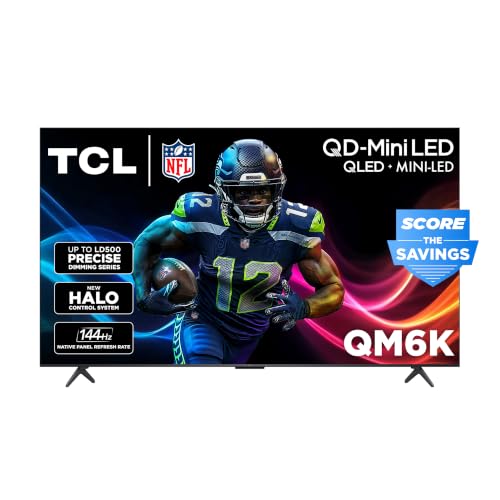
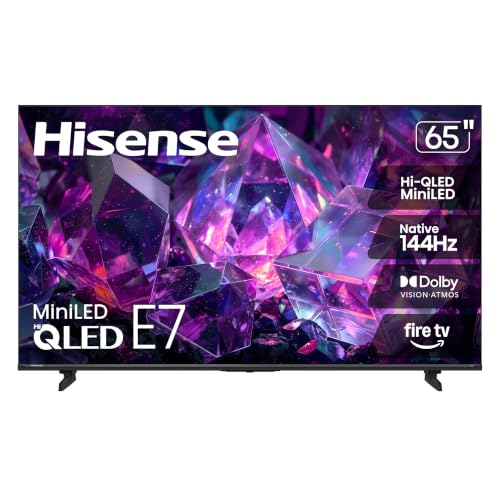
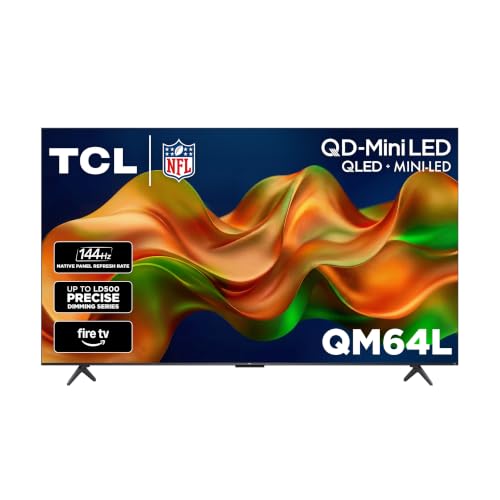
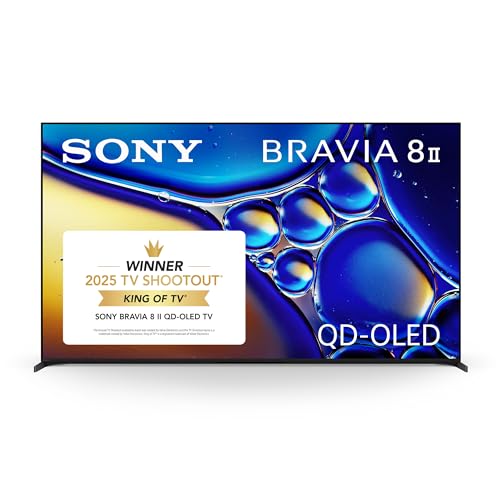
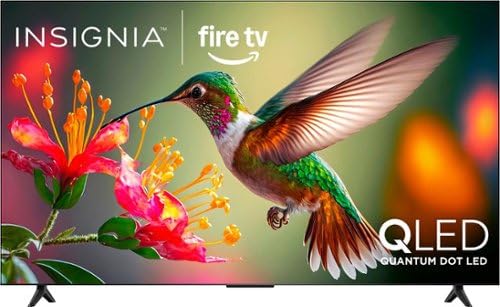
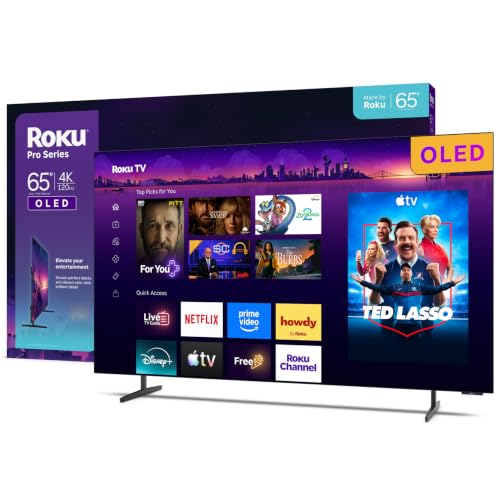
Start with the product table, then score each candidate against the criteria that follow. A TV that passes most checks for your console, your room light, and your favorite genres will serve you far better than one bought on a single headline number.


How to Evaluate 4K HDR Gaming TVs
Treat each criterion below as a pass or fail gate plus a quality score. A gaming TV must first connect properly and respond quickly, and only then do finer points like color accuracy separate the strong from the average. Use the thresholds given here when you read any specification sheet.
Panel Technology (IPS, VA, OLED, Mini LED)
Panel choice shapes both HDR impact and gaming feel. OLED gives perfect blacks and near instant response, which makes dark game scenes look superb, though bright rooms reduce its edge and static game menus need sensible care. VA panels offer strong contrast at lower prices but can smear dark motion. IPS keeps colors accurate from wide seats, useful for group play, but blacks look softer. Mini LED brings high brightness and good contrast together, and it is often the most forgiving choice for a living room that doubles as a gaming space.
Refresh Rate and Response Time
For modern consoles, a native 120Hz panel is the threshold that matters, because it can display the 120 frames per second modes many games now offer. A 60Hz panel is a fail for buyers paying gaming prices. Response time should be low enough that fast camera turns stay clean, and input lag in game mode should sit under 10 milliseconds, with under 6 milliseconds being excellent. Ignore inflated motion labels and look for the native rate in the full specifications before you trust any smooth motion claim in the headline.
Stand, Mounting, and Ergonomics
A gaming setup changes often, so access matters. Check that the stand leaves room for a console or soundbar and that ports are reachable once the TV is in place. VESA mounting lets you raise the screen to eye level, which reduces neck strain during long sessions. Cable channels in the stand keep power and HDMI leads tidy and prevent tugging on ports when you swap a console. Also confirm the stand footprint fits your bench, since wide feet on larger models can overhang narrow furniture.
HDR and Brightness
HDR is the second half of the name, so judge it strictly. Around 600 nits of peak brightness is a sensible floor for HDR highlights that stand out, and 1,000 nits or more gives explosions, headlights, and sunlight real punch. Local dimming with many zones, or the per pixel control of OLED, keeps bright objects from washing out nearby shadows. Format support matters too, since Dolby Vision gaming is available on some consoles. A TV that is dim with weak dimming control will make HDR games look flatter than standard mode.
Adaptive Sync and Gaming Features
Adaptive sync keeps the picture smooth when frame rates dip, which happens in busy scenes even on powerful consoles. Look for variable refresh rate support across a wide range, auto low latency mode so the TV switches itself into game mode, and a game menu that shows frame rate and sync status. HDMI 2.1 bandwidth is what unlocks 4K at 120Hz together with these features. If you split time between gaming and film, our guide to the best hdr 4k tvs explains the HDR side in more detail.
Connectivity and Ports
Count ports before you buy, not after. Two HDMI 2.1 ports is a good minimum for a console and a PC or a second console, and one port often doubles as the audio return channel for a soundbar, which reduces your usable total. A USB port helps with bias lighting or media playback, and an optical output can rescue older audio gear. Wireless matters as well, since a stable WiFi connection keeps game downloads and streaming smooth. Shoppers comparing close cousins can see our guide to the best hdr gaming tvs for a resolution focused view.
Tier Profiles to Measure Against
Use these tier profiles to judge the sets in the product table above. Each one describes the bundle of features a gaming TV should offer at a given level, without tying you to any single model.
The Complete Profile
A complete gaming TV pairs a native 120Hz panel with at least two HDMI 2.1 ports, strong HDR brightness or OLED contrast, and input lag under 6 milliseconds in game mode. Expect a useful game menu, adaptive sync that works with your console, and speakers that are clear enough for dialogue between gaming sessions. Prices around $800 to $1,500 are typical for 55 inch to 65 inch sets at this level. The main compromise is usually size for the money, since stepping up in inches raises the price quickly at this tier.
The Value Profile
A value gaming TV keeps the essentials and trims the rest. Demand 120Hz if you can, or accept a strong 60Hz panel with very low lag only if your games rarely offer a performance mode. HDR will be modest, so favor good tone mapping over big brightness claims. Around $400 to $700 buys capable 50 inch to 55 inch options for bedrooms and small living rooms. Players on a tighter budget should read our guide to the best budget 4k tv for gaming before deciding where to save.
The Compact Profile
Compact gaming TVs in the 42 inch to 48 inch range suit desks and small rooms where you sit close. At this distance, pixel density is high and text stays sharp, so these sets often double as large monitors. Look for the same 120Hz and HDMI 2.1 checklist in miniature, plus a stand that does not eat the whole desk. OLED is common at this size and works well in controlled light. The limitation is shared viewing, since a smaller screen is less fun for a group on a sofa.
Quick Buyer Checklist
Answer these questions for each candidate on your list of best 4k hdr gaming tvs. Several no answers mean you should keep looking, even if the price is tempting.
- Is the refresh rate listed as a native 120Hz, not just a motion marketing label?
- Does the TV have at least two HDMI 2.1 ports after counting the soundbar connection?
- Is input lag in game mode stated at under 10 milliseconds?
- Does adaptive sync cover the frame range your console or PC actually uses?
- Is peak HDR brightness high enough for your room, at around 600 nits or above, or is the panel OLED?
- Will the stand and screen size fit your bench, desk, or wall bracket?
- Does the game menu let you confirm frame rate and sync at a glance?
Red Flags to Watch For
Weak gaming TVs share familiar warning signs. A headline motion rate with no native refresh figure in the specifications usually hides a 60Hz panel. A single HDMI 2.1 port on a gaming branded set limits you the moment a second console or a soundbar arrives. Vague HDR claims with no brightness figure and no format names suggest HDR in name only. Be wary of input lag figures quoted outside game mode, because standard picture modes can be far slower. Finally, a very short return window is risky, since panel flaws like banding often show only in the games you play most.
Setup and Care Tips
When the TV arrives, turn off vivid mode and start from a movie or game preset, then set brightness for your room rather than the showroom. Enable game mode and adaptive sync on the correct HDMI port, and label that input so family members use the right one. On OLED models, run the pixel refresh when prompted and avoid leaving paused menus up for hours. Clean the screen with a dry microfiber cloth only. For more setup ideas across eras and styles, see our guide to the best tvs of all time.
One more practical step is to update the firmware on day one, because makers often improve game mode behavior, sync ranges, and app stability after launch. Write down your picture settings once you like them, so a reset or update does not force you to start over. Readers who want a gaming first comparison across brands may also find our guide to the best gaming tvs 4k useful alongside this checklist.
4K HDR Gaming TVs: Your Questions Answered
Does refresh rate matter for non gamers on a gaming TV?
It matters modestly, because a 120Hz panel also smooths live sports and fast film scenes. Most streaming shows are made at lower frame rates, so the benefit is occasional rather than constant. Where it quietly helps everyone is motion clarity during camera pans, which look steadier. If you never game and rarely watch sport, a good 60Hz TV plus a soundbar may give you more daily enjoyment for the same money.
IPS vs OLED: which is better for gaming?
OLED is better for response speed and contrast, while IPS is better for wide seating and rooms where the same static screen sits on for many hours. Competitive players value the near instant response of OLED, and its dark scene clarity helps in moody games. Group households that play side by side on a sofa often prefer IPS, because the picture stays accurate for viewers sitting at the edges of the room.
Is 4K worth it for gaming TVs?
Yes, 4K is worth it because current consoles render most games at or near 4K, and the detail shows on screens of 50 inches and up. At smaller desk sizes the jump is subtler but text and fine textures still look cleaner. A related benefit is headroom, since a 4K panel keeps your setup current as consoles and streaming services lean further into higher resolution and higher frame rate modes over the coming years.
What size gaming TV should I get for my room or desk?
Choose by seating distance. Around 42 to 48 inches suits a desk at 3 to 4 feet, 55 inches suits a sofa at 5 to 7 feet, and 65 inches works from about 7 to 9 feet. Sitting too close to a large screen makes fast games harder to track, because your eyes must travel further. When in doubt, the slightly smaller size usually feels faster and sharper for play.
How long do 4K HDR gaming TVs last?
Most last about 7 to 10 years, with brightness slowly fading near the end of that span. Gaming itself does not wear a TV out quickly, but static elements shown for many hours a day can age OLED panels unevenly. Using screen savers, mixing content, and keeping brightness sensible during long sessions all help. Ports and smart software often feel dated before the panel fails, so a streaming stick can extend useful life cheaply.
The Bottom Line
Gate your choice on a native 120Hz panel, enough HDMI 2.1 ports, and HDR that is genuinely bright or truly black, then score the extras. Run the checklist, be honest about your room and your consoles, and inspect the panel with your own games during the return window. The best 4k hdr gaming tvs for you will pass those checks with room to spare, so compare your finalists in the product table above and buy with confidence.


