
Best 4K Dash Cams (2026): Types Compared and Buying Guide
Disclosure: We may earn a commission when you buy through links on this page, at no extra cost to you. As an Amazon Associate I earn from qualifying purchases. Learn more
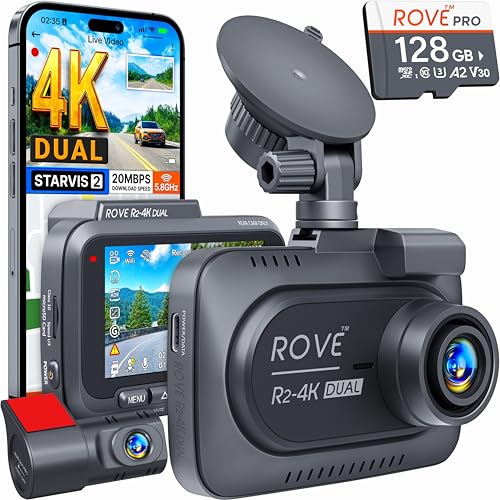
A practical guide to the best 4k dash cam: front, front and rear, and three channel sets, plus night video, parking mode, and installation.
Choosing a dash cam sounds simple until you start comparing resolution claims, channel counts, and parking features that all blur together. What you need is footage sharp enough to read a license plate after the fact, in a camera that fits your vehicle and records without daily attention. This guide to finding the best 4k dash cam for your situation compares the main types by vehicle compatibility, recording performance, and ease of use, and the comparison table below sums up how the types differ.
Rather than pushing one model on every driver, we sort the options into three types and explain who each type suits. For the broader category first, see our guide to the best dash cam.

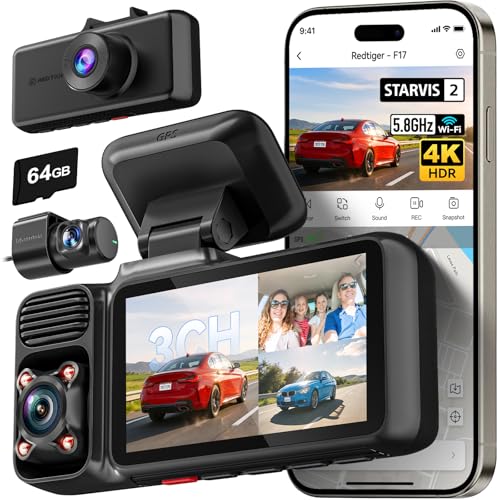

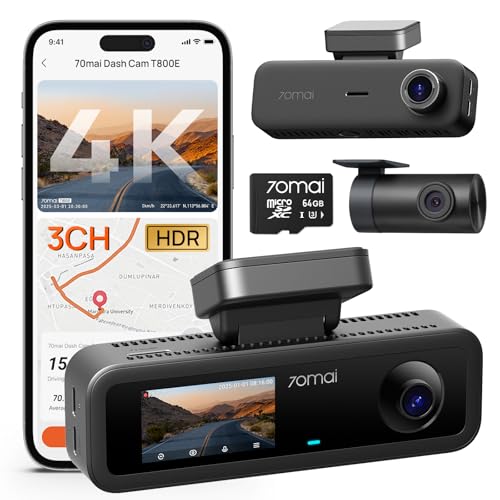
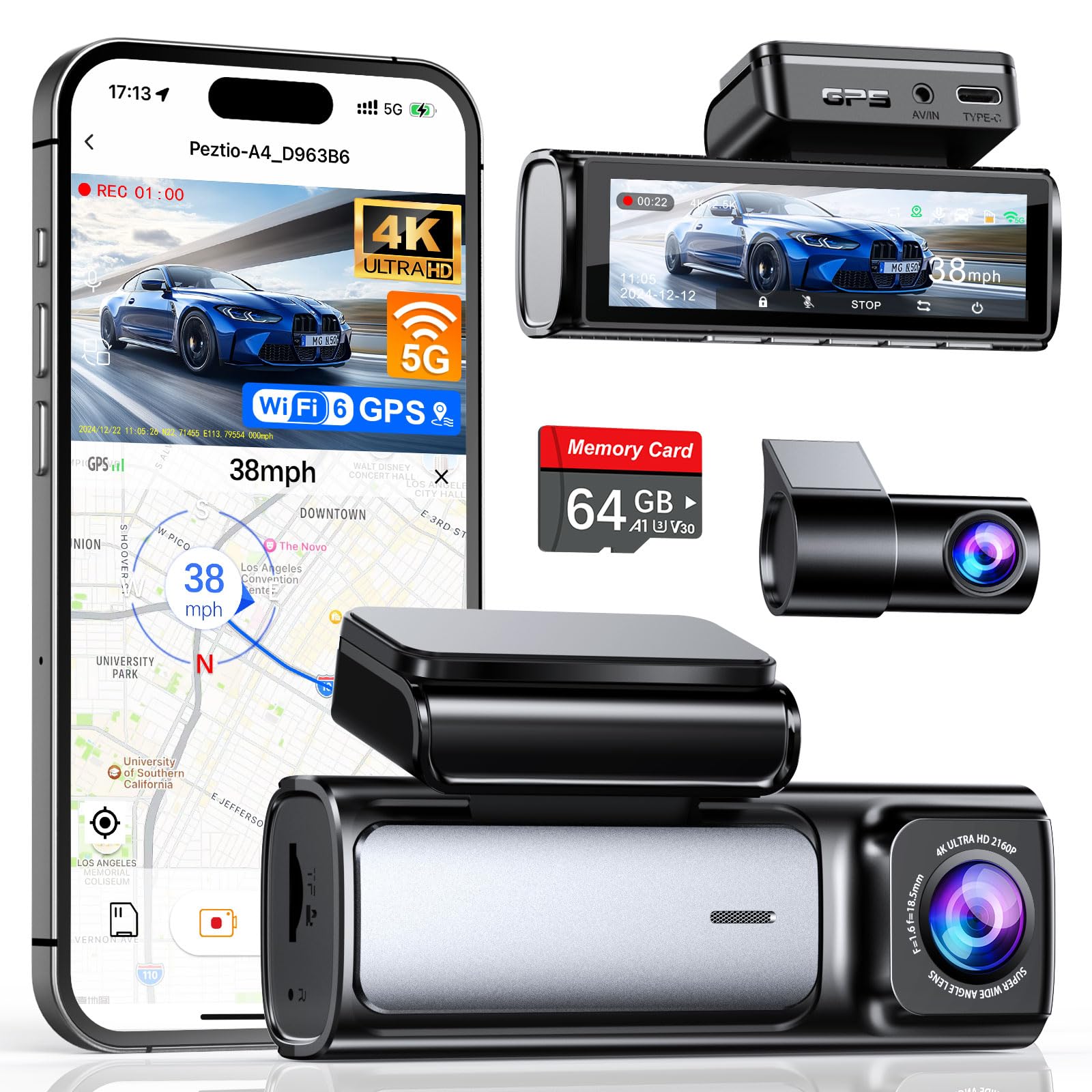
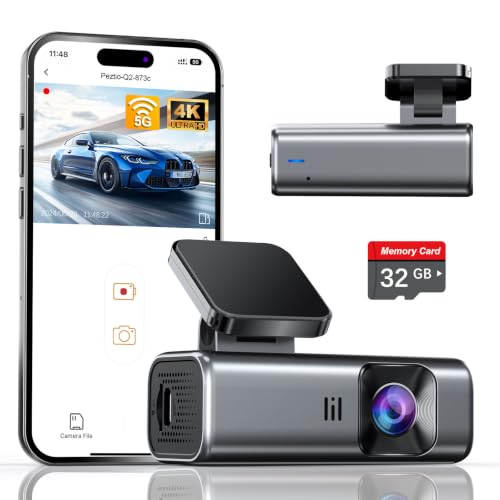
Our Top Picks at a Glance
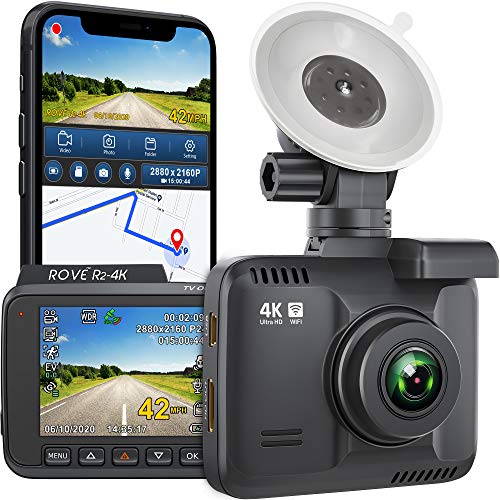
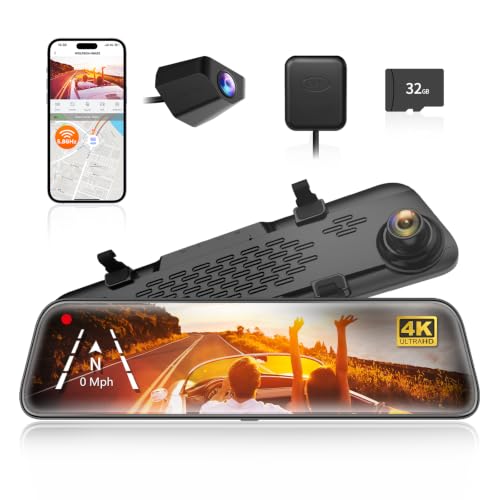
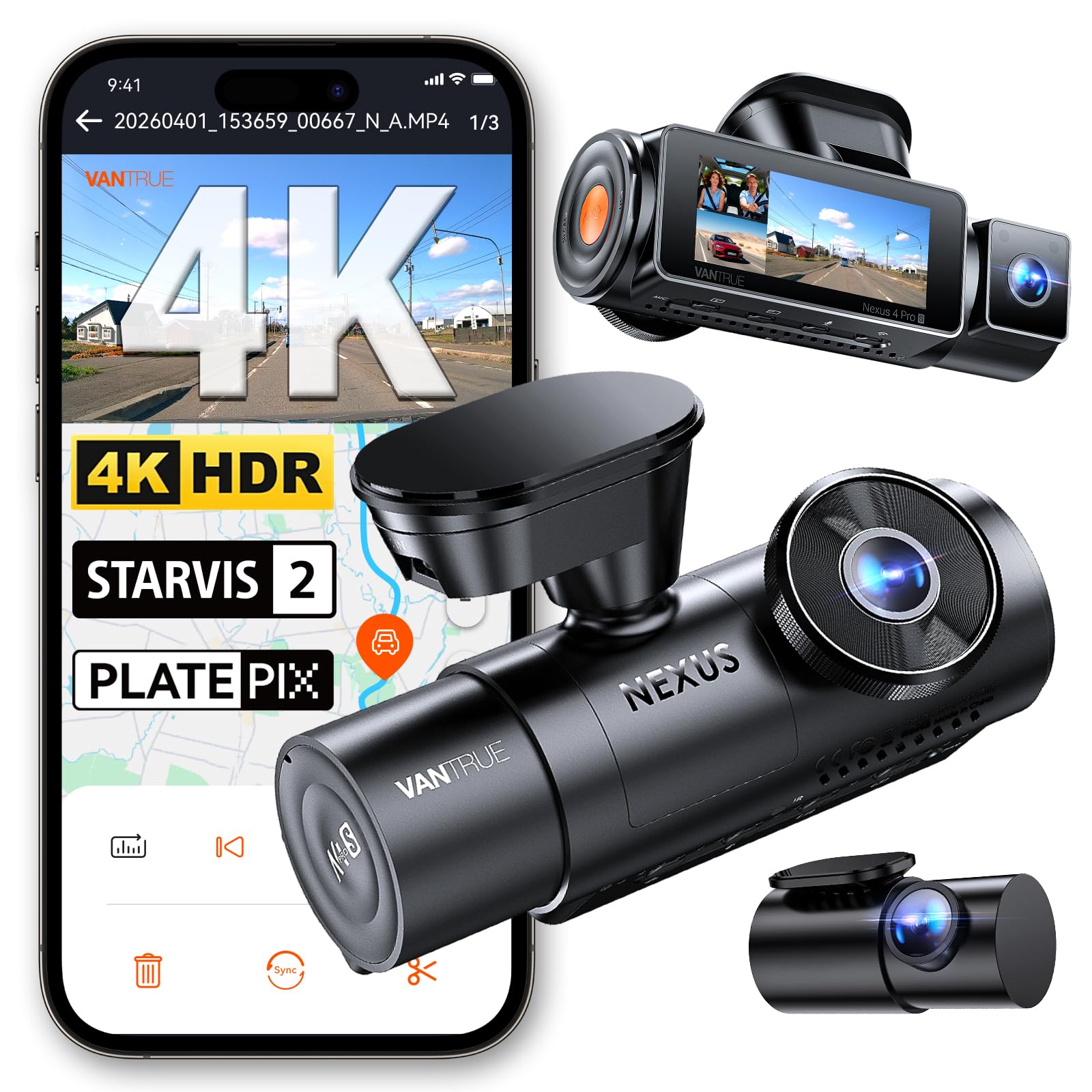
The comparison table below groups 4K dash cams into three types. A single front camera is the simplest and cheapest route. A front and rear set adds coverage behind you. A three channel set records the cabin as well, which matters most for rideshare and family driving. Price, storage needs, and install effort rise as you add channels, so choose by where you need evidence, not by camera count.
Three Types of 4K Dash Cams Compared
Single Front Camera Models
A single front camera records only the road ahead, and for many drivers that is exactly the view that matters. These models are the smallest, draw the least power, and mount behind the rear view mirror where they stay out of your sight line. The limit is worth stating plainly. Anything behind your vehicle goes unrecorded, including the rear end collisions that are common in slow traffic.
Front and Rear Sets
A front and rear set pairs a 4K front camera with a second camera on the rear window, and this is the setup most drivers should consider first. The rear camera usually records at a lower resolution, yet it still captures following traffic, tailgating, and impacts from behind. If two camera coverage sounds right for you, our guide to the best front and rear dash cam explains the layout in more depth. Expect a longer install, since the rear cable runs along the headliner to the back of the vehicle.
Three Channel Sets With a Cabin Camera
A three channel set adds an interior camera that faces the cabin, recording you and your passengers along with the road front and back. Rideshare drivers value this view because it documents passenger behavior, and parents use it to check on teen drivers. The trade offs are real. Cabin footage raises privacy questions, three video streams fill a card far faster than one, and the wiring job is the most involved of the three types.
How We Chose These 4K Dash Cam Types
We grouped the market by type using five criteria: compatibility with your vehicle, recording performance, ease of use, durability, and warranty support. The groupings draw on manufacturer specifications, sensor and lens details, and patterns in verified buyer feedback about heat, mounts, and card errors. We did not run lab tests. A camera with a headline 4K badge but weak night footage ranked below simpler models that record reliably every trip.
How to Choose the Right Dash Cam
The steps below walk through the decisions in the order that matters, from features to fit to budget. If you want a shorter version of the same process, our walkthrough on how to choose a dash cam covers the basics before you shop.
Features Worth Paying For
Start with the sensor and night performance, since most disputes happen in poor light and a 4K badge alone says little about dark footage. Look for a wide dynamic range feature that balances bright headlights against dark road edges. Parking mode is worth paying for if you park on the street, because it records impacts while the engine is off. GPS logging adds speed and location data to each clip, which can support your account of an incident. A supercapacitor instead of a lithium battery handles cabin heat better and suits hot climates.
Vehicle Compatibility
Check the mount against your windshield before anything else. A steep or curved windshield, a large sensor housing behind the mirror, or a tinted top band can all block the spot where a camera wants to sit. Confirm the lens can still see the road with the camera placed beside the housing rather than under it. Cable length matters in long vehicles, since a rear lead that fits a hatchback may fall short in a truck or a three row SUV. If most of your driving is in one family car, our guide to the best dash cam for cars covers fit for passenger cars.
Installation
Most front cameras install in about fifteen minutes. Clean the glass, fix the adhesive or suction mount high on the passenger side of the mirror, and tuck the power cable along the headliner and down the pillar trim to the 12 volt socket. Route the cable so it never crosses an airbag panel in the pillar, and keep slack away from the pedals. Adhesive mounts hold better in heat than suction mounts, but they need a full day to cure before you hang the camera on them.
Power and Performance
A socket powered camera starts and stops with the ignition, which protects your car battery but ends recording when you park. A hardwire kit connects to the fuse box and enables parking mode, and a good kit includes a voltage cutoff that stops drawing power before the battery drops too low to start the engine. Judge a 4K camera by plate readability at normal driving speed, not by paused stills from a slow street. Higher resolution also means more heat, so a camera that runs very hot may shut down when you need it most.
Wireless and App Control
A camera with WiFi lets you review clips, change settings, and save footage to your phone without removing the memory card. This matters after an incident, when you want a copy of the clip on your phone before you drive away. Transfer speeds over a camera hotspot are modest, so a long 4K clip takes patience. If cable free review appeals to you, our guide to the best wireless dash cam covers what wireless can and cannot do here.
Warranty and Support
Most dash cams carry a warranty of about one to two years, and the details matter more than the headline length. Check whether the maker covers the mount and cables or only the camera unit, and whether firmware updates sit on a support page you can actually reach. Keep your order confirmation, since claims often need proof of purchase. Clear documentation and a working support address are worth more than a slightly sharper lens from a seller you cannot contact.
How Much Should You Spend?
Under about $50, expect basic 4K claims with modest sensors, and treat plate reading at speed as unlikely. Around $100 to $150 buys a genuine 4K front camera with a decent sensor and app control. About $150 to $250 is where front and rear sets with strong night footage and reliable parking mode sit. Above that, you pay for three channels and better build quality rather than a leap in front camera clarity. Spend first on the channels you need, then on sensor quality, and only then on extras.
4K vs Other Dash Cams: Pros and Cons
A 4K camera records roughly four times the pixels of a 1080p model, and the practical gain is detail at a distance. You can crop into a 4K frame and still read a plate or a street sign that a 1080p clip renders as a blur. That detail helps most at highway speed, where the other vehicle is not close to your bumper.
- Pro: plates and signs stay readable farther away, and cropped clips still look usable.
- Pro: better evidence when the other vehicle leaves the scene quickly.
- Con: files are much larger, so cards fill faster and clip transfers take longer.
- Con: some budget models label interpolated footage as 4K, which adds file size without adding real detail.
- Con: processing load runs the camera hotter, which can shorten its life in a parked car in summer.
A good 1080p camera with a strong sensor can beat a poor 4K model at night, so compare sample footage descriptions and sensor details rather than trusting the resolution number alone.
How to Make Your Dash Cam Last Longer
Heat and worn memory cards cause most early dash cam deaths. Use a high endurance card made for constant writing, and format it in the camera about once a month to keep the file system clean. Park in shade where you can. Check the mount each season, since adhesive pads soften with age and a camera that vibrates records blurred footage. Update the firmware when the maker releases a fix for card or startup errors. Once your camera is mounted, our guide on how to use a dash cam covers daily checks that keep it recording.
FAQ
What is the best 4K dash cam?
For most drivers it is a front and rear set with a proven sensor, honest native 4K recording, and a supercapacitor for heat tolerance. That mix covers the road ahead and behind, reads plates at city speed, and survives summer parking better than battery based models. Your vehicle, parking situation, and budget decide the rest, which is why this guide compares types instead of naming one winner for everyone.
Are 4K dash cams worth it?
They are worth it if you drive at highway speed often or want to crop footage and still read details. At low city speeds, a quality 1080p camera captures plates nearly as well and costs less. One point buyers miss is storage. A 4K camera can fill a 64 GB card in a few hours of driving, so budget for a larger card than you would buy for a 1080p model, or accept a shorter window of saved footage.
How long does a dash cam last?
Most dash cams last about three to five years before heat damage, a tired mount, or a worn connector ends their service. Supercapacitor models tend to outlast battery models in hot climates because there is no lithium cell to swell. The memory card usually fails first, often within a year or two of daily writing. Swapping in a fresh high endurance card at the first sign of recording errors often revives a camera that seemed dead.
Is a dash cam worth it?
Yes, if you drive regularly in traffic where fault gets argued. One clip that shows the other driver ran a light can save you an insurance deductible and a long dispute. The value depends on the camera actually recording, so pick a model that starts on its own with the ignition and needs no action from you each trip. Drivers on quiet rural roads gain less, though one clip of a deer strike damage claim can still justify the cost.
How do you clean a dash cam?
Wipe the lens with a dry microfiber cloth using light pressure, and use a barely damp cloth only if road film will not lift. Never spray cleaner directly on the lens, since liquid can creep past the seal and fog the inside. Clean the windshield area in front of the lens too, inside and out, because a smeared patch of glass softens every clip. Check the lens after any car wash visit, when wax spray often leaves a film on the glass.
What is the most reliable dash cam brand?
No single brand wins on reliability across every model line, and reliability claims in listings are hard to verify. Judge a maker instead by warranty length, published firmware updates, and whether replacement mounts and cables are easy to buy. A useful test before buying is to search the model name plus the words card error and see how the maker responded to owners who reported problems.
Final Thoughts
Start with coverage, then sensor quality, then price. A front and rear 4K set suits most drivers, a single camera keeps things simple, and a three channel set serves rideshare work. Compare your shortlist against the product table above, confirm the mount fits your windshield, and budget for a high endurance card. Chosen that way, the best 4k dash cam for your car is the one that records every trip without asking anything of you.

