
Best Cameras for Car Filming 2026: Which One Fits the Way You Use It?
Disclosure: We may earn a commission when you buy through links on this page, at no extra cost to you. As an Amazon Associate I earn from qualifying purchases. Learn more
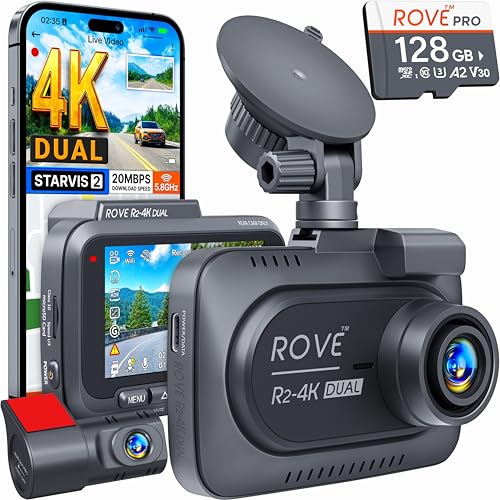
Discover the best cameras for car filming for your needs. We match features to real use cases so you avoid overpaying and get the right fit the first time.
There is no single camera that suits every driver, because filming a daily commute, a scenic road trip, and a lesson with a new driver are three different jobs. The best cameras for car filming for you depends on where the camera sits, how long it records, and whether you care most about the road ahead, the people inside, or both views.
Start by naming your main use, then match the mount, lens angle, and power supply to that use before you compare resolution numbers. A modest camera in the right position will outperform an expensive one aimed at the dashboard. Use the comparison table below to line up fitting types.


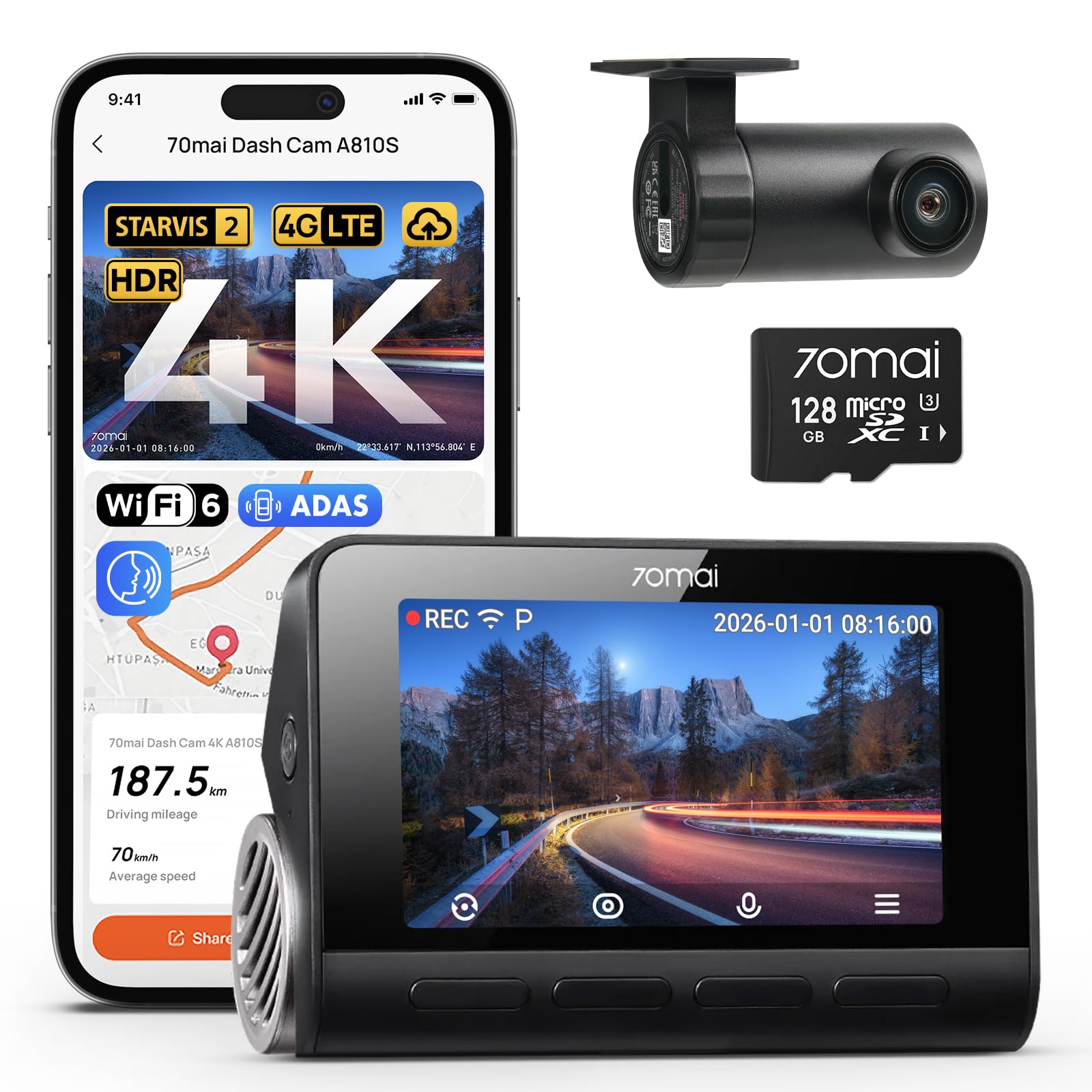
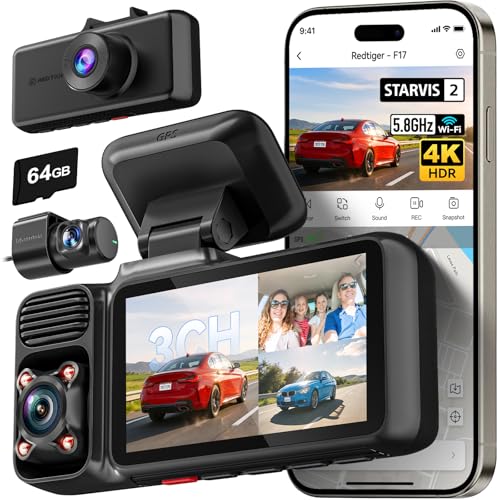
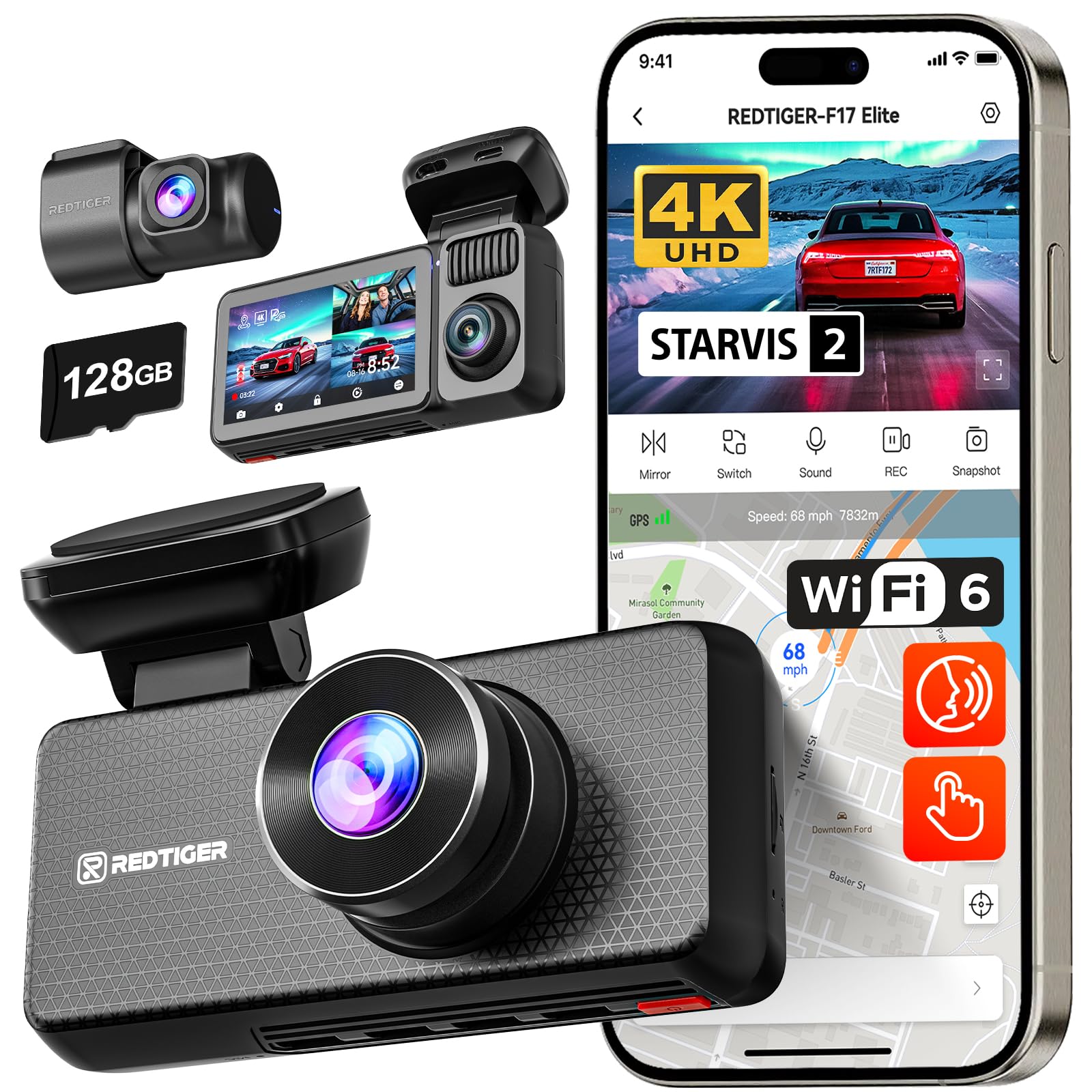
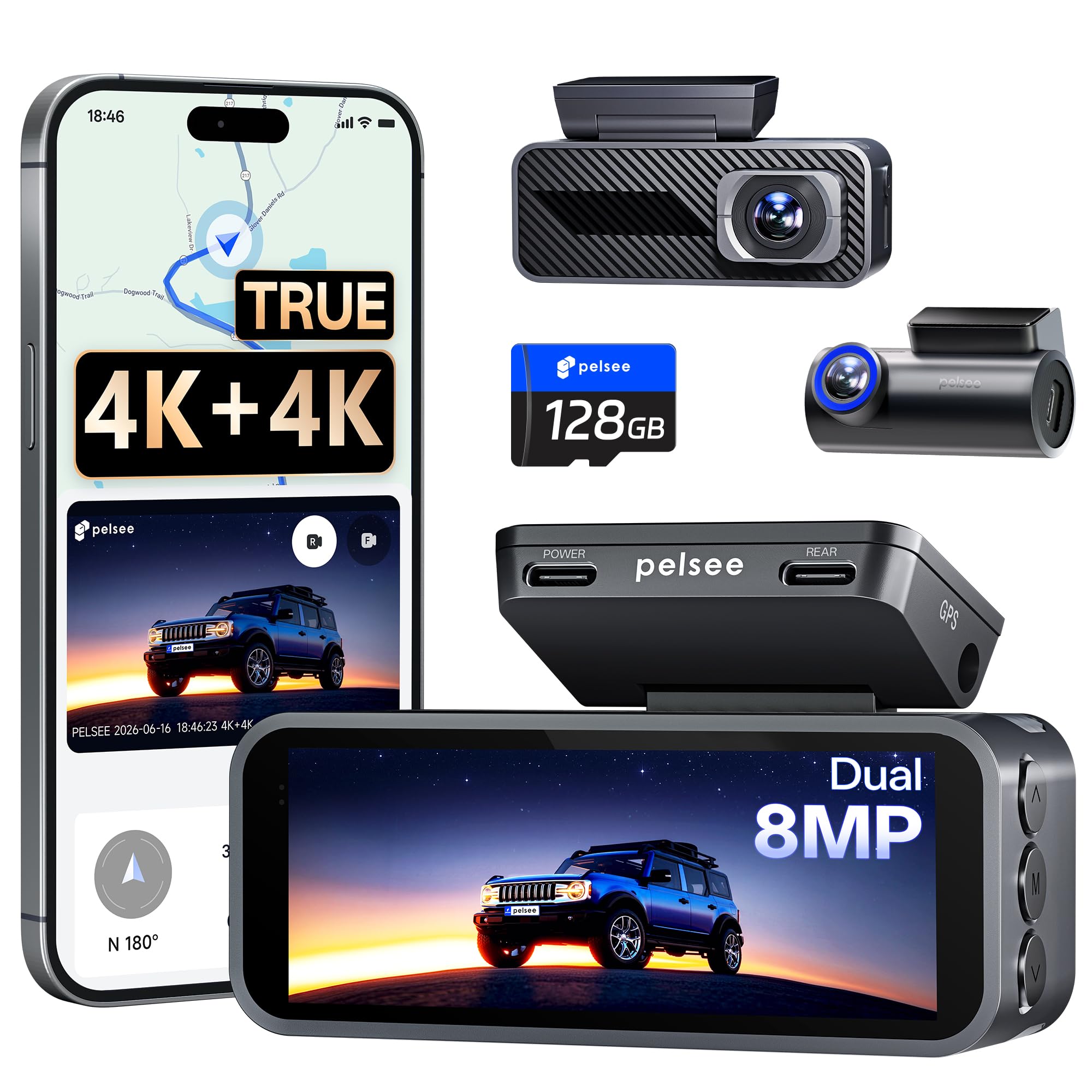
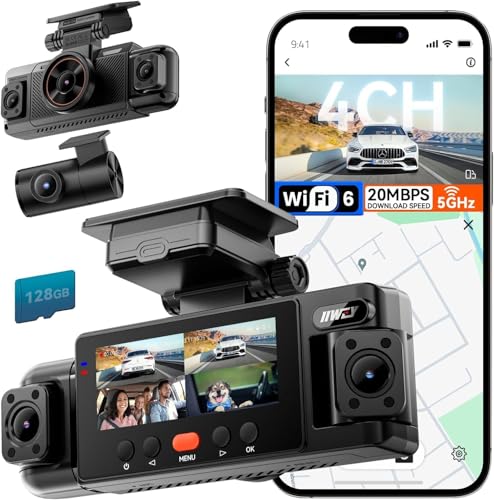
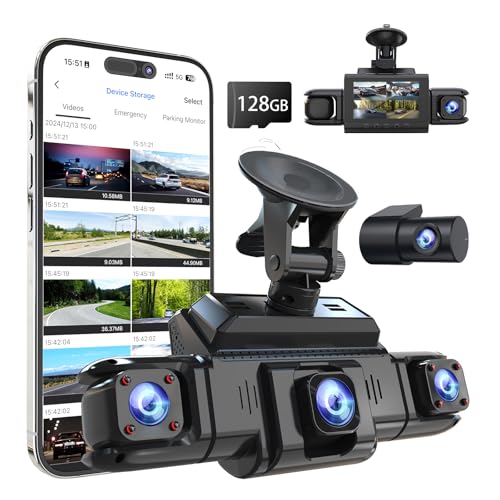
Who Should Buy Which Cameras for Car Filming?
Your driving pattern decides which features deserve your money.
Commuters Who Record Every Drive
You need a camera that starts when the car starts, records without daily attention, and keeps clear footage in tunnel shade and bright sun. Prioritize loop recording that overwrites the oldest files and a mount that stays fixed over speed bumps. For a continuous record of the road, see our guide to the best car dashboard cameras for that always on style. Compact size matters too, because a small body blocks less of your view.
Road Trip Creators Who Film the Journey
You film scenery through the windshield, conversations inside the cabin, and stops along the way, so you need more than a fixed record of traffic. Prioritize strong stabilization, good microphones, and a lens angle wide enough for faces without squeezing everyone toward the center. Easy battery swaps and quick file transfer also help. A camera you can lift off its mount in seconds lets you keep filming at a viewpoint instead of leaving the moment in the car.
Instructors and Parents Who Review Drives Afterwards
You record lessons so a learner can watch the drive later and spot late braking, wide turns, or missed mirror checks. Prioritize a cabin view or a second lens that shows the driver, clear audio for your feedback, and time stamps that help you find a moment quickly. Keep the setup simple, because a learner distracted by cables drives worse. Ask passengers before recording audio, and check local rules on filming inside a car, since consent rules vary by state.
Matching Cameras to Common Driving Needs
Best Video Cameras for Car Filming: What to Prioritize
Video work inside a car differs from still photography in three places. First, the camera must hold exposure steady as you pass under bridges and out of shade, or the footage pulses bright and dark. Second, it must record for long stretches without stopping to cool down or swap cards. Third, the controls must be simple to set before you drive, because adjusting menus in traffic is unsafe.
That balance is what separates the best cameras for car filming from a general camera placed on a dashboard and hoped for the best. Simple auto modes and an app that moves clips to your phone cover most needs. For a broader look at camera types, see our guide to the best car cameras and compare the shapes that suit your cabin.
Key Features to Compare
Image Stabilization for Road Vibration
Stabilization smooths the constant shake that a car sends through every mount, from engine idle at a light to rough pavement at speed. Electronic stabilization crops the image slightly and steadies small movements, while a well placed mount removes the larger bounces before they reach the sensor. Choose stronger stabilization if your roads are rough or your mount sits on the dashboard, where movement is greatest. Smooth footage also keeps faces, signs, and plates readable for longer in each frame.
How Sensor Size Affects Footage on Night Drives
Sensor size decides how much light the camera gathers, and light is scarce on night drives, in parking garages, and on shaded streets. A 1 inch sensor usually handles dim scenes with less grain than a small sensor, while APS C and full frame sensors gather still more light but add size, cost, and heat. Megapixels matter less than this light gathering ability for moving footage. If most of your filming happens after dark, put sensor size near the top of your list. Daytime only drivers can choose a smaller sensor and save money.
Lens Angle, Autofocus, and Exposure in Motion
Lens angle decides how much of the road and cabin fits in the frame. A view around 120 to 150 degrees covers several lanes or the front seats, while a narrower view makes distant signs larger but cuts off the edges. Autofocus needs to track smoothly as the car moves toward and away from subjects, without hunting each time a truck passes. Exposure must react to glare and sudden shade. Creators who want sharper scenery footage can see our guide to the best digital cameras for larger sensor options.
Mounting, Size, and Heat Tolerance in the Cabin
The mount is part of the camera choice, not an afterthought. Suction mounts on clean glass suit renters and shared cars, adhesive mounts give the firmest hold for a permanent setup, and mirror or headrest mounts change the view toward the cabin. Test the angle on a short drive before a long trip. Size matters because a bulky body can block your view and may break local rules on windshield obstructions. Heat tolerance matters too, since a parked cabin gets very hot and weak batteries fail there first.
Audio, Power, and Storage for Long Drives
Good audio carries lessons, conversations, and the sounds that explain what happened on the road. A clear internal microphone suits most drivers, while creators filming interviews may want a port for an external microphone placed away from vents and road noise. For power, a cable to the car supply suits long recording, and batteries suit short clips away from the car. For storage, choose a card with room for your longest drive and a camera that records in loops or clear file segments, so a long trip is easy to search.
Common Mistakes to Avoid When Buying Cameras for Car Filming
Most regrets come from buying for a headline spec instead of for your actual drive.
- Choosing the highest resolution while ignoring stabilization, so rough roads turn sharp footage into a shaking blur.
- Mounting the camera before testing the view, so the frame fills with dashboard and sky instead of the road or cabin you wanted.
- Buying a large camera for a small cabin, so the body blocks your view and tempts you to remove it on busy drives.
- Skipping the power plan, so the battery dies an hour into the long drive you bought the camera to record.
- Ignoring warranty and card requirements, so a failed card or mount leaves you paying twice to finish the setup.
Keeping Your Car Camera in Good Shape for Years
Clean the lens with a lens cloth, not your shirt, because shirt fabric can drag grit across the glass and leave fine scratches. Wipe the mount pad and the glass under it every few weeks, since dust and heat slowly weaken the hold. Check the mount with a firm tug before long drives, and retighten any arm that has started to creep.
Carry a spare battery if your camera uses removable cells, and store it in a dry, padded bag rather than loose in a hot trunk. Take the camera indoors on very hot days instead of leaving it baking behind glass. Format the memory card in the camera after saving the clips you need, and keep a second card in the glove box so a full card never ends a filming day.
Frequently Asked Questions
What features matter most in cameras for car filming on night drives?
Low light clarity matters most, so start with sensor size and lens brightness before resolution. A useful extra step is a short test drive at dusk on your usual route, because street lighting and oncoming headlights reveal glare problems that daylight tests hide. That one test tells you more about your real conditions than any spec sheet.
What specs matter most for beginners buying a camera for car filming?
Simple auto modes, reliable auto start, and a firm mount matter most for a beginner. Skip advanced color settings and manual focus at first, because a clip that records itself correctly beats a fancy clip you forgot to start. One more helpful step is choosing a camera that names its files by date and time, which makes finding a moment from last week far easier.
Is a smartphone enough instead of a dedicated camera for car filming?
A smartphone is enough for short, occasional clips, and its camera is often very good. It falls short on long drives because calls and messages interrupt recording, the phone grows hot on the windshield, and video fills storage you need for other things. A dedicated camera also starts and stops with the car. If you film weekly, the separate camera quickly earns its place.
How much should I spend on my first camera for car filming?
About $80 to $150 buys a capable starting camera with solid daytime footage and a simple mount. About $150 to $300 adds better night footage, steadier stabilization, and stronger audio, which suits creators and instructors. Spending more mainly helps if you film at night often or need a second cabin view. Keep part of the budget for a good card and a spare mount.
Can I leave a camera for car filming inside a hot parked car?
You can for short stops, but long hours of cabin heat shorten battery life and can loosen adhesive mounts. Watch for a battery that swells or a mount that slides on the glass, and remove the camera and let it cool if you see either sign. A sunshade lowers cabin heat, yet bringing the camera inside on the hottest days is the safer habit.
Final Thoughts
Match the camera to the drive first: steady footage, enough light, a firm mount, and power that lasts the trip will serve you better than any single headline number. Commuters can keep the setup simple, creators should favor stabilization and audio, and instructors should favor a clear cabin view. When you compare the best cameras for car filming with those priorities in mind, the product table above becomes a short list you can trust.


