
Best 4G WiFi Routers: Everything to Know Before Your First Purchase for 2026
Disclosure: We may earn a commission when you buy through links on this page, at no extra cost to you. As an Amazon Associate I earn from qualifying purchases. Learn more
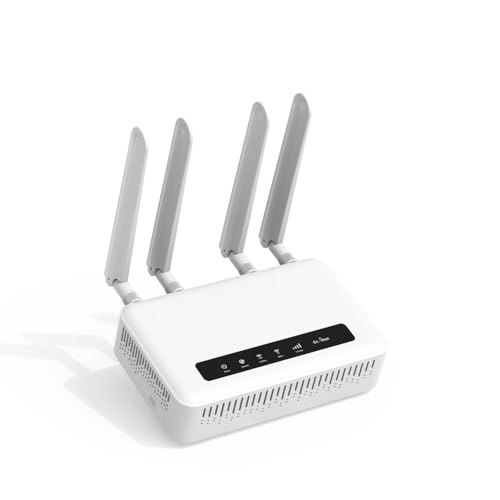
First time shopping for best 4g wifi routers? Learn the basic terms, SIM and coverage checks, and setup steps in plain English before you spend.
If cable or fiber internet is not available where you live, or you need a backup when it fails, a router that uses a mobile signal can keep your home online. Buying your first one feels confusing because boxes shout speed numbers and band names. This guide explains the basics in plain English, so you can choose the best 4g wifi routers for your home with confidence.
We will go step by step. First you will learn what these routers do and what they cannot do. Then we will translate the key specs, match them to home sizes and habits, and finish with setup steps and the mistakes new buyers make most. Keep the comparison table below open as you read, and note which features match your address and your data plan.


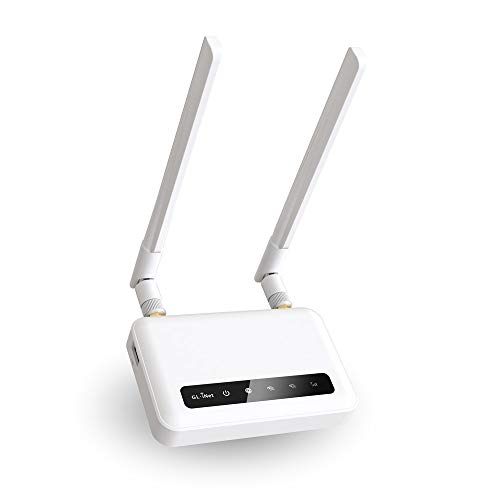

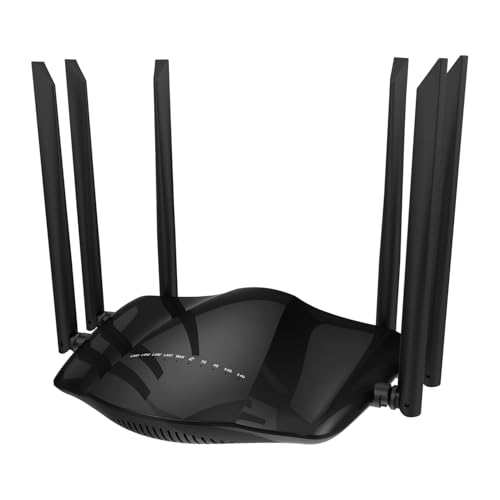
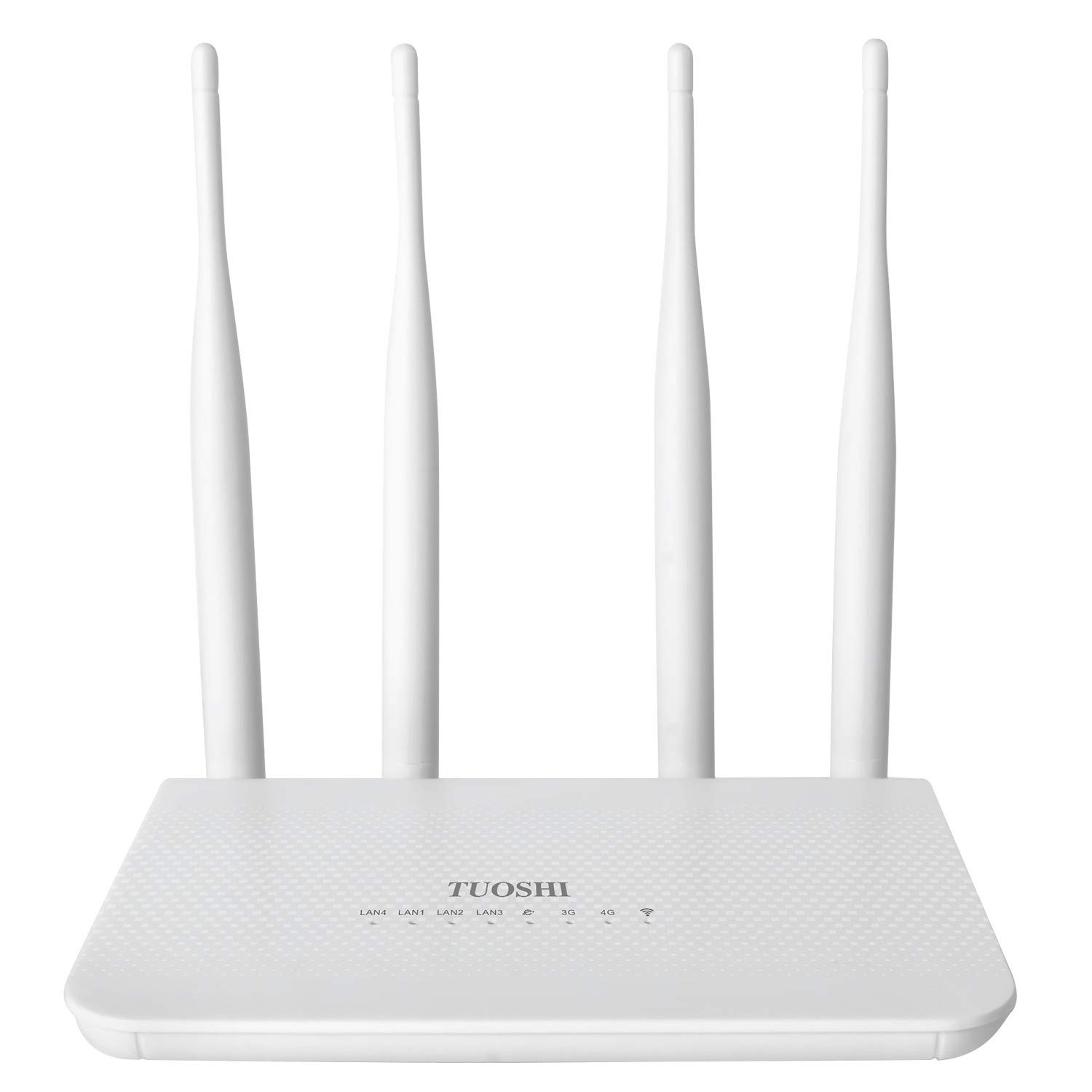

4g Wifi Routers 101: The Basics
A 4G WiFi router takes a mobile signal from a SIM card, like the one in your phone, and turns it into a WiFi network for your home. Laptops, TVs, phones, and smart home gear connect to it just as they would to any router. The difference sits on the internet side. Instead of a cable from the street, your connection depends on tower signal, your data plan, and how busy the network is at that hour.
That brings three limits to understand early. First, speed varies by location and time of day, so a result at a friends house tells you little about yours. Second, many mobile plans cap high speed data or slow video quality, so read the plan terms, not just the router box. Third, placement matters twice over, because the router must reach both the tower outside and your rooms inside. A window ledge near the tower side of the home often beats a central cupboard.
Key Specs Explained in Plain English
WiFi Standard (WiFi 6, 6E, 7)
The WiFi standard describes how the router talks to your devices at home, separate from the 4G link to the tower. WiFi 6 handles busy homes well and is the sensible baseline for most buyers. WiFi 6E adds a 6 GHz band for short range, low congestion use with newer devices. WiFi 7 is the newest option and helps future proof a busy home, but it cannot make a slow mobile signal fast, so do not pay extra for it before checking coverage.
Number of Devices and MU MIMO/OFDMA
MU MIMO and OFDMA are features that let the router serve many devices at once instead of making them wait in line. In a home with phones, laptops, TVs, cameras, and game consoles, that sharing keeps calls smooth while someone streams. Count your connected devices honestly, including smart bulbs and plugs. If the total passes about 30, prioritize a router with strong multi device handling and a capable processor over a slightly higher headline speed.
Wired Ports (Multi Gig, WAN/LAN)
Wired ports still matter. An Ethernet port gives a work computer or TV a steadier link than WiFi, and a WAN port lets some models switch to wired internet if you get it later. Multi gig ports move data faster than standard ports between local devices, which helps if you use network storage. For most first time buyers, two or more LAN ports and one port that can act as a backup WAN input is a practical target.
Coverage and Home Size
Coverage claims on boxes assume open space, while real homes have walls, floors, and metal appliances that block signal. A single router usually covers a small to mid size apartment well when placed centrally and raised off the floor. Large or long homes, and homes with brick or concrete walls, often need a mesh system or a second access point. If dead zones already plague your current setup, read our guide to the best wifi mesh routers before you buy.
Speed Ratings vs Your Internet Plan
Numbers like AX3000 describe the combined theoretical WiFi speed inside your home, not the speed you will get from the internet. Your real download speed is set by the 4G signal and your plan, which might deliver far less at busy times. Match expectations to that reality. A modest router can fully serve a moderate mobile plan, while gamers who need low ping should also compare our guide to the best wifi routers for gaming for latency focused features.
Choosing 4g Wifi Routers for Your Situation
Best Lte 4g Wifi Routers: Tips for First Time Buyers
If you are comparing best lte 4g wifi routers, start with band support for your carrier and whether the router is unlocked or tied to one network. An unlocked model gives you freedom to change plans later. Next, check for external antenna ports, because adding antennas can transform a weak rural signal. Finally, look for a simple app and clear data usage tracking, since first time buyers benefit from seeing exactly how much data each device uses.
Budget shoppers should also compare total cost, not just hardware. A cheap router on an expensive plan loses to a fair priced router on a better plan within months. Our guide to the best affordable wifi routers helps you judge where cutting cost is safe. If your needs are purely mobile based, the wider roundup in our guide to the best 4g routers covers travel and hotspot style options too.
Rookie Mistakes to Avoid
- Buying before checking signal at home. Test with a phone on the same carrier, in the rooms where you work, at busy evening hours.
- Ignoring plan limits. A router can share data with a whole house, so a small phone style plan can run out in days.
- Placing the router in a basement or metal cabinet, which blocks both the tower signal and your WiFi.
- Keeping the default admin password and network name, which leaves your home network open to easy attacks.
- Paying for the newest WiFi standard while your devices and plan cannot use it, instead of spending on antennas or coverage.
Getting Started: Setup and First Use
Setup is simpler than most people fear. Insert the SIM while the router is off, place it near a window on the side of the home facing your best signal, and power it on. Connect with the temporary network name printed on the label, open the app or admin page, and change the network name and password right away. Then update the firmware before you connect the rest of the house, so you start with the latest fixes.
Walk the home with your phone and note weak rooms. Moving the router even a few feet, or raising it onto a shelf, can fix a weak corner without new hardware. Turn on automatic updates, set up a guest network for visitors, and write down where you stored the admin details. In the first week, check the data usage page daily. That habit shows you which device streams or backs up the most, before the bill surprises you.
FAQs
How often should I replace my router?
Replace your router about every four to five years, or sooner if it stops getting security updates. Mobile standards and WiFi standards both move on, and an old router can hold back newer phones and laptops. Replace it earlier if speeds drop despite a strong signal, if it restarts under load, or if your carrier retires the bands it relies on in your area.
Mesh or a single router: which is better?
A single router is better for apartments and small homes where you can place it centrally. Mesh is better for large, long, or multi floor homes, because extra nodes carry WiFi around corners and through floors. With a 4G router, put the main unit where the tower signal is strongest, then let mesh nodes spread that connection. Buying mesh for a tiny flat adds cost without benefit, so match the system to your floor plan.
Do I need WiFi 7 yet?
Most homes do not need WiFi 7 yet. It helps very busy homes with many new devices, but your phones and laptops must support it, and it does nothing to speed up the 4G link itself. WiFi 6 offers the best value for most first time buyers today. Consider WiFi 7 only if you keep routers for many years and already own several WiFi 7 devices, or if you also plan to add wired broadband soon. To compare, see our guide to the best wifi 6e routers.
Will a new router speed up my internet?
A new router can speed up your home network, but it cannot beat the limit of your mobile signal and plan. If your old router is slow, overheats, or drops devices, an upgrade will feel dramatic. If your signal is weak, better placement or external antennas will help more than a pricier router. Test your speed beside the router and in far rooms to learn which problem you actually have.
The Bottom Line
Check signal and plan limits first, place the router well, and choose WiFi features that match your home size and device count. Those decisions matter more than the biggest speed number on the box. Return to the comparison table above with your floor plan and carrier in mind, and the best 4g wifi routers for your first purchase should be a short, clear list. Keep this guide handy whenever you review the best 4g wifi routers again.


