
Best 4G LTE Routers: A First Time Buyer's Guide for 2026
Disclosure: We may earn a commission when you buy through links on this page, at no extra cost to you. As an Amazon Associate I earn from qualifying purchases. Learn more
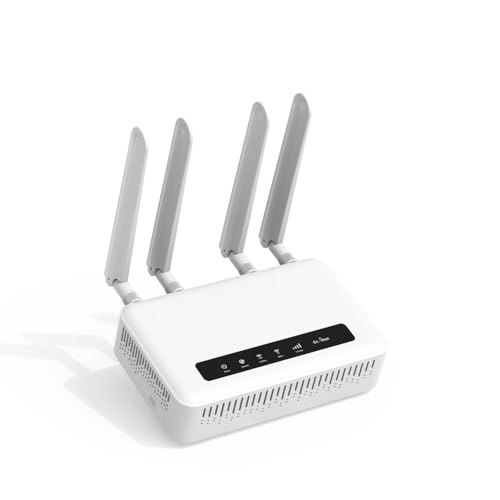
Shopping for the best 4g lte routers for the first time? Learn the key terms, compare coverage and speed options, and choose with confidence.
Buying your first cellular router can feel confusing because the boxes mix phone terms, WiFi terms, and marketing numbers. This guide starts with the plain basics, then walks you through each spec in everyday language. By the end, you will know what the best 4g lte routers need to do for your home, your cabin, or your small office.
You do not need an engineering background to choose well. You need to match four things: your signal strength, your data plan, your home size, and the number of devices you connect. The comparison table below gathers the key facts in one place, and the sections after it explain how to read those facts.
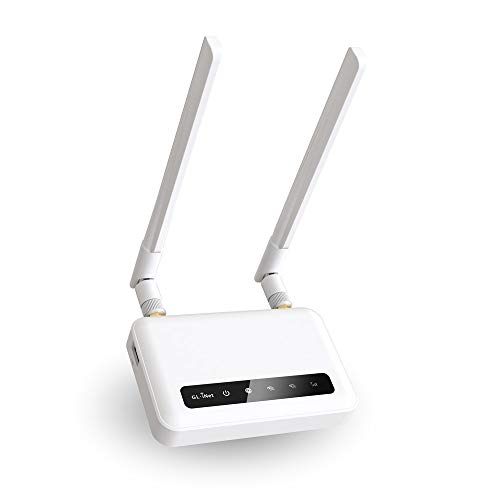

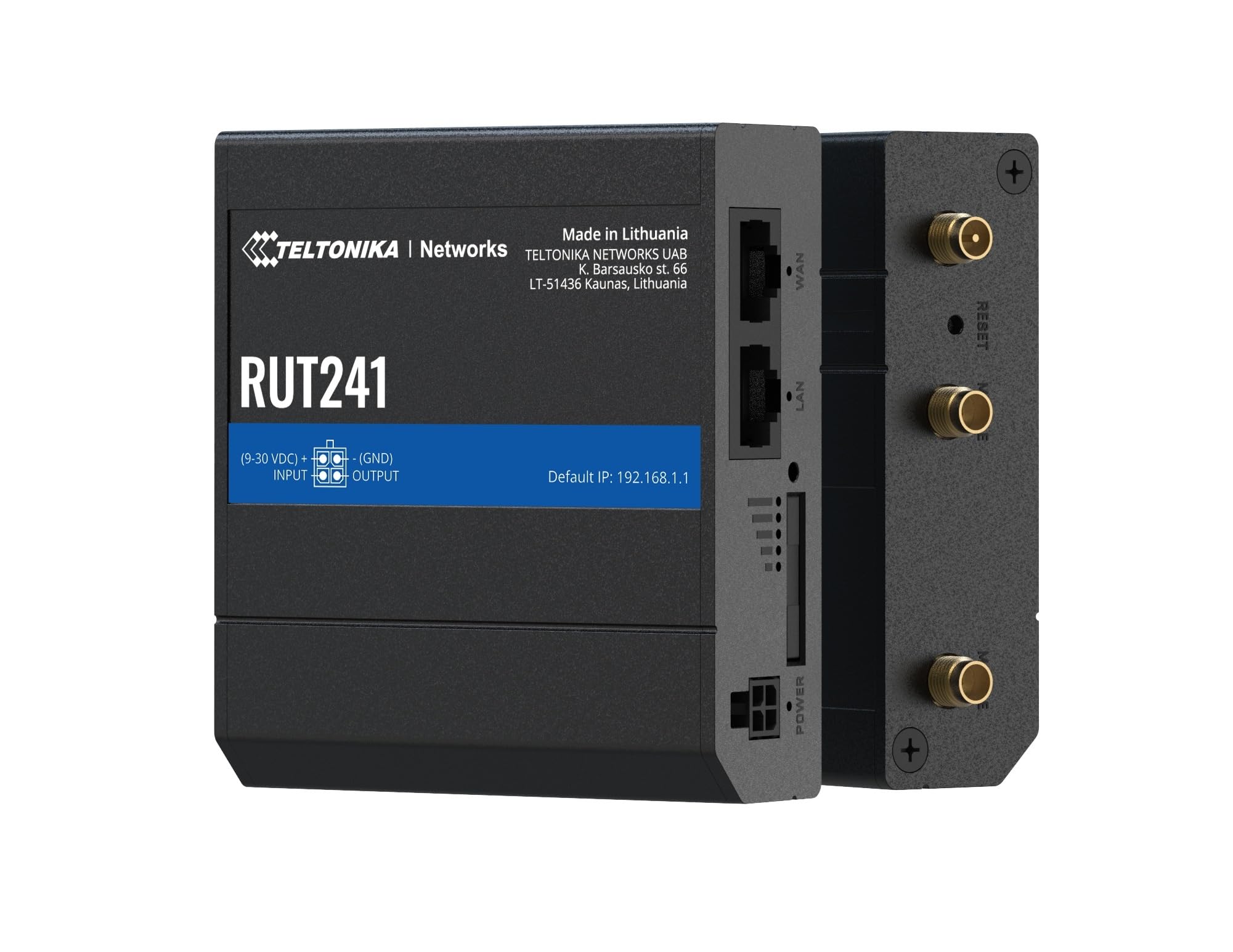
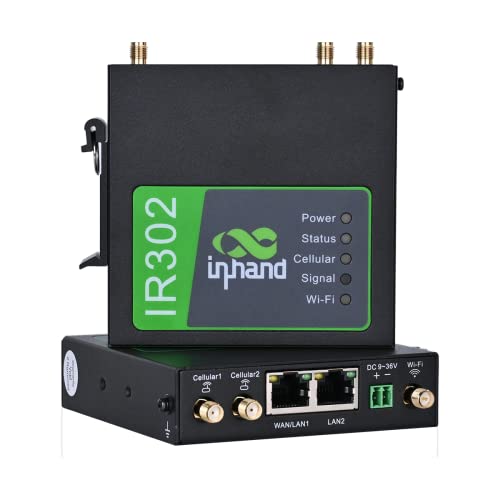
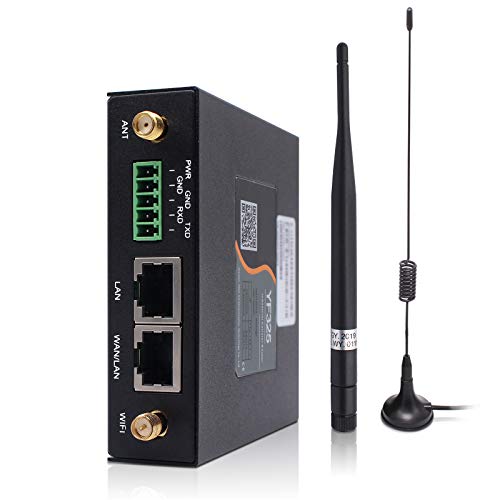

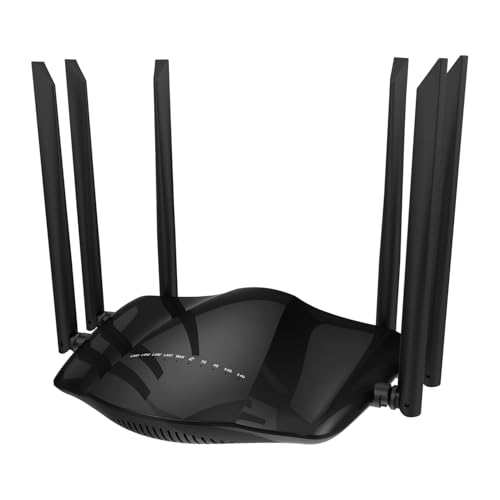


4g Lte Routers 101: The Basics
A 4G LTE router is a box that connects to the internet through a mobile network instead of a cable or fiber line. Inside, a modem talks to a nearby cell tower using a SIM card, much like your phone does. The router part then shares that connection with your devices over WiFi and through wired ports.
This setup suits homes without good wired service, renters who move often, travelers, and anyone who wants a backup link when the main line fails. Speed depends mostly on tower distance, signal quality, and how busy the network is at that hour. A strong router cannot create signal that is not there, but good antennas and smart placement can make a weak signal far more usable.
Some products combine the modem and router in one unit, while others pair a separate modem with a standard router. If you are comparing combined units, see our guide to the best 4g lte modem router for how that layout differs. First time buyers usually prefer one combined box because setup is simpler and there is only one power supply and one app to manage.
Key Specs Explained in Plain English
WiFi Standard (WiFi 6, 6E, 7)
The WiFi standard controls how the router talks to devices inside your home, not how fast the tower connection is. WiFi 6 is the sensible baseline for most buyers because it handles many devices efficiently and works with almost everything you own. WiFi 6E adds the 6 GHz band, which is fast over short distances but needs newer phones and laptops to use it.
WiFi 7 is the newest option and helps in busy homes with very new gear, yet it rarely changes real world results on a 4G link. The cellular side is usually the bottleneck, so do not pay a large premium for WiFi 7 alone. Put your money toward better antennas and coverage first.
Coverage and Home Size
Coverage ratings on boxes assume open space, while real homes have walls, floors, and appliances that block signal. As a rough guide, one well placed router covers a small apartment or a compact single story home. Larger homes, thick walls, and multiple floors usually call for a mesh setup with two or three nodes.
Mesh nodes talk to each other and create one network name across the whole home, so your phone moves between them without dropping. A single stronger router costs less and is easier to manage, but it cannot beat physics in a long or tall house. Measure your space honestly before you buy, and count the rooms where you actually stream or work.
Number of Devices and MU MIMO/OFDMA
Count every connected item in your home, including TVs, cameras, speakers, and smart plugs, because they all share the router. MU MIMO lets the router talk with several devices at the same time instead of making them wait in line. OFDMA splits one channel into smaller pieces, which helps when many gadgets send small bursts of data.
Together these features keep a busy home smooth even when each device uses little bandwidth. Households with connected laptops are a good example, and if some of yours have their own cellular plans, our guide to the best laptops with 4g lte explains that separate option. For most families, a router rated for a few dozen devices is plenty, as long as the data plan can keep up.
Security and Parental Controls
Look for WPA3, the current WiFi security standard, which protects your network password far better than older modes. Automatic firmware updates matter just as much, because they close security holes without any effort from you. A guest network is also worth having, since it keeps visitors and smart gadgets away from your main computers.
Parental controls range from simple website blocking and schedules to paid subscriptions with detailed reports. Basic controls are often free, while advanced filtering may cost a monthly fee, so check before you count on a feature. Whatever you choose, change the default admin password during setup and store the new one safely.
Setup and App Management
Most modern routers set up through a phone app that walks you through each step in about fifteen minutes. A good app shows which devices are connected, lets you pause access, and alerts you when new firmware arrives. Clear signal strength readouts in the app are a real plus on a cellular router because they help you find the best spot near a window.
External antenna ports are another beginner friendly feature worth checking. They let you add antennas later if your signal is weak, without replacing the whole router. If a model hides basic settings behind a paywall or a confusing web page, that is a sign to look at a simpler option.
Gaming Features (QoS, Low Latency)
Latency is the delay before data starts moving, and it matters more for gaming than raw download speed. QoS, short for Quality of Service, lets the router give priority to a game console or a work call when the connection gets busy. On a 4G link, where total speed rises and falls, this priority setting can keep calls clear and games responsive.
Do not expect any router to remove the extra delay that a mobile network adds compared with fiber. What good QoS does is stop a big download or a cloud backup from ruining everything else. If you play competitively, use a wired connection from the console to the router whenever you can.
Rookie Mistakes to Avoid
- Ignoring the data plan. The router is only half the purchase, because a small data cap will run out fast with streaming and game downloads.
- Buying for the box speed rating. Big numbers describe ideal conditions, while your real speed comes from the tower and your plan.
- Skipping band support. Your carrier uses specific LTE bands, and a router that misses the main local band will perform poorly no matter how new it is.
- Hiding the router in a cabinet. Closed furniture and metal shelves weaken both the cellular signal and the WiFi signal.
- Forgetting the return window. Signal at your address is hard to predict, so buy from a seller with a fair return policy and test during busy evening hours.
Shoppers who want a broader look at cellular options can also read our guide to the best 4g routers and our guide to the best lte routers, since the terms overlap and the same buying logic applies.
Getting Started: Setup and First Use
Start by activating the SIM card and confirming the plan works in a phone if you can, which rules out account problems early. Insert the SIM, power on the router, and place it centrally and elevated, ideally near a window that faces your nearest tower. Run the app setup, set a strong WiFi password, and connect your most important devices first.
Next, walk through your home with a phone and note any slow rooms before you settle on the final spot. Small moves of even a few feet can change signal readings, so test two or three locations. Update the firmware right away, then again every few months, because updates improve stability and security.
Finally, watch your data use during the first week to learn your real habits. Set alerts in the app or with your carrier so a streaming binge does not surprise you at the end of the month. Keep the box and receipt until you are sure evening speeds meet your needs.
Frequently Asked Questions
Will a new router speed up my internet?
Only up to the limit of your signal and your plan. A better router helps when your old unit has weak WiFi, drops devices, or lacks the LTE bands your carrier now uses. It cannot beat a distant tower or a throttled plan, so check signal strength and plan terms first.
Mesh or a single router: which is better?
A single router is better for small, open homes because it costs less and sets up faster. Mesh wins in larger homes, homes with several floors, and homes with thick interior walls. If one room always struggles while the rest of the home is fine, adding one mesh node usually fixes it.
How often should I replace my router?
Plan on about four to six years for a home router. Replace sooner if security updates stop, if WiFi drops become routine, or if your carrier rolls out bands your unit cannot use. A router that still gets firmware updates and meets your speed needs does not need replacing just because a newer WiFi standard exists.
Do I need WiFi 7 yet?
Most first time buyers do not need WiFi 7 yet. Your phones and laptops must support it to gain anything, and a 4G connection is normally slower than what WiFi 6 already delivers. Spend first on antenna options, coverage, and a data plan with enough room for your household.
The Bottom Line
Focus on three things: LTE band support that matches your carrier, coverage that fits your home, and an app that makes setup and updates easy. WiFi 7 badges and giant speed numbers matter far less than signal quality and a sensible data plan. When you are ready to compare, look back at the product table above and shortlist the best 4g lte routers for your space and budget. Keep this guide handy whenever you review the best 4g lte routers again.


