Best 4g Lte Modem Router in 2026: Which Type Is Right for You?
Disclosure: We may earn a commission when you buy through links on this page, at no extra cost to you. As an Amazon Associate I earn from qualifying purchases. Learn more
Compare the best 4g lte modem router types by coverage, speed, ports and price, so you can pick a setup that fits your devices and your data plan.
Cellular internet can feel confusing because one box may combine a modem, a router and a WiFi radio, while another needs a separate modem or a SIM plan to work at all. A best 4g lte modem router brings those jobs together, taking a mobile signal from a SIM card and sharing it with your phones, laptops, TVs and smart home gear. The comparison table below gives a quick overview of the main types, and the sections that follow explain how each type works and who it suits best.
The right choice depends less on headline speed and more on where you use it, how many devices you connect and how strong your mobile signal is at that spot. A home setup needs different strengths than a portable travel hotspot, an RV setup or a backup link for outages. Start with your location and your device count, then compare types against those needs. The product table lists current options that fit these types.



Types of 4g Lte Modem Routers Compared
The table below compares the main types by best use, strengths, limits and typical price. Use it as a starting point, then read the type sections for the details that affect daily use.
| Type | Best For | Pros | Cons | Typical Price |
|---|---|---|---|---|
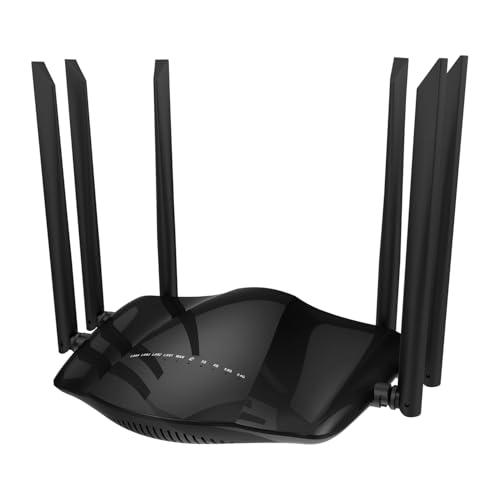
| Desktop home routers | Home internet, small offices, rural homes | LAN ports, external antennas, steady power | Not portable, speed limited by LTE category | About $40 to $130 |
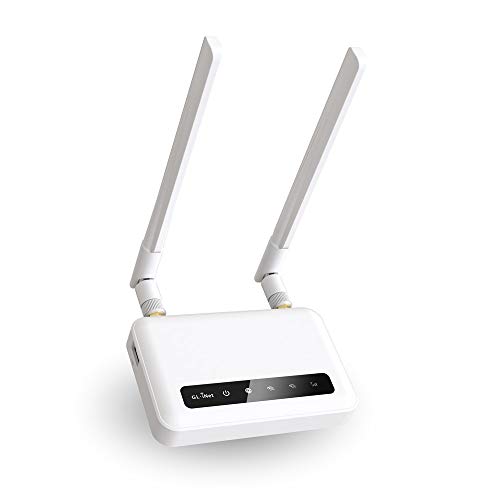
| Portable and travel routers | Travel, RVs, cars, temporary setups | Battery, compact size, VPN support on some | Fewer ports, lower device capacity | About $25 to $170 |
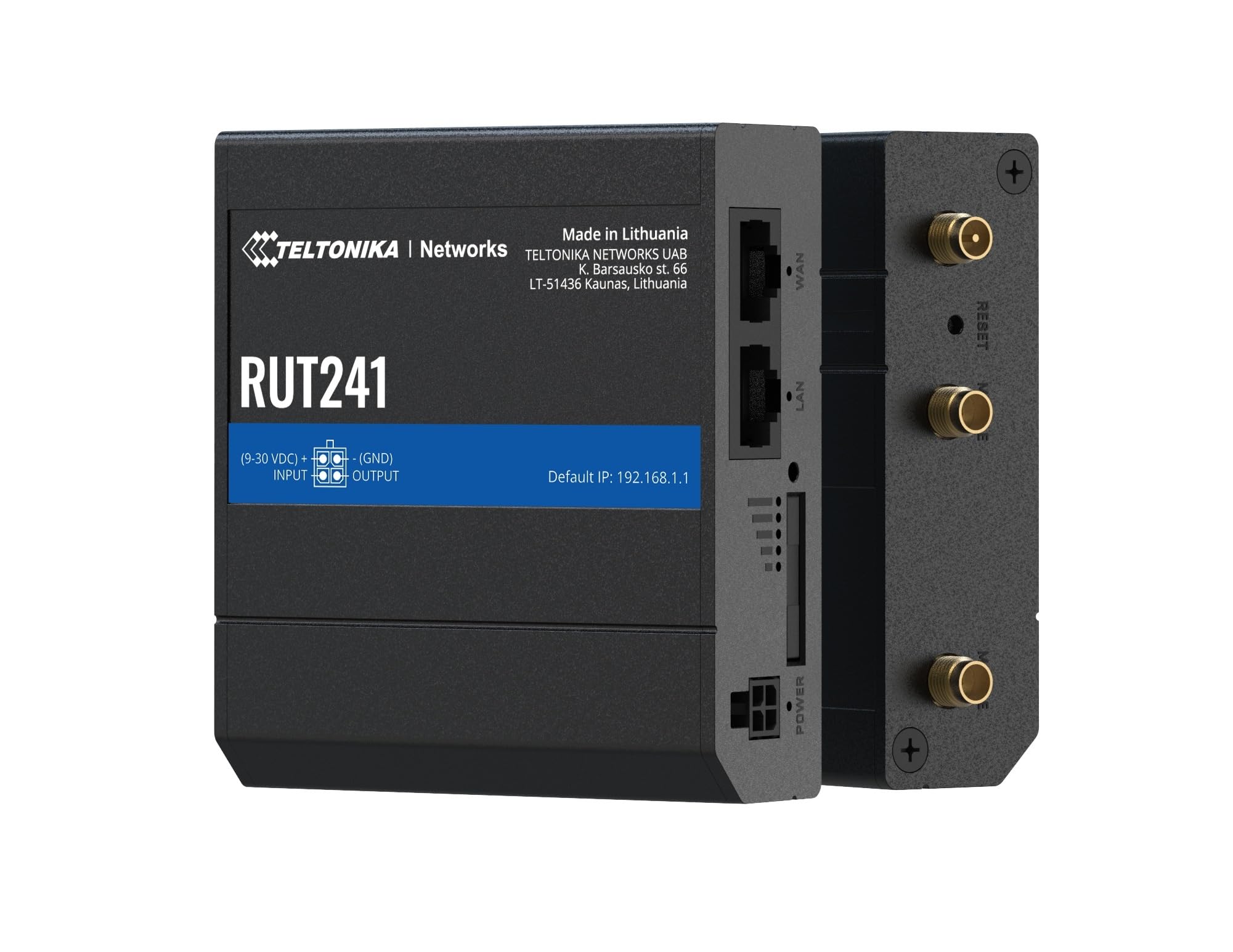
| Dual SIM and industrial routers | Backup links, remote sites, business use | Failover, rugged build, remote management | Higher price, more setup | About $120 to $250 |
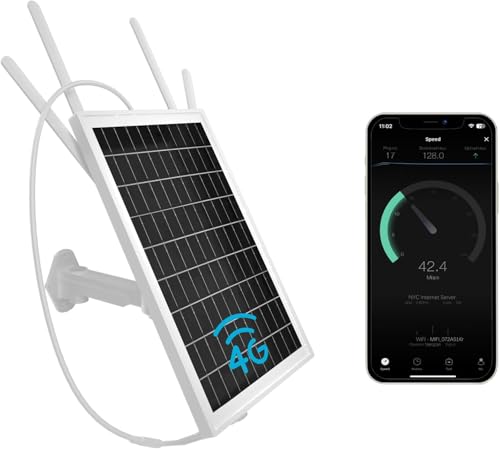
| Outdoor and solar routers | Gardens, farms, cabins, cameras | Weather ready, no nearby outlet needed | Lower speeds, needs sun and placement care | About $90 to $130 |
Desktop Home Routers
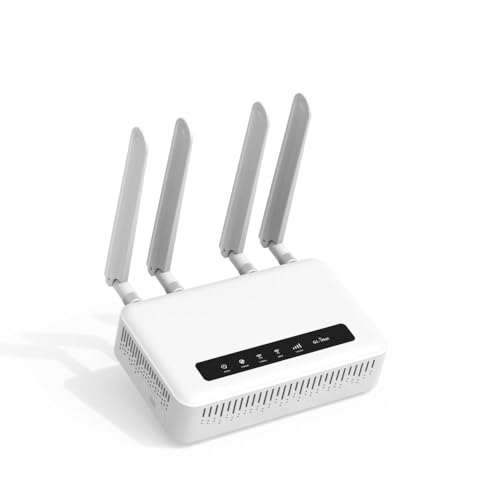
A desktop 4G LTE modem router holds a SIM card, converts the mobile signal to WiFi and usually adds a few Ethernet ports. It suits homes without good wired service, rural addresses and small offices that want one box to place and one power cable to manage. Placement matters: a spot near a window and away from thick walls often gives a stronger mobile signal than a basement corner.
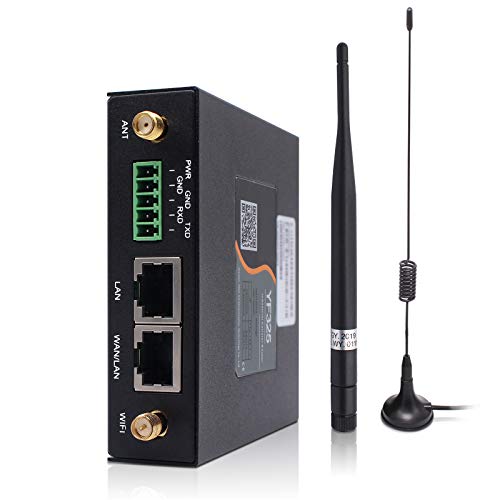
Many models have detachable antennas, which lets you add a better external antenna later if the signal is weak. For a wider look at this class, see our guide to the best 4g lte routers.
Portable and Travel Routers
Portable models run on a built-in battery or USB power and are made for trips, vehicles and short stays. They suit people who want a private network with a VPN, or who need to share one SIM plan across a phone, a laptop and a tablet. Battery life, device limits and WiFi range are smaller than on a desktop unit, so they work best as a second connection rather than the main home link.
Always check that the model supports the bands used by your US carrier. Some travel routers are built for other regions and will not work well here. For comparing combined and separate setups, see our guide to the best modems and routers.
Dual SIM and Industrial Routers
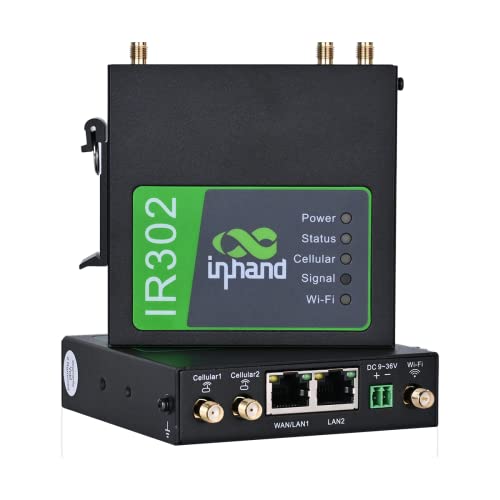
Dual SIM routers can switch between two carriers when one signal drops, which makes them useful for business backup, remote cameras and sites where downtime costs money. Industrial models add rugged housings, wide power input, serial or I/O ports and remote management tools. They cost more and take longer to configure, so they are overkill for a simple home connection.
If you only want a plain cellular router for the home, the models in our guide to the best lte routers are a simpler place to start.
Outdoor and Solar Routers
Outdoor models are built for gardens, barns, cabins and job sites where an indoor router would not reach or survive. Solar versions cut the need for a nearby outlet, which helps with remote cameras and farm sensors. Speeds are usually modest, and results depend on sun exposure, mounting height and the local carrier signal.
Home Router vs Portable Router: Which Should You Choose?
Compare the two on coverage, device count, ports and price. A desktop home router wins for steady daily use, more connected devices and wired connections to a TV, console or PC. A portable router wins when you move between places or need a connection that works without a wall outlet.
If your mobile signal is weak, neither type fixes that on its own, so external antenna support and placement may matter more than the router class. Choose a desktop model for a fixed home link, and a portable one when flexibility is the priority.
How to Choose the Right 4g Lte Modem Router
Work through the factors below in order, since each one can rule out a type before you compare prices.
Carrier and Band Support
Check that the router supports the LTE bands of your carrier, such as AT&T, T-Mobile or Verizon, and whether it is listed as unlocked or certified for North America. A router built for another region may connect poorly or not at all. Confirm the SIM size your plan uses before you buy.
LTE Category and Speed
The LTE category sets the top mobile speed. Cat 4 models reach about 150 Mbps in ideal conditions, while Cat 6 and higher can go faster where the carrier supports it. Real speeds depend on signal strength and network load, so a higher category helps only if your area has the coverage to use it.
WiFi Standard and Device Count
Entry models offer single or dual band WiFi for about 10 to 32 devices, while newer units add WiFi 6 for busier homes. The mobile link is usually the real limit, so a basic dual band router is enough for most households. Count always on devices such as cameras and speakers as well as phones and laptops.
Ports and Antennas
Ethernet ports let you wire a TV, console or desktop for a steadier link. Detachable antennas with SMA connectors let you upgrade to a better external antenna if the signal is weak. Check the port count and antenna type before you buy.
Data Plan and Extras
Confirm that your plan allows router use, since some phone plans restrict hotspot or tethering. Check the data allowance against your monthly use, because video streaming can use data quickly. Features such as VPN support, failover and remote management matter mainly for travel and business setups.
Care and Maintenance Tips
Place the router near a window and elevated, away from thick walls, metal cabinets and large appliances that can block the signal. Update firmware regularly, and change default admin passwords to a strong unique password. Keep the router ventilated, keep small parts away from children, and follow the manufacturer's electrical guidance, including using the supplied power adapter and replacing damaged cables.
FAQs
Does a 4g lte modem router need a SIM card and a data plan?
Yes, a cellular modem router needs a SIM card and an active data plan from a mobile carrier to connect. Check that the router supports the carrier bands and the SIM size for your plan, and confirm that the plan allows router use, since some phone plans restrict tethering or hotspot use. Also check the data allowance against your monthly use.
Can a 4g lte modem router replace home internet?
It can for light to moderate use, especially in areas without good wired service. Speeds and data limits depend on your carrier signal and plan, so heavy streaming or many users may hit caps or slowdowns. Check local coverage and plan terms first.
Will it work with any carrier?
Not always. Unlocked models still need to support the bands your carrier uses, and some are built for other regions. Look for a model listed for North America and check the band list against your carrier.
Do I need WiFi 6 or WiFi 7 for a 4g lte modem router?
Usually not. The mobile connection is the main speed limit, so a basic dual band router handles most homes. WiFi 6 helps with many devices on a busy network, while WiFi 7 offers little gain on a 4G link.
How can I improve a weak signal?
Move the router near a window or higher in the home, and try different spots. If the model has detachable antennas, a higher gain external antenna can help. Keep it away from metal and thick walls.
The Bottom Line
Match the type to your location, device count and signal strength before you compare prices. A desktop router suits a fixed home link, a portable router suits travel, a dual SIM industrial model suits backup and business use, and an outdoor solar model suits remote spots. Prices run about $25 to $250 across these types. If you check carrier bands, placement and plan limits first, a best 4g lte modem router can give you a flexible connection, and the product table can help you compare the options side by side.