
Best 4G Laptops: Buying Guide for 2026
Disclosure: We may earn a commission when you buy through links on this page, at no extra cost to you. As an Amazon Associate I earn from qualifying purchases. Learn more

Use this buying guide to choose the best 4g laptops for work, study, and travel, with clear help on processors, battery life, weight, ports, and data plans.
A laptop with a built in mobile connection changes how you work. It wakes up already online in a taxi, a client office, or a rural rental, with no hotspot pairing and no hunt for a cafe password. For field staff, frequent travelers, and anyone whose home internet is unreliable, that quiet convenience is the whole point.
This guide to the best 4g laptops explains what the cellular option costs, which specs matter once you add a modem, and how to avoid paying for power you will never use. Browse the comparison table below first, then work through the tiers and features.

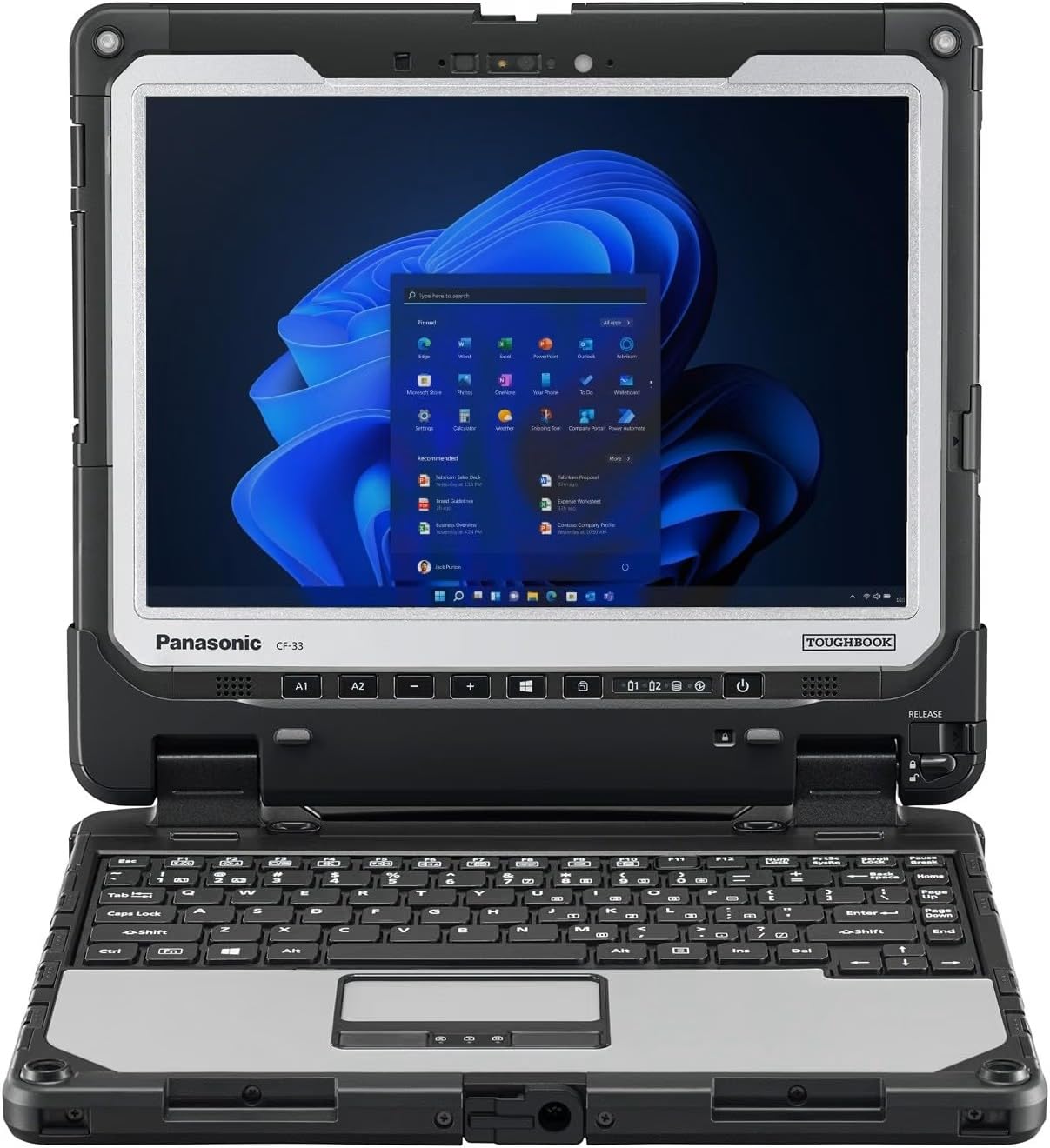

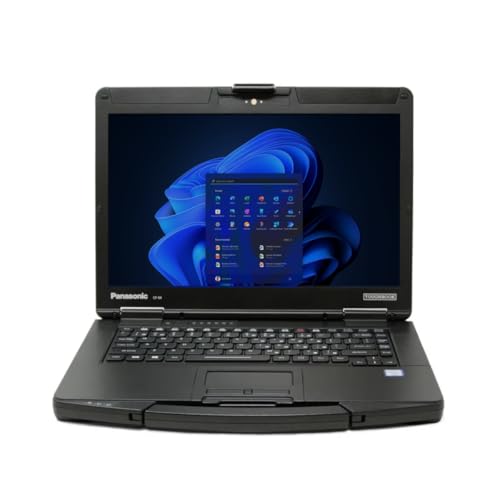
What Each Price Level Delivers
Budget Tier: Connected Basics Done Well
Around $500 to $800, expect a capable everyday processor, 8GB of memory, and a 256GB solid state drive alongside the 4G modem. Screens at this level are usually Full HD and bright enough for indoor work. These machines suit email, documents, video calls, and cloud tools for staff who move between sites. The limits are build materials, dimmer screens in sunlight, and shorter battery claims. This tier covers the job without drama, as long as you confirm the modem bands match your carrier.
Balanced Tier: The Sweet Spot for Most Workers
Around $800 to $1,300, laptops gain faster processors, 16GB of memory, brighter screens, and aluminum bodies that shrug off daily travel. Battery life stretches toward a full working day, and keyboards feel noticeably better. This is where most professionals should shop, because the gains show up every hour. Shoppers who also weigh the broader class of best notebook laptops will find the same tier logic applies, with the modem and data plan added on top.
Premium Tier: Power, Screens, and Long Support
Above about $1,300, you pay for flagship processors, vivid high resolution or OLED screens, slimmer bodies, and longer software and security support. These laptops suit executives, creators, and specialists who keep one machine for four or five years, with better webcams and quieter cooling. The modem itself is not faster at this level, since all tiers share the same 4G networks, so judge the premium on screen, speed, and durability rather than on connectivity claims. If those traits will not change your week, the balanced tier is the smarter spend.
How to Choose: A Buying Guide
Processor and Performance Tier
Match the processor to your heaviest regular task. Office work, browsing with many tabs, and video calls run well on midrange chips from the current Intel Core or AMD Ryzen families, or on efficient ARM based designs that favor battery life. Data analysis, large spreadsheets, coding, and media work justify a step up. Remember that a cellular modem adds a constant small power draw, so an efficient chip protects your working day. Chasing the fastest chip for light tasks wastes money and often adds fan noise and heat you will notice in meetings.
Weight and Portability
A travel laptop should stay near or under three pounds, with a charger that does not add a brick of regret to your bag. Students crossing a big campus feel every extra half pound by week two, which is why guides to the best laptops for college stress weight alongside price. Screen size pulls the other way: 14 inches balances view and bulk for most people, 13 inches suits constant motion, and 15 or 16 inches suits desk heavy roles. Check the total travel weight with charger and case before you commit.
Battery Life in Real World Use
Maker claims assume gentle settings, so expect less with the modem active, the screen bright, and calls running. A claimed twelve hours often becomes eight or nine in mixed field work. Fast charging over USB C helps, since a short airport stop can return hours of use. Look for a battery of at least about 50 watt hours, and check whether the cellular version carries the same battery as the WiFi only version, because modem hardware sometimes shrinks it.
Operating System
Built in 4G is mostly a Windows story, with a smaller set of ChromeOS models aimed at schools and light office work. Windows gives you full desktop software and the widest choice of cellular models, including the closely related class covered by our guide to the best laptops with 4g lte. ChromeOS is simpler and often cheaper but depends on web and Android apps. Apple laptops do not offer a built in cellular modem, so Mac fans pair with a phone hotspot instead. Choose the system your software and employer support first, then shop for the modem inside that world.
RAM and Storage
Treat 16GB of memory as the comfortable standard for a machine you will keep for years, with 8GB acceptable only for light browser and document work on a tight budget. Memory is soldered in most thin laptops, so you cannot upgrade later; buy for your future workload, not your current one. For storage, 512GB suits most workers, while 256GB fills fast if you carry media or large project files. A fast solid state drive keeps wake times and file searches quick, which matters when you open the lid ten times a day.
Graphics (Integrated vs Dedicated GPU)
Integrated graphics handle office work, streaming, and light photo edits with ease, and they sip power, which protects battery life on the road. A dedicated graphics card earns its cost and weight only for serious gaming, 3D work, or heavy video editing with effects. It also shortens unplugged time, a real cost in a machine bought for mobility. Most 4G models are thin travel designs with integrated graphics by intent. If your work truly needs a graphics card, expect a larger machine and plan your day around power outlets.
Ports and Connectivity
Beyond the modem, check the everyday ports. Two USB C ports with charging, one full size USB or HDMI port, and a headphone jack cover most travel needs without a pocket full of adapters. WiFi 6E or WiFi 7 still matters for fast office and home networks, since you will use WiFi whenever it is available and save mobile data. For the modem itself, confirm SIM type, eSIM support, and band coverage for the countries you visit. A laptop that roams well in your region but lacks key bands abroad will disappoint on the trips that motivated the purchase.
Types of 4G Laptops
Budget Laptops
Budget models keep the modem and cut the frills: plastic bodies, modest screens, and smaller batteries. They fit fleet purchases, school programs, and light field roles. If the price gap to the balanced tier is small during a sale, step up, because screen and battery gains are daily quality of life. Timing helps here, and our notes on the best time to purchase laptops explain the sale seasons when last year models drop sharply.
Ultraportables
Ultraportables are the natural home of the 4G modem: thin, light, and built for people who work in three places a day. They cost more per unit of raw speed, but the weight savings and battery life are the product. Most professionals who travel weekly should start here and add memory and storage to taste.
Gaming Laptops
Gaming laptops with built in 4G are rare, because big graphics cards, thick cooling, and short battery life fight the always connected idea. Most gamers are better served by a strong home connection and a phone hotspot away from base. If you find a cellular gaming model, check its weight and unplugged endurance honestly before paying for a modem you will mostly use near a wall socket.
2 in 1 Convertibles
A 2 in 1 convertible folds into a tablet shape, which suits site inspections, forms, presentations, and media on a plane tray. Pen support is common and useful for marking up plans and signing documents in the field. The trade offs are slightly higher weight than a plain clamshell and hinges that add a failure point. For workers who split time between typing and standing tasks, this is often the most practical shape of all.
Setup and Care Tips
- Keep the OS and firmware updated. Modem firmware updates in particular can improve signal handling and battery use, so install them rather than postponing for months.
- Avoid running at a full charge all the time. If the laptop lives on a desk, use the battery health setting that caps charge, which slows long term wear.
- Use a padded sleeve when commuting. Thin lids and large screens crack under point pressure in a crowded bag.
- Clean vents with compressed air. Short bursts every few months keep cooling quiet and prevent slowdowns under load.
- Set a data limit in the system settings. Background updates over mobile data can consume a plan quickly, so mark the cellular connection as metered.
- Activate the SIM with your carrier before a trip. Provisioning issues are far easier to solve at home than from an airport lounge.
FAQs
Should I buy a laptop or a tablet for mobile internet?
Buy the laptop if you type a lot, run desktop software, or work with many files and windows. Buy a tablet if your days are reading, calls, forms, and media in hand. A cellular laptop also shares its connection more gracefully with heavy work tools, while a tablet wins on weight and instant use. Many field workers carry the laptop as the main machine and skip the second device entirely once the modem proves reliable.
Is a dedicated GPU worth it in a 4G laptop?
Only for gaming, 3D design, or heavy video work. For office tasks it adds cost, weight, heat, and battery drain without a visible gain. Integrated graphics in current processors are strong enough for presentations, streaming, and light creative work. If your role needs a graphics card daily, you likely need a workstation class machine, and the modem becomes a minor feature next to cooling and screen quality.
How long should a 4G laptop last?
Plan on four to six years for a balanced or premium model. The modem standard ages slowly, since 4G networks will run alongside newer networks for years, so software support and battery wear set the real limit. A replaceable or serviceable battery extends useful life, and 16GB of memory bought today keeps the machine comfortable longer. Budget models used hard may feel slow by year three, mostly due to modest processors and smaller batteries rather than the modem.
Is a Chromebook enough for school with a 4G connection?
For browser based classes, documents, and research, yes, and cellular Chromebooks are often the cheapest way to keep a student connected on buses and in homes without broadband. Check that the school platform and exam software run in a browser, and confirm the data plan covers a full term. Students who need desktop apps for design, coding, or statistics tools should choose a Windows model instead. The connection type matters less than the software fit.
How much RAM does a 4G laptop need?
Most buyers should get 16GB. It keeps many tabs, calls, and documents open at once without slowdowns, and it cannot be added later in most thin designs. 8GB remains workable for light use at a low price, and value hunters scanning the best reasonable laptops will see it often, but treat it as a minimum with a shorter comfortable life. Creative and data heavy work benefits from 32GB, especially with large files kept open all day.
Our Verdict
Decide in this order: software fit, then weight and battery, then memory and storage, then processor speed. Confirm the modem bands and SIM type for your carrier before you pay, and price the data plan into the true cost. Compare the best 4g laptops in the product table above with those checks in hand, and the right tier for your travel pattern should stand out clearly. Keep this guide handy whenever you review the best 4g laptops again.


