
Best 4000 Lumen Projectors: Our 2026 Checklist and Buyer Guide
Disclosure: We may earn a commission when you buy through links on this page, at no extra cost to you. As an Amazon Associate I earn from qualifying purchases. Learn more

Compare 4000 lumen projectors with a clear checklist on brightness, throw distance, resolution, light source life, fan noise, and mounting for bright rooms.
Two projectors can both claim 4000 lumens and still look very different in a bright living room. The best 4000 lumen projectors earn that rating in a standard measurement and hold brightness on color as well as white. This guide uses a checklist instead of hype, and the comparison table below lets you line up the core specs side by side.
Start with your room, not the headline number. Note how much daylight reaches the screen area, how large an image you want, and how far the projector can sit from that screen.


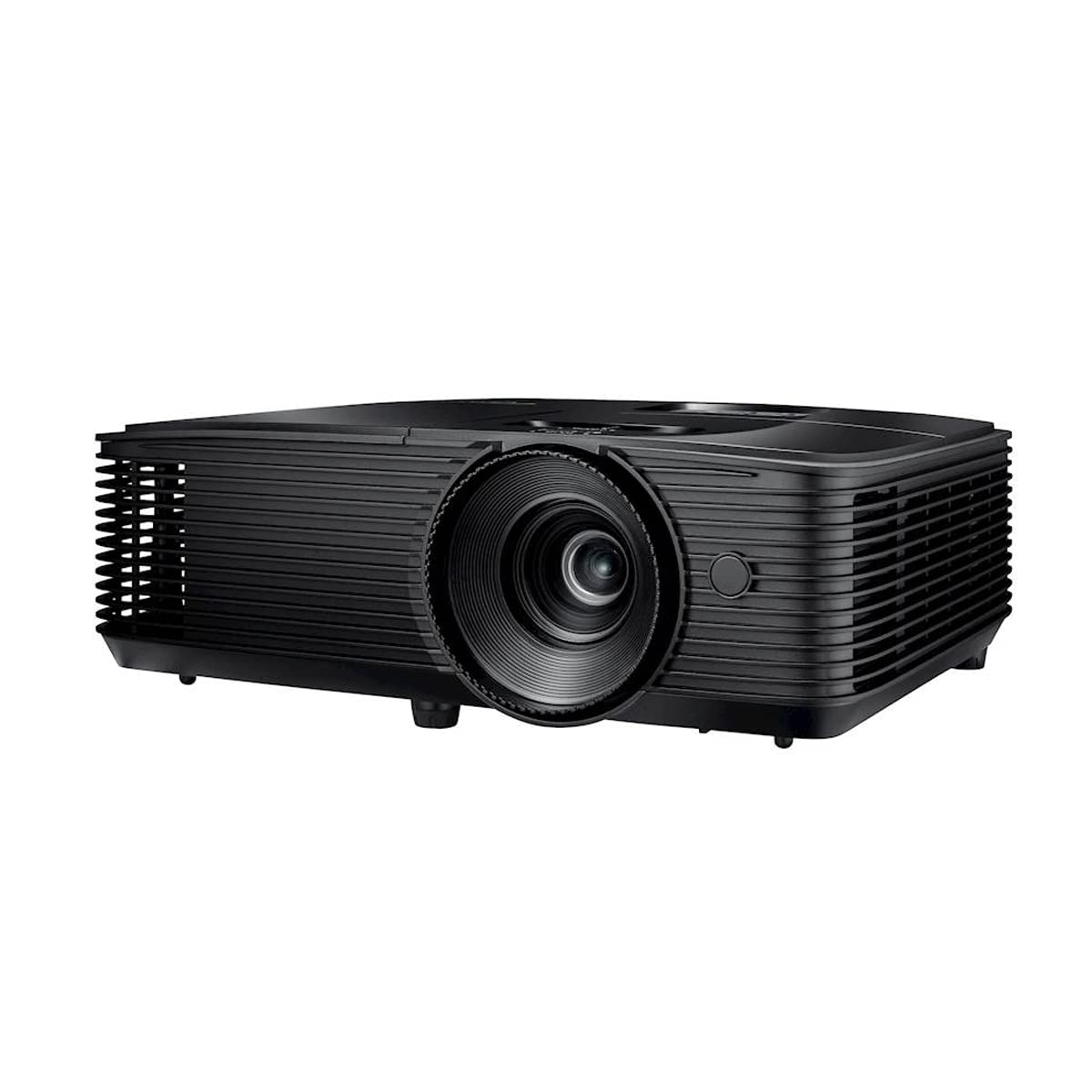
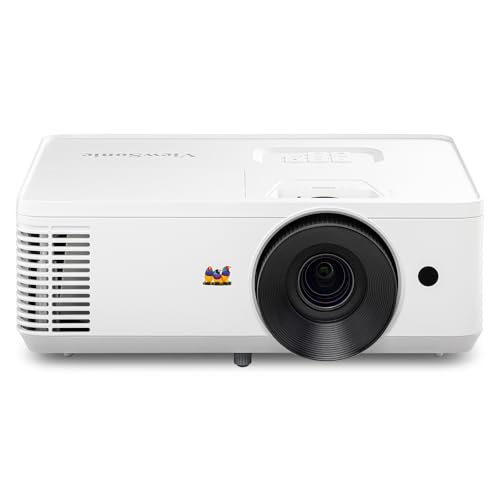
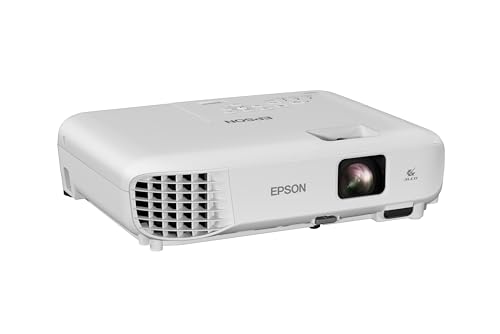
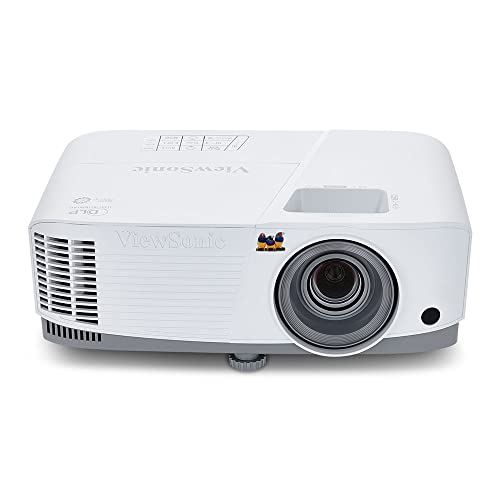
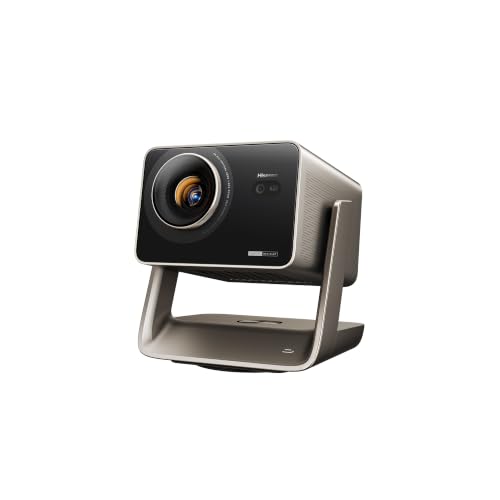

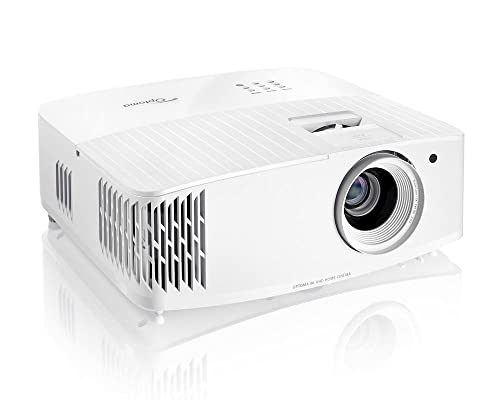

Who Should Buy a 4000 Lumen Projector
Living Room Viewers With Windows and Lamps
You watch sports, shows, and family movies in a room that is rarely fully dark. A projector at this brightness can keep an image of about 100 to 120 inches readable and colorful in that setting. If direct sun falls straight onto the screen wall, even this class will look washed out, so also read our guide to the best high lumen projectors.
Teachers and Presenters in Bright Classrooms and Offices
You present slides, spreadsheets, and video to a group, and the lights stay on so people can take notes. Brightness at this level keeps large, bold text legible from the back row on a moderate screen. You also need quick startup and a speaker loud enough for speech.
Backyard and Garage Hosts Who Start Before Dark
You set up for a game or a movie night while the sky is still light, and you want the picture watchable before full darkness arrives. A 4000 lumen model gives you that earlier start on a portable screen, as long as no porch light shines directly on it. For placement and screen choices outdoors, see our guide to the best projectors for outside.
Key Features to Compare
When you compare the best 4000 lumen projectors, judge the headline brightness first and then work through the factors below. A model that wins on lumens but fails on throw distance or noise will frustrate you daily.
True Brightness and How Lumen Claims Are Measured
Brightness claims only help when they follow the ANSI or ISO standard, which measures light from the screen at several points and averages the result. Some listings instead quote the raw output of the light source itself, a figure that can look far larger than what reaches your wall. Also ask about color brightness, since a projector can hit its number on pure white and still show dull color. If accurate color matters most, see our guide to the best quality projectors.
Light Source Type and Rated Life
The light source decides how brightness fades and what upkeep costs you face. Lamp models cost less at purchase, yet the lamp dims with use and needs replacement after a few thousand hours. LED and laser models usually carry rated lives of about 20,000 to 30,000 hours and hold brightness more steadily, but they cost more upfront. Daily presenters gain most from that longer life, while weekend viewers can use a lamp for years.
Native Resolution and Display Technology
Native resolution tells you how many pixels the projector actually creates, while a supported resolution only tells you what signal it can accept and shrink. A native 1080p model shows fine text and film detail honestly, and true 4K models add sharper edges on very large screens at a higher price. DLP designs tend to be compact with crisp motion, while LCD designs often show strong color with no color wheel effects.
Throw Ratio, Zoom, and Lens Shift
Throw ratio links distance to image width, so it decides whether a projector can fill your screen from the spot you actually have. Divide the distance from lens to screen by the image width you want, then check that result against the listed ratio range. Zoom gives you freedom to fine tune size without moving the mount, and lens shift moves the image without tilting the unit. Keystone correction discards pixels and softens detail.
Contrast and HDR Handling in a Bright Room
Contrast describes the gap between the darkest and brightest parts of the image, and room light lifts the dark end of that gap no matter what the spec sheet says. A modest contrast rating can still look punchy in daylight, while deep movie blacks only appear once the room darkens. HDR support helps mainly through tone mapping, which keeps bright highlights balanced instead of blown out.
Fan Noise, Ports, and Built In Sound
A bright projector moves a lot of heat, so fan noise often sits around 30 to 40 decibels, and an eco mode usually runs quieter at lower brightness. If your seats are close, that difference is easy to hear during quiet scenes. Look for at least two HDMI inputs so a streaming stick and a laptop can stay plugged in, plus an audio output for a soundbar. Built in speakers suit speech, but rarely fill a large room.
Matching Screen Size and Throw Distance to Your Room
Measure before you order. Write down the width of the largest image your wall allows, the distance from that surface to the only shelf or mount position you can use, and the height where the lens will sit. Then run the throw calculation from the section above for each model on your short list.
Bigger is not always better at this brightness. Spreading 4000 lumens across a 150 inch image gives each part of the picture less light than the same output on a 110 inch image, so a huge screen in a bright room can look flat. If your room demands both, step up a class and see our guide to the best 5000 lumen projectors.
Use this quick checklist before you buy:
- Can the projector fill your screen from your one available mounting spot?
- Is the brightness figure an ANSI or ISO rating rather than a source rating?
- Does the native resolution match the content you show most often?
- Can you darken the screen area at least partly during the day?
- Does the fan noise level suit seats placed near the projector?
- Are there enough HDMI inputs for every device you plan to connect?
- Does the warranty cover the light source, and for how long?
Common Mistakes to Avoid
- Trusting the largest lumen number on the listing, so you end up with a dimmer picture than promised.
- Ordering before you measure throw distance, so the image overflows your screen or cannot fill it.
- Stretching the image to 150 inches or more in a bright room, so colors look thin and washed out.
- Relying on keystone correction every day, so you lose resolution and watch a softer picture.
- Mounting the projector where its vents are blocked, so heat builds up and shortens light source life.
- Judging the picture with the factory vivid setting, so you reject a good projector for harsh color.
Care and Maintenance of a 4000 Lumen Projector
Dust and heat are the two enemies you can actually control. If your model has an air filter, clean or replace it on the schedule in the manual, and keep the vents clear on every side. A clogged filter raises internal temperature, and heat ages lamps, LEDs, and fans fastest.
Clean the lens only when you see a smudge or a soft spot in the image, using a soft, dry microfiber cloth and a very light touch, since lens coatings scratch easily. Let a lamp model finish its cool down cycle before you unplug or move it, because cutting power stops the fan while the lamp is still hot.
Frequently Asked Questions
What screen gain suits a 4000 lumen projector in a bright room?
A matte white screen with a gain near 1.0 suits most bright rooms. Higher gain screens push more light back toward center seats, but they narrow the good viewing area and can create a bright spot in the middle. A gray screen can help modestly with perceived contrast under room light. Sit off to the side before choosing high gain, because guests there may see a dimmer picture.
Is 4000 lumens too bright for a dark home theater room?
It can be too bright on a small screen in a fully dark room, but it is rarely a real problem. Most models offer an eco mode that lowers output, cuts fan noise, and extends light source life, and a larger screen also spreads the light. Avoid only a small white walled room with a screen under 90 inches, where reflections can tire your eyes during long films.
How long does the light source in a 4000 lumen projector last?
Most light sources last a few thousand hours for lamps and about 20,000 to 30,000 hours for LED and laser designs. Rated life usually means the point where brightness has fallen to about half of its starting level, not where the projector stops working.
Can a 4000 lumen projector replace a TV in a living room?
Yes, a 4000 lumen projector can replace a TV for many living rooms, with a few trade offs. News, sports, and streaming look great on a much larger image, and a retractable screen frees the wall when it is not in use. You do give up the instant on picture of a TV for quick score checks. A fixed screen and shades on the nearest window make the swap feel more natural.
Does a 4000 lumen projector use a lot of electricity?
No, a 4000 lumen projector uses a moderate amount of electricity, typically about 200 to 350 watts at full brightness. That is similar to a large TV and far less than most people expect from such a big picture. Eco mode can cut that draw noticeably during evening viewing. For all day classroom use, an automatic power off setting for empty rooms saves the most.
Our Verdict
Judge this class in a fixed order. Confirm the ANSI or ISO brightness first, then prove the throw ratio works in your room, and only then compare resolution, light source life, and noise. Get those three right and the best 4000 lumen projectors will look bright and sharp in rooms where lesser models fade. Before you order, scan the product table above once more and check your measurements against the model you chose.


