Best 5000 Lumen Projectors 2026: How to Pick the Right One for Every Need
Disclosure: We may earn a commission when you buy through links on this page, at no extra cost to you. As an Amazon Associate I earn from qualifying purchases. Learn more

Discover the best 5000 lumen projectors for your needs. We match features to real use cases so you avoid overpaying and get the right fit the first time.
There is no single model that suits every room, because a projector for a bright classroom will feel different from one used for films at home. The best 5000 lumen projectors share one strength, enough brightness to hold a clear image when lights stay on, but they differ in lens, light source, contrast and noise. Use the comparison table below to match those differences to your room.
Start with how you will use the image most often. Slides need sharpness and even brightness. Films need stronger contrast and accurate color. Sports and games need smooth motion and sound you can follow from the back row. The sections below sort those needs before price.
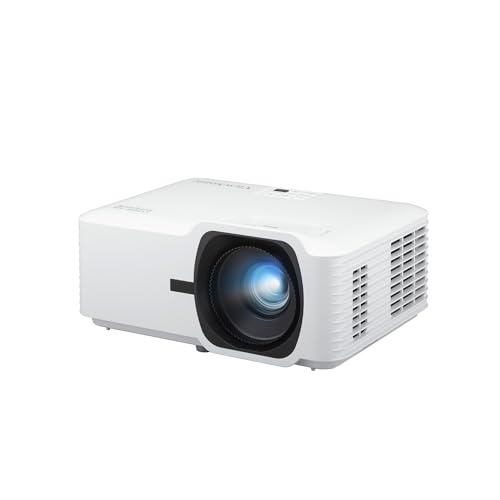


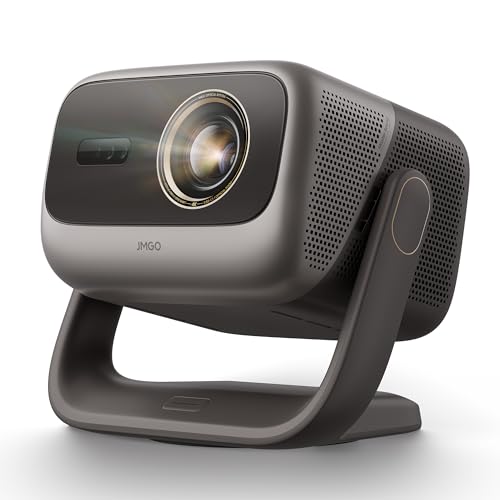
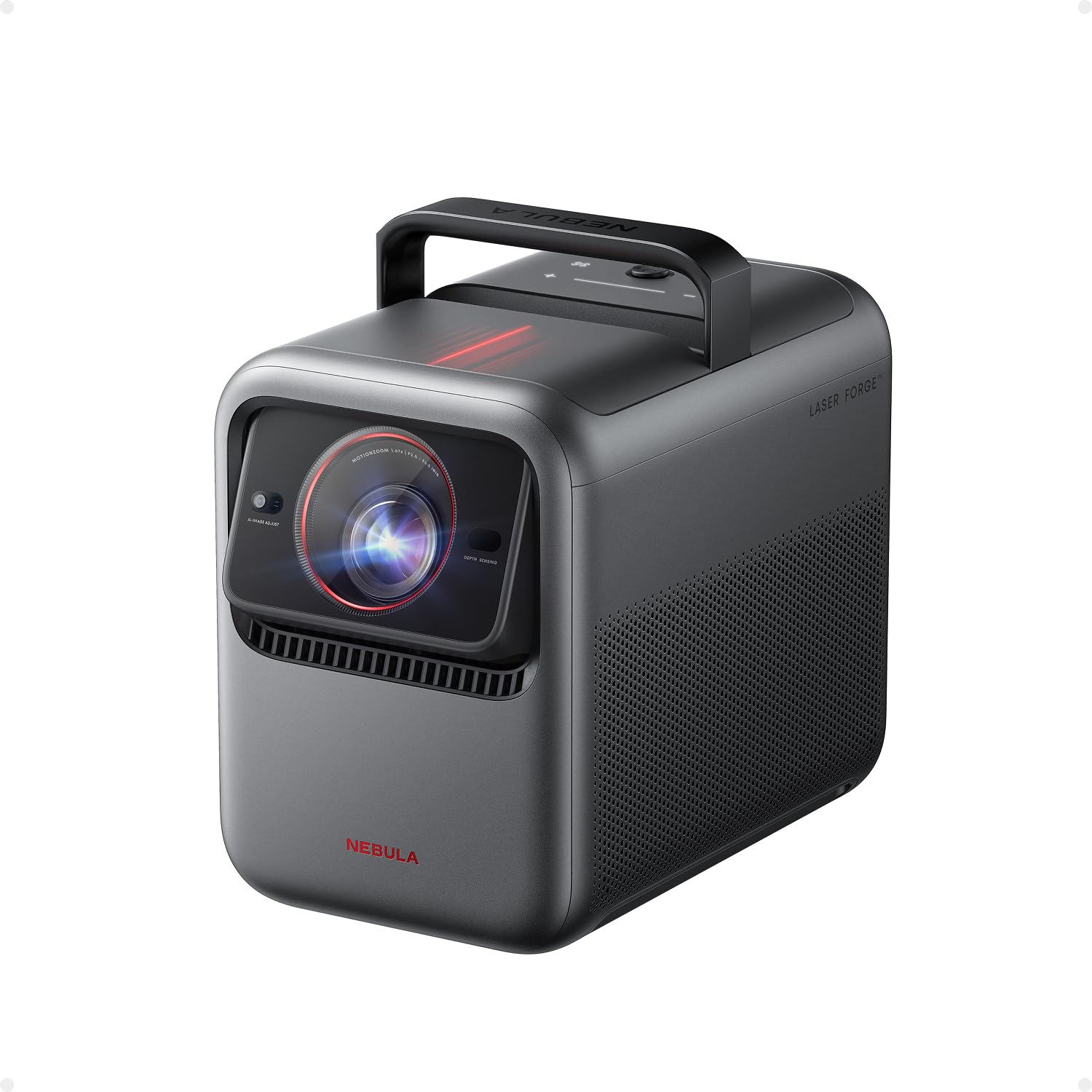
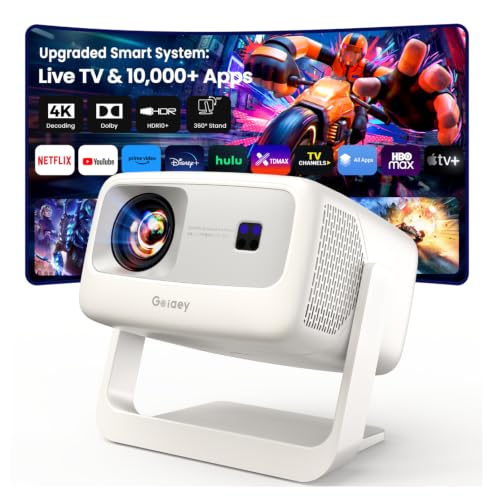
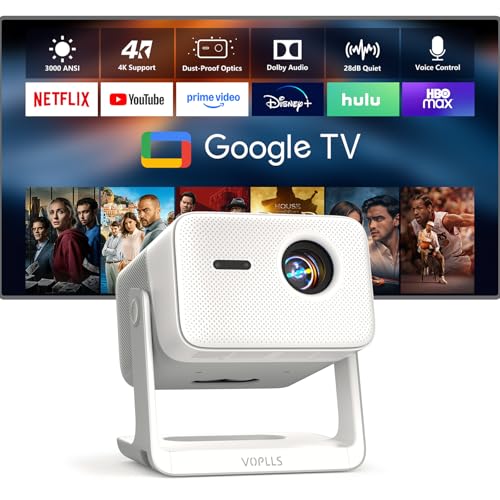
Who Should Buy Which 5000 Lumen Projectors?
Pick by the room and audience you serve most often. Screen size, daylight and viewing distance change what 5000 lumens can do.
For Teachers, Trainers and Meeting Leaders in Bright Rooms
You present text, charts and video across a room, often with windows open and ceiling lights on. Prioritize even brightness, sharp native resolution and a lens that fills your screen from the mount point you already have. Strong built in sound helps in midsize rooms, but plan on room speakers for large groups. Favor a long life light source and a filter you can clean without tools.
For Home Movie and Sports Fans With Lights On
You watch in a living room where lamps stay on for snacks, kids and conversation, so a dim cinema style image will look washed out. Prioritize contrast and color alongside brightness, plus HDR support for films and streaming shows. A quieter fan matters during dialogue, and lens shift helps you place the unit without tilting the image. For a yard setup instead, see our guide to the best projectors for outside.
For Churches, Halls and Event Hosts
You fill a large screen for an audience that may sit far back, and the unit may run for long services, assemblies or rental events. Prioritize brightness that holds across a wide image, a zoom lens for flexible placement and connections for several sources. A laser light source suits heavy weekly use, because it avoids frequent lamp changes and keeps brightness more stable over time.
Key Features to Compare
Compare these factors in order. Among the best 5000 lumen projectors, brightness alone cannot tell you whether text will stay sharp, color will look natural or the fan will distract your audience.
Brightness Ratings and What 5000 Lumens Really Means
Look for an ANSI lumen rating, because that standard measures brightness in a consistent way across brands. Some listings quote a higher peak figure you cannot compare directly, so treat unlabeled numbers with care. At 5000 ANSI lumens, most rooms can support a screen of about 100 to 150 inches with lights on. If your room is small and controlled, the best 4000 lumen projectors may give a similar picture for less money.
Light Source, Lamp Life and Running Costs
Lamp models usually cost less at purchase, but lamps dim with use and often need replacement after about 3000 to 5000 hours in bright mode. Laser models cost more, yet they commonly run about 20000 hours or more with slower dimming and no lamp swaps. Count the full cost for your schedule, because a school running daily hours will feel lamp costs far sooner than a home viewer.
Resolution, Contrast and Color for Large Images
Native resolution is what the chip actually shows, so a native 1080p or 4K image keeps text edges cleaner than a model that only accepts a higher signal and scales it down. Contrast decides how deep dark scenes look once room light hits the screen, and strong color keeps skin tones and charts distinct. If picture refinement matters most, see our guide to the best quality projectors, because the brightest image is not always the most balanced one.
Connections, Built In Sound and Smart Features
Count the sources you will plug in before you buy. Most users need at least two HDMI ports for a laptop and a streamer or console, plus USB power for a streaming stick. Built in speakers are fine for speech in a small room, but films and large halls need an audio output for external speakers. Built in apps add convenience, yet a separate streamer is easier to replace later.
Fan Noise, Size and Mounting Options
Bright projectors move a lot of air, and fan ratings around 30 to 40 decibels are common, with quieter eco modes that also reduce brightness. Noise matters most when the unit sits close to listeners, as above home seating. Check weight and mount points for overhead installs, and confirm that vents will stay clear on a shelf.
Matching Throw Distance and Screen Size to Your Room
Throw ratio tells you how far the projector must sit from the screen for a given image width. A standard lens might need about 10 to 15 feet for a 120 inch image, while a short throw lens can fill the same screen from a few feet away. Measure your room before you shop and check the lens range for your mount position.
Zoom range lets you adjust image size without moving the unit, and lens shift moves the image without tilting, so edges stay square. Digital keystone can fix a tilted picture, but it crops and softens the image, so use it only as a last resort. A matte white screen spreads light evenly for wide seating, while a gray screen can improve contrast in bright rooms.
Keep brightness classes and price classes separate when you read listings, and see our guide to the best projectors under 5000 if your limit is a dollar amount rather than a brightness level. For rooms that still feel borderline, our guide to the best high lumen projectors covers brighter classes.
Common Mistakes to Avoid
Each of these errors is easier to prevent before you order than to fix after mounting.
- Trusting a peak lumen claim instead of an ANSI rating leaves you with an image that looks dull once room lights come on.
- Choosing screen size before measuring throw distance leaves the image too small, too large or focused from the wrong spot.
- Using digital keystone as your main setup tool softens text and makes small chart details hard to read.
- Ignoring fan noise in a home or classroom setup makes dialogue and quiet lessons tiring to follow.
- Skipping the cost of lamps, filters and a mount makes a low purchase price grow during the first years of use.
Tips to Get the Most From Your 5000 Lumen Projector
Set the picture mode first. Vivid modes push brightness and color hard for showrooms, but a standard or cinema mode usually gives more accurate color in real rooms. Lower the brightness for evening viewing when you can, because running below full power often quiets the fan and can extend light source life. Let the fan finish cooling before you unplug the unit.
Clean the air filter on the schedule in your manual, often every few months in dusty rooms, because a clogged filter raises heat and can trigger shutdowns. Keep vents clear, wipe the lens gently with a microfiber cloth made for optics, and never spray cleaner directly on the lens. Check mount screws once or twice a year on ceiling installs.
FAQ
Is DLP or LCD better for a 5000 lumen projector?
Neither technology wins for every room, so choose by your content. DLP designs often give a compact unit with strong contrast and smooth motion for video and sports. LCD designs often show rich color brightness and sharp text, which suits slides and lessons. Some viewers notice rainbow flashes on some DLP models during fast eye movement, so sensitive viewers should check that point before a group purchase.
Is 4K worth it on a 5000 lumen projector?
Yes, 4K can be worth it when your screen is large and viewers sit close enough to see fine detail. On a 120 inch image, the extra resolution keeps film texture and small chart labels cleaner than 1080p. It adds less value on smaller screens or from far seats, where sharp 1080p already looks clear. Put the money toward a better lens or light source first if your seating is distant.
What screen size suits a 5000 lumen projector in a bright room?
A screen of about 100 to 130 inches suits most bright rooms at this brightness, with larger sizes working better as light control improves. Bigger is not always better, because spreading the same light over more area lowers brightness per area and can mute color. Match size to seating instead, so back row viewers can read your smallest text and front viewers are not turning their heads.
How long does a 5000 lumen projector light source last?
Life depends on the light source type and the brightness mode you use most. Hours are counted until the source reaches about half brightness, not until it fails at once, so heavy users should plan replacement or upgrade timing around that gradual fade. Lamp life and laser life figures appear in the light source section above, and eco mode stretches both by running below full power.
Can a 5000 lumen projector handle games and live sports well?
Yes, a model with low input lag and a game mode can handle games and live sports well in a lit room. Input lag near or below about 20 milliseconds keeps controls feeling responsive, and motion handling matters for fast camera pans in sports. Brightness helps too, because you can keep room lights on for guests. Check that game mode still accepts your console signal at full resolution.
The Bottom Line
Match brightness to your room light and screen size first, then weigh light source life, native resolution and lens fit for your mount position. Those checks will narrow the field faster than any feature list. Use the product table above to confirm throw range, noise and connections for the models that fit your room.
When you compare best 5000 lumen projectors with those points settled, the right choice is usually the one that fits your screen, your seating and your weekly hours without strain. Buy for the room you have, and the brightness you paid for will show on screen.