
Best 3D Scanner in 2026: Which Type Is Right for You?
Disclosure: We may earn a commission when you buy through links on this page, at no extra cost to you. As an Amazon Associate I earn from qualifying purchases. Learn more

Infrared, blue laser, hybrid and all in one scanners compared to find the best 3D scanner for your projects.
A 3D scanner turns real objects into digital models you can edit, 3D print, measure or share. But consumer scanners range from small infrared scanners under $400 to blue laser and all in one wireless models over $2,000, and they use different technologies with very different strengths. This guide to the best 3d scanner compares each type side by side so you can choose a scanner that matches the objects you want to capture, the accuracy you need and the computer you already own.
We start with a comparison table, explain each type, compare entry level and pro level scanners, then cover how to choose, care tips and answers to common questions. Every scanner in the table above is sold new on Amazon US. Some scanners use blue laser lines: never point them at people's or pets' eyes, follow the maker's safety instructions and check computer requirements before buying, since 3D scanning software can need a powerful PC.
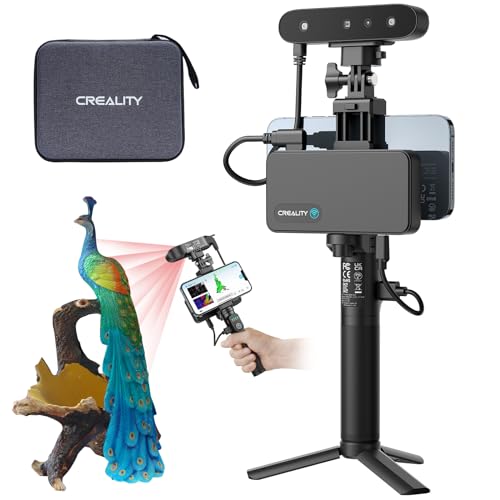
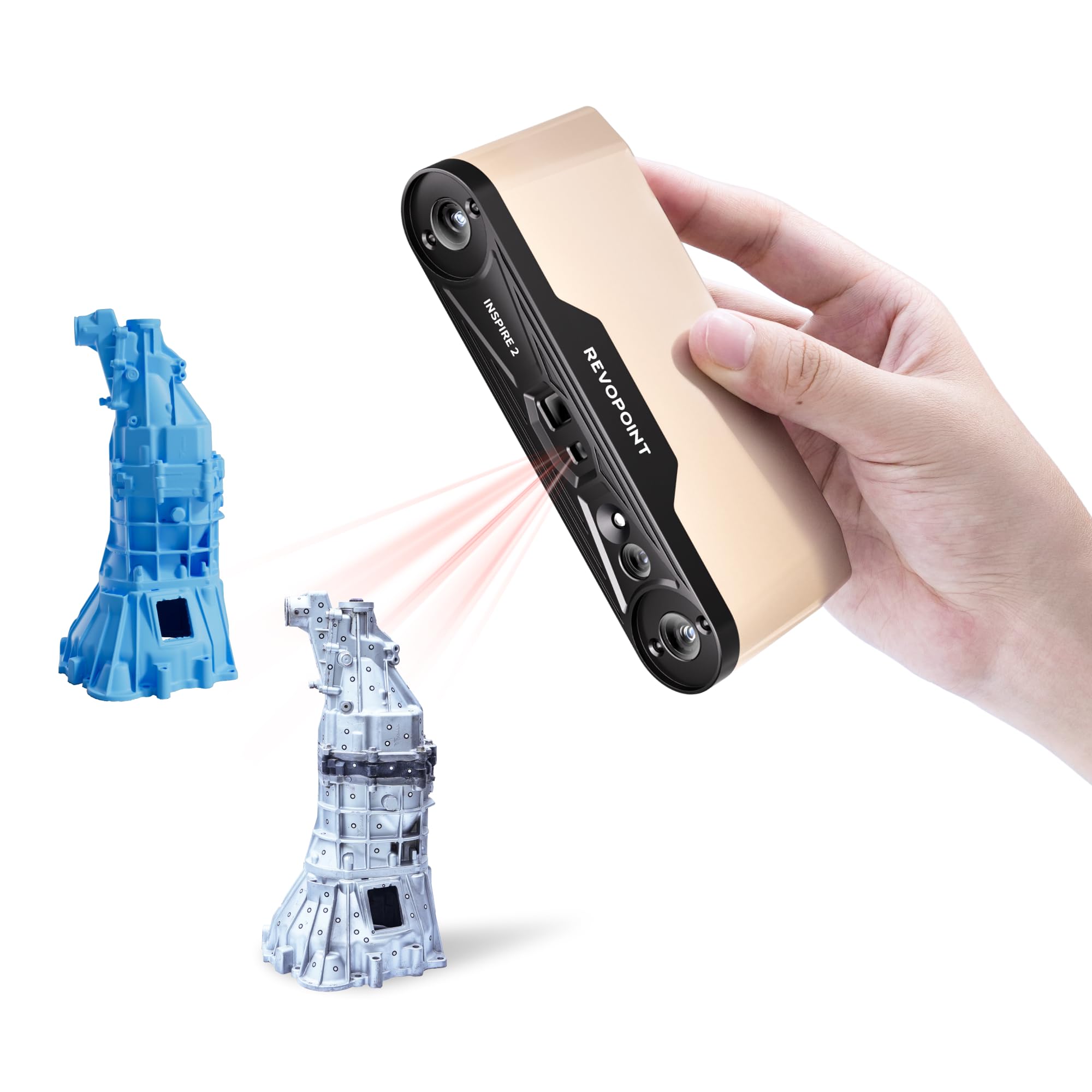
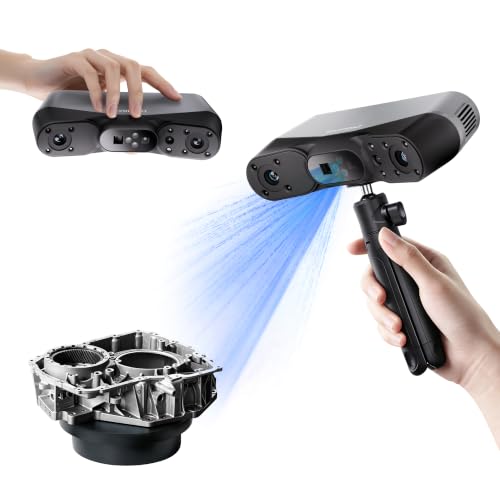
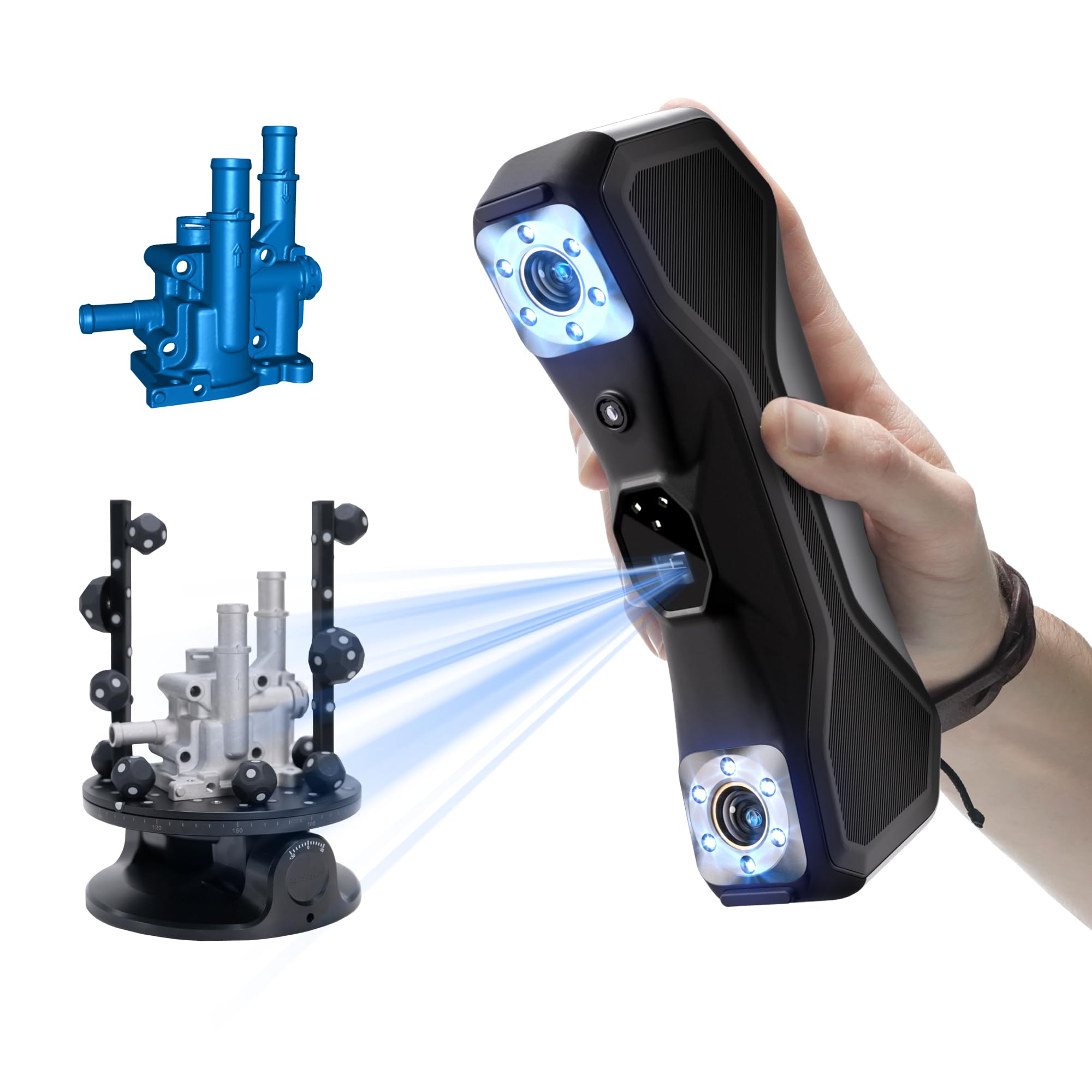



Types of 3D Scanners Compared
Entry level infrared structured light scanners suit beginners and medium to large objects, blue laser scanners suit small, detailed and shiny parts, hybrid scanners combine both and all in one wireless scanners add built in screens and processing for portable work.
| Type | Best For | Pros | Cons | Typical Price |
|---|---|---|---|---|
| Entry infrared scanner | Beginners, people, medium objects | Affordable, eye safe, easy | Lower detail on small parts | around $359 to $960 |
| Blue laser scanner | Small, detailed, shiny parts | High accuracy, handles reflective surfaces with markers | Costs more, needs good PC | around $880 to $1,190 |
| Hybrid laser and NIR | Mixed projects | Several modes in one device | Steeper learning curve | around $700 to $970 |
| All in one wireless | Field work, portability | Built in processing, no PC tether | Highest price | around $1,600 to $2,200 |
Entry Level Infrared Scanners
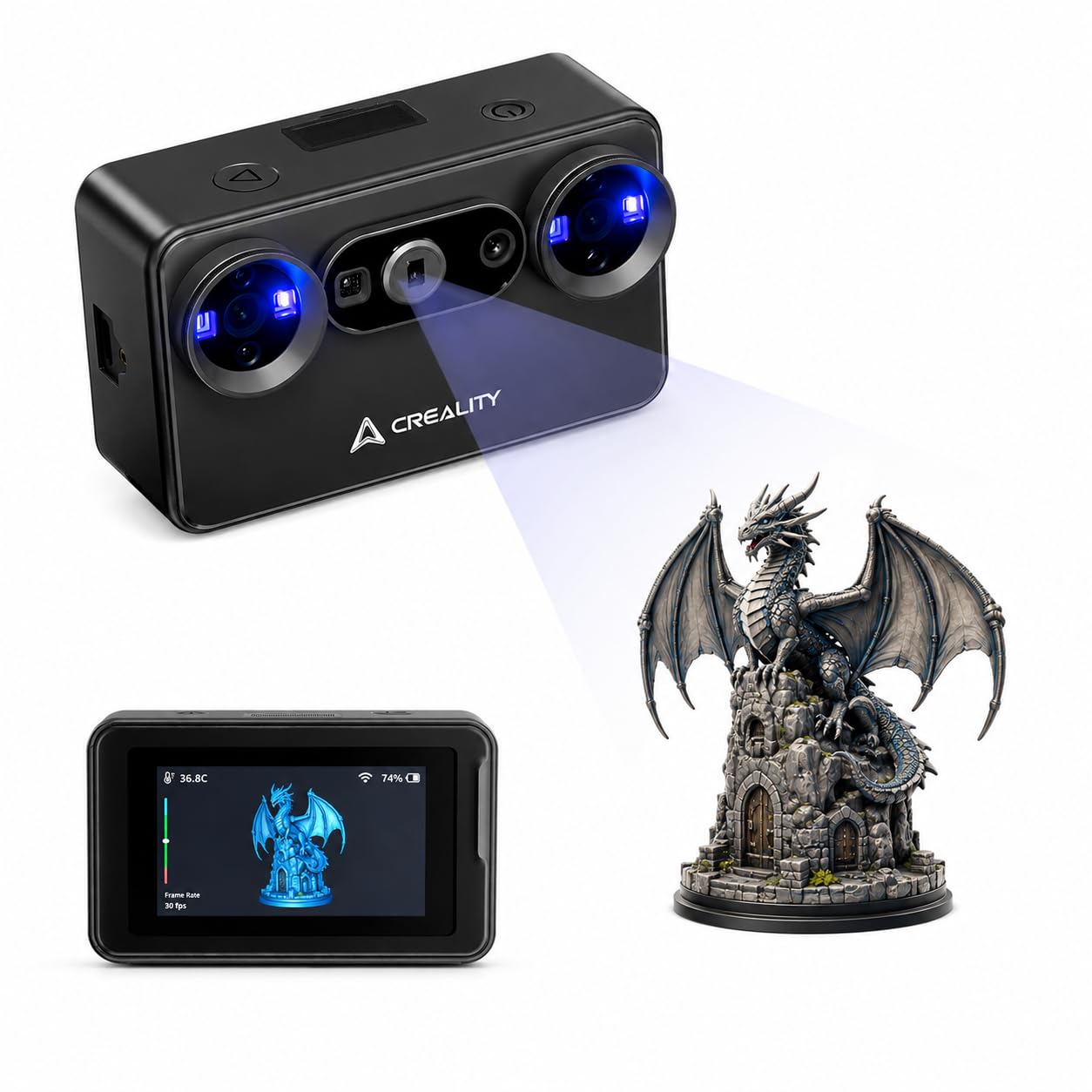
Infrared structured light scanners project an invisible pattern and read how it bends over the object. The Creality CR-Scan Ferret Pro, at around $359, lists up to 0.1 mm accuracy with 24 bit full color scanning, objects from 50 to 2,000 mm, Wi-Fi 6 wireless scanning to Windows, macOS, Android and iOS, a 105 gram body and a kit with a Wi-Fi box, tripod, power bank and phone holder.
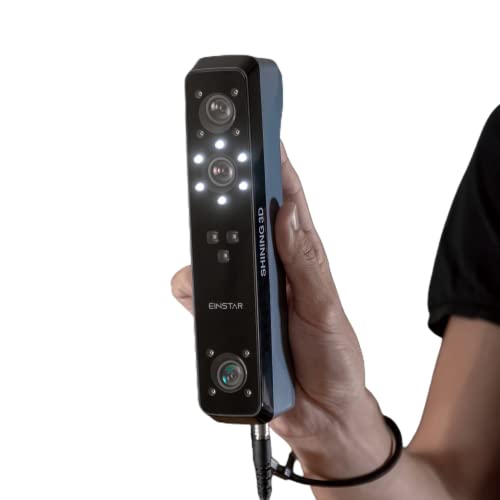
Creality notes it is not suited to very small, reflective, transparent or very dark objects. The Revopoint INSPIRE 2, at around $384, is another entry scanner. The Shining 3D Einstar, at around $959, uses 3 infrared VCSEL projectors and a color camera with no visible projector light, which Shining 3D says is comfortable for scanning people, plus a hair mode.
These suit hobbyists, makers and anyone scanning people, furniture or larger props.
Turntables, often included or sold as accessories, make it easier to scan small and medium objects evenly by rotating them in front of the scanner.
Blue Laser Scanners
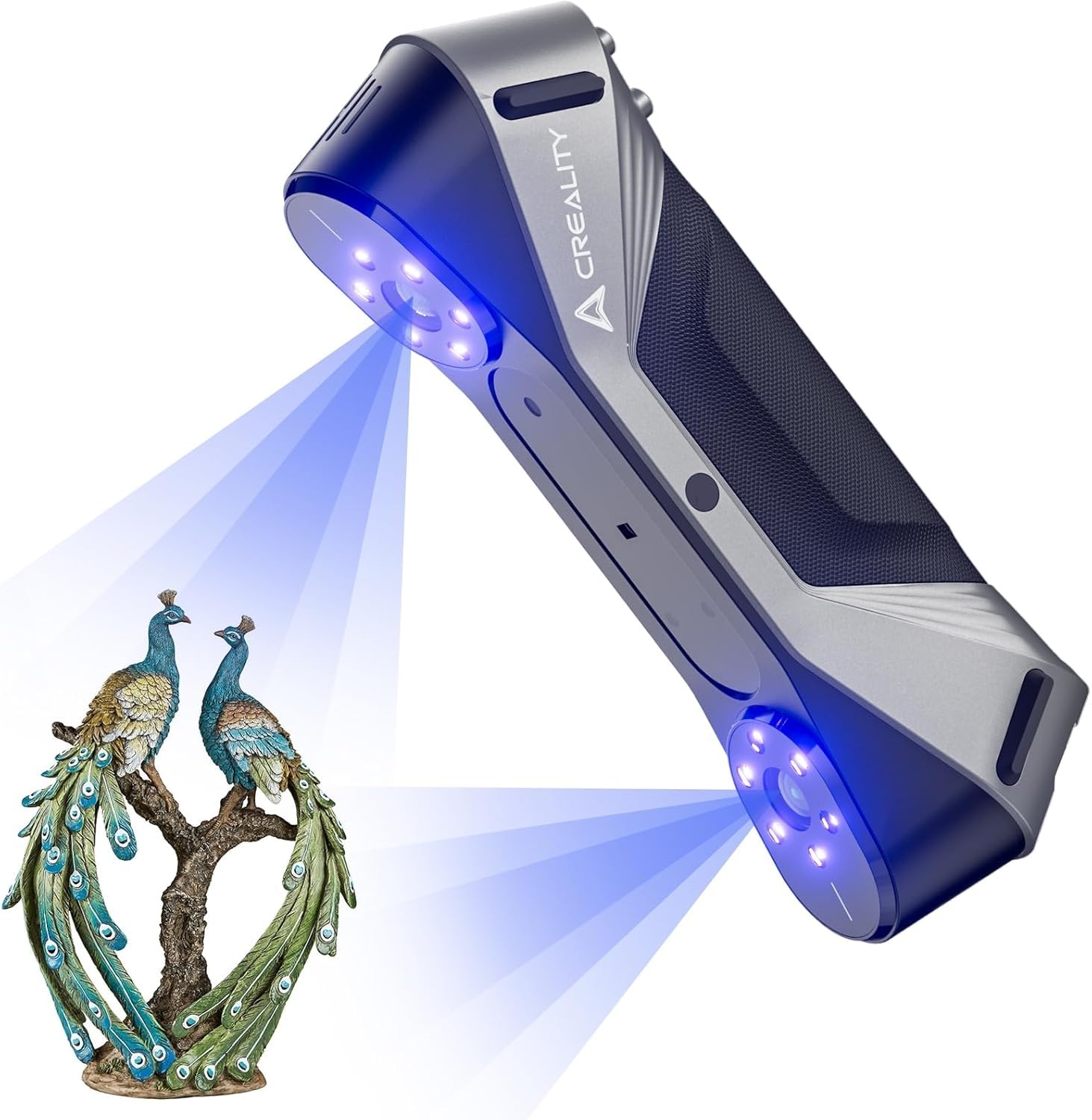
Blue laser scanners use visible laser lines for fine detail and better results on dark or shiny surfaces. The Revopoint MetroX Pro, at around $1,189, uses blue laser scanning, and the Creality CR-Scan Raptor, at around $879, lists a 60 fps blue laser and NIR system, 0.02 mm accuracy, 24 bit color and objects from 5 to 2,000 mm. Laser modes often use stick on markers for tracking.
These suit engineers, reverse engineering and detailed small parts.
Marker based scanning takes extra setup time, but it gives the scanner reference points that improve accuracy on large, featureless surfaces.
Hybrid Laser and Infrared Scanners
Hybrid scanners combine several technologies in one device. The Revopoint POP 4, at around $969, lists 5 scanning modes across NIR structured light, VCSEL and blue laser, single frame accuracy up to 0.03 mm, up to 105 fps in laser mode with an NVIDIA GPU, scan volumes from 10 mm to 2 meters, outdoor scanning up to 100,000 lux in some modes, built in Wi-Fi 6 and a 5,500 mAh battery grip for up to 4 hours. Creality's Pika, at around $699, also combines blue laser and NIR.
These suit users who scan a wide range of objects and want one device for everything.
All in One Wireless Scanners
All in one scanners include onboard processing and storage so you can scan without a laptop. The Revopoint MIRACO Plus, at around $2,199, is an all in one scanner, and the Shining 3D Einstar Vega, at around $1,599, lists an 8 core 2.4 GHz CPU, 512 GB SSD and 32 GB of RAM inside. Shining 3D's EINSTAR 2, at around $999 to $1,249, adds wireless scanning.
These suit field work, events and professionals who move between sites.
Entry Level vs Pro Level Scanners: Which Should You Choose?
Choose an entry level infrared scanner if you are new to 3D scanning, want to scan people or medium to large objects and have a moderate budget. Choose a blue laser, hybrid or all in one scanner if you need fine detail on small parts, scan shiny or dark objects or work professionally.
On price, entry scanners win, starting around $359. On accuracy, laser scanners win, with Creality listing 0.02 mm on the Raptor.
On ease of use, infrared scanners are simpler. On versatility, hybrid scanners like the POP 4 cover the most cases. On portability, all in one models win but cost the most.
Most hobbyists start with an entry scanner and upgrade once they know which objects they scan most.
How to Choose the Best 3D Scanner
Object size, accuracy, surface types, computer requirements, connectivity and software matter most. Here is what to check.
Object Size and Scan Volume
Match the scanner to what you scan. Ferret Pro lists objects from 50 to 2,000 mm, the Raptor lists 5 to 2,000 mm and the POP 4 lists a minimum of 10 mm and a maximum of 2 meters. Small jewelry and mechanical parts need scanners with small minimum volumes.
Large objects take longer to scan and process.
Accuracy and Resolution
Accuracy describes how close the model is to the real object. Entry scanners list around 0.1 mm, while laser and hybrid scanners list 0.02 to 0.05 mm. Higher accuracy matters for engineering parts but less for art and props.
Accuracy over large objects often drops slightly with size, which is why some makers list a volumetric accuracy formula as well as a single frame figure.
Surface Types and Lighting
Shiny, transparent and very dark surfaces are hard for most scanners. Creality says to avoid these with the Ferret Pro, while blue laser modes handle them better, sometimes with scanning spray or markers. Outdoor sunlight can interfere; Ferret Pro lists under 30,000 lux and the POP 4 lists up to 100,000 lux in some modes.
Scanning indoors with even, indirect light usually gives the cleanest results.
Computer Requirements and Software
Scanning software needs processing power. Creality lists an i5 8th gen CPU or later, Windows 10 or 11 and more than 8 GB of RAM, or Apple M series Macs, for the Ferret series, and Revopoint lists NVIDIA GPU acceleration for top speed. Check export formats; Ferret Pro exports OBJ, STL and PLY, and Einstar adds ASC, 3MF and P3.
Free software updates can add features over time, so a scanner with active support keeps improving.
Connectivity and Portability
Wireless scanning, like Ferret Pro's and POP 4's Wi-Fi 6, frees you from cables. Battery grips, like Revopoint's 5,500 mAh grip, help outdoors. All in one scanners skip the computer entirely during capture.
Charge batteries before outdoor scans.
How to Make Your 3D Scanner Last Longer
- Keep lenses clean. Wipe them with a microfiber cloth only.
- Store it in its case. Most kits include a case; use it to protect the optics.
- Update software and firmware. Updates improve tracking and add features.
- Avoid drops and heat. Calibration can shift if the scanner is knocked or overheated.
- Recalibrate when needed. Follow the maker's calibration steps if accuracy drifts.
Frequently Asked Questions
What is the best 3D scanner for beginners?
An entry level infrared scanner, like the Creality CR-Scan Ferret Pro, is easiest for beginners. It is affordable, light, works wirelessly with phones and computers and handles medium to large objects well.
Can a 3D scanner capture shiny or transparent objects?
Not easily. Most scanners struggle with reflective, transparent and very dark surfaces. Blue laser scanners do better, and a temporary scanning spray can help any scanner capture difficult surfaces.
Do I need a powerful computer for 3D scanning?
Usually, yes. Processing scans uses a lot of memory and graphics power. Check the maker's requirements, such as Creality's minimum of an i5 8th gen CPU and more than 8 GB of RAM. All in one scanners reduce this need.
Can I 3D print my scans?
Yes. Most scanners export STL or OBJ files that slicing software can prepare for printing. You may need to clean up holes and backgrounds first; Revopoint's AI segmentation helps remove background noise.
Mesh repair tools fix small gaps.
How much should I spend on a 3D scanner?
Expect around $359 to $400 for entry scanners, around $700 to $1,200 for hybrid and blue laser scanners and around $1,600 to $2,200 for all in one wireless scanners.
Factor in software and a capable computer.
Wrapping Up
The best 3d scanner matches the size and surface of the objects you scan, the accuracy you need and the computer you own. Choose the Creality Ferret Pro or Revopoint INSPIRE 2 to start, the Revopoint POP 4 or Creality Raptor for detailed work and the Revopoint MIRACO Plus or Shining 3D Einstar Vega for portable, all in one scanning.
For more tech guides, see the best desktop computers for business, the best laptops and prices, the best super glue for plastic and the best capture card. Then compare current prices in the product table above.


