
Best 3D Printers with Auto Leveling: What Actually Matters Before You Buy for 2026
Disclosure: We may earn a commission when you buy through links on this page, at no extra cost to you. As an Amazon Associate I earn from qualifying purchases. Learn more

Compare the best 3d printers with auto leveling by sensor type, build volume, materials and upkeep before you buy.
A level bed is the quiet foundation of every clean first layer, yet listings describe leveling in vague and confusing ways. This guide gives you a simple scoring checklist for the best 3d printers with auto leveling, so you can judge sensor quality, build size, and upkeep before you spend. We explain what good numbers look like, what weak numbers hide, and which trade offs matter for your projects.
Use the checklist as you read the product table, and note which criteria match the parts you plan to print most often. A printer that scores well for small prototypes may be a poor fit for large functional parts, so your own projects should drive the final choice.


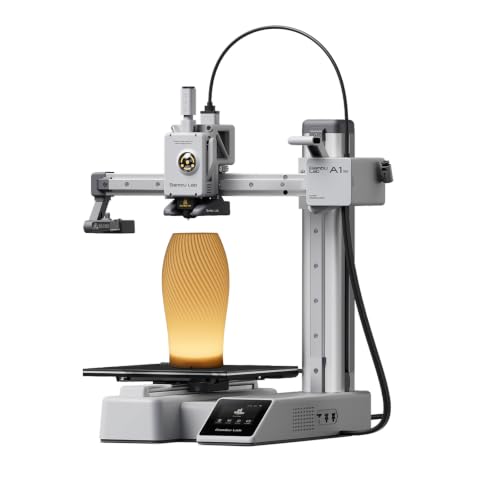


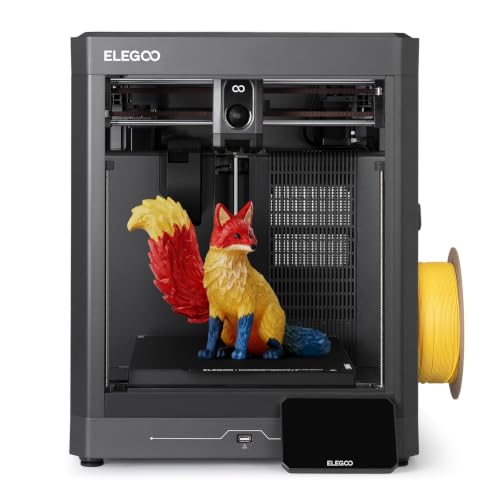


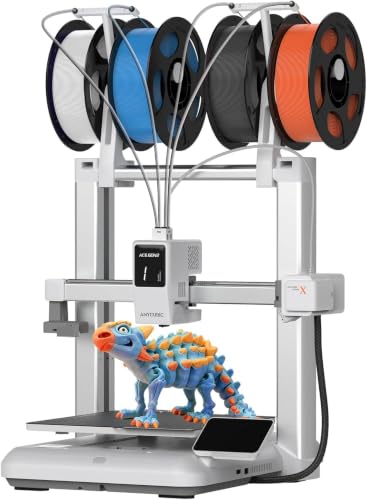
How We Evaluate 3D Printers: Best 3D Printers With Auto Leveling
Our checklist scores each machine on the things that decide daily success: reliable leveling, suitable build volume, material support, sane noise levels, and software that does not fight you. No single score tells the whole story, so weigh each area against your space, your budget, and the materials you expect to use during the first year of ownership.
Why Choose a 3D Printer With Auto Leveling
Auto leveling uses a sensor to measure the bed surface at many points, then adjusts the print so the nozzle keeps a steady gap across the whole plate. That means fewer failed first layers, less time turning bed knobs, and more consistent results when you swap build plates. It does not remove all setup, though. You still set the nozzle offset, keep the bed clean, and check that the sensor itself is mounted firmly and reads correctly.
Printer Type: FDM and Resin
FDM machines melt filament and build parts layer by layer, which suits brackets, enclosures, jigs, and larger everyday objects at a modest material cost. Resin machines cure liquid resin with light and capture finer detail, which suits miniatures and small parts with smooth surfaces. If fine detail is your main goal, read our guide to the best resin 3d printers before deciding. Document printers such as inkjet and laser models are a separate category entirely and share nothing with either type here.
Ease of Setup and Calibration
Good setup means the frame arrives mostly assembled or goes together with clear steps, the leveling routine runs from the screen without extra tools, and the nozzle offset can be fine tuned while a test print runs. Look for a guided first print, clear on screen prompts, and a manual that explains error messages in plain language. A practical know how point: run the leveling routine again after moving the printer, changing the nozzle, or swapping to a different build plate, because each change shifts the measured surface slightly.
Footprint and Noise
Measure your desk or bench with the bed at its furthest travel, not just the frame size, and leave room for the spool and for cables to move freely. Enclosed machines contain noise and heat better, which helps in a shared room or small office, while open frame machines are easier to access and usually cost less. Noise ratings vary by maker, so treat a quiet claim with care and plan on placing the printer on a solid surface that will not amplify vibration during long prints.
Connectivity and Mobile Printing
WiFi lets you send files from your computer, watch progress through an app, and pause a failing print without standing at the machine. USB and card slots still matter as a backup when your network drops or when you print in a workshop with weak coverage. Check what the app actually does before you buy, because some apps only monitor while others also slice and store files. Strong WiFi support is now common across the wider market covered in our guide to the best 3d printers, so do not pay a premium for basic wireless alone.
Print Quality and Resolution
For FDM printing, layer height tells you how fine the visible steps between layers can be, with smaller settings giving smoother walls at the cost of much longer print times. Frame rigidity, belt tension, and cooling matter just as much as the headline number, because a shaky frame turns fine settings into wavy surfaces. Judge quality by the size and type of parts you print: fine detail settings help small models, while strength and speed matter more for large functional pieces printed in thicker layers.
Three Profiles That Pass Our Checklist
Instead of chasing a single winner, match your needs to one of these three buyer profiles. Each profile describes what that tier of machine generally delivers, what it gives up, and who should choose it, so you can place any listing in the product table into the right group.
Balanced Profile
This profile suits makers who print several times a week in PLA, PETG, and similar everyday materials. Expect a midsize build volume, a direct drive extruder, a heated bed with a removable plate, and a leveling sensor with a dense measurement grid. Prices in this group often fall around $300 to $600. The main limit is advanced materials: without an enclosure and a hotter nozzle, abrasive or high temperature filaments stay out of reach, so plan ahead if engineering materials are on your list.
Budget Profile
This profile suits careful shoppers who want dependable auto leveling without paying for extras like cameras or color touchscreens. Expect a smaller build volume, a simpler screen, and manual assisted features in a few places, balanced by solid frames and good parts availability. Prices often fall around $180 to $300, a range explored further in our guide to the best inexpensive 3d printers. The limit is speed and size, so check that your typical parts fit with room to spare.
Best Compact Profile
This profile suits small desks, dorm rooms, and shared craft spaces where the printer must tuck away between sessions. Expect a modest footprint, a quieter enclosed or semi enclosed design, and a smaller build plate that still handles most household parts and school projects. Prices often fall around $250 to $450. If compact size is your starting point for a hobby space, our guide to the best hobby 3d printers adds useful context. The limit is obvious: large helmets, big enclosures, and batch printing will outgrow this size quickly.
Quick Buyer Checklist
Answer these questions before you order, and treat any no as a reason to look at another machine.
- Does the leveling sensor measure at least 16 points across the bed?
- Can you adjust the nozzle offset easily during a live test print?
- Does the build volume fit your largest planned part with margin?
- Does the hot end reach the temperatures your chosen materials need?
- Is the build plate removable, coated for your materials, and sold as a spare?
- Are replacement nozzles, belts, and fans easy to buy from more than one seller?
- Does the warranty cover at least one year, with support in your country?
- Will the printer fit your space with the bed at full travel and the door open?
Red Flags to Watch For
Vague leveling claims are the biggest warning sign: a listing that says auto leveling but only stores a fixed tilt correction is not the same as true multi point sensing. Watch also for missing details on sensor type, no stated build volume, and temperature limits written without saying whether they describe the bed or the nozzle. Very short warranties, spare parts sold only by the maker, and a flood of short generic praise with no photos of finished prints all suggest caution. Finally, be wary of bundles that inflate value with low quality filament and tools you will replace within a month.
Tips to Get the Most From Your 3D Printer
Keep the build plate clean, because skin oil ruins adhesion faster than almost anything else; a wipe with isopropyl alcohol between prints works well for most plates. Store filament dry, since damp filament pops, strings, and weakens parts even on a well tuned machine. Level again after any hardware change, and save your known good slicer settings as a profile you can return to. A second know how point: print a small calibration shape after each nozzle change to confirm your offset before starting a long job.
3D Printers: Your Questions Answered
Does auto leveling remove all manual calibration?
No, auto leveling handles bed tilt and surface variation, but you still set the nozzle offset yourself. That single setting decides whether the first layer squishes correctly or drags loose. Run a short test print after setting it, watch the first layer closely, and adjust in small steps. Once dialed in, most users only revisit it after changing a nozzle, a build plate, or the sensor mount.
Which 3D printer style is easiest for beginners?
A mostly assembled FDM printer with guided setup is easiest for most beginners. It forgives small mistakes, uses low cost filament, and needs no resin handling or washing steps. If you want a gentle start, our guide to the best starter 3d printers focuses on exactly that learning curve. Choose a popular model line as well, because large user communities mean ready made profiles and fast answers.
FDM or resin: which costs less over time?
FDM printing costs less over time for most people. Filament is cheaper per part than resin, finished prints need no washing or curing gear, and failed prints waste less money. Resin earns its cost only when fine detail is the point of the part. Add gloves, resin disposal, and replacement film to the resin budget, and add spare nozzles and build plates to the FDM budget for a fair comparison.
What does cost per print mean?
Cost per print is the total expense of one finished part, including material, electricity, and wear items such as nozzles and build plates. A small PLA part may use only about $1 of filament, while a failed long print can waste several dollars at once. Tracking this number for a month teaches you more about your real budget than any listing claim, and it highlights how much failed first layers truly cost.
Final Thoughts
Focus on three things: a genuine multi point leveling sensor, a build volume that fits your real projects, and spare parts you can actually buy. Match those to one of the three profiles, run through the checklist, and you will avoid most buying regret. The best 3d printers with auto leveling are simply the ones that keep your first layer boring and predictable, print after print. Compare your shortlist in the product table and choose the machine that fits your space and materials best.


