
Best 3D Printers Out There: What Actually Matters Before You Buy in 2026
Disclosure: We may earn a commission when you buy through links on this page, at no extra cost to you. As an Amazon Associate I earn from qualifying purchases. Learn more

Use our checklist to find the best 3d printers out there, with clear guidance on printer type, setup, print quality, speed, and running costs.
Marketing makes every printer sound essential and revolutionary, which is exactly why a fixed checklist helps. This guide judges the best 3d printers out there against six plain criteria, with a clear line between good enough and genuinely poor for each one, so any model you meet can be scored in minutes.
You will also find the warning signs that reveal weak machines, a short buyer checklist to run before checkout, and notes for common home situations. Start with the product table below, then score your finalists as you read.


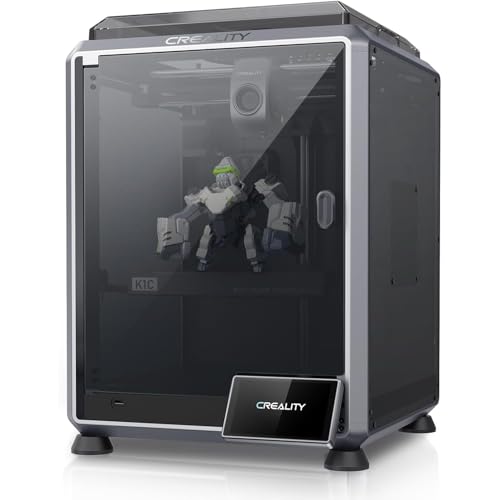
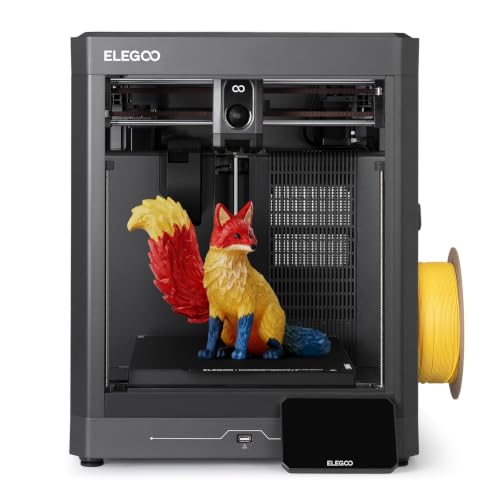
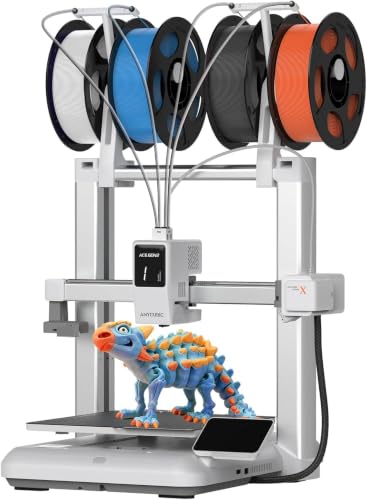

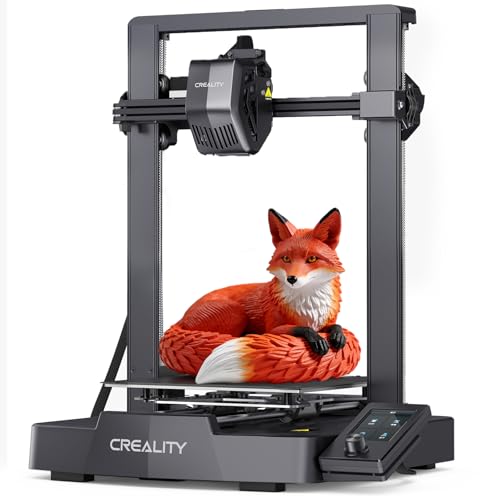
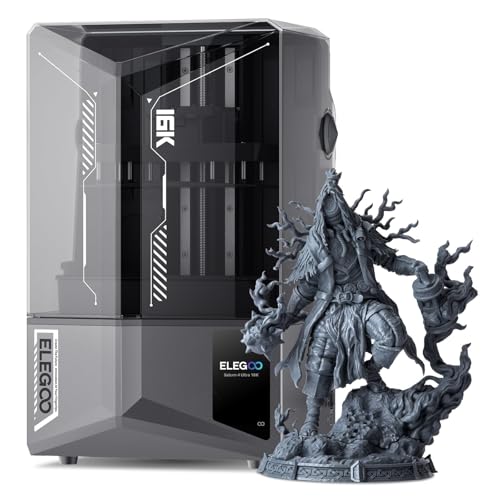
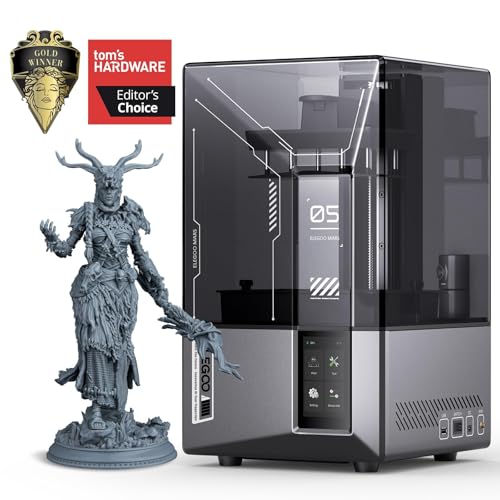


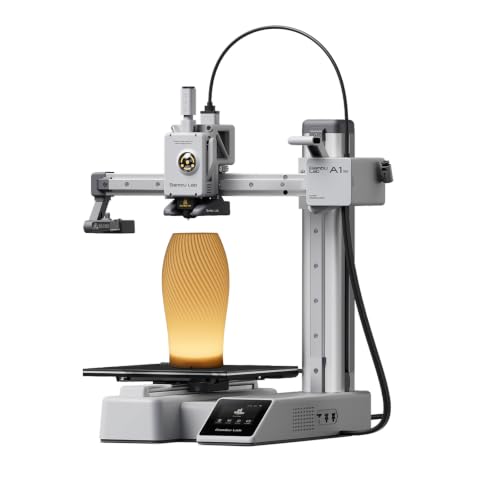
Scoring Criteria for 3D Printers
Each criterion below includes a threshold to look for. A printer does not need to win all six, but it should not fail any of them outright, because one bad score usually becomes the thing you complain about every week.
Printer Type: FDM or Resin
First, confirm you are shopping in the right technology at all. Object printing splits into FDM, which melts filament into strong, affordable parts, and resin, which cures liquid with light for fine detail. Good means the type matches your main project list: filament for functional parts, brackets, toys, and terrain; resin for miniatures, jewelry masters, and small detailed work. Poor means buying resin for large utility parts, or filament for fine figures, and fighting the technology every session.
Ease of Setup and Calibration
Good setup takes under an hour, ends with a successful test print, and needs no forum archaeology. Automatic bed leveling on filament machines and simple plate leveling on resin machines are the current good standard.
Calibration should be guided by the machine or its slicer profiles, not guessed. Poor means manual leveling with paper shims as the only method, missing instructions, or a first print that fails for reasons the manual never mentions. Practical know how: photograph each setup step with your phone, because your own photos beat any diagram when you reassemble after a move.
Connectivity and Mobile Printing
Good connectivity means you can send a sliced file from your computer without hunting for a card reader, and check a long print without visiting the machine. WiFi transfer and an app or web view cover that for most homes. Poor means a printer that only accepts one awkward transfer method and offers no progress view at all. This criterion matters most when the printer lives in a garage, a workshop, or a ventilated spare room rather than beside your desk.
Print Speed
3D printers quote movement speed in millimeters per second, and the number only tells half the story. What you feel is total job time, which depends on acceleration, cooling, and how much of the print runs at top speed.
Good means a typical household part finishes in two to six hours with clean surfaces, not a headline speed the machine touches for a few seconds. Poor means speed claims paired with ringing lines and rough walls in owner photos. Judge by sample part photos and stated job times, not by the biggest number on the box.
Build Volume
Build volume is the largest box your part can occupy, quoted in millimeters per axis. Good for most households is around 220 mm per side, which covers organizers, replacement parts, cosplay sections, and most hobby pieces. Poor is a volume so small that common parts need splitting into glued fragments, or so large that the machine eats a desk and heats a huge bed for tiny jobs. Measure your two or three largest planned parts and buy one size above that, no more.
Print Quality and Resolution
3D quality shows up as layer height and surface consistency. Good filament quality means even 0.2 mm layers, clean corners, and holes that match their stated size.
Good resin quality means fine pixels, even curing across the plate, and detail that survives washing and priming. Poor quality hides in listing photos that show renders instead of real prints. Always look for photographs of actual finished parts, ideally unpainted, because paint and lighting can disguise rough layer lines that you will see clearly on your own prints.
What Passing the Checklist Looks Like in 3D Printers Out There
The product table above lists current machines across prices. Instead of fixed recommendations, use these three profiles to recognize a strong candidate when you see one, at the level your printing volume justifies. Use these points to judge any of the best 3d printers out there.
The Balanced Profile
A balanced machine scores good on all six criteria without topping any single one. Expect auto bed leveling or simple resin plate leveling, a build volume near 220 mm or a resin plate that fits your typical batch, WiFi transfer, and quality that looks clean in unedited owner photos.
Prices usually land around $300 to $600. This profile suits most buyers because weekly printing punishes weak spots, not missing luxuries. Its honest limit is specialization: it will not match a huge machine for size or a fine resin unit for miniature detail.
The Smart Saving Profile
A value machine protects the criteria that decide success and trims the rest. Keep leveling help, standard material support, and honest build volume, usually around $200 to $300.
Give up the big color screen, the camera, and the enclosure without regret, since none of them change whether a part prints well. Compare entry options in our guide to the best inexpensive 3d printers if this is your tier. Expect louder fans and more manual checks, and treat a first spool of quality filament as part of the purchase, not an extra.
The Endurance Profile
Heavy use means long prints, frequent prints, or prints other people depend on, like classroom sets or parts for a small shop. This profile adds a rigid frame, parts rated for long duty, fast access to wear items, and support that answers quickly, usually around $600 and up.
Redundancy helps too: a spare build plate and nozzle kit keep the machine earning during maintenance. The trade is size, noise, and cost per idle week. If your printer will rest more than it runs, step down a profile and bank the difference for materials.
Quick Buyer Checklist
Run these questions against any candidate before you pay. A no answer is not always fatal, but three or more means keep shopping.
- Does the printer type match your main projects, filament for strength or resin for detail?
- Can you set it up and finish a test print in one session?
- Does the build volume fit your largest planned part with room to spare?
- Does it accept standard filament spools or standard resin bottles?
- Can you order spare nozzles, plates, screens, or tank film today?
- Do real owner photos show clean, unpainted sample prints?
- Does the total with materials and safety supplies fit your budget?
Red Flags to Watch For
Vague specifications top the list: a listing that will not state build volume, layer range, or supported materials is hiding a weak hand. Missing or unclear safety certification matters too, especially for a heated machine that runs for hours.
A warranty under six months, a support page with no working contact, and ratings that arrive in suspicious bursts of similar wording all point the same direction. One subtler flag is a locked material system with refills priced far above standard spools or bottles, because that tax repeats on every print you ever make. Finally, distrust speed and resolution claims with no real print photos anywhere on the page.
Choosing a Printer for Your Situation
Home Use
A home machine must be quiet enough for evenings, compact enough for a shared desk or closet shelf, and simple enough that any family member can run it. Favor easy WiFi, enclosed or low odor designs, and a spot with ventilation in mind.
Multicolor Printing
Multicolor printing is a popular reason to upgrade, but it adds waste, setup, and cost. Check how much filament each color change purges, whether the system works with standard spools, and whether you will use it often enough to justify paying extra.
Setup and Care Tips
Place any printer on a flat, stable surface away from drafts, because temperature swings warp tall prints and chill resin. Keep filament sealed with desiccant and resin in its closed bottle, out of sunlight. Wipe build plates with isopropyl alcohol so parts stick, and wear nitrile gloves with good ventilation whenever you handle uncured resin, keeping it away from children and pets. Beginners who want a gentler learning curve should read our guide to the best starter 3d printers before their first setup session.
3D Printers: Your Questions Answered
Are standard materials worth insisting on?
Yes. Choose machines that drink from standard, fairly priced materials. A one kilogram spool of PLA around $20 and resin around $35 per liter are healthy benchmarks. Any machine whose only refills cost double those figures will quietly outspend its rivals within a year of regular use.
Which 3D printer is easiest for beginners?
The easiest machines combine partial preassembly, automatic or guided leveling, and slicer profiles written for the exact model. Your first evening should end with the supplied test print in your hand. One underused trick: join the owner community for your model before it arrives and save the pinned setup guide, because the answers to your first three problems are almost certainly already written there.
What does cost per print mean?
Cost per print is the material cost of one finished part. Your slicer makes it easy by reporting material use before you commit. Multiply grams or milliliters by your material price, add a small failure allowance, and you have a number you can compare across machines and materials. It is the fairest way to judge two printers with different purchase prices.
Is filament or resin cheaper long term?
Filament is cheaper per part and nearly supply free beyond spools. Resin adds wash liquid, gloves, and tank film to its higher material price. Our guide to the best resin 3d printers helps you decide when that extra cost buys detail you will actually use.
Final Thoughts
Score every candidate on type, setup, connectivity, speed, build volume, and quality, and weak machines expose themselves quickly. Match the surviving profile to your budget and your bench, compare finalists in the product table above and in our overview of the best 3d printers, and explore project focused options in our guide to the best hobby 3d printers. Do that, and the best 3d printers out there for your home will not be a guess. It will be the machine that passed your checklist.


