
Best 3D Printers Now: Budget, Midrange, and Premium Tiers for 2026
Disclosure: We may earn a commission when you buy through links on this page, at no extra cost to you. As an Amazon Associate I earn from qualifying purchases. Learn more

Want the best 3d printers now without overspending? See what each price tier delivers, which upgrades are worth paying for, and how to choose well.
Printer prices currently run from under $200 to well past $1,000, and the gap between tiers is wider than the data sheets suggest. Features that were premium a few years ago, like automatic bed leveling, now appear on entry models, which makes old advice unreliable. This guide sorts the best 3d printers now by what your money actually buys today.
The goal is not to spend the most. It is to spend at the tier where the upgrades match your projects, and to skip the tier above it with confidence. Start with the product table below, then use the tier profiles here to judge what you see.


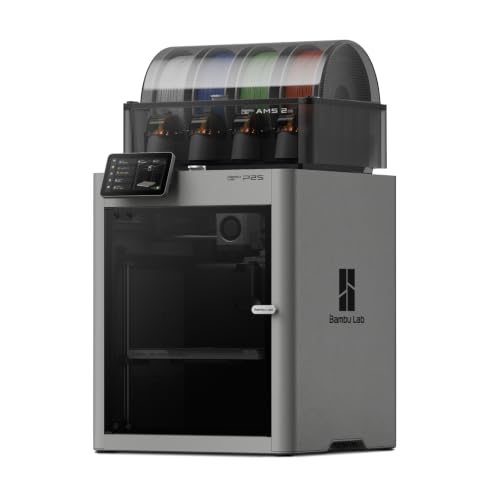
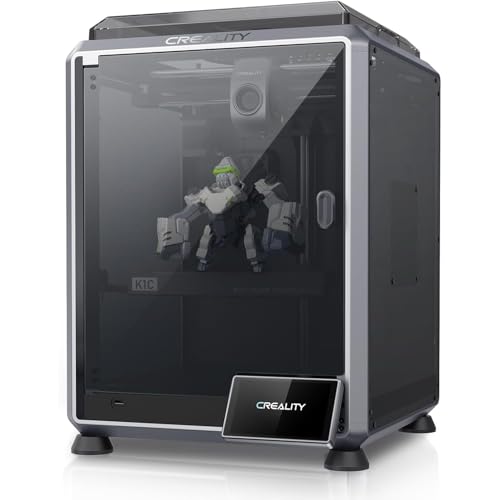
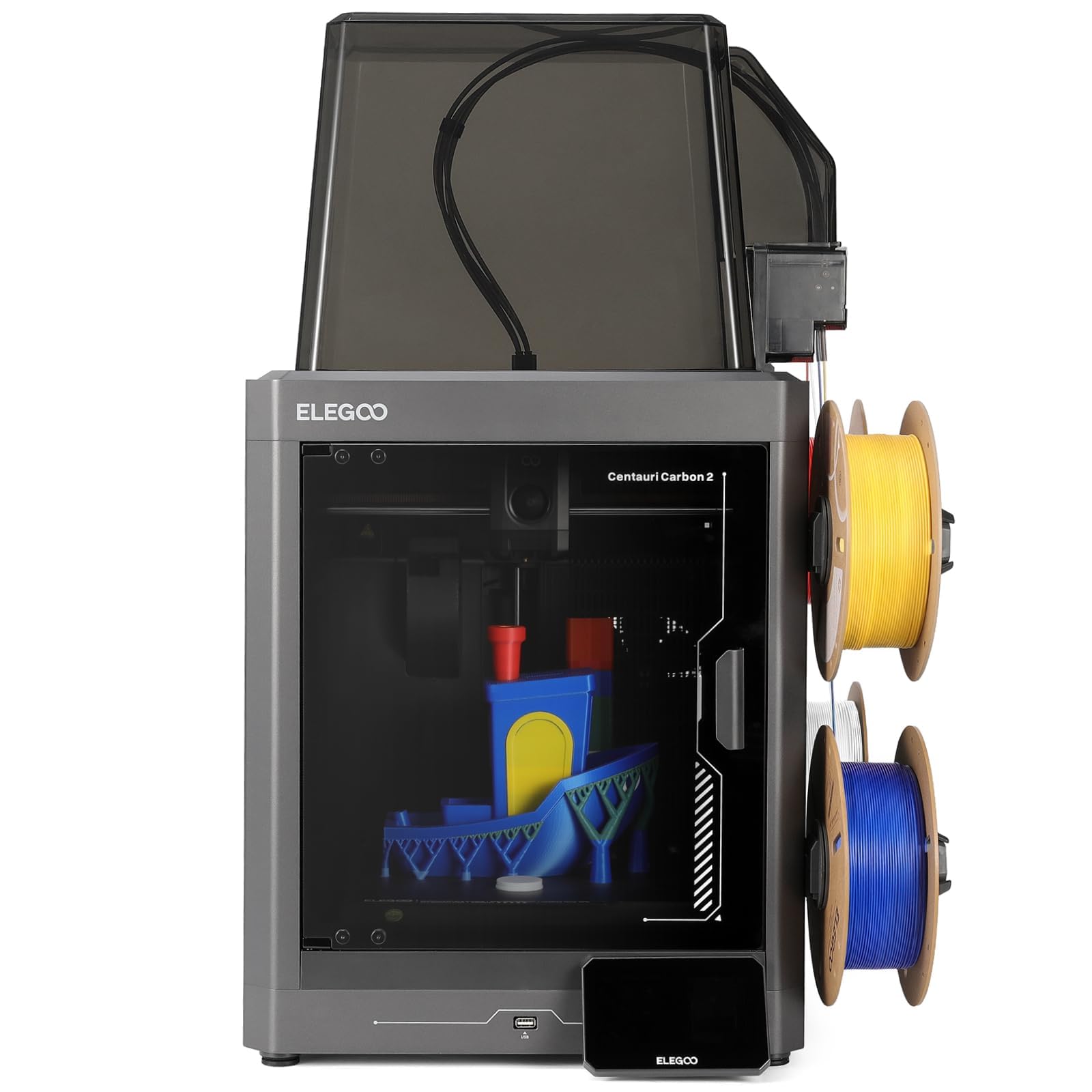
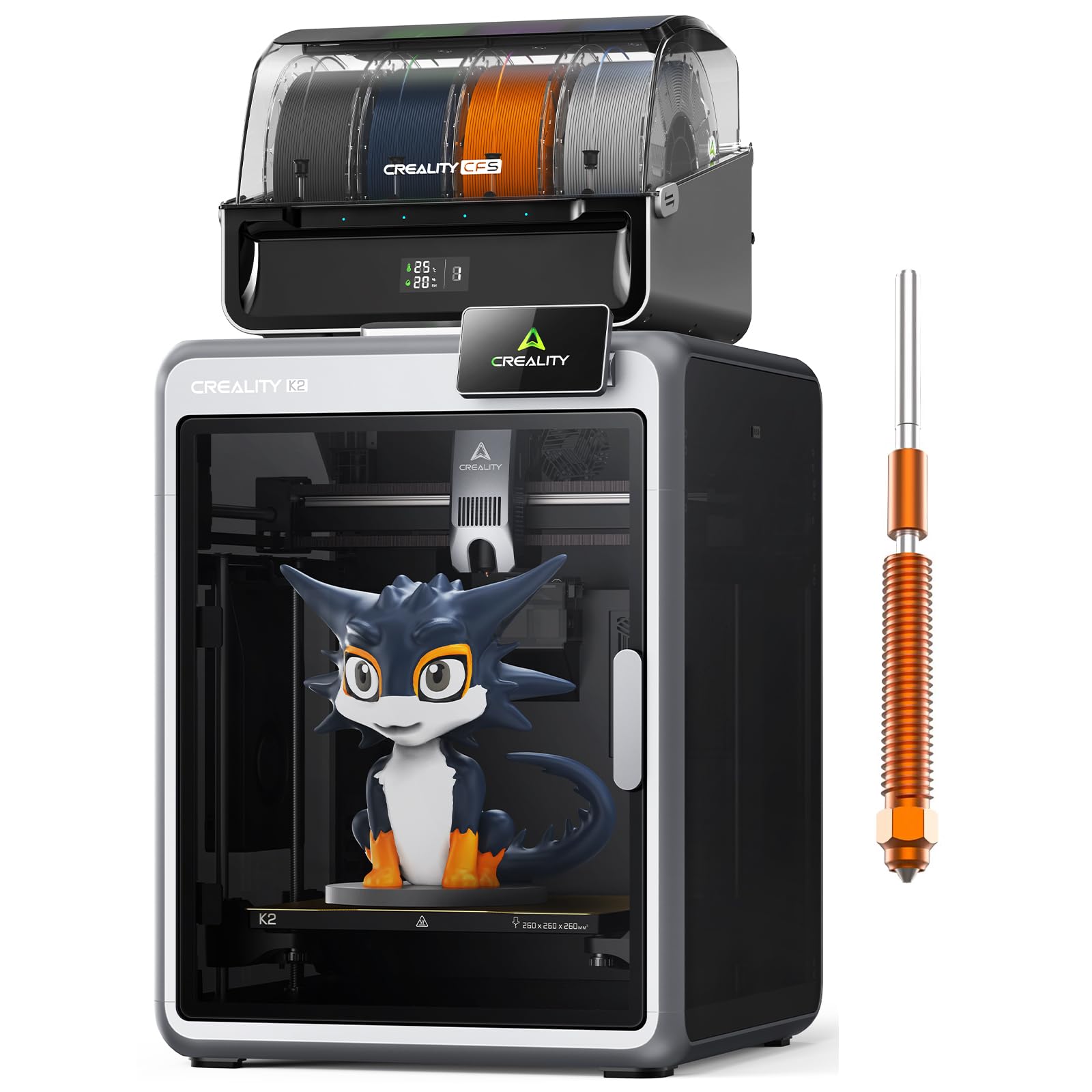


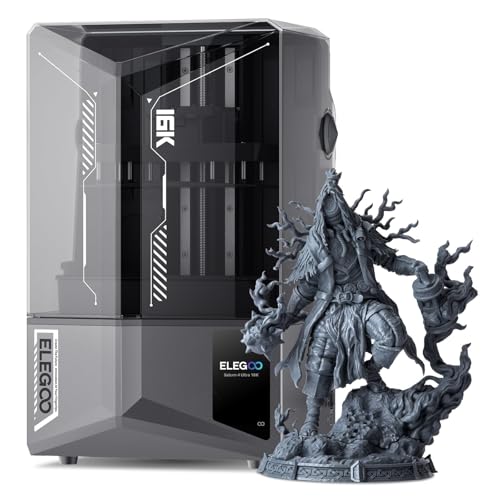
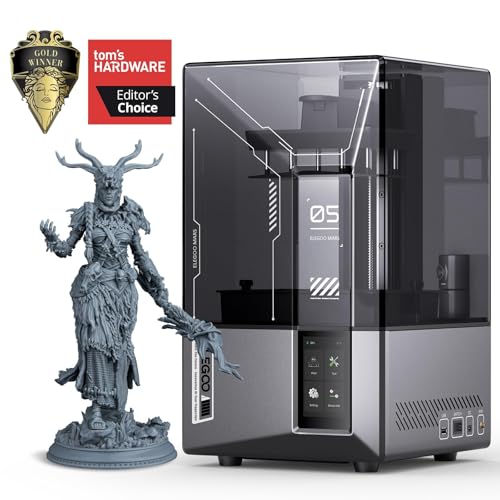
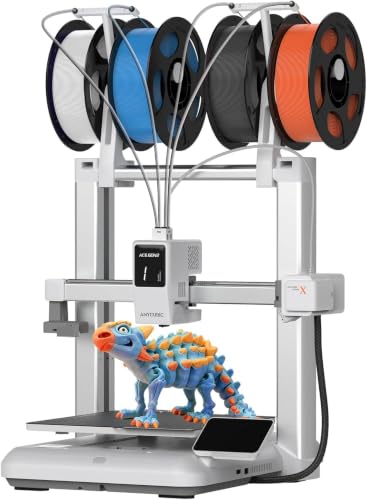
Price Tier Guidance: What Each Budget Should Buy
Rather than naming specific models, which change constantly, this section describes the profile a good machine shows at each price today. If a printer at a given price lacks its profile traits, it is priced a tier too high, whatever the listing claims. Use these points to judge any of the best 3d printers now.
Budget Profile: The Current Entry Standard
Around $180 to $280, a current budget machine should still give you a heated bed, a build volume near 220 mm cubed, and at least assisted bed leveling with a sensor doing the measuring. You will usually get a basic screen, a single extruder, and an open frame.
That package prints PLA and PETG parts, organizers, toys, and learning projects reliably once set up. What you give up is speed, quiet, and polish: fans are audible, long prints need occasional checks, and enclosures cost extra. For a first printer bought to learn on, this profile remains the sensible door into the hobby.
Midrange Profile: Where Most People Should Land
Around $300 to $600, expect full auto bed leveling, direct drive extrusion, faster and quieter motion, and often a partial or full enclosure. This tier prints a wider material range, including flexible filaments and, in enclosed models, ABS style plastics that warp on open frames.
Success rates climb sharply here, because the machine handles the fiddly steps for you. Resin buyers at this level get larger, sharper screens for detailed figures. If you print weekly or sell nothing but value your evenings, this is the tier that respects your time.
Premium Profile: Speed With Control
Above about $600, current premium machines compete on speed with control: rigid frames, vibration compensation, and well tuned profiles that keep quality high at pace. Enclosures gain filtration, cameras monitor prints remotely, and multi material systems let one job use several colors or support materials.
These are real advantages for small businesses, classrooms, and heavy hobby use. They matter far less if you print twice a month. Premium also buys better fit and finish, which feels nice daily, but be honest about whether your project list needs throughput or just reliability.
What Your Money Gets You at Each Price Tier
Budget Tier: What to Expect
Budget machines today are far more capable than their prices suggest, because competition pushed yesterday upgrades downward. Expect decent print quality at moderate speeds, standard 1.75 mm filament support, and community profiles for every common material.
Setup takes an hour or two, and you will learn basic maintenance whether you planned to or not. That learning is genuinely useful, since the same skills transfer to any later machine. Shoppers focused on this tier should compare our guide to the best inexpensive 3d printers, which tracks how low prices can go without giving up the essentials.
Midrange Tier: The Sweet Spot for Most Buyers
Midrange is where convenience features stop being luxuries and start preventing failed prints. Auto leveling removes the top beginner error, direct drive ends most flexible filament struggles, and enclosures stabilize temperature sensitive materials.
Print speeds rise without wrecking surface quality, so a part that took six hours may take four. Support also tends to improve at this level, with better documentation and faster firmware updates. For households sharing one machine across school projects, repairs, and hobbies, midrange flexibility is hard to beat.
Premium Tier: When Spending More Pays Off
Spending more pays off when printing is part of your income or your weekly routine. Multi material printing removes hand painting steps for color coded parts and dissolvable supports for complex shapes.
Higher reliability protects deadlines, and remote monitoring lets a long print run while you are elsewhere. Premium resin machines add plate size that turns batch work into single runs. If none of those sentences describes your life, the premium tier buys bragging rights rather than results, and the midrange machine plus a generous material budget will make you happier.
Features Worth Paying For in 3D Printers Now
Reliability and Support
Worth paying for at every tier. Reliability shows up as consistent first layers, repeatable quality across a spool, and parts that wear predictably.
Check that the maker sells spare nozzles, belts, build plates, and, for resin, screens and tank film. Current firmware and an active owner community signal a product line that is still cared for. A slightly slower printer with strong support will outproduce a faster orphan within a year, because every problem you hit has a documented fix.
Printer Type: Filament or Resin
The real split is filament versus resin. Filament machines melt PLA and similar plastics into strong, affordable parts and dominate general use.
Resin machines cure liquid with light for fine detail, at the price of washing, curing, gloves, and ventilation. Newer buyers often ask about speed differences, but the honest divider is detail versus durability. Choose filament for functional and large work, resin for small and detailed work, and see our dedicated guide to the best resin 3d printers if detail is your priority.
Ease of Setup and Calibration
Worth paying for, especially your first time. Auto bed leveling, guided first run wizards, and preassembled frames turn setup from a project into an errand. Current models increasingly ship with slicer profiles tuned per material, which removes the guesswork that used to eat a weekend.
Skip paying extra for novelty calibration gimmicks you run once, but never skip the basics. Practical know how: after setup, print a small calibration cube and measure it with cheap calipers. A cube within about half a millimeter of size tells you the machine is honest.
Connectivity and Mobile Printing
WiFi file transfer and app monitoring are now standard in midrange machines and genuinely useful, because printers often live in workshops, garages, or spare rooms. Camera monitoring catches a failed print early enough to save material. Treat fancy touch screens as a minor plus only. Your phone and computer do the real work in this hobby, so a basic screen with a reliable dial or simple menu loses you nothing in daily use.
Build Volume
Build volume is the box your part must fit inside, usually stated in millimeters. Around 220 mm cubed covers most household and hobby parts, while 300 mm class machines suit cosplay pieces, large tools, and terrain.
Bigger is not free: large machines heat larger beds, take more desk, and waste more on a failed big print. Buy for the largest part you will print repeatedly, and split the rare oversize project into glued sections. Our overview of the best 3d printers shows how volumes compare across the whole market.
Long Term Costs to Factor In
Budget beyond the box. Filament runs about $20 per kilogram for PLA, resin about $30 to $45 per liter plus wash liquid, gloves, and filters. Wear parts add up slowly: nozzles, build plates, tank film, and screens on resin units. Electricity for typical home printing stays modest compared with material costs.
Warranty length and parts pricing belong in this math too, because a cheap machine with costly spares can pass a midrange machine total cost within two years. A sensible plan sets aside roughly a quarter of the purchase price per year for materials and upkeep. Hobby focused buyers can compare project driven running costs in our guide to the best hobby 3d printers.
3D Printers: Your Questions Answered
Is filament or resin cheaper to run?
Filament wins on cost per part by a wide margin and asks for fewer supplies. Resin costs more per finished piece and adds safety supplies, which is the price of its finer detail.
What does cost per print mean?
Cost per print is the material cost of one finished part. Your slicer reports grams or milliliters before you start, so multiply by your material price per unit. A 100 gram PLA part from a $20 spool costs about $2. Failed prints belong in honest budgets too, which is one more reason first layer reliability is worth paying for.
Should I avoid printers that lock me into proprietary materials?
Usually yes. Compare refill economics before hardware prices, and favor machines that accept standard spools and standard resin bottles over any locked format, because material savings compound across every single print you make.
Which 3D printer is easiest for beginners?
The easiest current machines arrive mostly assembled, level their beds automatically, and include tuned slicer profiles for PLA. Your first print should succeed on the first evening. A tip that saves beginners real money: learn on standard PLA before buying specialty materials, because PLA forgives settings mistakes that would ruin a print in tougher plastics. Our guide to the best starter 3d printers collects the traits that make first machines forgiving.
The Bottom Line
Shop by tier, not by headline specs. Budget machines now cover learning and light use honestly, midrange machines deliver the convenience most households actually feel, and premium machines earn their price only when speed, size, or multi material work is part of your routine. Check your finalists in the product table above, keep running costs in the budget, and the best 3d printers now for your projects will be a straightforward choice.


