
Best 3D Printers for Students: A 2026 Checklist
Disclosure: We may earn a commission when you buy through links on this page, at no extra cost to you. As an Amazon Associate I earn from qualifying purchases. Learn more

Setup, safety, and filament costs checked for the best 3d printers for students, from dorm rooms to project labs.
Choosing a printer for school is less about chasing the longest spec sheet and more about matching a machine to your space, your budget, and your coursework. This guide scores the best 3d printers for students against a simple checklist, so you can judge any model you find against the same fair standards.
Below, you will learn which specs actually matter, which ones are mostly marketing, and which warning signs should send you back to the product table below. No single machine suits every major, dorm, or budget, and that is exactly why a checklist beats a gut feeling.
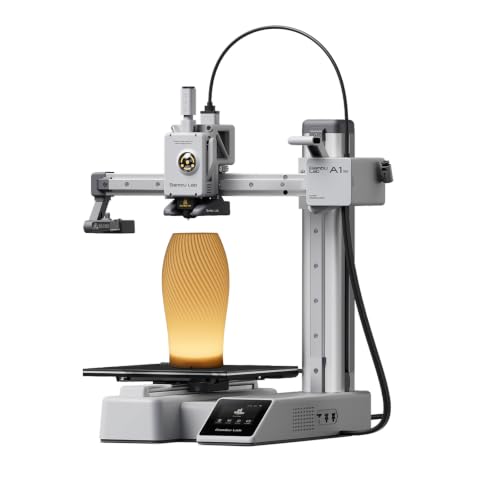
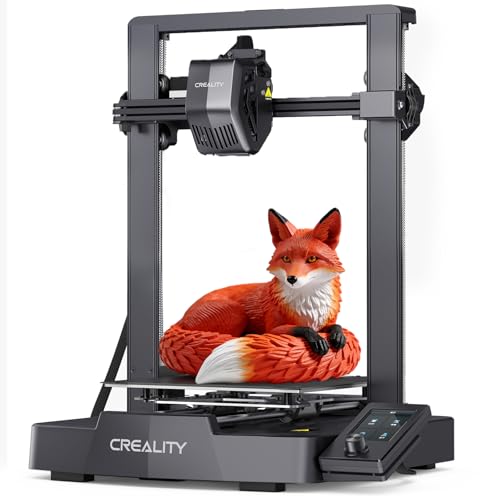


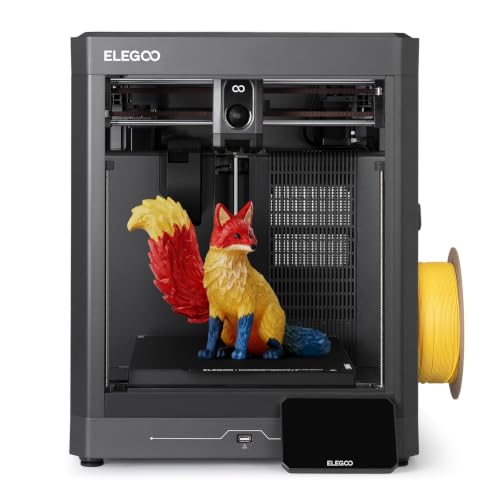
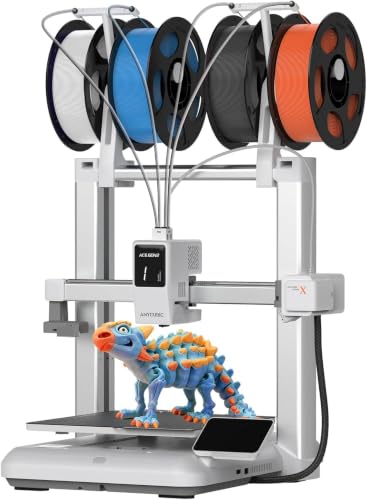


Scoring Card for Student Printers
Think of this section as a scoring card you can carry to any product page. For each criterion, this guide explains what good looks like, what poor looks like, and the point where spending more stops helping a student. Run every candidate through all seven checks before you look at price, because a cheap machine that fails two of them is rarely a bargain.
What Students Should Look For
Students need a printer that fits a desk corner, starts a print without a long ritual, and survives being moved between a dorm, an apartment, and home for the summer. Weight matters more than you expect, because a machine you dread moving is a machine you stop using. Look for a compact frame, a handle or a flat top you can grip safely, and controls you can learn in one evening. Simple menus, a clear screen, and a slicer program with ready made profiles for common materials will save you hours during busy weeks.
Printer Type: FDM or Resin
Students choose between two main 3D technologies. Filament printers, usually called FDM machines, melt a spool of plastic such as PLA and build objects layer by layer. Resin printers cure liquid resin with light and capture finer detail, but they need washing, curing, gloves, and good ventilation, which makes them a poor fit for most dorm rooms.
Ease of Setup and Calibration
Good setup means the printer guides you, not the other way around. Auto bed leveling uses a sensor to measure the print surface and adjust for small tilts, and it is the single feature that removes the most failed first layers for new owners. Prefer machines that arrive mostly assembled, include a plain language quick start guide, and level the bed with one menu command. A removable flexible build plate also counts here, because parts pop off with a gentle bend instead of a fight with a scraper, and that saves both time and fingertips.
Print Quality and Resolution
For 3D printing, layer height sets how smooth a print looks. A standard layer height of 0.2 mm looks clean for brackets, cases, and class models, while 0.12 mm gives smoother curves at the cost of much longer print times.
Judge quality by consistency rather than the smallest number on the box. Even layers, clean corners, and few visible lines matter more than a heroic minimum layer height you will rarely use. Check sample photos from owners, and favor machines known for steady extrusion and a rigid frame that does not wobble at speed.
Filament and Material Costs
A 3D printer charges you per gram of plastic. A one kilogram spool of PLA usually costs around $20, and a typical class model might use 40 to 80 grams, so most prints cost about $1 to $2 in material.
Add a small allowance for failed prints while you learn. Resin costs more per part and also needs wash liquid, gloves, and paper towels. Before you buy, price the exact materials your courses use, and check whether the printer accepts standard spools or locks you into one brand.
Footprint and Noise
Measure your desk before you fall for a big build volume. Many student friendly machines print objects up to about 220 mm in each direction while taking roughly the space of a microwave turned on its side.
Noise matters in shared rooms, so look for silent stepper drivers and enclosed or partly enclosed designs if you plan to print while a roommate studies or sleeps. A practical know how point: place the printer on a heavy flat board or a paving slab with foam under it. That simple trick absorbs vibration and makes any machine noticeably quieter.
Reliability and Support
A printer that works every week beats a faster one that needs constant tinkering. Favor brands with current firmware updates, a spare parts page where you can actually order nozzles and belts, and an active user community posting fixes for common errors. Community size matters for students because your exact problem has usually been solved at 2 a.m. by someone in the same course crunch.
What Passing the Checklist Looks Like in 3D Printers for Students
The product table above sorts machines by price, but price alone does not tell you who each level suits. Instead of naming favorites, use the three profiles below to see which level of machine your actual workload needs, then match models in the table against the traits listed here. Use these points to judge any of the best 3d printers for students.
The Balanced Profile
A balanced student printer pairs auto bed leveling with a build volume near 220 mm cubed, a flexible removable plate, and quiet drivers, usually around $250 to $400. It should handle PLA easily and tougher materials like PETG with an enclosed or shielded setup. Strengths at this level are consistency and low effort, which is what keeps a printer in weekly use during a semester. The honest limit is speed and size: very large engineering parts still belong on a bigger machine, and very fine miniature detail still belongs to resin.
Where Smart Savings Live
Value machines, often under $250, win by keeping the features that prevent failure and cutting the ones that only add polish. Keep auto bed leveling if you can, a decent screen, and standard spool support.
You can safely give up WiFi printing, color touch screens, and fancy enclosures, because none of those change whether a part succeeds. If you are comparing entry level options, our guide to the best inexpensive 3d printers explains where budget machines cut corners wisely. Expect more manual checks and slightly louder fans at this level.
Built for Coursework Loads
Architecture, engineering, and design students print often, in longer runs, and with deadlines that punish downtime. A heavy use profile adds a sturdier frame, direct drive extrusion for flexible materials, and easy access to wear parts like nozzles. Budget around $400 to $700 and treat a second nozzle kit and a spare build plate as part of the purchase. Students in technical majors should also read our guide to the best 3d printers for engineering students, which covers the stronger materials and larger volumes those courses demand.
Quick Buyer Checklist
Answer these questions before you pay. Three or more no answers means the machine will likely frustrate you, no matter how good the discount looks.
- Does it level the build plate automatically or with a guided routine?
- Does the build volume fit the largest part your courses or hobbies require?
- Does it use standard 1.75 mm filament spools rather than a locked format?
- Will it fit your desk with room to open the door or lift the lid?
- Is the noise level acceptable for a shared room or late night printing?
- Can you order spare nozzles, belts, and build plates easily?
- Does the total cost, including two spools of filament, fit your budget?
Red Flags to Watch For
Vague spec pages are the biggest warning sign. If a listing hides the build volume, layer height range, or supported materials behind buzzwords, the seller expects you not to compare. Short warranties under six months, missing safety certifications, and a support page with no contact route all point the same way. Be wary of ratings that jump in sudden bursts with similar wording, a pattern that suggests padded feedback rather than happy owners.
How to Make Your 3D Printer Last Longer
Keep the build plate clean, because skin oil is the quiet cause of parts lifting mid print. Wipe the surface with isopropyl alcohol between prints and wash removable plates with warm water and plain dish soap once a month.
Store filament in a closed box with desiccant packs, since damp PLA turns brittle and stringy. Tighten belts and check nozzle wear each term. For a broader view of machines that reward this kind of care, see our overview of the best 3d printers and our guide to the best hobby 3d printers for project focused use.
FAQs
What makes 3d printers for students different?
Student focused machines trade raw size and speed for low effort, small footprint, and low running cost. The difference is practical rather than technical: auto bed leveling, quiet fans, and standard filament matter more than a huge build plate. A student printer also assumes shared space, so simple controls and safe enclosed hot parts count for more than they do in a workshop.
Are standard filament spools worth buying?
Yes. Standard one kilogram spools of PLA cost far less per gram than small proprietary cartridges, and they work with almost any printer. Compare cost per gram before you buy, and avoid machines that lock you into one brand of filament.
Which 3D printer is easiest for beginners?
The easiest machines share three traits: they arrive mostly assembled, they level the bed automatically, and their slicer offers tested profiles for PLA. Your first session should end with a printed sample, not a tools session. A practical tip many guides skip: start with light colored PLA, because you can see layer lines and flaws clearly, which makes learning faster than printing in black.
Is filament or resin cheaper for students?
Filament costs less per part, needs no wash chemicals, and suits most coursework. Resin only pays off when you truly need fine detail, such as miniatures or dental style models, and you accept the added cleanup and safety steps.
What does cost per print mean?
Cost per print is the spool price divided by grams used, plus a small allowance for failures. A $20 spool holds 1,000 grams, so each gram costs about two cents. Weighing your finished part on a kitchen scale gives you an honest cost for every project, which helps with club and course budgets.
Wrapping Up
Focus on three things and most choices become easy: automatic bed leveling, a build volume that matches your real projects, and running costs you can afford every week. Match those to your space and your major, compare candidates in the product table above, and the best 3d printers for students for your situation will stand out quickly. Buy the machine that removes friction, not the one with the longest feature list.


