
Best 3D Printers for Prototyping in 2026: Which Type Is Right for You?
Disclosure: We may earn a commission when you buy through links on this page, at no extra cost to you. As an Amazon Associate I earn from qualifying purchases. Learn more

FDM, resin, and large format compared so you can pick the best 3d printers for prototyping at each project stage.
Prototyping is a race against your own questions. Does the housing fit the board, does the grip feel right in the hand, does the bracket survive the load? Every day a prototype sits unfinished is a day those questions stay open. That is why choosing a printer for prototyping is less about a single impressive specification and more about matching a printer type to the kind of parts you iterate on.
This guide compares each printer type side by side so you can choose the best 3d printers for prototyping for your space, budget, and parts. You will see how FDM and resin machines differ in practice, which features speed up iteration, and where each type wastes your time. Start with the product table below, then use the type breakdowns to decide which family deserves a closer look.


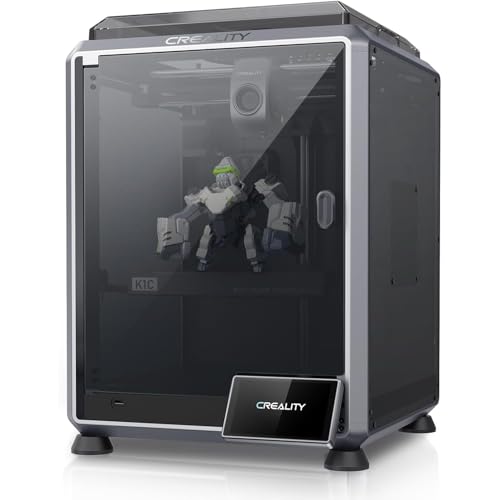
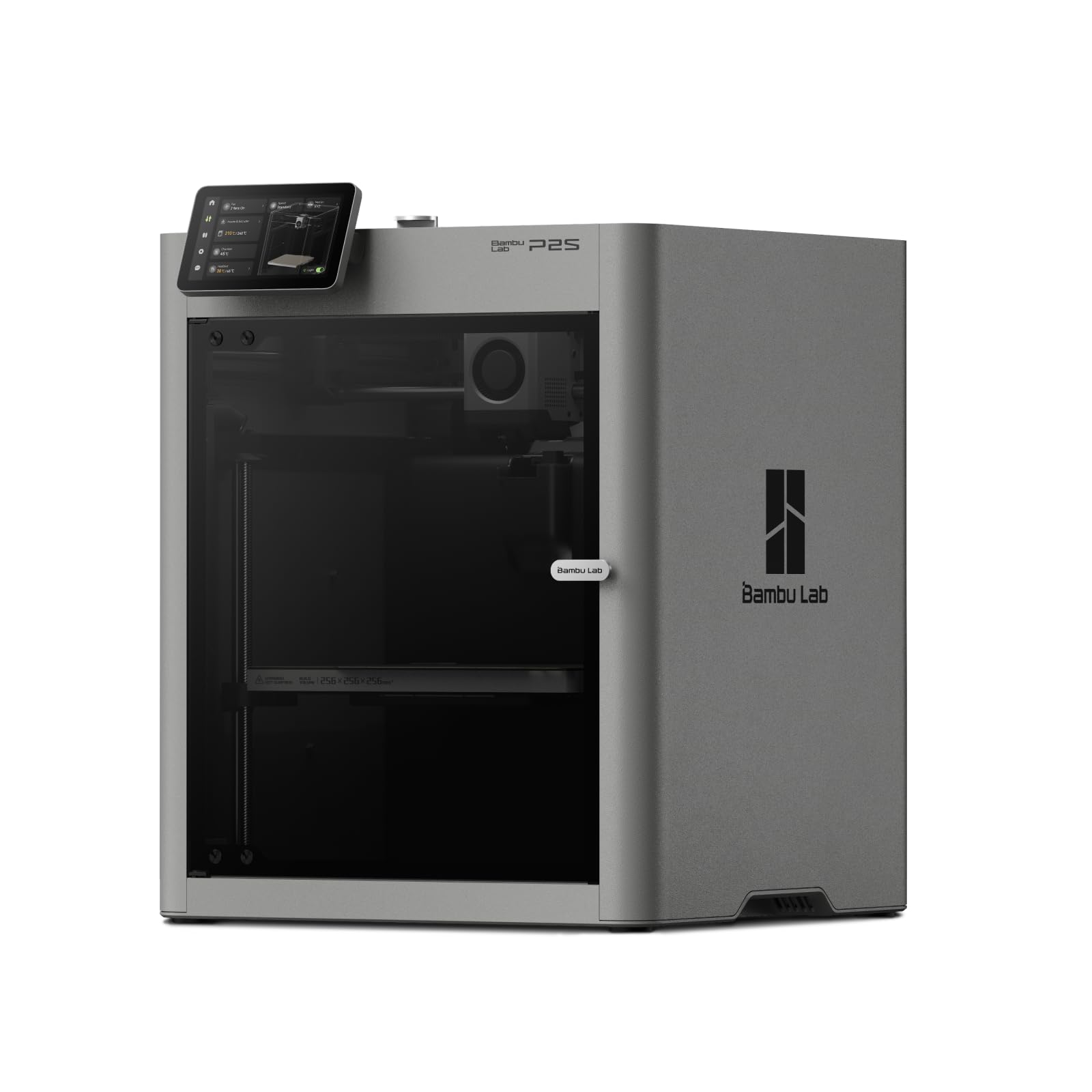

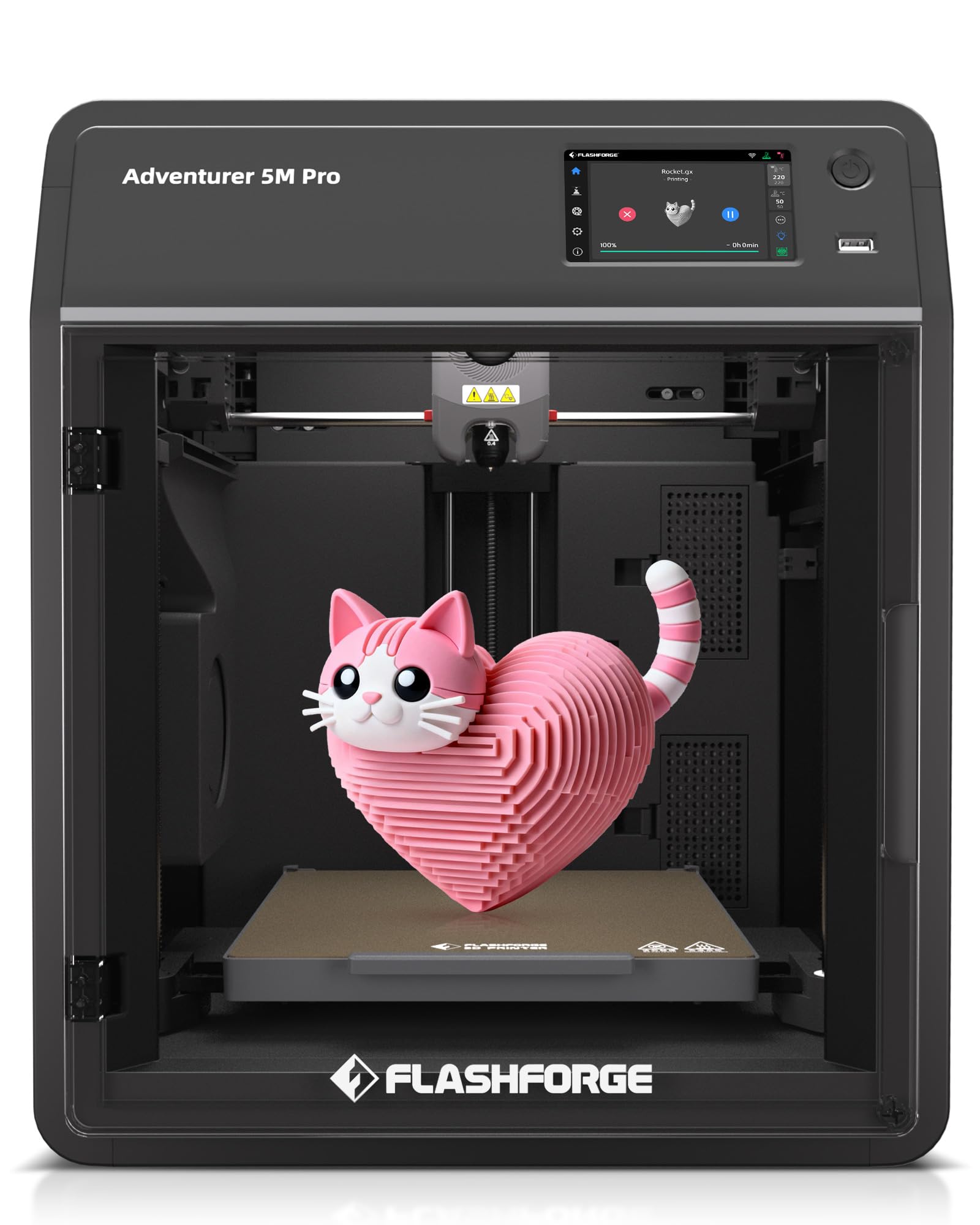
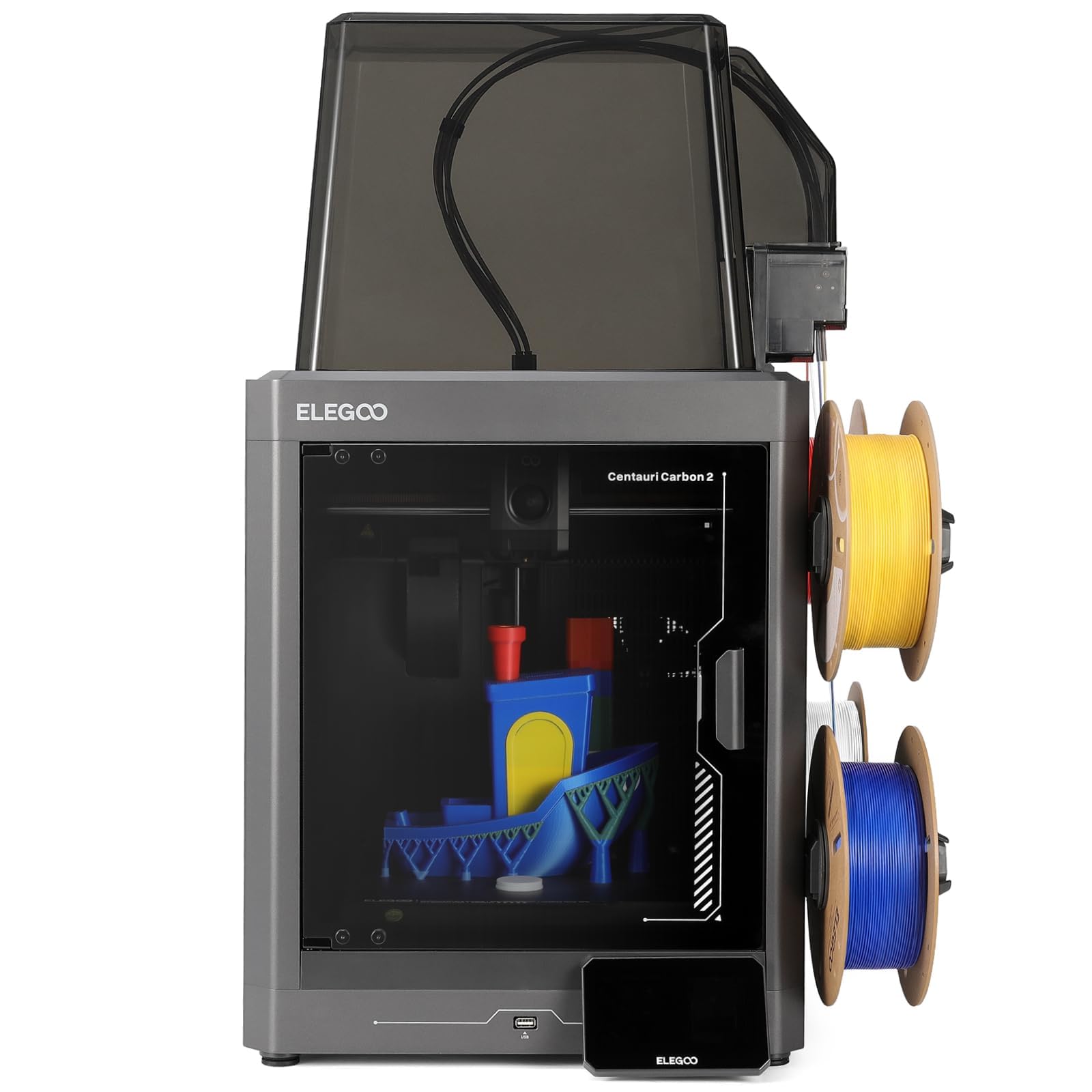
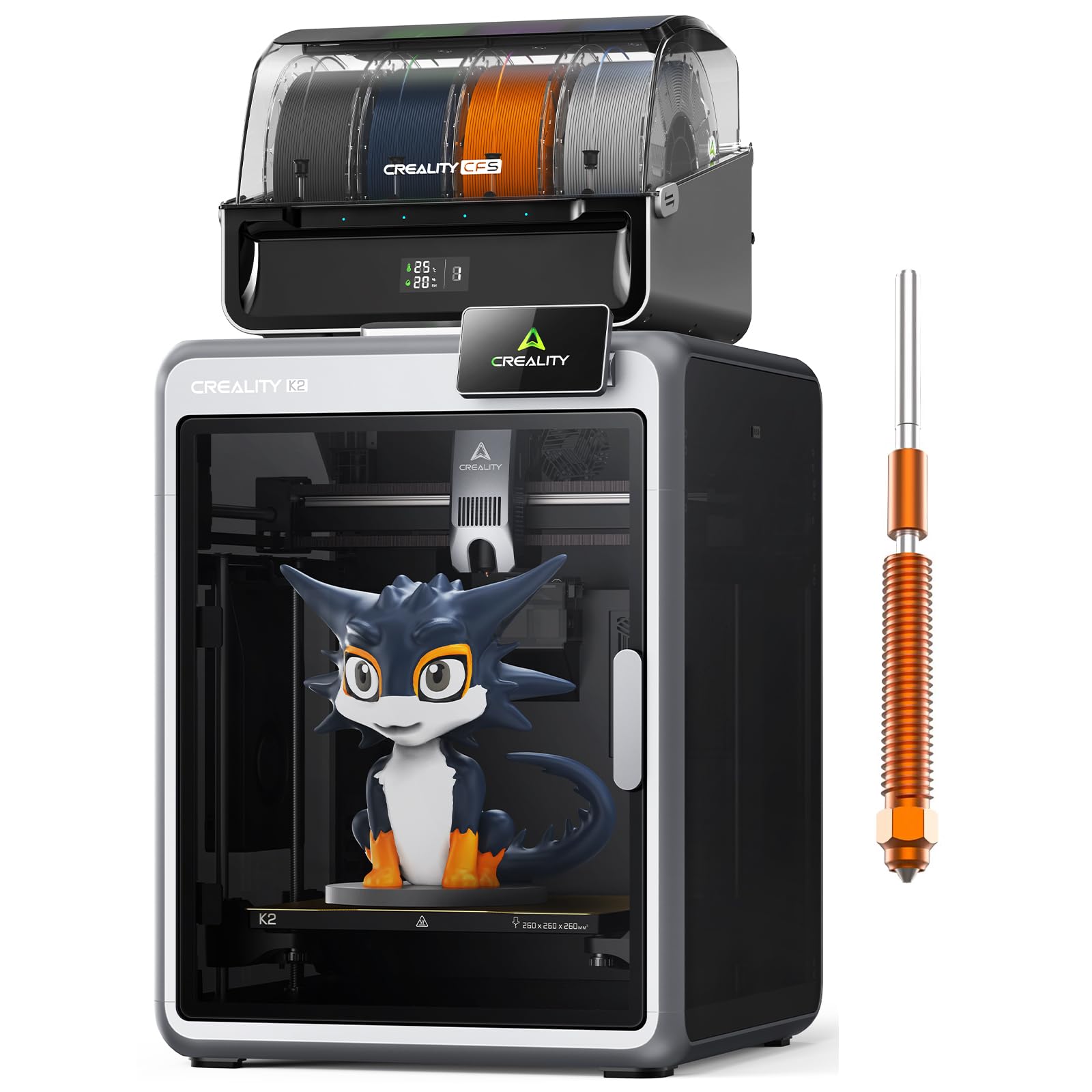
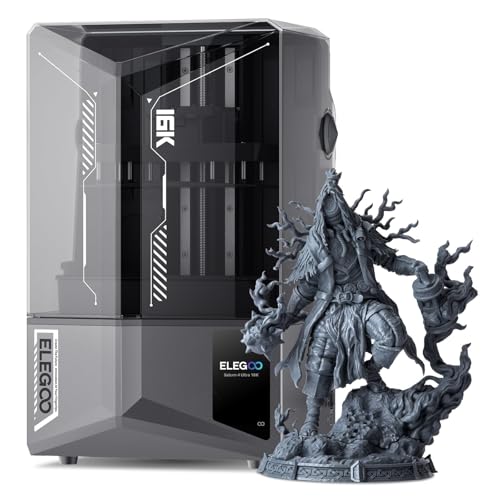
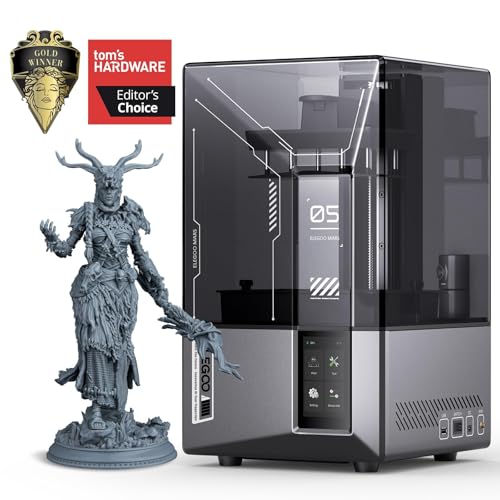
Types of 3D Printers Compared
Think of the types as tools with different strengths. FDM is the general workshop tool, resin is the precision instrument, and large format machines handle full scale parts.
FDM 3D Printers
FDM printers melt filament and build parts layer by layer, and they are the workhorse of prototyping. Iteration is fast and cheap because a fist sized PLA draft often costs under a few dollars in material and can be redesigned and reprinted the same afternoon.
Parts are tough enough to screw together, snap into assemblies, and test under real loads. The trade off is visible layer lines and moderate detail, so tiny text and fine mechanisms look rough. For enclosures, brackets, ergonomic models, and fit checks, FDM is usually the first and often the only machine a prototyping bench needs.
Resin 3D Printers
Resin printers cure liquid resin with light and capture detail that FDM cannot reach, such as fine gear teeth, crisp lettering, and smooth miniature surfaces. That makes them ideal for visual models, jewelry and dental work, and small parts where appearance sells the concept.
The costs are process and handling: parts need washing and extra curing, resin requires gloves and ventilation, and many resins are brittle under impact. Build volumes are also smaller. Choose resin when the question your prototype must answer is how it looks or how fine features fit together, not how much load it can carry.
Large Format FDM Printers
Large format FDM machines extend the same filament process to parts above 300 mm, such as full size housings, furniture mockups, and automotive trim studies. Prototyping at full scale avoids the guesswork of scaling a small model up, and joints and fasteners can be tested at true size. The trade offs are longer print times, more material per iteration, and greater sensitivity to drafts and bed leveling across a wide plate. If your prototypes regularly exceed a standard build volume, this type earns its bench space; otherwise it is an expensive way to print small parts slowly.
FDM 3D Printers vs Resin 3D Printers: Which Should You Choose?
Compare the two real contenders on five points. On cost per iteration, FDM wins clearly, because filament is cheap and cleanup is minimal. On detail, resin wins, sometimes by a wide margin. On strength, FDM wins for parts that flex, fasten, or take impact.
On workflow speed, FDM wins again once washing and curing time is counted for resin. On part size, FDM wins, with far larger build volumes at any given price. So the rule is simple: default to FDM for functional iteration, choose resin for visual and fine detail work, and run both only when your projects genuinely split across those needs. Many product teams do exactly that, drafting shapes in FDM all week and producing one resin showpiece when a stakeholder review demands a polished surface.
If you are still orienting yourself in the wider market, our general guide to the best 3d printers maps the main families, and our guide to the best resin 3d printers goes deeper on the resin side of this comparison.
How to Choose 3D Printers for Prototyping
Once the type is settled, four features decide how pleasant and productive your prototyping routine becomes. Weigh them against your actual projects, not against a wish list. Use these points to judge any of the best 3d printers for prototyping.
Features That Matter for Prototyping
Prototyping rewards iteration speed and dimensional honesty. You want a machine that starts quickly, levels automatically, and repeats dimensions so that a change you measure is a change you designed, not machine drift. A build volume around 220 mm cubed covers most product parts, and quick change build plates speed up turnaround between versions. Material openness matters too, because prototypes often move from cheap PLA drafts to PETG or tougher materials for final testing, and a printer locked to one material slows that progression.
Connectivity and Mobile Printing
WiFi and network printing sound minor until you run several iterations a day. Sending a revised file from your desk, starting it remotely, and checking a camera view between meetings keeps the iteration loop tight. Some machines let you queue versions so the next draft starts as soon as you clear the plate. The less friction between a design change and a running printer, the more versions you will actually test, and more versions means better final products.
Reliability and Support
A prototyping printer that fails mid iteration breaks your train of thought as well as your schedule. Prefer makers with published firmware updates, available spare parts, and active user communities where slicer profiles for common materials are shared. Check how owners rate long term bed leveling stability, because prototypes demand trustworthy first layers every time. Good support also means clear documentation for calibration, since a prototyping user will calibrate more often than a casual user and will notice small errors that others would ignore.
Printer Type Revisited: Matching Type to Project Stage
Type choice can follow project stage. Early concept models in FDM answer size and assembly questions cheaply. Mid stage functional tests in tougher FDM materials answer strength questions.
Late stage resin models answer appearance questions before tooling or presentation. If your work lives in one stage, buy deeply for that stage. If it moves across stages, a dependable FDM machine plus access to resin through a colleague, a makerspace, or a later second purchase is usually smarter than one compromised machine that does both jobs poorly.
Teams equipping a first bench on a tight budget should compare notes with our guide to the best inexpensive 3d printers, while those outfitting a broader workshop can use our guide to the best hobby 3d printers for the casual machines that often share the same room.
Tips to Get the Most From Your 3D Printer
Design for iteration. Add version numbers to parts, keep a simple log linking each print to the design change it tested, and change one variable at a time.
Print draft quality first and reserve fine settings for the version you will measure or show. Keep beds clean, filament dry, and a spare nozzle and build plate on hand so a small failure never costs a day. Finally, measure every important prototype with calipers and record the error, because that feedback loop is what turns a printer into a prototyping instrument instead of a novelty.
New operators often benefit from the simpler machines described in our guide to the best starter 3d printers while they learn slicing and calibration, then move the production prototypes to the main machine.
3D Printers: Your Questions Answered
What features matter most in 3d printers for prototyping?
Fast turnaround, repeatable dimensions, and material flexibility matter most. One underrated feature is a quick swap build plate system, because removing a finished draft and starting the next version in two minutes keeps your momentum through a long iteration day. Also value open material support, since the jump from PLA drafts to PETG or nylon final tests is where prototypes prove themselves, and a restricted machine forces a second purchase at exactly that moment.
What materials should a prototyping shelf hold?
A modest shelf covers most design questions: PLA for drafts, PETG for functional tests, and one flexible or engineering filament for special cases. That small stock of materials answers far more design questions than extra hardware would, and it costs less than most people expect to keep stocked.
Which 3D printer is easiest for beginners?
The easiest prototyping machines offer auto leveling, guided setup, and dependable factory profiles, so a beginner can print a usable draft on day one. Resin machines look simple but add chemical handling and post processing that beginners underestimate. Start with FDM, learn how layer height, infill, and orientation change a part, and keep a printed set of failed examples pinned near the machine. Studying real failures teaches faster than any manual.
What does cost per iteration mean?
Cost per iteration is material, machine time, and your labor for setup and cleanup. FDM drafts often land at a few dollars per iteration, while resin iterations cost more once washing, curing, and consumables such as gloves and filters are counted. Knowing your cost per iteration helps you decide how many versions a design question is worth, which is a core prototyping judgment.
Is FDM or resin cheaper for prototypes?
FDM is cheaper per part for most functional work because filament is inexpensive and cleanup is minimal. Resin earns its higher cost only when surface detail is what you are selling or evaluating. Over a year, the cheapest prototyping setup is the one whose parts answer questions the first time, avoiding repeat prints caused by poor accuracy.
The Bottom Line
Match the type to the question. FDM for fit, strength, and fast cheap iteration; resin for detail and presentation; large format only when full scale parts are routine.
Then confirm reliability, build volume, and material freedom before you pay. The product table above gathers the current options for a side by side look. Pick the best 3d printers for prototyping setup that shortens your loop from idea to measured part, and every project after it will move faster.


