
Best 3D Printers for Professional Use: A First Time Buyer's Guide for 2026
Disclosure: We may earn a commission when you buy through links on this page, at no extra cost to you. As an Amazon Associate I earn from qualifying purchases. Learn more

Accuracy, materials, and support compared to help you choose the best 3d printers for professional use.
Buying your first professional 3D printer feels intimidating because the vocabulary is dense and the price range is wide. Machines that look similar on a product page can differ enormously in accuracy, material range, and how much expert help you will need. If the printer will support client work, product development, or a busy studio, a wrong choice costs more than money. It costs deadlines and confidence.
This guide walks you from the basics to a confident shortlist of the best 3d printers for professional use, in plain language and in a sensible order. You will learn what the key terms mean, which specifications deserve your budget, and which beginner mistakes to avoid. Keep the product table below nearby as you read, and match each machine against the standards explained here rather than against marketing claims.
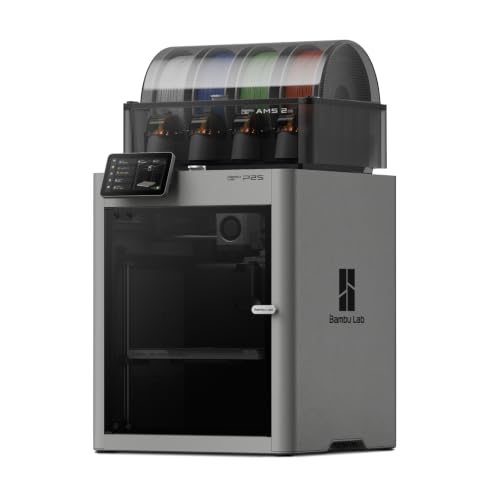


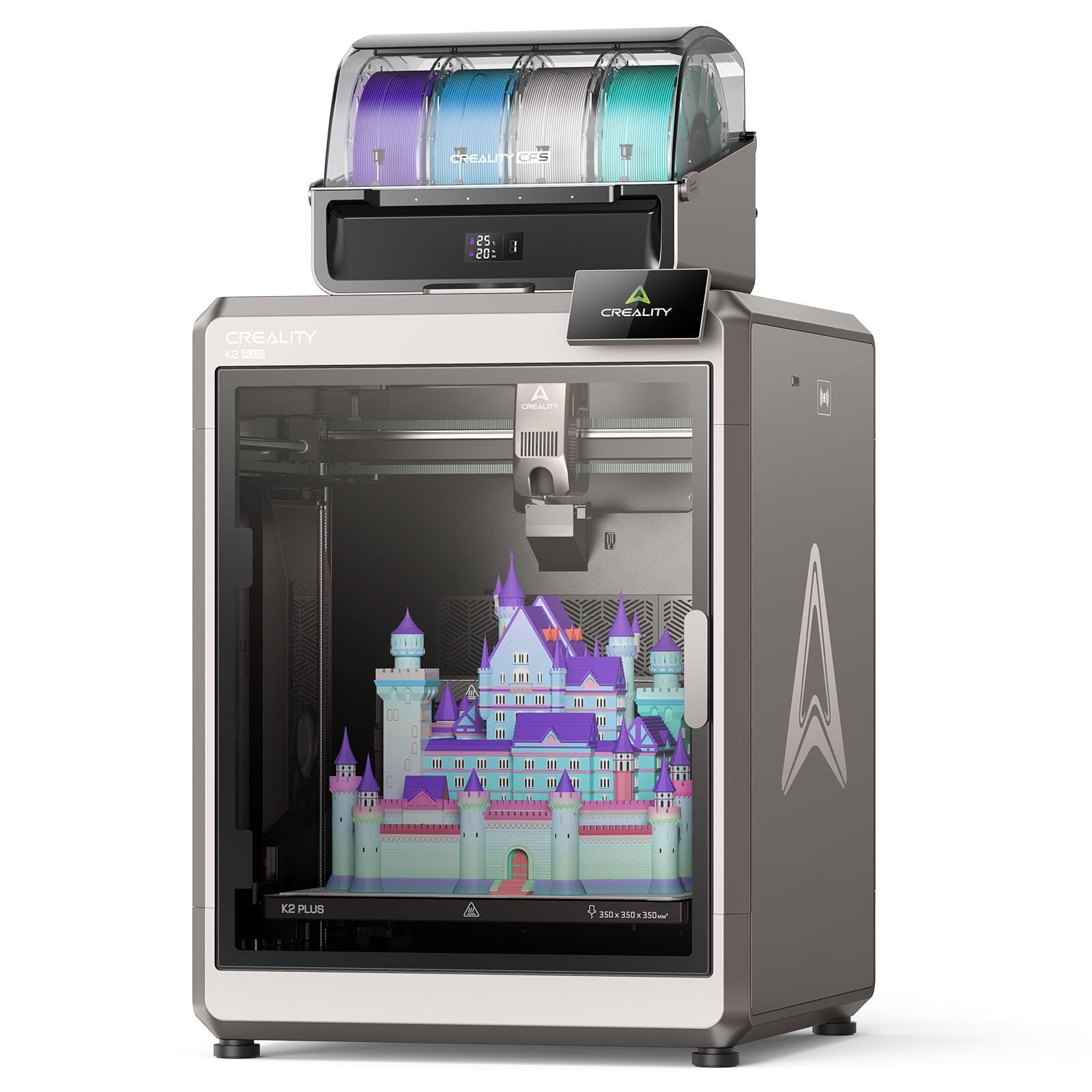
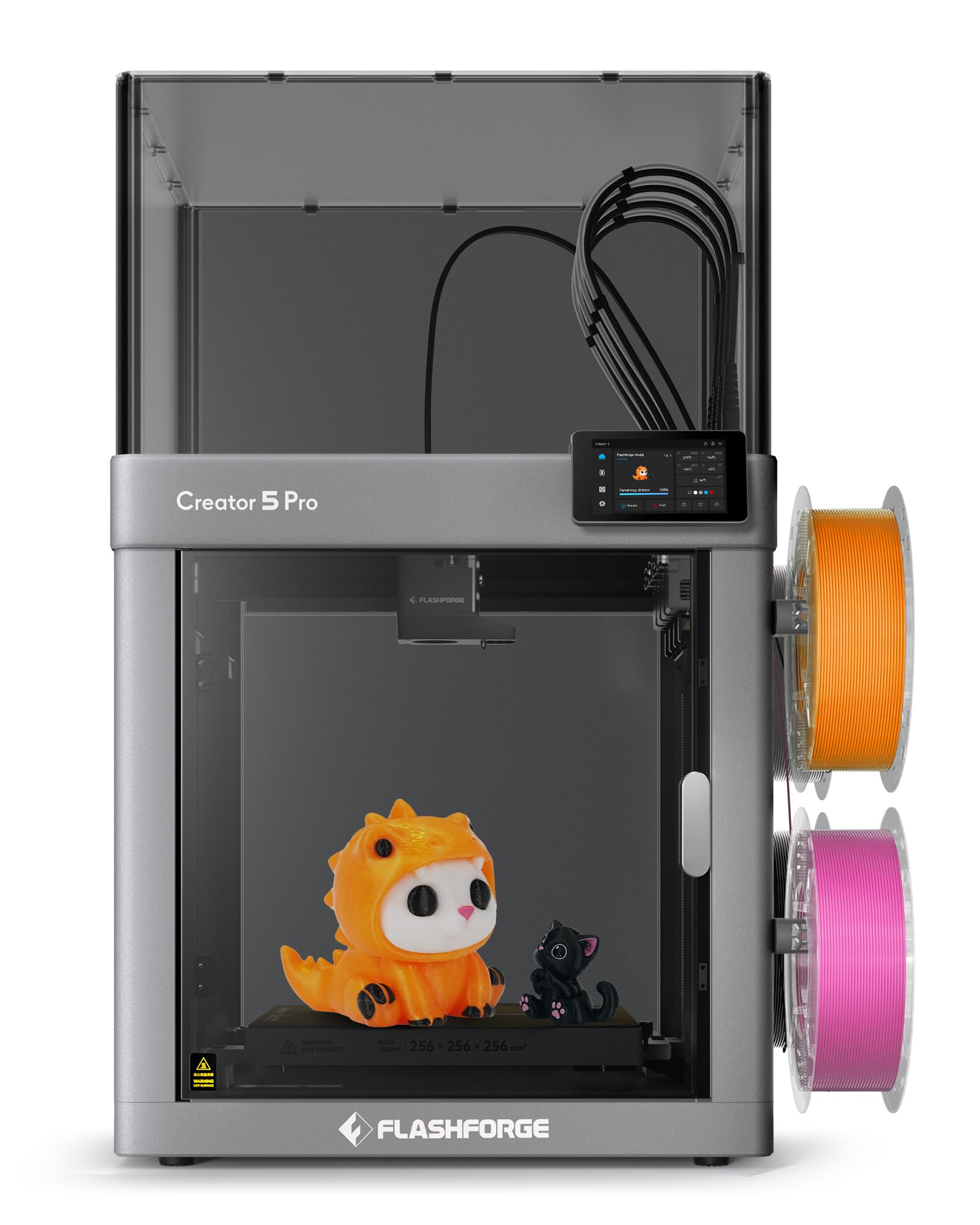


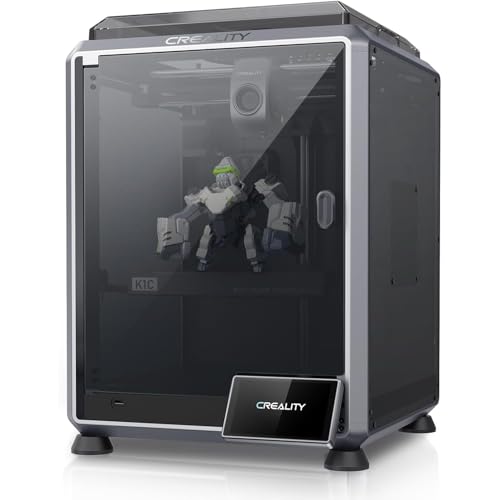
3D Printers 101: The Basics
A 3D printer builds a physical object in layers from a digital model. You start with a 3D file, prepare it in software called a slicer, which cuts the model into thin layers and plans every movement, and the printer then builds those layers one at a time.
The two mainstream technologies work differently. FDM printers melt plastic filament through a heated nozzle, rather like a precise glue gun on rails. Resin printers harden liquid resin with light, layer by layer, inside a vat.
Three terms will follow you everywhere. The build volume is the largest object the machine can make, stated as width, depth, and height.
Layer height is the thickness of each layer, and thinner layers look smoother but print slower. The hotend is the heated assembly that melts filament on an FDM machine. Nearly every buying decision in this guide connects back to these ideas, so take a moment with them now and the specification sheets will start to read like plain English.
Key Specs Explained in Plain English
Professional use raises the bar on every specification because the output represents your work to clients and colleagues. Read each spec below as a promise the machine must keep daily, not as a number to admire once.
Features That Matter for Professional Use
Professional work needs accuracy you can quote, materials beyond basic PLA, and a machine that behaves the same on Monday and Friday. Look for a rigid frame, automatic bed leveling, a hotend rated for at least 280 to 300 degrees Celsius if you plan engineering materials, and an enclosed chamber for warp prone filaments. Also value a documented accuracy figure and a maker who publishes tolerances. If a seller will not state numbers, that tells you how the machine will perform when a client part must fit a mating component.
Printer Type: FDM or Resin
Choose FDM when you need strong, larger, functional parts such as prototypes that get handled, drilled, and assembled, fixtures for the workshop, or final parts in tough materials. Choose resin when detail is the product, as with miniatures, jewelry patterns, and dental models, where fine features matter more than impact strength. Many professionals eventually own both, but your first machine should match the work you already have. Buying resin for strength or FDM for microscopic detail both end in disappointment and a second purchase.
Build Volume
Build volume decides what you can make in one piece. A volume near 220 mm cubed covers most brackets, enclosures, and hand held prototypes.
Larger machines around 300 mm or more suit architectural models, big housings, and batch runs of smaller parts arranged on one plate. Bigger is not automatically better, because large machines cost more, take more bench space, and can be slower to heat and level. List the three largest objects you realistically expect to print in the next year and size the machine to that list.
Print Speed
Speed figures need care. A headline maximum speed says little, because quality work runs far below the maximum and because the hotend must melt material fast enough to keep up.
What matters for your schedule is the realistic time to print your typical part at your quality setting. Ask the seller or community for typical flow rates and slice a sample file if you can. A machine that finishes a clean part in six hours beats one that finishes a rough part in four and needs two hours of sanding and rework.
Cost per Print and Filament Costs
Cost per finished part is the number that matters. Standard filaments often cost about $20 to $35 per spool, engineering materials can cost two or three times more, and resin is priced per liter at a higher rate again.
Add failed prints, support material, and your time. Professional buyers also count machine depreciation across its working life. A more expensive machine that wastes less material and less of your billable time is frequently the cheaper tool across two or three years of steady use.
Footprint and Noise
Professional machines often live in shared studios and offices, so size and sound affect colleagues as well as output. Enclosed machines contain noise and fumes better and suit open plan spaces, but they need clearance for doors and lids.
Resin machines need a washing and curing area nearby, plus ventilation for resin odor. Measure the full working footprint, including filament storage and post processing space, before ordering. A printer that technically fits the desk but leaves no room to work beside it will frustrate you every single day.
If your work is based at home rather than a studio, our guide to the best 3d printers for home use covers placement, ventilation, and family friendly operation in more depth.
Who Should Buy 3D Printers for Professional Use
Tiers help a first time buyer match budget to workload without relying on named models. Think about the cost of a failed client deadline, then choose the tier that protects against it. Use these points to judge any of the best 3d printers for professional use.
Entry Professional Tier, About $400 to $800
These machines suit solo designers and small studios starting professional work. Expect auto leveling, decent enclosures or enclosure options, and materials up to PETG and similar mid temperature filaments.
Accuracy is good enough for most visual prototypes and many functional parts. Support is mostly online documentation and community help, so you will solve some problems yourself. This tier is a sensible first step when your order book is growing but not yet full, and it leaves budget for materials, measuring tools, and finishing supplies.
Established Tier, About $800 to $2,000
Here you gain higher temperature hotends for nylon and other engineering materials, stiffer frames for better accuracy, larger build volumes, and makers with real support teams. Print monitoring, better motion systems, and quieter operation also appear. This is the tier most working professionals settle in, because it covers nearly every common client request without industrial pricing. If 3D printing is a visible part of your service offer, the reliability and material range at this level protect your reputation as much as your schedule.
Industrial Leaning Tier, Above About $2,000
The highest tier buys heated chambers for demanding materials, formal service agreements, fleet management tools, and documented repeatability suited to regulated or contractual work. It makes sense when downtime is billed against you, when clients audit your process, or when you print engineering polymers weekly. First time buyers rarely need to start here. A better path is to master the established tier, learn exactly which limitation costs you work, and then let that specific limitation, not ambition, justify the step up.
Buyers weighing how this machine sits beside other work should also see our guide to the best 3d printers for commercial use for higher volume contexts, and our guide to the best 3d printers for personal use if some printing will stay strictly recreational.
Rookie Mistakes to Avoid
- Buying on build volume alone. A huge machine with weak temperature capability still cannot print the engineering materials your clients may request.
- Ignoring material costs. Price the filaments or resins you will actually use, including waste and failures, before you commit to a platform.
- Skipping ventilation planning. Resin handling and high temperature filaments need air management in a professional space, and retrofitting it later is disruptive.
- Assuming software is free and simple. Budget time to learn slicing properly, because settings decide quality as much as hardware does.
- Forgetting measuring tools. Calipers and a simple test part routine are how professionals prove accuracy. Our guide to the best hobby 3d printers shows the simpler end of the market, which is useful contrast for seeing exactly what professional features add.
Getting Started: Setup and First Use
Unbox on a stable bench, keep the packaging until the machine proves itself, and follow the maker setup sequence in order, even when steps look obvious. Level or calibrate the bed, load the supplied sample material, and print the test file before your own model. Measure that test print with calipers and compare it with the file dimensions, because this baseline tells you whether later problems come from the machine or from your settings.
Then print one small real part in your main material, inspect it, adjust one setting, and print it again. That calm, methodical first week builds the habits that separate professional output from hopeful output. Keep notes from the start, and store them where future staff can find them.
3D Printers: Your Questions Answered
What features matter most in 3d printers for professional use?
Accuracy, material range, and support matter most. A professional also needs documented repeatability, meaning the maker states how consistent dimensions are from print to print. One often overlooked feature is the availability of complete spare assemblies, such as a full hotend you can swap in minutes. Swapping an assembly and repairing the old one later keeps client work moving, and that single practice can save a deadline several times a year.
What does cost per part mean for professional use?
Cost per part counts material, machine time, finishing labor, and failures, divided by parts you would confidently hand to a client. Professionals usually discover that finishing labor is the largest slice, which argues for machines and settings that produce clean surfaces straight off the bed. Revisit the figure when you change materials, because engineering filaments shift the balance toward material cost.
FDM or resin: which is cheaper long term for professional work?
FDM generally costs less per part for larger functional pieces, and resin costs more per part but delivers detail clients pay a premium for. The cheaper long term choice is the technology your clients actually buy, run at a failure rate you keep low through good maintenance.
Which 3D printer is easiest for beginners?
The easiest professional leaning machines combine auto leveling, guided setup, factory material profiles, and a large support community. Ease still has limits in this class, because professional materials need informed handling. A sensible approach is to begin with PLA and PETG for the first month, master temperature, cooling, and first layer quality, and only then move to the demanding materials the machine supports. That staged learning curve prevents expensive early failures with costly engineering filaments.
Is bulk filament buying worth it?
For steady professional use it often is, provided storage keeps material dry. Spend first on the machine class and measuring tools, then optimize consumable buying once your monthly material use is predictable enough to forecast.
Our Verdict
For a first professional machine, prioritize accuracy you can verify, a material range that covers your next year of work, and support you can actually reach. Match the tier to your order book, plan the workspace honestly, and learn the machine in stages. The product table above collects the current candidates for easy comparison. Choose the best 3d printers for professional use option that fits your parts and your clients, and it will earn its place in your studio quickly.


