
Best 3D Printers for Production: A 2026 Checklist
Disclosure: We may earn a commission when you buy through links on this page, at no extra cost to you. As an Amazon Associate I earn from qualifying purchases. Learn more

Score the best 3d printers for production on uptime, repeatability, service, and cost per part before you commit.
Production printing is a different job from hobby printing. A hobby machine can pause for a weekend and nobody minds. A production machine feeds orders, jigs for a workshop, or parts for paying customers, so every failed print and every hour of downtime shows up as lost money. The question stops being what a printer can do once and becomes what it can do on the five hundredth part.
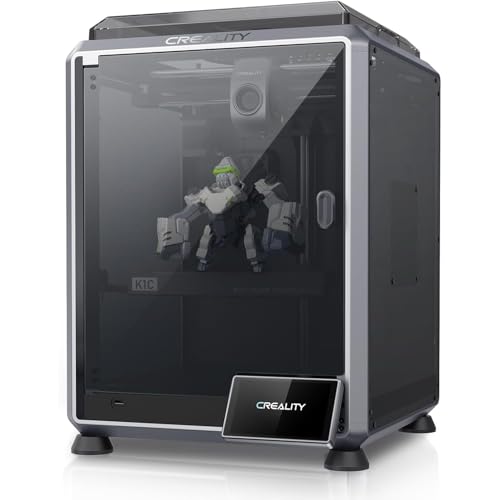
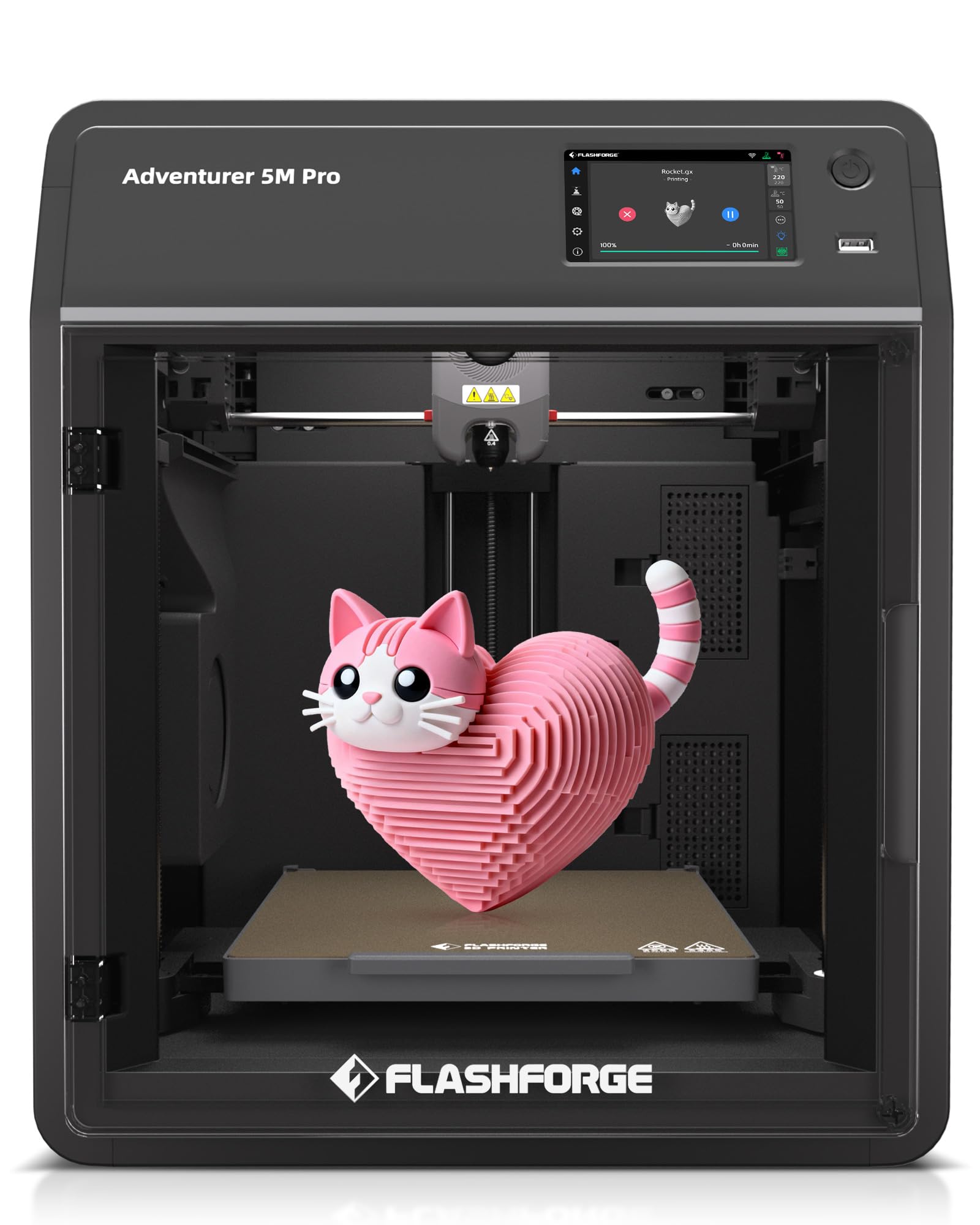
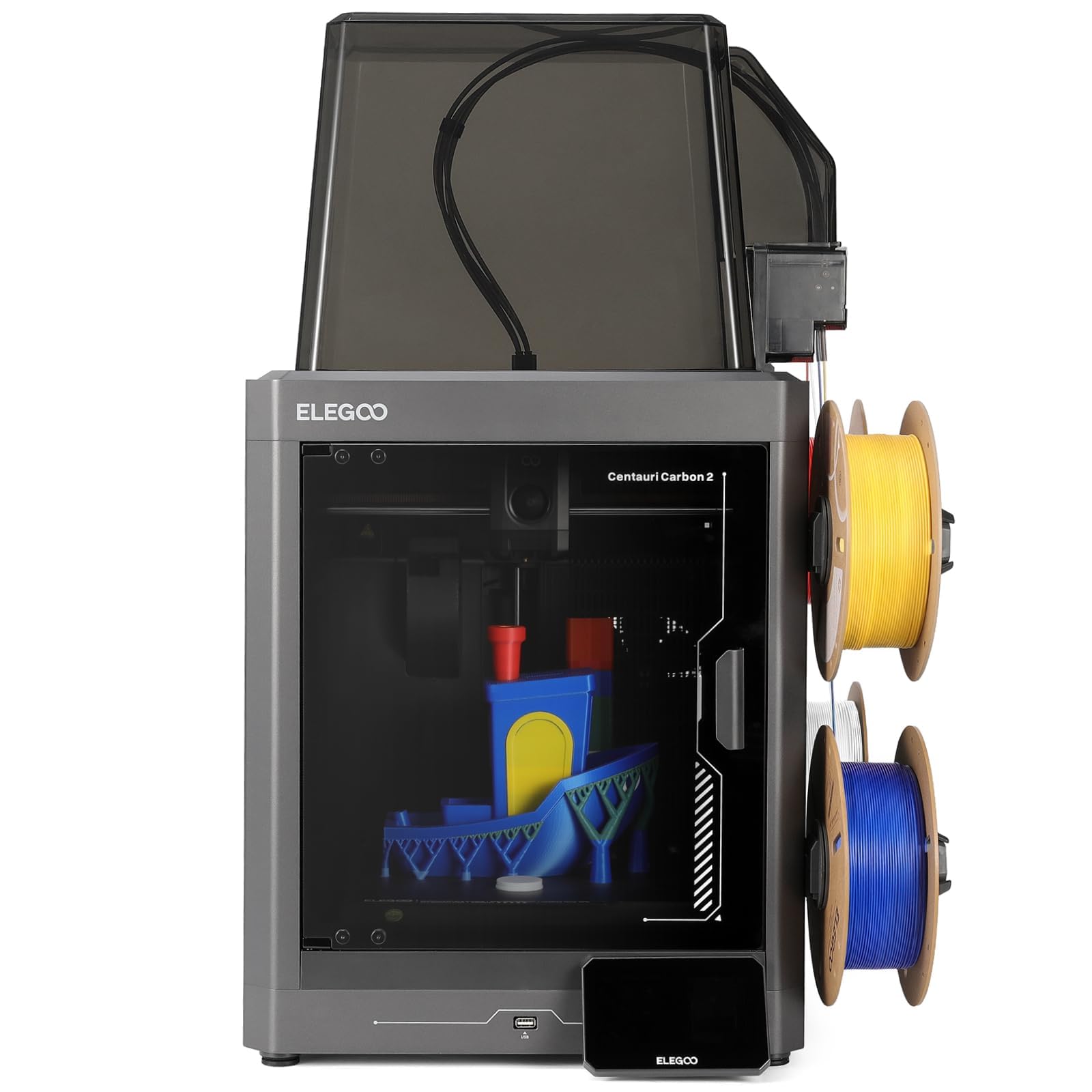
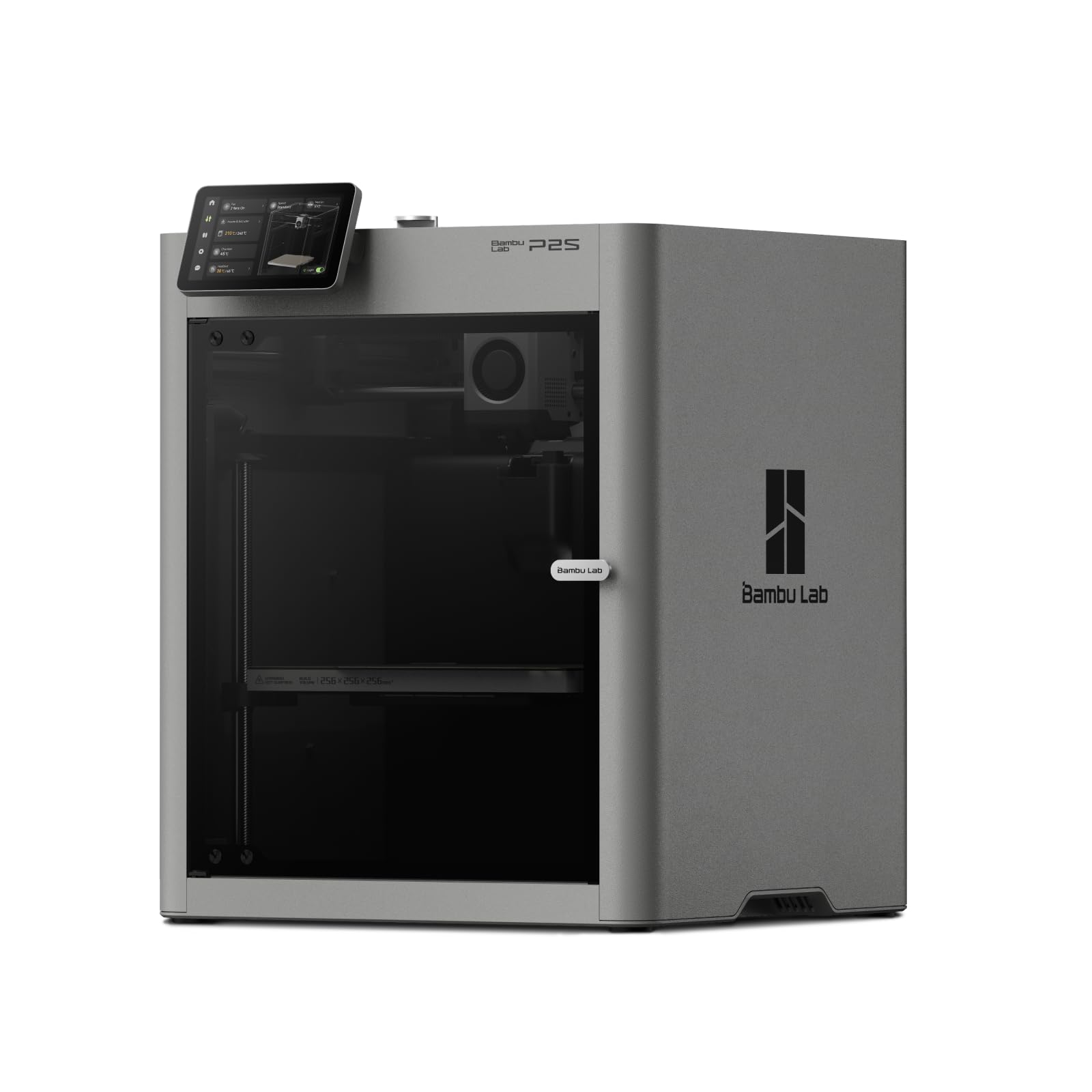
This guide gives you a scoring checklist for choosing the best 3d printers for production, with clear thresholds for what counts as good enough. Use the product table below to build a shortlist, then score each machine against the criteria here. A printer that passes on uptime, repeatability, and service support will almost always beat a faster printer that fails any one of them.


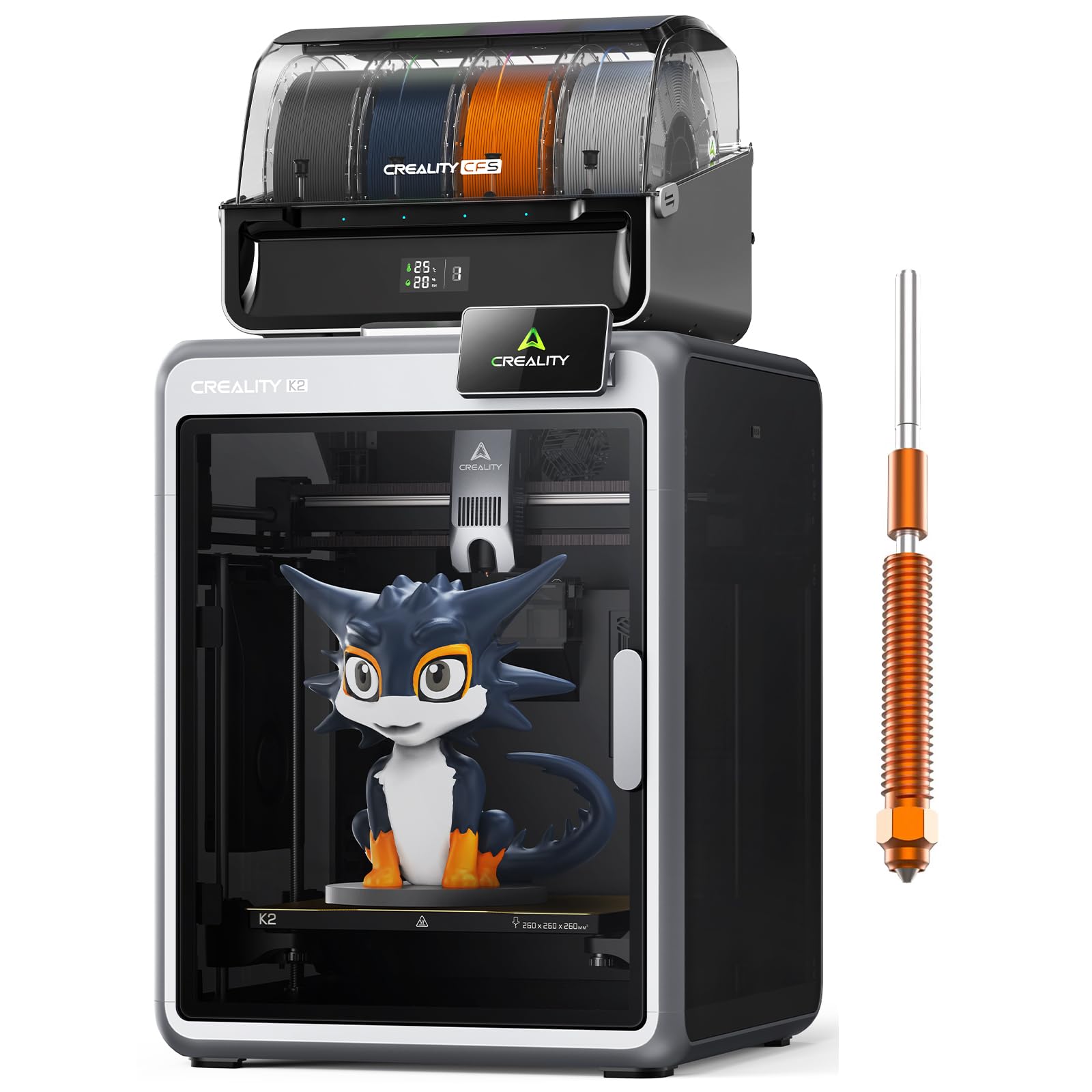


Scoring Checklist for Production Printers
Score each candidate on the six criteria below. A machine that is merely average on speed but strong on reliability will outproduce a fast machine that stops often, because finished parts per week is the only output number that pays bills.
Features That Matter for Production
Production work demands repeatability above all. Look for automatic bed leveling that holds its calibration, a rigid frame that does not drift out of square, and a filament runout sensor that pauses the job instead of ruining it. Power loss recovery matters because a long print that survives a brief outage saves hours. Treat a score below these basics as a fail, no matter how attractive the price looks, because one scrapped overnight batch can erase the savings from a cheaper machine.
Printer Type: FDM and Resin for Different Jobs
FDM machines suit most production work because filament is cheap, parts are tough, and machines are simple to service. Resin machines produce fine detail for dental, jewelry, and display parts, but they add washing and curing steps and their materials cost more per part. Some shops run both, sending strong functional parts to FDM and detailed small parts to resin. Choose the type by the part, not by habit, and count the post processing labor in your true cost per part.
Print Speed
Judge speed by finished parts per day, not by a headline mm per second figure. Real throughput depends on hotend flow rate, acceleration, and how often the machine pauses or fails. A useful test is to slice your actual part and read the estimated time, then add setup, removal, and inspection time. Machines that print slightly slower but run three at once or run overnight without supervision often deliver more sellable parts per week than one very fast machine that needs constant attention.
Print Quality and Resolution
For production, quality means consistency. Layer height options around 0.1 to 0.3 mm cover most functional work, and the machine should hold the same dimensions on part one and part fifty.
Ask about dimensional accuracy in plain numbers and check whether owners report drift as machines age. Surface finish matters when parts are customer facing, while internal jigs and fixtures can trade finish for speed. Set your acceptance standard before you buy, then verify the machine meets it on a sample part.
Footprint and Noise
Production rarely means one printer. Plan the room as a small farm: bench space per machine, filament storage, a cleaning and inspection area, and walking room for the operator.
Noise adds up fast when four machines run together, so enclosed machines with quiet drivers protect hearing and concentration during long shifts. Also plan heat removal, because several printers warm a small room quickly, and heat changes print behavior. A layout sketch on paper before you order prevents expensive rearrangement later.
Build Volume
Match build volume to your largest regular part, with margin. A volume around 220 mm cubed suits many brackets and enclosures, while panels and ducts may need 300 mm or more in one direction.
Remember that a bigger bed also lets you print batches of small parts in one run, which cuts handling time per part. But oversizing has a cost: large beds take longer to heat and level. Buy for the parts you actually sell, and let rare oversize jobs go to a cutting or joining plan instead.
For a broader starting point before you apply this checklist, see our general guide to the best 3d printers, then return here to score the finalists as production tools rather than hobby machines.
What Each Price Tier Usually Delivers in 3D Printers for Production
Price tiers in production map closely to uptime and support. The sections below describe what each tier generally gives you, so you can match a machine class to your order volume without shopping by brand name. Use these points to judge any of the best 3d printers for production.
Entry Tier, Under About $400
Entry machines can handle light production such as small batches of simple parts, but expect more operator time. Leveling may need frequent checks, spare parts are mostly community sourced, and enclosures are rare.
This tier works when one person runs one or two machines beside other duties and can watch them. It struggles when orders spike, because there is little automation to absorb extra hours. Treat entry machines as a way to validate a product, then upgrade once sales prove the demand is real and steady.
Mid Tier, About $400 to $1,200
Mid tier machines add the automation production needs: reliable auto leveling, filament sensors, power loss recovery, enclosed or enclosable frames, and makers who stock spare parts. Throughput per operator rises sharply because one person can tend several machines.
For most small businesses, this tier is the working heart of a print farm. It also tends to hold resale value, which matters if you plan to rotate machines out after heavy use. Budget for spare nozzles, build plates, and at least one spare hotend per few machines.
Premium Tier, Above About $1,200
Premium and industrial leaning machines add stronger frames, higher temperature capability for engineering materials, better motion systems, and formal service options. Some include fleet management software for assigning jobs across many printers. This tier makes sense when parts are sold at higher margins, when materials go beyond PLA and PETG, or when a customer contract demands documented consistency. The higher price buys lower failure rates and faster support, and in production those two things usually repay the difference within the first year of steady work.
Shops that also run casual or development work often keep a few flexible machines alongside the farm, and our guide to the best hobby 3d printers covers that side of the bench. Just keep hobby machines out of promised delivery schedules.
Quick Buyer Checklist
Run through these questions for any machine you are about to buy. More than two no answers means the machine is not ready for production duty in your shop.
- Does it level its bed automatically and hold that calibration across many prints?
- Does it pause safely on filament runout and resume after a power loss?
- Can you buy spare hotends, nozzles, fans, and build plates today, not on back order?
- Is the build volume big enough for your largest regular part or a full batch of small ones?
- Does the maker publish firmware updates and offer a warranty of at least one year?
- Can one operator comfortably run this machine alongside several others?
- Have you sliced your real part and confirmed the true print time fits your delivery promise?
- Do you have a plan and budget for filament storage, drying, and stock rotation?
Budget shoppers should also read our guide to the best inexpensive 3d printers to see exactly which production features disappear at the lowest prices, and first time operators may want the gentler machines in our guide to the best starter 3d printers for training and prototyping duties.
Red Flags to Watch For
- Vague specifications. If a listing hides hotend temperature limits, flow rate, or accuracy numbers, assume the values are weak.
- No spare parts channel. A machine you cannot repair within days will sit idle during your busiest week.
- Very short warranty. Coverage under one year on a machine sold for work use signals low confidence from the maker.
- Impossible speed claims. Headline speeds that ignore melting limits and cooling usually mean marketing, not throughput.
- Closed consumables. Machines locked to costly proprietary filament raise your cost per part forever.
Tips to Get the Most From Your 3D Printer
Standardize everything you can. Use one slicer profile per material and part family, label filament spools with dates, and log failures with the cause you found.
Keep beds clean, dry your filament, and replace nozzles on a schedule rather than after quality drops. Keep a small stock of wear parts on the shelf. Finally, run a short calibration print after any repair or move, because production quality is a habit of verification, not a one time setup you did on the first day.
3D Printers: Your Questions Answered
What features matter most in 3d printers for production?
Uptime features matter most: auto leveling, filament runout sensing, power loss recovery, and available spare parts. One factor buyers often miss is service documentation. A maker that publishes repair guides and sells complete hotend assemblies lets your own staff fix most problems in under an hour. That keeps machines earning instead of waiting in a shipping box, and over a year of production it can matter more than any speed or resolution figure on the box.
What does cost per part mean in production?
Cost per part is the production measure: filament, electricity, labor minutes, machine depreciation, and failed prints, divided by parts that pass inspection. Many shops discover that labor and failures cost more than filament, which is why automation features raise profit even when they raise purchase price. Recalculate this number each quarter, because filament prices and your failure rate both drift over time.
Which 3D printer is easiest for beginners?
The easiest machines to learn on have auto leveling, a simple touchscreen, and strong factory profiles, and those same traits help new production staff get up to speed. Still, assign beginners to supervised runs first, because production errors cost real orders. A practical path is to train staff on non critical parts for two weeks, teach them failure diagnosis with printed examples of common defects, and only then schedule them for customer work unsupervised.
Is bulk filament buying worth it for a print farm?
Usually yes, once you print weekly. Buying your main materials in larger quantities lowers cost per spool, but only if you store them dry and use them before they age. Spoiled cheap filament is the most expensive filament of all.
FDM or resin: which is cheaper for production parts?
FDM filament printing is normally the cheapest route to functional production parts, because material cost per gram is low and machines are simple to repair. Resin wins only when fine detail commands a price that covers its higher material and labor costs. Choose by part economics, worked out on your own best selling item, rather than by general claims.
Final Thoughts
Production buying comes down to uptime, repeatability, and service. Score every candidate with the checklist, slice your real part before you pay, and budget for spares and dry filament storage from day one. The product table above gathers the current shortlist in one place. Choose the best 3d printers for production option that passes your checklist with the fewest compromises, and it will keep paying for itself long after a cheaper, fussier machine has been retired to a shelf.


