
Best 3D Printers for PETG: Buying Guide for 2026
Disclosure: We may earn a commission when you buy through links on this page, at no extra cost to you. As an Amazon Associate I earn from qualifying purchases. Learn more

Hotend, bed, and cooling features that decide results, explained for the best 3d printers for petg.
PETG is the filament many people reach for when PLA feels too brittle and ABS feels too fussy. It makes tough brackets, outdoor parts, containers, and machine guards that survive real use. The trouble is that PETG punishes the wrong hardware. It strings, it sticks to some build plates hard enough to damage them, and it needs more heat than basic printers can deliver safely for hours at a time.
This guide helps you choose best 3d printers for petg by focusing on the hardware details that actually decide your results. You will learn which hotend, extruder, and build plate features matter, what each price tier usually gives you, and how to avoid the mistakes that ruin first prints. Use the product table below to shortlist machines, then check them against the criteria here.


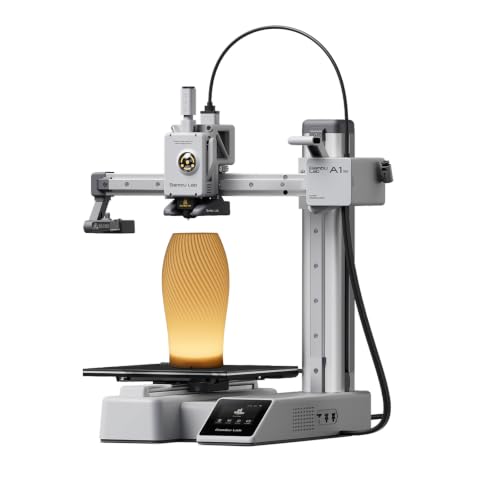


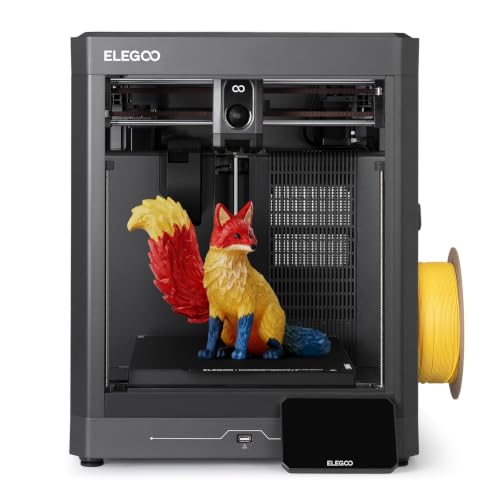
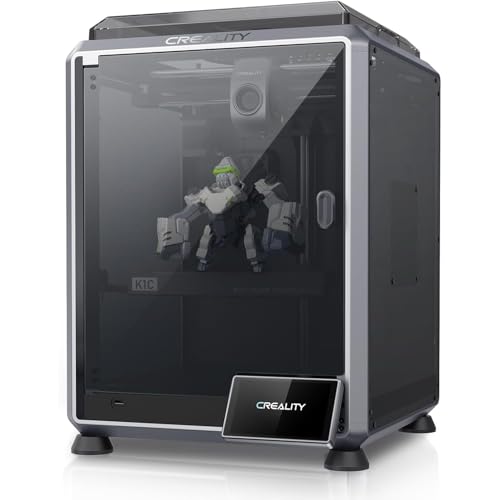
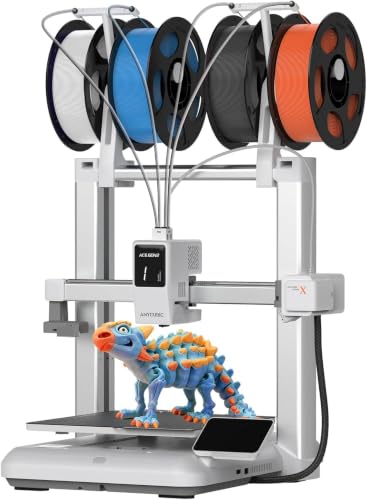

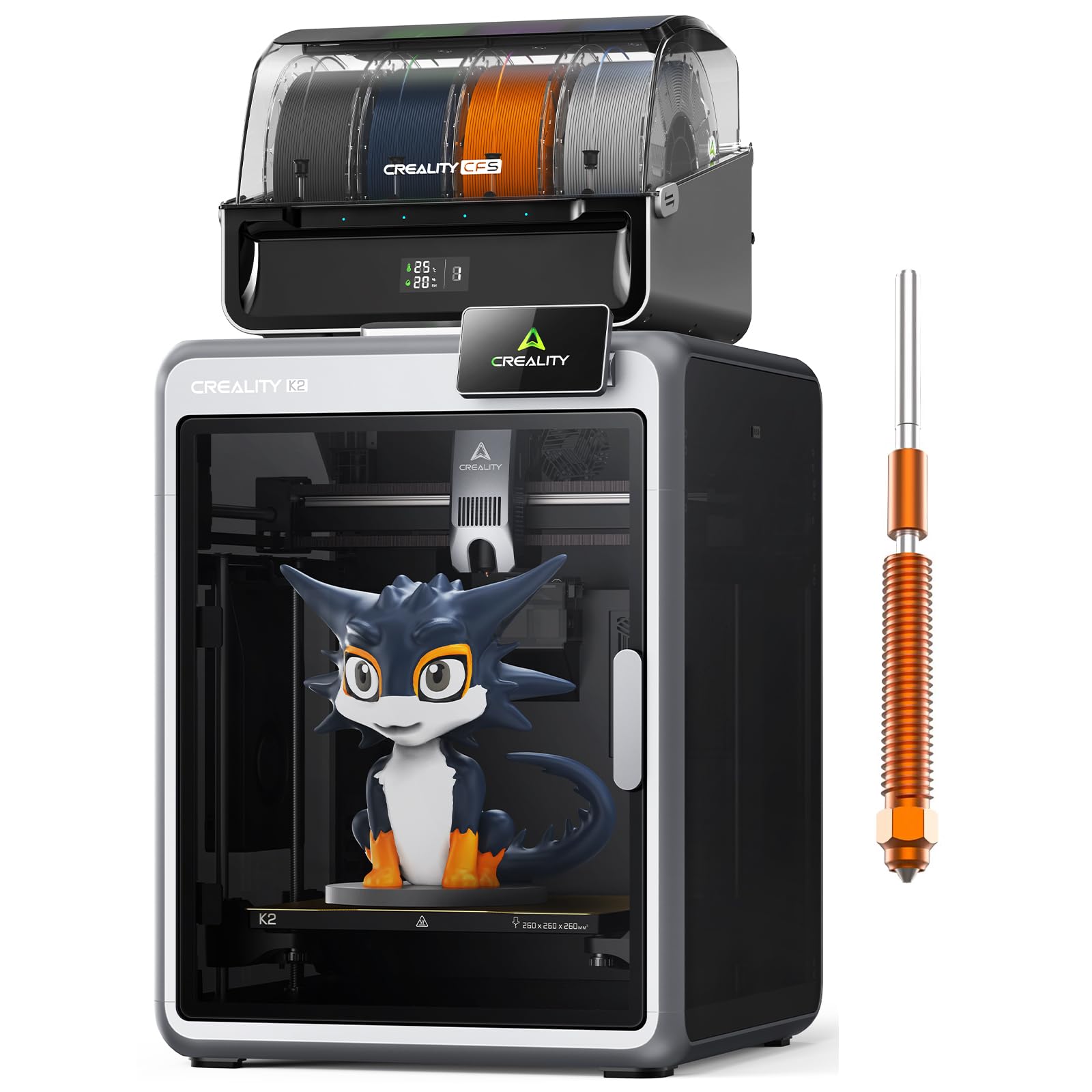
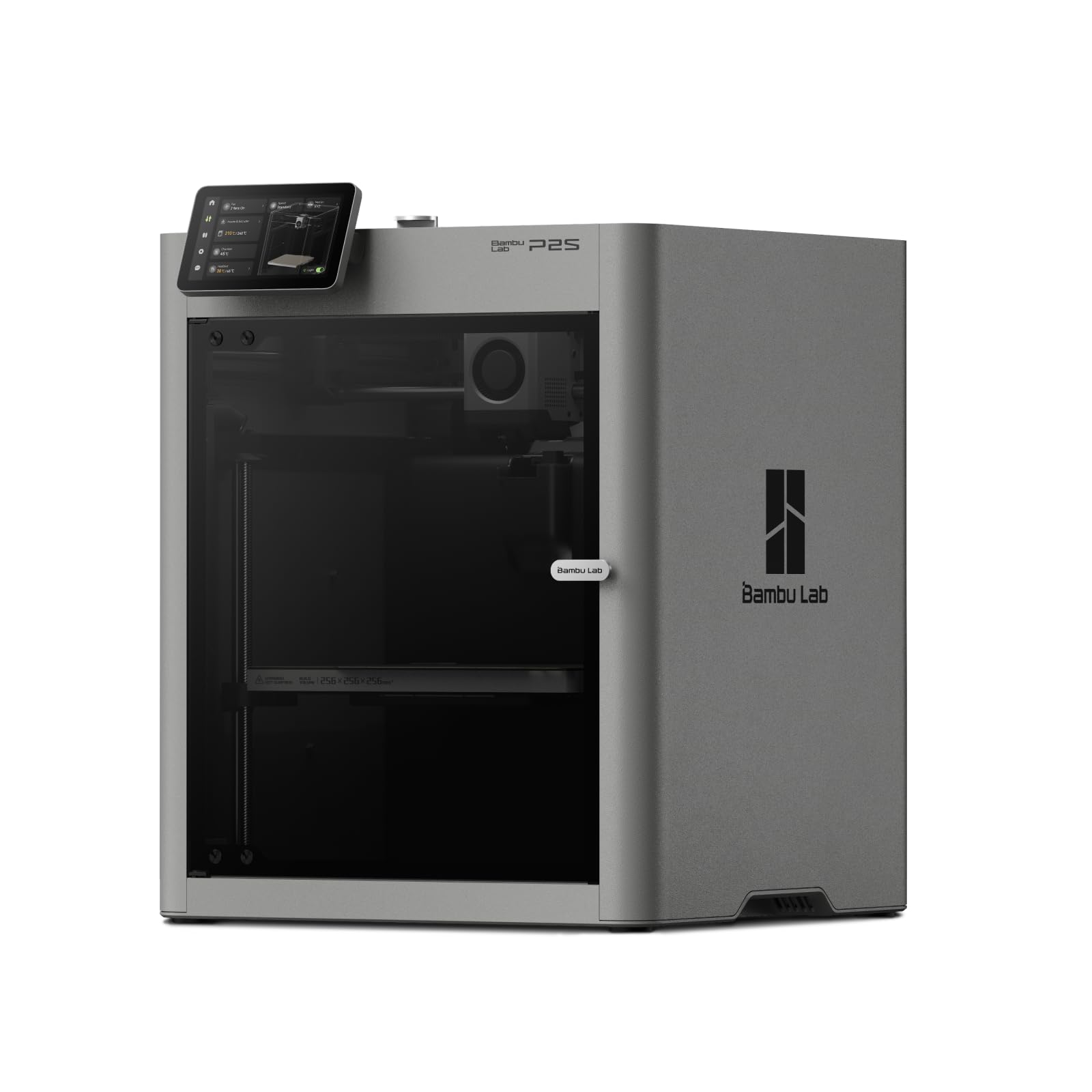
What Each Price Tier Usually Delivers
Instead of chasing named models, think in tiers. The tier you choose decides how much tuning you do, how large you can print, and how long the machine stays reliable when you run PETG several days a week.
Entry Tier, Under About $300
Entry tier machines can print PETG, but usually with limits. Expect a smaller build volume, a basic extruder, and a hotend that may use a plastic liner inside the heat break. That liner limits safe nozzle temperature, so long PETG jobs at about 240 to 250 degrees Celsius can shorten its life. These machines suit occasional PETG parts if you accept slower speeds, careful cooling settings, and more time spent dialing in retraction to control stringing.
Mid Tier, About $300 to $700
This is the sweet spot for most PETG buyers. You typically get an all metal hotend rated for sustained high temperature work, a direct drive extruder that handles retraction precisely, auto bed leveling, and a flexible coated build plate. Print quality improves because the machine holds temperature and first layer height steady. If you print PETG weekly for home projects, prototypes, or small batches, this tier usually gives the best balance of cost, reliability, and print size.
Premium Tier, Above About $700
Premium machines add enclosed chambers, faster motion systems, better part cooling control, and larger build volumes. An enclosure keeps tall PETG parts warm and reduces warping at the corners, especially in a cold room or near a draft. You also tend to get stronger frames, quieter drivers, and better spare parts support. Choose this tier when PETG is your main material, when parts must look clean enough to sell, or when downtime costs you more than the machine itself.
How to Choose the Best 3D Printers for PETG
This section is the core of the decision. Work through each factor in order, because a weakness in any one of them can undo strengths elsewhere. A fast machine with a weak hotend still fails at PETG, and a strong hotend on a warped bed still gives poor first layers.
Features That Matter for PETG
PETG prints at roughly 230 to 260 degrees Celsius at the nozzle and about 70 to 90 degrees on the bed, so the printer must hold those temperatures safely for many hours. Look for an all metal hotend, a heated bed that reaches at least 90 degrees, and firmware with thermal protection enabled. You also want strong but adjustable part cooling, because PETG needs less fan than PLA on most layers yet more fan on bridges and overhangs.
Printer Type: FDM, Resin, and Why FDM Wins Here
For PETG, filament based FDM printing is the only practical route, because PETG is a filament material. Resin printers use liquid photopolymer and cannot run PETG at all, though they excel at small detailed display pieces. If your goal is strong functional parts in PETG, choose FDM and spend your budget on the hotend, extruder, and bed rather than on resin gear that serves a different job entirely.
Filament Costs and Cost per Print
Your running cost is mostly filament, electricity, and wear parts such as nozzles and build plates. A standard spool of PETG often costs about $18 to $30, and a medium bracket may use 40 to 80 grams, so material cost per part is often under a few dollars. Failed prints are the real expense, which is why reliability features pay for themselves. Buy filament from reputable makers, because cheap PETG with poor diameter tolerance causes clogs and weak layers that waste far more than you saved.
Reliability and Support
Check that the maker publishes firmware updates, sells spare hotends and fans, and maintains clear support pages. A large user community matters too, because PETG profiles, slicer settings, and fixes for odd noises are easier to find for popular platforms. Look for a warranty of at least one year on the machine and confirm that wear parts are easy to order. If a seller cannot tell you the maximum hotend temperature or the bed material, treat that silence as a warning sign.
Connectivity and Remote Monitoring
WiFi matters more for PETG than for quick PLA jobs because PETG prints often run for many hours. Sending files from your computer, checking progress on your phone, and pausing a job that starts stringing badly all save filament. A camera helps you catch a failed first layer early. None of this replaces good hardware, but it makes long PETG jobs far less stressful to manage.
Footprint and Noise
Measure your space before you buy, including room to open the door of an enclosed machine and space behind it for cables and filament. Enclosed printers are quieter and hold heat better, which helps PETG, but they need more depth. Open frame machines fit tight benches yet let drafts reach the part. If the printer will share a room with people, look for quiet stepper drivers.
Print Speed
PETG usually prints best slower than PLA, often around 40 to 80 mm per second for outer walls on typical machines, because pushing it faster can hurt layer bonding and surface finish. A machine rated for very high speed only helps if its hotend can melt PETG fast enough to keep up, which is called volumetric flow. Ask about the hotend flow rate rather than trusting a headline speed number. For most buyers, steady speed with strong bonding beats a fast print that delaminates when you tighten a bolt.
Size is the other quiet factor. If you also want a general machine for the household, see our guide to the best 3d printers for a wider view of build volumes and frame styles before you settle on a PETG focused model.
Types of 3D Printers and Where PETG Fits
Catalog pages mix several printer families together, and the differences matter when your target material is PETG. Here is how the main families compare for this job.
FDM 3D Printers
FDM machines melt filament and lay it down layer by layer, and they are the natural home for PETG. They offer the widest choice of colors and blends, low material cost, and parts that can be drilled, sanded, and tapped after printing. Their limits are visible layer lines and slower output for very large parts. For PETG buyers, this is the category to shop in, and nearly every criterion in this guide assumes an FDM machine.
Resin 3D Printers
Resin machines cure liquid resin with light and produce finer detail than FDM, which suits miniatures and dental or jewelry work. They cannot print PETG, their resins need careful handling and washing, and finished parts are often more brittle. If you love detail and also want PETG strength, you would need two machines. Readers curious about that side of the hobby can read our guide to the best resin 3d printers and treat it as a separate purchase decision.
Enclosed CoreXY and Gantry Machines
Within FDM, enclosed CoreXY machines move the print head on a fast, rigid frame inside a box, which suits large PETG parts and warm chamber temperatures. Traditional gantry machines move the bed back and forth, cost less, and are easier to modify. Both print PETG well when the hotend and bed are up to the job. Choose based on size, speed, and budget rather than fashion, and remember that an enclosure helps most when your room is cold or drafty.
Large Format and Specialty Machines
Large format FDM printers offer build volumes above 300 mm in each direction for big PETG panels and ducts. They cost more and need careful bed leveling across a wide surface.
Most PETG buyers do not need one at first. Start with a solid single extruder machine and upgrade only when part size becomes your real bottleneck. If budget is your main filter, our guide to the best inexpensive 3d printers shows what entry tier machines give up, and our guide to the best hobby 3d printers covers machines aimed at weekend projects.
Care and Maintenance Tips
PETG rewards a clean, dry, and well kept machine. These habits prevent most of the failures people blame on the filament itself.
- Keep the build plate clean. Wash it with warm water and dish soap when prints stop sticking, and avoid touching the surface with your fingers. PETG grips many coatings very strongly, so a thin layer of glue stick can act as a release agent on glass and smooth plates.
- Store filament dry. PETG absorbs moisture from the air, and wet filament pops, strings, and leaves rough surfaces. Keep spools in a sealed box with desiccant and dry them in a filament dryer if prints suddenly get worse.
- Clean the nozzle often. PETG loves to stick to brass nozzles and build up a blob that drags across the print. A silicone sock on the heater block and a quick brush with a brass brush while hot keeps the nozzle face tidy.
- Check the extruder gear. Worn or dirty drive gears slip on PETG and cause thin walls. Inspect the gear teeth monthly and clear out plastic dust.
- Inspect the hotend liner and fans. On lined hotends, replace the liner when it darkens or deforms. Confirm the hotend fan spins freely, because heat creep causes PETG clogs that look like extruder problems.
First time buyers who want a gentler learning curve can also compare the machines in our guide to the best starter 3d printers, then confirm the hotend and bed specs against the PETG checklist above before buying.
3D Printers: Your Questions Answered
What features matter most in 3d printers for petg?
The all metal hotend, heated bed, and extruder matter most. The hotend must hold about 250 degrees Celsius safely for hours, the bed must reach about 80 degrees and stay flat, and the extruder must grip PETG without grinding it. One point many buyers miss is the build plate coating. PETG can bond so hard to some smooth plates that it tears chunks out of the surface, so a textured or flexible plate, or a glue layer as a barrier, protects your investment.
What does cost per print include for PETG?
Cost per print is the filament used, electricity, and wear parts such as nozzles and plates, divided by successful parts rather than total attempts. A machine that wastes one print in five has a higher true cost than its filament price suggests. Tracking your failure rate for the first month shows whether better cooling or a better plate would pay off.
Do I need to dry PETG filament?
In most homes, yes. PETG absorbs moisture from the air, which causes stringing, popping sounds, and rough surfaces. Store spools sealed with desiccant, or dry them in a filament dryer at the temperature the maker lists before long prints. A dry spool often fixes problems people blame on the printer.
Which 3D printer is easiest for beginners?
The easiest choice is a machine with auto bed leveling, a direct drive extruder, a flexible build plate, and ready made PETG profiles in a popular slicer. Those features remove the three hardest beginner tasks: setting first layer height, tuning retraction, and removing finished parts. Start with small PETG parts at moderate speed, keep a notebook of what you changed, and change one setting at a time. That habit, more than any single feature, is what turns early failures into reliable prints within a few weeks.
Is an enclosure needed for PETG?
It is not required. PETG prints well on open frames in a draft free room because it warps less than ABS. An enclosure helps with steady temperatures, noise, and dust, but trapped heat can soften parts and cause stringing, so look for one that can vent or open when printing PETG.
Wrapping Up
Choose on three things first: an all metal hotend that holds PETG temperatures safely, a flat heated bed with a plate that releases PETG without damage, and a direct drive extruder with sensible cooling control. After that, let build size, enclosure, and budget set the tier. The product table above pulls the shortlist together so you can compare those points side by side. Pick the best 3d printers for petg option that matches your parts, dry your filament, start slow, and PETG will become the dependable material it is known to be.


