
Best 3D Printers for Libraries: Types Compared and How to Choose for 2026
Disclosure: We may earn a commission when you buy through links on this page, at no extra cost to you. As an Amazon Associate I earn from qualifying purchases. Learn more

A clear guide to the best 3d printers for libraries, comparing FDM and resin types, safety, staffing needs, and running costs for public makerspaces.
A library 3D printer serves everyone: curious kids, job seekers prototyping a product idea, crafters, and patrons who have never seen one before. That mixed audience makes choosing harder than buying for a single hobbyist, because the machine must be approachable for beginners, tough enough for daily public use, and safe in a shared space.
This guide compares the main printer types side by side so you can pick the best 3d printers for libraries for your building, your staff capacity, and your budget. You will see how each type behaves in a public makerspace, what it costs to run, and which questions to answer before ordering. Start with the product table below, then read the type that fits your program best.


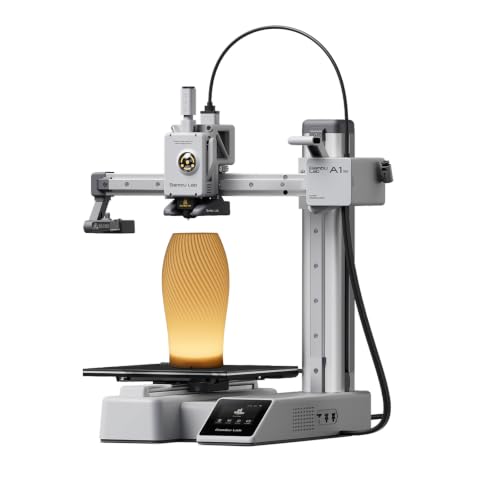

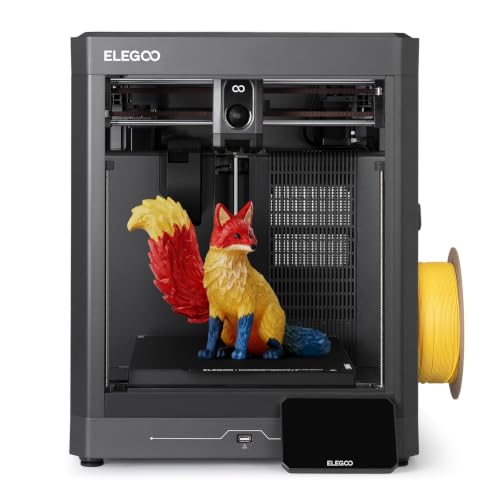
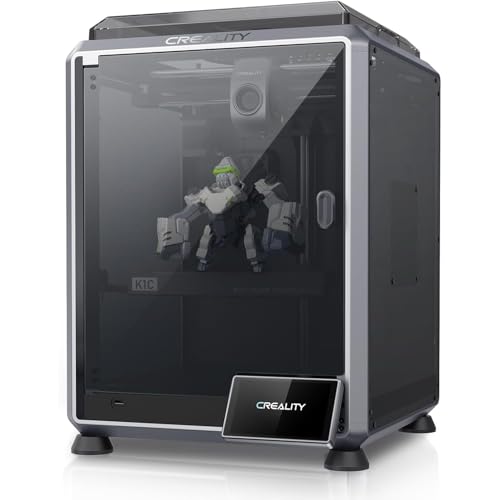

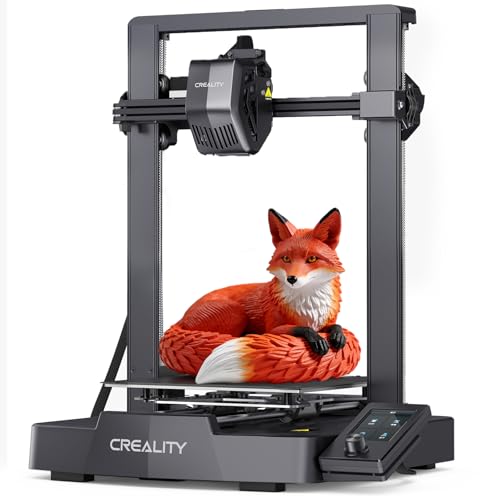
Types of 3D Printers Compared
Three broad types cover nearly every library installation. They differ less in print quality than in safety, mess, supervision needs, and how much staff time each print consumes. Use these points to judge any of the best 3d printers for libraries.
FDM Printers
FDM printers melt plastic filament and lay it down layer by layer. They are the workhorses of library makerspaces because the material is cheap, dry, and safe to handle, and finished prints are ready the moment they cool. Patrons can watch the process through a window or enclosure, which makes FDM machines natural teaching tools.
Print quality is good rather than jewel like, and layer lines show on close inspection. For programs built around classes, school projects, and general patron prints, FDM delivers the best balance of cost, safety, and simplicity. Most libraries that own several machines make FDM the core of the fleet.
Resin Printers
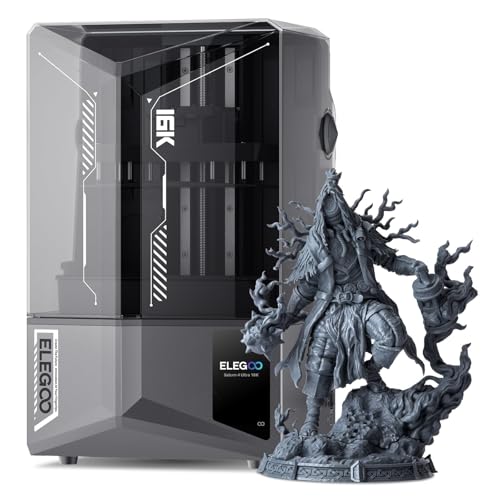
Resin printers use light to harden liquid resin and produce extremely fine detail, far beyond what FDM can reach. That quality comes with real obligations: uncured resin irritates skin, prints need washing and curing after they finish, and the workspace needs ventilation and careful waste handling.
In a library, resin printing belongs in staff operated setups or closely supervised adult programs, never as a walk up service for children. Many libraries skip resin entirely; those that offer it usually run it as a mediated service where patrons submit files and staff handle the machine. Choose resin only when your program specifically needs miniature level detail and your staffing can support it safely.
Enclosed Printers for Shared Spaces
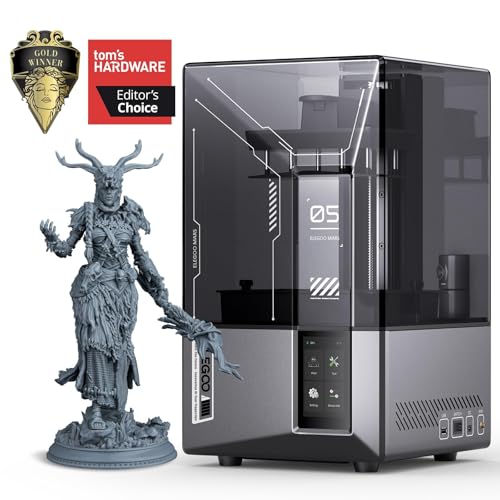
Enclosure is less a separate technology than a design choice that matters enormously in public buildings. An enclosed printer keeps fingers away from hot nozzles and moving parts, contains noise, and stabilizes temperature for fewer failed prints.
For libraries, enclosure should be treated as close to mandatory for any machine patrons stand near. It also protects the printer itself from dust and curious hands between sessions. When you compare the best 3d printers for institutional use, enclosed models dominate for good reason: they turn an exposed workshop tool into something that behaves like a public appliance.
FDM vs Resin: Which Should You Choose?
On safety, FDM wins clearly: filament is inert, while resin demands gloves, ventilation, and controlled disposal. On detail, resin wins just as clearly, capturing textures and tiny features FDM cannot. On running cost, FDM filament at around $20 per spool undercuts resin plus its washing and curing supplies.
On staff time, FDM prints walk away finished, while every resin print adds handling steps. On audience, FDM suits all ages with supervision, while resin suits adults only. The verdict for most libraries is FDM as the default, with resin added later only if a specific program, such as a miniature painting club or a design course, truly needs it.
How to Choose 3D Printers for Libraries
Footprint and Noise
Library printers often live in visible, shared rooms rather than back workshops. Measure the counter or cart space you have, including clearance for an opening lid and for patrons to gather and watch. Noise matters in reading environments; enclosed machines with quiet drivers can run during open hours without disturbing nearby study areas. If your only space is a quiet floor, plan a printing corner or a separate makerspace room rather than fighting the sound.
Features That Matter for Libraries
Public use rewards durability and forgiveness above all. Look for auto bed leveling, resume after power loss, and a simple touchscreen that a patron can understand after a two minute orientation. A camera for remote monitoring helps small staffs keep an eye on long prints.
Filament runout sensors prevent ruined jobs when a spool ends mid print. Favor metal frames and widely available spare parts, because a library machine may run more hours in a month than a home printer sees in a year. Simple, enclosed, and hard to break beats fast and fancy in this setting every time.
Connectivity and Mobile Printing
Think about how print jobs will flow. Most libraries use a mediated model: patrons submit files by form or email, and staff queue the jobs.
WiFi connectivity lets staff send and monitor prints from the service desk, while USB and card slots give a reliable fallback. Avoid setups that require patron accounts on outside cloud services, since privacy policies for libraries are strict. Whatever you choose, confirm that job submission, approval, and pickup fit your existing policies before the machine arrives, not after.
Print Speed
Speed decides how many patrons you can serve. A printer tied up for two days on one large job blocks a whole program, so many libraries set maximum print times, often around four to eight hours, and favor machines that finish typical jobs quickly. Rated speeds in millimeters per second only tell part of the story; reliable first layers and few failed prints raise real throughput more than headline speed. A fleet of two midrange machines usually serves a community better than one very fast premium unit, because two printers mean two patrons progressing at once.
Printer Type and Fleet Planning
Most successful library programs standardize on one FDM model. Standardizing simplifies staff training, spare parts, filament stocking, and troubleshooting, and patrons learn one interface well. Add a second type only when a clear program need appears. If budget allows a small fleet, the mix used by many makerspaces is two or three enclosed FDM machines for general use, which echoes what builders of the best hobby 3d printers choose for reliability, plus staff only resin capacity later if demand proves out.
Care and Maintenance Tips
Keep build plates clean with isopropyl alcohol so prints stick and release properly, and log every plate scrape or nozzle change in a shared notebook. Stock spare nozzles, belts, and at least one spare build surface, since a public machine cannot wait a week for parts.
Schedule a monthly check: tighten belts, inspect wiring, update firmware, and clear dust from fans. Train at least two staff members on every maintenance task so vacations never idle the service. Finally, keep filament sealed and dry between sessions; damp spools cause weak, stringy prints that patrons blame on the machine.
Frequently Asked Questions
What features matter most in 3d printers for libraries?
Enclosure, auto bed leveling, and durability matter most, because the machine faces many hands and long hours. A simple interface and remote monitoring protect limited staff time. Print quality ranks lower than reliability; a modest machine that finishes every job beats a brilliant one that fails weekly and frustrates patrons who booked time to use it.
What does cost per print mean for a library?
Cost per print is the filament, power, and wear behind one finished object. Libraries use it to set fair policies: some offer a small free allowance per patron, then charge by weight of filament used. Tracking it honestly also reveals your true program cost, including failed prints, which often surprise administrators more than the plastic itself.
Are budget printers worth it for a public makerspace?
Budget machines can work, but only with staff who enjoy tinkering. Open frame models need more supervision, fail more often, and wear faster under public hours. For most libraries, midrange enclosed models cost less over three years once staff time and downtime are counted. Shoppers reviewing the best inexpensive 3d printers should weigh enclosure and support heavily, not price alone.
Which 3D printer type is easiest for beginners to use in a library?
Enclosed FDM printers with auto leveling are the easiest for new users. Patrons load a file, confirm a couple of settings, and watch a finished object appear without chemicals or post processing. Machines aimed at first time owners, like those covered among the best starter 3d printers, show the pattern to copy: guided setup, preset profiles, and very little manual calibration.
Should a library offer resin printing to patrons?
Only as a staff mediated service, and only with ventilation, gloves, and a proper wash and cure routine in place. Uncured resin is a skin sensitizer, and children should never handle it. Many libraries reasonably decide that FDM alone meets patron needs; those that add resin, following the standards used for the best resin 3d printers, keep the machine behind the desk and the handling with trained staff.
The Bottom Line
Choose enclosed FDM machines with auto leveling, standardize your fleet, and build your policies around print time limits and honest running costs. That combination serves the widest public with the least staff strain. The best 3d printers for libraries are rarely the most advanced models in the product table above; they are the ones still printing happily, safely, and predictably a year after installation day.


