
Best 3D Printers for Families Made Simple: A Clear Buying Guide for 2026
Disclosure: We may earn a commission when you buy through links on this page, at no extra cost to you. As an Amazon Associate I earn from qualifying purchases. Learn more

Shopping for the best 3d printers for families for the first time? Learn the terms, compare options, and avoid rookie mistakes with this easy guide.
A 3D printer can turn a rainy Saturday into a building session, but the product pages assume you already speak the language. Terms like build volume, layer height, and auto bed leveling appear everywhere, with little explanation of what they mean for a household with kids.
This guide to the best 3d printers for families starts at zero and builds up step by step. You will learn how these machines work, which specs actually change your results, and which common mistakes waste time and filament. By the end, you can read any listing with confidence and use the product table below to match a machine to your space and budget.
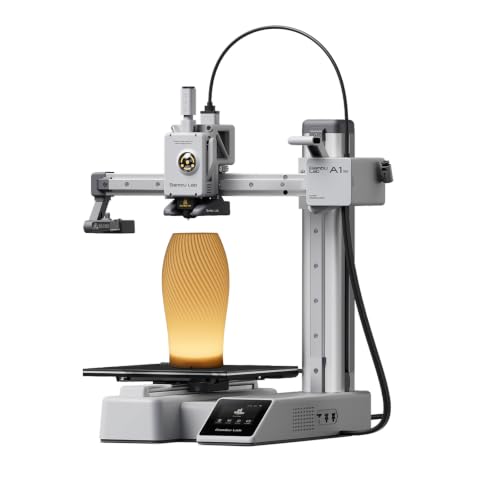

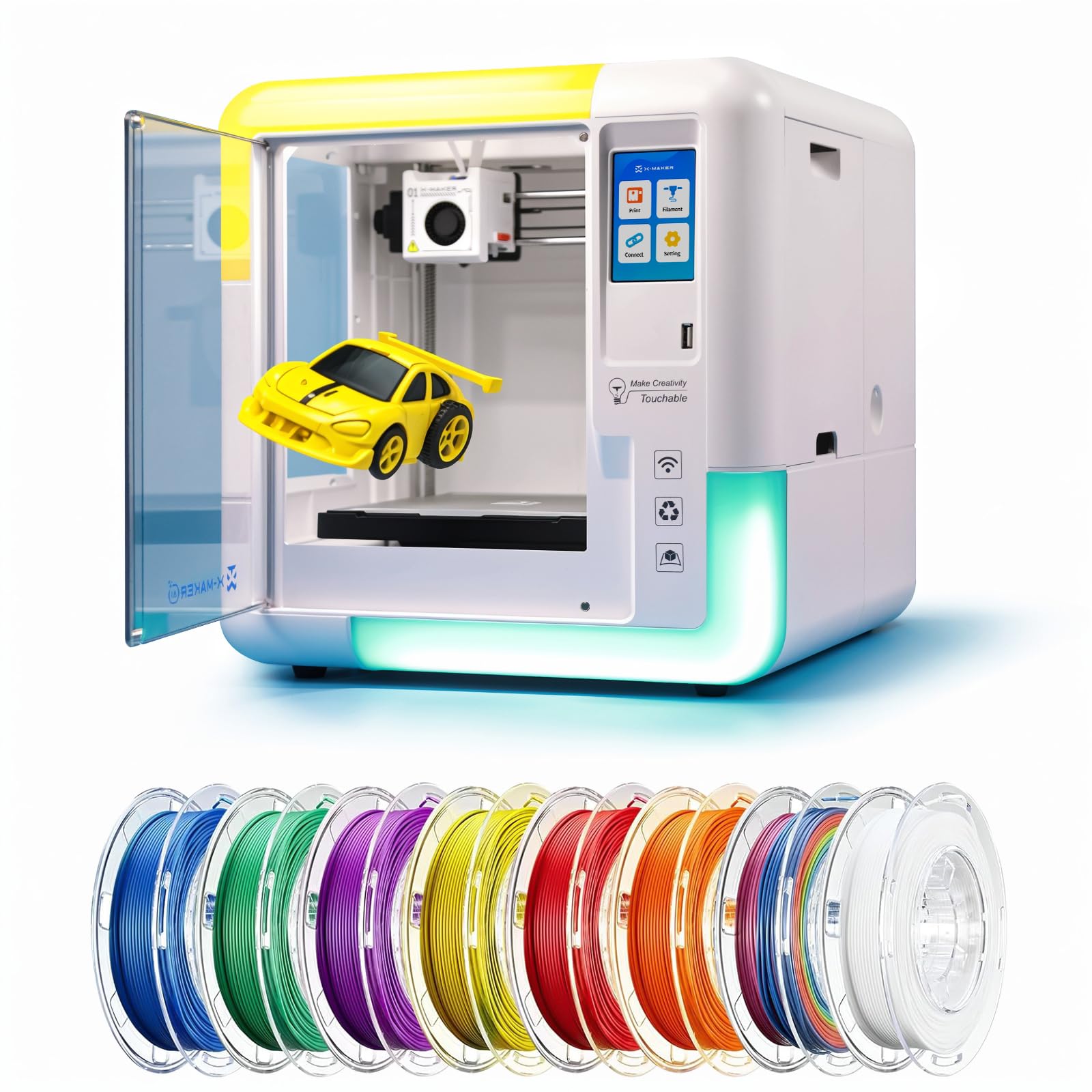
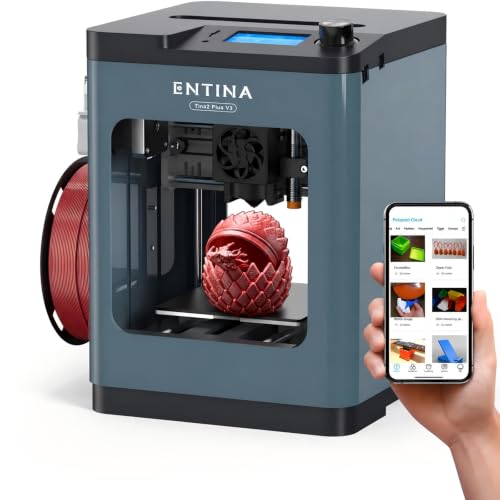
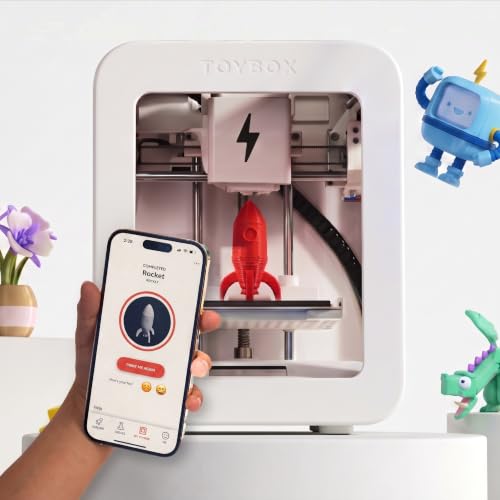

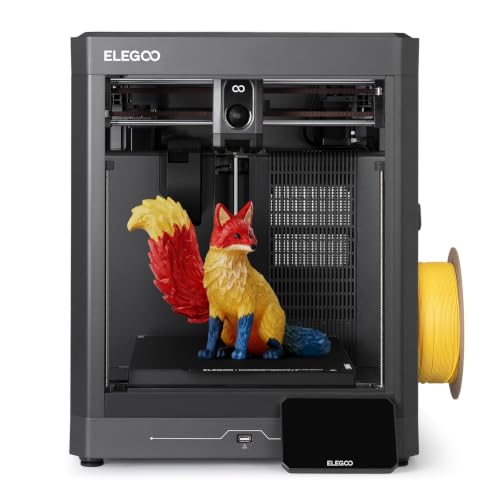
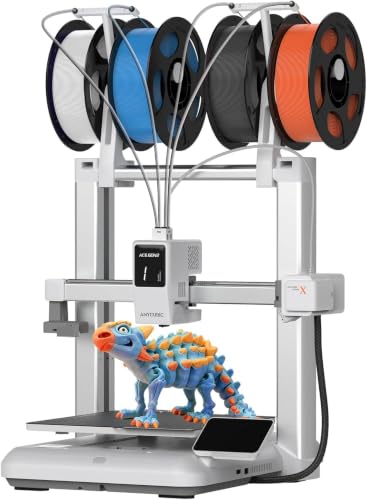
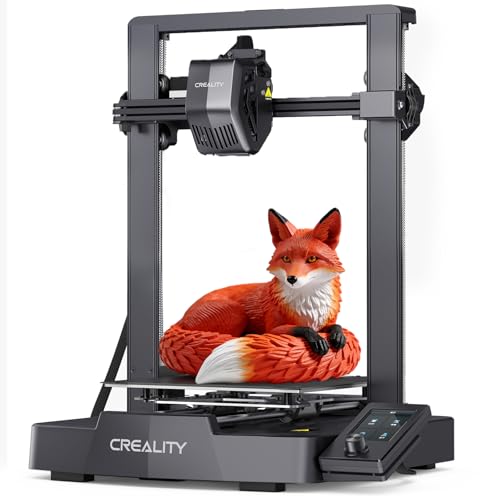

3D Printers 101: The Basics
A 3D printer builds a physical object layer by layer from a digital file. The most common home type, called FDM, melts a spool of plastic filament and draws each layer through a small heated nozzle, a bit like a careful glue gun that moves on rails. A resin printer works differently, using light to harden liquid resin one thin layer at a time.
The workflow is simple once you see it. You choose a ready made design or create your own, load it into slicing software that converts it into printer instructions, and send the job to the machine. Families print toys, replacement clips, board game pieces, school project parts, storage boxes, and costume pieces. Small items may take under an hour, while large ones can run overnight.
Two safety basics belong in every home setup. The nozzle reaches temperatures that can burn skin, and moving parts can pinch small fingers, so an adult should supervise printing around children. Place the machine on a stable surface away from curtains and paper, and teach kids to watch rather than touch while a job runs.
Key Specs of 3D Printers for Families Explained in Plain English
Spec sheets look intimidating, but only a handful of numbers decide whether a printer fits family life. If you want a wider view of the category while you learn, the overview of the best 3d printers shows how family models differ from machines built for workshops and offices. Use these points to judge any of the best 3d printers for families.
Features That Matter for Families
Family use adds requirements that a solo hobbyist can ignore. Look for an enclosed or partly guarded print area that keeps curious hands away from hot and moving parts. Auto bed leveling matters because few parents want to recalibrate a machine before every weekend project.
Resume after power loss saves long prints when a breaker trips. A clear touchscreen, a removable flexible build plate, and quiet stepper motors all reduce friction. Aim for a machine the least technical adult in the house can start without help, because a printer that only one person can operate quickly becomes a printer nobody uses.
Printer Type: FDM and Resin Explained
FDM is the right starting point for most households. Filament is cheap, dry, and safe to handle, the machines tolerate bumps and pauses, and finished parts are ready as soon as they cool.
Layer lines stay visible, so surfaces look slightly ribbed up close. Resin printers produce much finer detail, which suits small figurines, but the liquid resin is a skin irritant, needs washing and curing after printing, and calls for gloves, ventilation, and careful storage away from children. Treat resin as an adult only corner of the hobby.
Reliability and Support
A family printer earns its keep by working on demand, not by offering endless projects for the parent who maintains it. Favor brands with clear manuals, active user communities, and spare parts you can actually buy, such as nozzles, build plates, and belts.
Regular firmware updates and preset profiles in the slicing software signal a maker that supports its machines after the sale. A warranty of at least one year is a sensible floor. Enthusiast communities around the best hobby 3d printers are also a real asset, because a searchable forum answer at 9 pm beats a support ticket when a school project is due tomorrow.
Connectivity and Mobile Printing
WiFi is more than a convenience in a busy house. It lets a parent send a print from the kitchen, check progress from a phone, and pause a job without hovering over the machine. Companion apps vary in quality, so confirm the app supports remote monitoring and basic controls before you buy.
USB ports and memory card slots still matter as a backup when the home network acts up. A small camera for remote viewing is worth having on long prints. The standard to aim for is simple: starting a print should feel as easy as sending a photo to the paper printer your family already uses.
Build Volume and Print Size
Build volume is the largest object the printer can make, listed as three measurements in millimeters. A volume around 180 mm per side handles most toys, organizers, and household fixes.
Stepping up to about 220 mm or more adds room for costume pieces, larger storage boxes, and tall vases, but the machine footprint grows and print times stretch. Height is the dimension families underestimate; a printer can be wide enough for a part yet too short to build it standing up. Measure the shelf or table where the printer will live, including space for the moving bed to travel, before falling for a big volume number.
Print Quality and Resolution
On an FDM printer, quality is mostly about layer height. Layers between 0.1 mm and 0.3 mm are typical; thinner layers look smoother and capture finer detail but can double or triple print time.
A standard 0.4 mm nozzle balances detail and speed well for family projects. Resolution claims borrowed from paper printing, such as DPI, do not apply here, so ignore them on 3D listings. What you see in photos of finished prints tells you more than any resolution number: look for even layers, clean corners, and smooth curved surfaces rather than chasing the smallest layer figure on the box.
Rookie Mistakes to Avoid
- Starting with resin around young kids. The detail tempts many buyers, but the chemicals, washing steps, and fragile workflow clash with family life. Begin with FDM and add resin later if an adult wants it.
- Buying the biggest build volume. Oversized machines eat desk space and take longer on every job. Most family prints are small, so a midsize volume usually serves better.
- Skipping auto bed leveling. Manual leveling is the top cause of failed first layers and early frustration. This single feature protects your enthusiasm during the learning weeks.
- Forgetting the extras budget. Filament, spare nozzles, and a dry storage box add real cost. Shoppers comparing the best inexpensive 3d printers should still set aside money for these basics.
- Expecting instant results. Even simple prints take an hour or more. Plan projects with your kids around that pace so waiting feels like part of the fun.
Getting Started: Setup and First Use
Unbox the printer on the table where it will live, check every part against the packing list, and keep the box until the first prints succeed. Follow the guided setup in order: attach any loose assemblies, load filament until it feeds smoothly, and run the automatic leveling routine without skipping steps. Your first job should be the small sample file included with the machine, because it confirms the hardware works before you change any settings.
Two habits pay off immediately. First, learn the three slicer settings you will touch most: supports for overhanging parts, a brim for tall narrow pieces, and infill percentage for strength. Second, store filament in a sealed box with desiccant packs, since damp filament causes stringy, weak prints that look like machine faults. Wipe the build plate with isopropyl alcohol between prints so parts stick during the job and release after it.
3D Printers: Your Questions Answered
What features matter most in 3d printers for families?
Safety and simplicity matter most: an enclosed or guarded print area, auto bed leveling, and resume after power loss. Add quiet operation and a removable build plate, and the machine fits daily life instead of fighting it. Detail and raw speed rank lower, because a printer your family finds easy and safe will simply get used far more often.
FDM or resin: which is cheaper long term?
FDM is cheaper long term for nearly every household. A spool of PLA filament costs around $20 and prints dozens of small projects, with no other consumables beyond the odd nozzle. Resin costs more per container and adds ongoing spending on gloves, washing alcohol, paper towels, and replacement film for the resin vat, so the gap grows with every print.
What does cost per print mean?
Cost per print is the total material and power a single finished object uses. Weigh or check the slicer estimate for filament grams, multiply by your spool price, and add a small amount for electricity and the occasional failed attempt. Most small toys and household parts use well under a dollar of plastic, which is why printing replacement pieces at home feels so satisfying.
Which 3D printer is easiest for beginners?
The easiest choice is an enclosed FDM model with auto bed leveling, a guided first setup on its screen, and preset profiles in its software. Assembly should take minutes, not an afternoon. Avoid kit machines that need full building and manual calibration as a first purchase; they teach a lot, but they also delay the first successful print your kids are waiting for.
Are enclosed printers worth it for families?
Yes, an enclosure is worth the modest extra cost in most homes. It keeps small hands and pets away from the hot nozzle, steadies temperatures so prints warp less, and cuts noise noticeably during evening runs. The tradeoff is a larger footprint and slightly slower access for maintenance, which most parents happily accept for the safety margin.
Wrapping Up
Keep three criteria in front of you: a safe and simple machine your whole household can run, a build volume matched to the projects you actually plan, and support you can reach when something goes wrong. Match those, and the best 3d printers for families stop being a confusing spec sheet and become a weekend tool your kids grow up with. Compare the shapes, sizes, and prices in the product table above, and pick the machine your family will still enjoy using six months from now.


