
Best 3D Printers for Engineers by Budget: Smart Picks for 2026
Disclosure: We may earn a commission when you buy through links on this page, at no extra cost to you. As an Amazon Associate I earn from qualifying purchases. Learn more

Learn how to choose the best 3d printers for engineers by budget, with clear guidance on build volume, materials, accuracy, and long term running costs.
Prices for engineering capable machines range from a few hundred dollars to several thousand, and the data sheets all claim accuracy, speed, and strength. What separates a smart purchase from an expensive lesson is knowing which specifications your parts actually demand. This guide to the best 3d printers for engineers sorts spending into three budget levels and shows where extra money genuinely improves results.
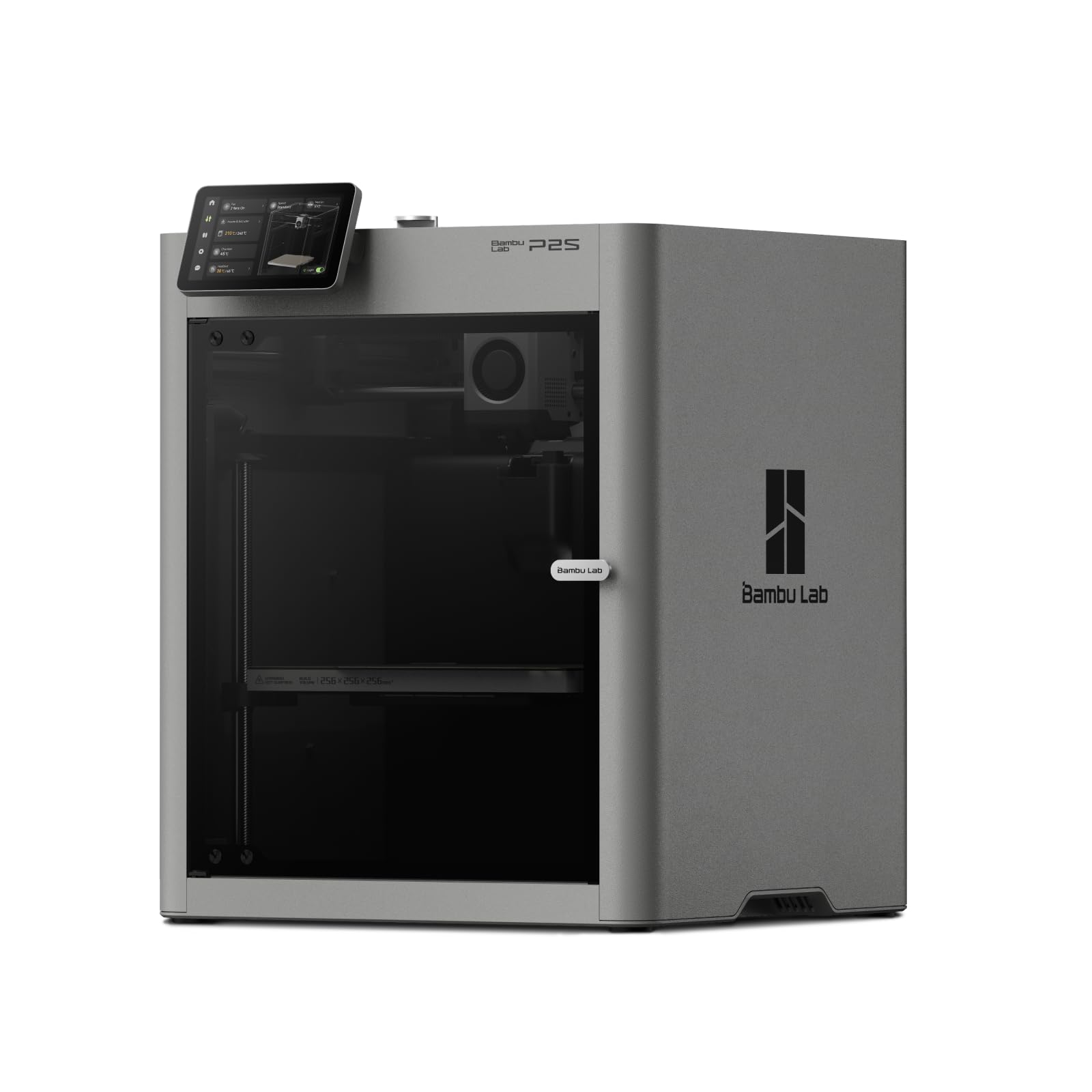
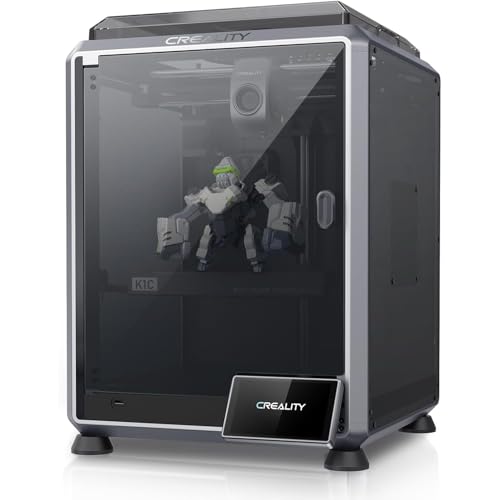
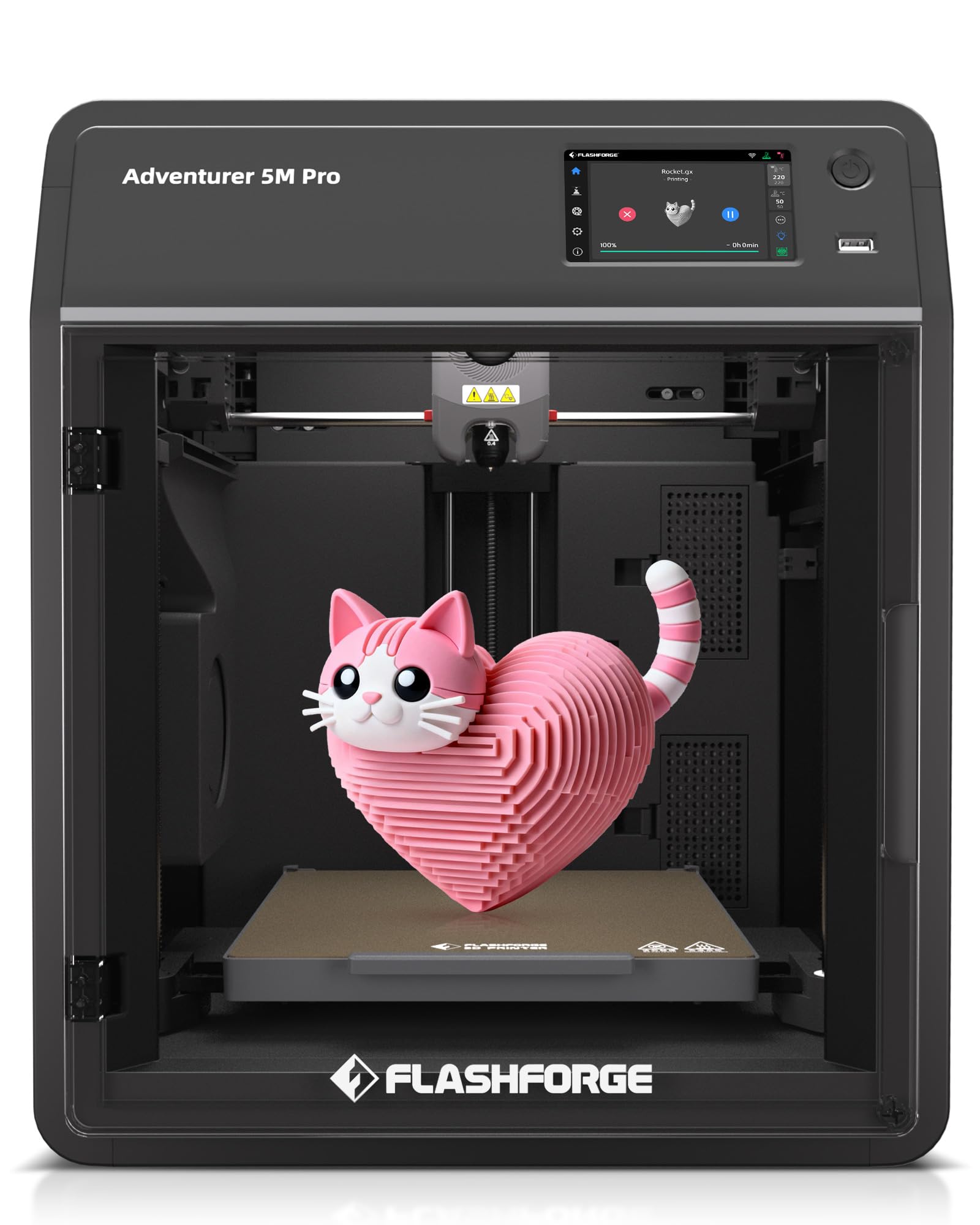
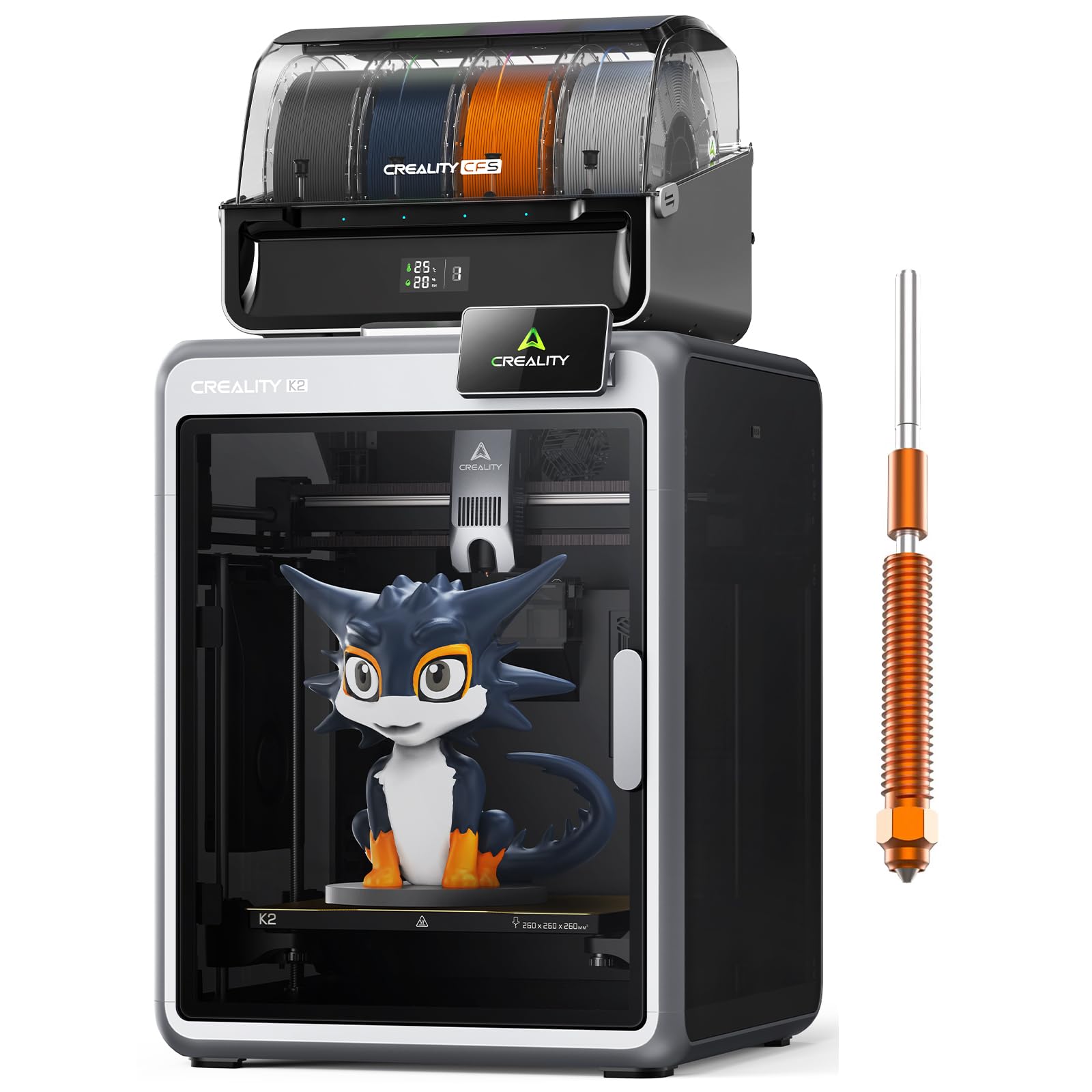
Use the product table below to see how machines differ on build volume, enclosure, and material range at a glance. Then read on for the reasoning behind each tier, so you can match a printer to the brackets, housings, jigs, and prototypes you print most often.





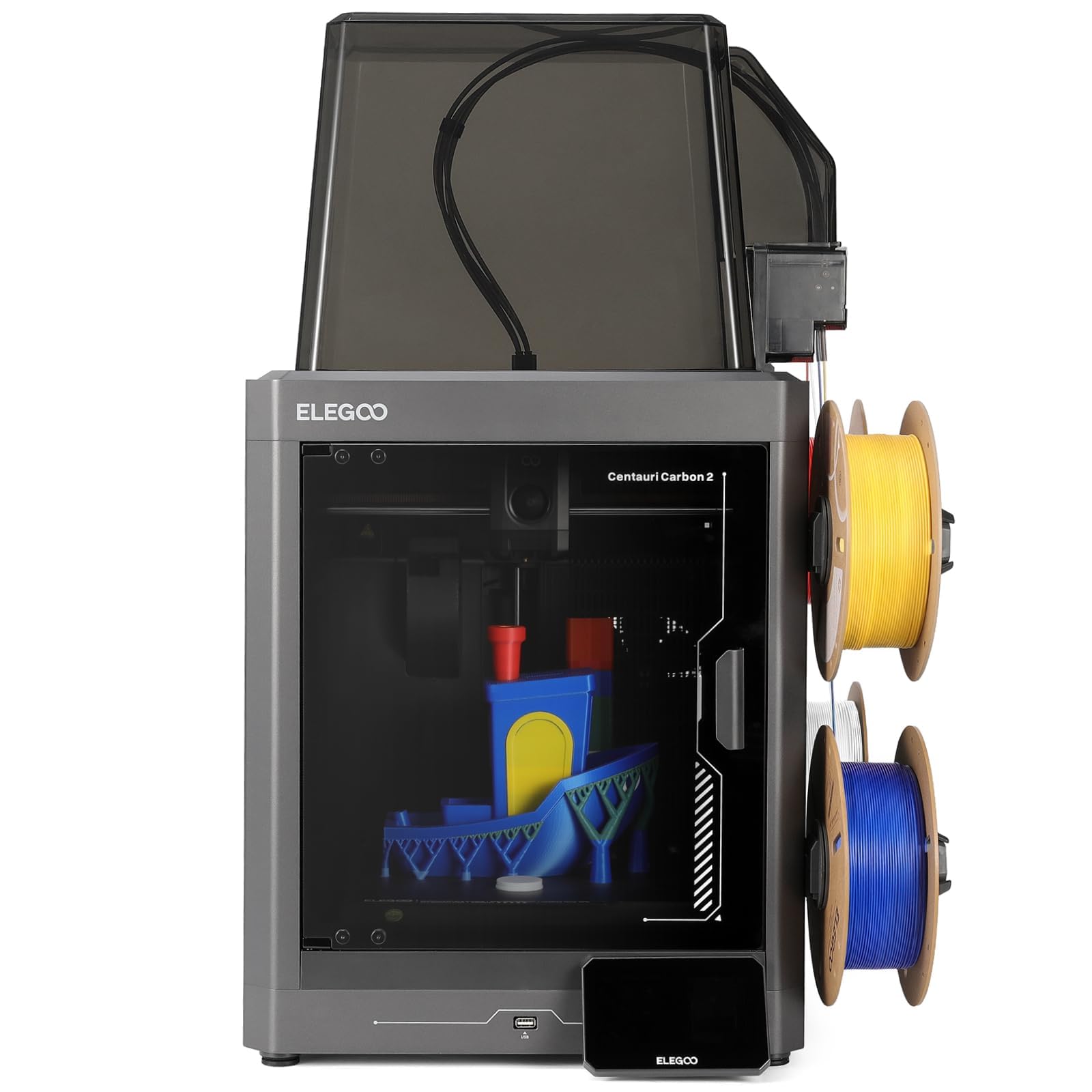
Three Budget Levels, Three Different Buying Briefs
The Budget Level Brief
At the budget level, around $200 to $500, your brief should be simple functional parts in PLA and PETG. Look for a rigid frame, automatic bed leveling, and a direct drive extruder, because those three traits decide whether a machine prints reliably in its first month. Expect open frames, modest build volumes near 220 mm per side, and no chamber heating. This level suits students, hobbyist engineers, and anyone validating fit before committing to stronger materials.
The Midrange Level Brief
Midrange machines, around $500 to $1,500, should add an enclosure, a high temperature hot end, and support for abrasive filaments such as carbon fiber nylon. Your brief here is working prototypes and end use parts that must survive load, heat, or outdoor exposure. Prioritize all metal hot ends rated near 300 degrees Celsius and hardened steel nozzles. This is the level where most practicing engineers get the best return, because material choice expands dramatically while prices stay reasonable.
The Premium Level Brief
Premium machines, around $1,500 to $4,000 and above, should deliver repeatability across long production style runs. Your brief is dimensional consistency, active chamber temperature control, and filtration for demanding polymers.
Look for rigid enclosed frames, quality motion systems, and manufacturer support with spare parts in stock. This level suits small firms, research labs, and product developers who bill their time and cannot afford failed prints. The trade off is cost, both upfront and in proprietary consumables on some platforms.
What Your Money Gets You at Each Price Tier
Budget Tier: What to Expect
Budget machines typically ship partly assembled and reward owners who enjoy calibration. You get manual material profiles, basic part cooling, and print speeds that are fine for overnight prototype runs.
Frames are usually aluminum extrusion, which is stiff enough for PLA and PETG at moderate speeds. What you give up is consistency: temperature swings in the room show up in tall parts, and warping limits ABS or nylon. For learning CAD driven design and printing simple fixtures, that compromise is acceptable and even instructive.
Midrange Tier: The Sweet Spot for Most Buyers
Midrange spending buys enclosure, better motion components, and broader material support in one step. Linear rails or quality bearing systems reduce ringing on fast prints, and enclosed chambers keep layer adhesion strong on larger parts.
Many machines at this level include filament runout sensors, power loss recovery, and cameras for remote checks. You also tend to get mature slicer profiles from the maker, which saves hours of tuning. For engineers printing functional parts weekly, this tier balances capability, reliability, and price better than any other.
Premium Tier: When Spending More Pays Off
Premium spending pays off when tolerance and uptime matter more than purchase price. Heated chambers reduce internal stress in large nylon or polycarbonate parts, so parts come off the bed flatter and stronger. Dual extrusion options open soluble supports, which make complex internal channels practical.
Service networks, documented maintenance schedules, and consistent firmware updates also live at this level. If a failed print costs you a deadline, the premium tier is insurance. If you print a few brackets a month, it is money better spent on filament and measuring tools.
Features Worth Paying For in 3D Printers for Engineers
Printer Type: FDM or Resin
Fused deposition modeling, usually shortened to FDM, builds parts from melted filament and suits most engineering work because material choice is wide and parts are tough. Resin machines cure liquid polymer with light and capture finer detail, but cured resins are often brittle and need washing and post curing.
Engineers who need small, precise housings or casting patterns may add resin later. If you want the broader picture first, our guide to the best resin 3d printers explains where that technology shines. Start with FDM for functional parts.
Connectivity and Remote Monitoring
WiFi transfer, a camera feed, and remote pause controls sound like luxuries until a nine hour print fails at hour seven. Sending files from your desk beats carrying memory cards across the workshop, and a quick camera check before lunch can save a part and a deadline.
Cloud services vary, so prefer machines that also work fully on a local network in case a vendor changes its platform. Touchscreens matter less than connection stability. Skip novelty voice controls and decorative lighting, which add cost without improving a single layer.
Features That Matter for Engineers
Accuracy claims need context. Look for documented repeatability, quality leadscrews or belt systems, and a heated bed that holds temperature evenly across its surface. A hot end rated to about 300 degrees Celsius unlocks nylon and polycarbonate blends, while a hardened nozzle survives abrasive filled filaments.
Input shaping, when offered, reduces vibration artifacts at speed and is worth paying for. Also check the slicer: engineering work benefits from variable layer height, custom support control, and per feature speed settings. Measure your first prints with calipers against the CAD model and record shrinkage per material, because that habit improves accuracy more than any single hardware feature.
Build Volume and Part Size
Buy for the parts you print, not the largest part you can imagine. A build volume near 250 mm cubed covers most brackets, enclosures, and fixtures, and smaller chambers heat faster and hold temperature better.
Oversized beds take longer to heat and can warp at the corners if the heater is weak. Remember that diagonal placement and splitting parts with dowel pins or bolts often beat buying a bigger machine. If you also print casual projects, note that many machines in our guide to the best hobby 3d printers share similar volumes at lower prices, though with weaker material support.
Footprint and Noise
An enclosed engineering printer can occupy as much desk as a small microwave and needs clearance for doors, spool, and ventilation. Measure your bench, including the space behind for cables and filament feed, before ordering.
Noise matters in shared offices: stepper drivers and part cooling fans vary widely, and enclosures dampen both sound and drafts. Ask about decibel figures cautiously, since makers measure differently, and read owner reports about fan noise at full speed. A printer you can tolerate beside your desk gets used far more than a louder one exiled to a garage.
Long Term Costs to Factor In
The purchase price is only the opening cost. Budget for filament beyond basic PLA, because engineering materials such as nylon blends and polycarbonate often cost two or three times more per spool. Add replacement nozzles, build plates, and the occasional hot end assembly, plus a dry box or food dehydrator style dryer, since wet nylon prints poorly and dryers quickly pay for themselves. Use these points to judge any of the best 3d printers for engineers.
Electricity use is modest, though long heated chamber prints add up across a year. Finally, weigh warranty length and spare part availability: a machine with cheap, stocked parts beats a bargain that sits idle for weeks waiting on a proprietary board. Software subscriptions, where they exist, belong in the same calculation.
Frequently Asked Questions
What features matter most in 3d printers for engineers?
Repeatable accuracy, material range, and a stable heated bed matter most. A hot end near 300 degrees Celsius and an enclosure unlock strong filaments such as nylon and polycarbonate blends. Also value a slicer with custom supports and per feature controls. One point buyers overlook: check that replacement build plates and nozzles are sold separately and in stock, because wear items decide how long the machine stays productive.
What does cost per print mean for engineering parts?
Cost per print is the material, electricity, and wear cost of one finished part. Weigh the part, multiply by your filament price per gram, then add a small allowance for failed prints and support material. For engineers the useful comparison is cost per usable part, including the prototypes you discard while refining a design.
Which 3D printer is easiest for a new user to learn on?
A machine with automatic bed leveling, guided first print routines, and strong manufacturer profiles is easiest to learn on. Midrange enclosed models often need the least tuning out of the box. Our guide to the best starter 3d printers covers beginner friendly basics, and many of those setup habits transfer directly to engineering machines. Whichever you choose, print the maker supplied calibration parts first and keep notes on every setting you change.
FDM or resin: which is cheaper long term for engineers?
FDM is usually cheaper long term for functional engineering parts. Filament costs less per gram than resin, parts need no washing solvents or curing station, and large parts stay economical. Resin wins on fine detail for small components, but gloves, resin disposal, and replacement screens add steady costs. Shoppers comparing the wider market can also browse our overview of the best 3d printers to see how the two technologies split by use case.
Are enclosed printers worth it for engineering work?
Yes, an enclosure is worth it if you print ABS, nylon, or polycarbonate, because warm chamber air improves layer bonding and reduces warping and cracking. It also cuts noise and keeps dust off the print. One caution owners miss: electronics dislike heat, so check that the power supply and main board sit outside the heated zone or are actively cooled. For PLA only work, an open frame remains fine and cheaper, and guides to the best inexpensive 3d printers show how capable open machines can be.
Our Verdict
Spend first on material capability, then on repeatability, and only then on speed. Most engineers land happiest in the midrange, where enclosures and high temperature hot ends unlock the filaments that make printed parts genuinely useful. Compare your shortlist against the product table above, check build volume against your largest routine part, and the best 3d printers for engineers choice for your bench should become clear. Readers who also shop for the best printers for engineers in general will find the same rule holds everywhere: buy for the work, not the brochure.


