
Best 3D Printers for Education 2026: School Guide
Disclosure: We may earn a commission when you buy through links on this page, at no extra cost to you. As an Amazon Associate I earn from qualifying purchases. Learn more

A school guide to the best 3d printers for education, covering classroom safety, simple software, materials, and the true yearly cost.
Classroom 3D printing turns abstract ideas into objects students can hold, from geometry models to history artefacts. The best 3d printers for education balance safety, simplicity, and durability so teachers spend time teaching rather than fixing machines. This guide explains what schools should compare before spending limited budgets.
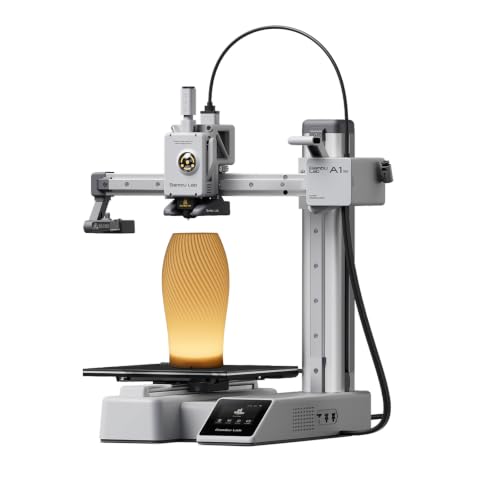
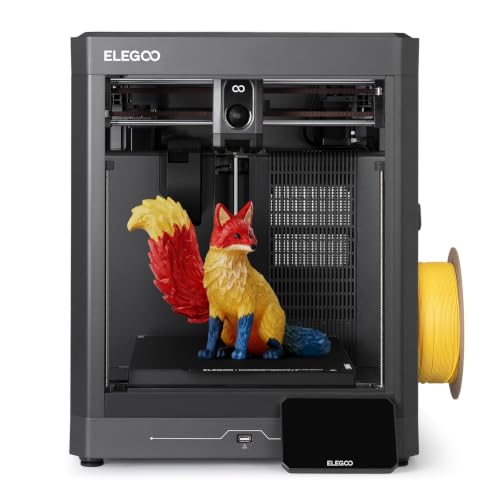
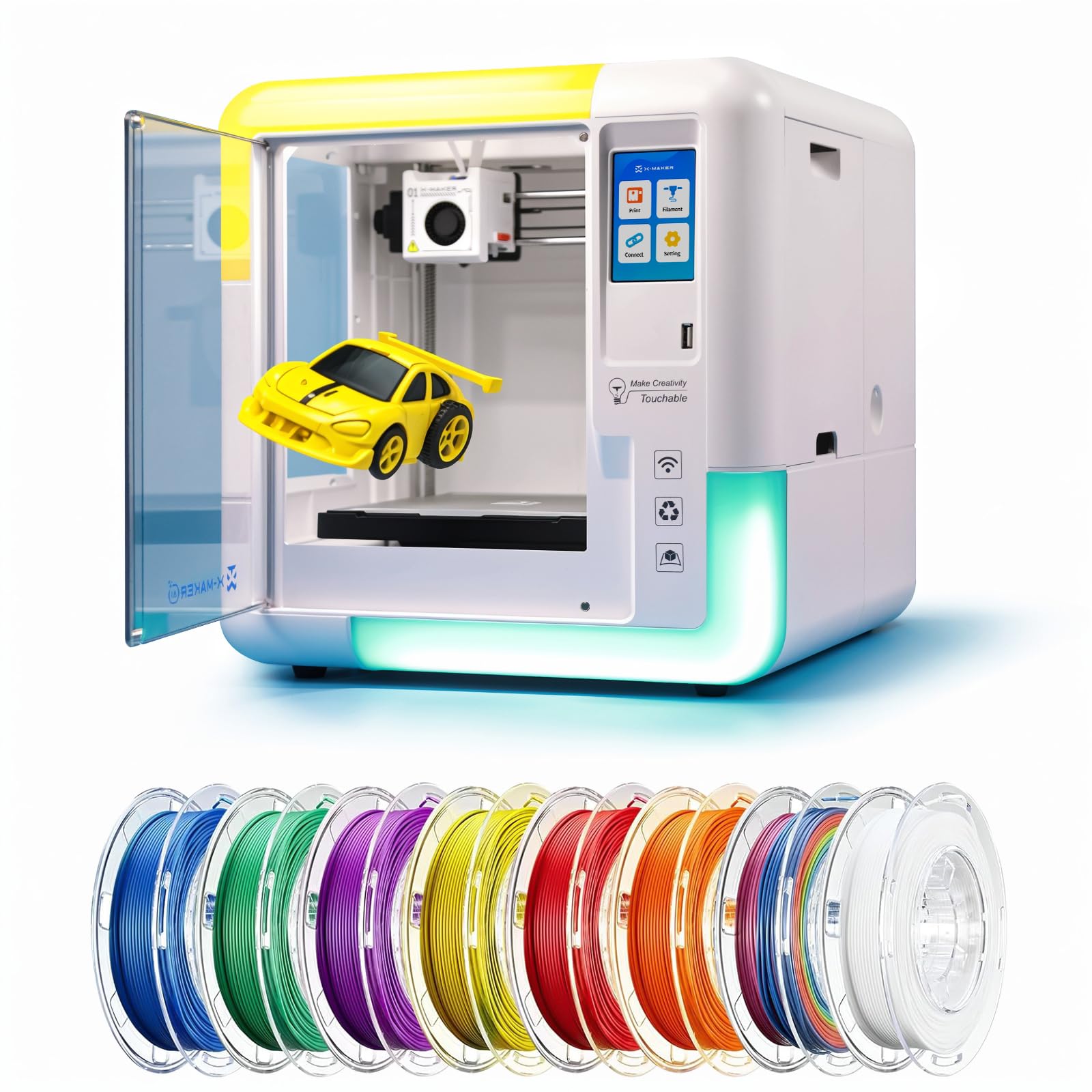
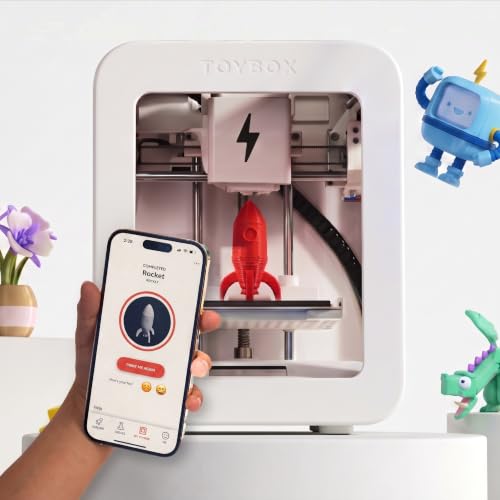
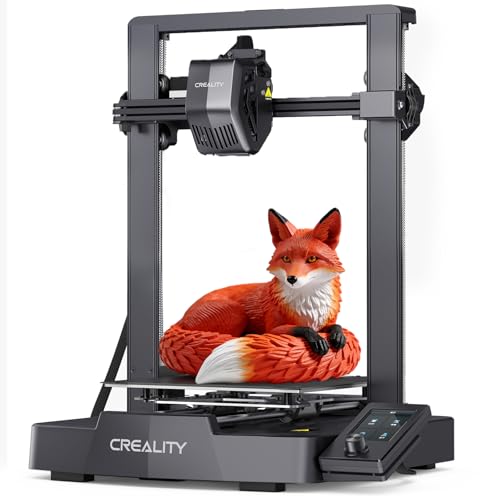
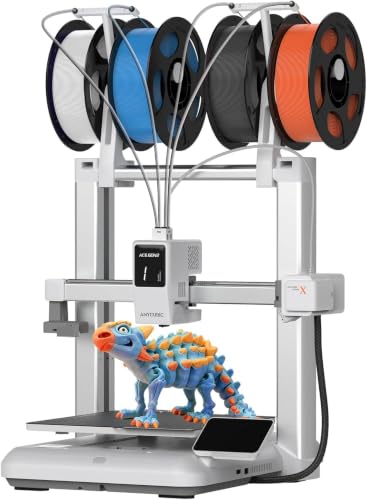
The product table below shows the main education printer styles side by side. Later sections cover safety, materials, software, classroom management, and the total cost of owning printers across a school year.




What Schools Need From 3D Printers for Education
Schools need printers that many students can use safely with minimal training, while hobbyists can tolerate tinkering and troubleshooting. Enclosed printers with filtered air, simple controls, and clear status lights suit classrooms better than open machines that need constant attention. Durability matters too, since school printers run daily and survive bumps that a home printer never faces.
Support matters more for schools than for individuals. A maker with education pricing, teacher training, and a responsive help desk saves staff time across the year. Check whether the maker offers classroom guides, lesson plans, and spare parts bundles, since these extras often decide whether printers get used or gather dust.
Safety in the Classroom
Safety starts with enclosure and filtration. Enclosed printers reduce burn risk from hot nozzles and beds, and filtered exhaust reduces exposure to fine particles and fumes from heated plastic. Choose low emission materials such as PLA for most classroom work, and avoid exotic materials that need high temperatures and strong ventilation. Use these points to judge any of the best 3d printers for education.
Supervise printing, especially with younger students, and teach basic rules: do not touch the nozzle or bed while hot, keep hands clear of moving parts, and tell a teacher about jams rather than forcing them. Place printers where teachers can see them, keep the area ventilated, and follow the maker guidance on age suitability for each model.
Materials: PLA, PETG, and What to Avoid
PLA is the standard classroom material: easy to print, low odour, and available in many colours. It suits models, prototypes, and display pieces, though it softens in heat and is not suitable for functional parts under load. PETG is tougher and more weather resistant but needs higher temperatures and more careful settings.
Avoid ABS in ordinary classrooms unless you have strong ventilation and older students, since it produces more fumes and warps more easily. Resin printers produce detailed models but involve liquid chemicals, gloves, and curing steps that complicate classroom use. For most schools, PLA plus occasional PETG covers the curriculum well.
Software, Slicing, and Lesson Fit
Slicing software turns a 3D model into printer instructions, and classroom software should be simple enough for students to learn quickly. Look for built in model libraries, simple repair tools, and cloud options that let students prepare work from classroom computers or Chromebooks. Complex professional software frustrates younger students and wastes lesson time.
Check curriculum fit before buying: does the printer support the subjects you teach, from maths and science to art and design? Sample lesson plans and student projects from the maker reveal whether the printer fits real teaching or only marketing claims. A printer that matches existing lessons gets used weekly, while a generic printer may sit idle.
Classroom Management and Total Cost
Plan for more than the printer price. Filament, spare nozzles, build plates, and filters add up across a year, and a busy classroom can use many spools. Budget for these consumables upfront, and buy filament in bulk colours that suit most projects rather than a rainbow of rarely used shades.
Manage printing queues fairly, since one printer and thirty students means waiting. Short print projects, group work, and overnight printing for larger models keep lessons moving. Assign student roles for starting, monitoring, and removing prints, which builds responsibility and reduces teacher workload.
Choosing for Age Groups
Primary classrooms suit fully enclosed, simple printers with preset profiles and minimal settings. Students design simple models and teachers handle slicing and starting. Secondary classrooms can handle more open settings, material choices, and troubleshooting, which builds engineering skills alongside design.
Further education and technical colleges can use larger, more capable machines with wider material ranges. Match printer complexity to student age and staff confidence, since a machine too advanced for its users teaches frustration rather than design. Start simpler than you think, and add capability as staff and students grow confident.
Guides That Pair With This One
General 3D printer advice appears in our guide to best 3d printers, which covers the wider market beyond schools. It helps compare education models against hobby machines.
Hobby models are compared in our guide to best hobby 3d printers for lower cost options that some schools also use. Hobby printers can suit clubs and small budgets.
Budget focused schools should read our guide to best inexpensive 3d printers for the cheapest capable machines. Low price helps when buying several classroom units.
Starter models appear in our guide to best starter 3d printers for first time users of any age. Starter simplicity overlaps strongly with classroom needs.
Finally, our guide to best resin 3d printers covers detailed resin printing for advanced art and design work. Resin suits older students with proper safety routines.
Starting Small: A Pilot Printer Program
Start with a pilot: one or two printers, one keen teacher, and a single class project with clear learning goals. A pilot reveals real costs, queue problems, and training needs before the school commits a large budget. Document what works, including print times, filament use, and student engagement, so expansion decisions rest on evidence rather than enthusiasm.
If the pilot succeeds, expand gradually with more printers, more trained staff, and a shared booking system. Train a small group of student helpers to handle routine tasks like removing prints and reporting jams, which builds skills and reduces teacher load. A measured rollout keeps printing sustainable and popular across the school.
Share pilot results with school leadership, including student work, costs, and lessons learned. Visible student creations in hallways and classrooms build support for further investment far better than spec sheets. A pilot that produces proud students is the strongest case for growing the program.
Finally, celebrate student work publicly: display printed models with short descriptions of the design problem each one solved. Visible success attracts new teachers to the program and justifies continued funding far better than usage statistics alone.
Keep a simple log of filament use per class, so next year budget planning rests on real numbers rather than guesses.
Frequently Asked Questions
Are 3D printers safe for school classrooms?
Enclosed 3D printers using PLA with ventilation are generally safe for classrooms when supervised and used as directed. Choose enclosed models with filtration, keep printers visible to teachers, and teach students not to touch hot parts. Avoid ABS and resin in ordinary classrooms without strong ventilation and older students. Follow maker age guidance and local school safety policies for your setting.
What age can students use 3D printers?
Primary students can design models and watch supervised printing, while teachers handle slicing and machine operation. Secondary students can usually slice and operate enclosed printers with training. Resin and high temperature materials suit older students only. Match responsibility to age and training, and keep a teacher present during printing sessions for younger groups.
How much does classroom 3D printing cost per year?
Beyond the printer price, budget for filament, spare nozzles, build plates, and filters, which can total several hundred dollars per printer per busy school year. Bulk filament in common colours costs less than many specialty shades. Education bundles from makers sometimes include consumables and training. Plan consumables in the annual budget so printing does not stall mid term.
PLA or PETG for school projects?
PLA suits most school projects because it prints easily, smells mild, and comes in many colours. PETG suits tougher functional parts and outdoor models but needs higher temperatures and more careful settings. Start with PLA for all general classroom work and add PETG for specific engineering projects. Avoid ABS in ordinary classrooms unless ventilation and student age allow it.
How many printers does a classroom need?
One printer can serve a class if projects are short and printing runs overnight or between lessons. Two printers reduce queues greatly and suit larger classes or longer projects. More printers help only if staff time and filament budget grow with them. Start with one or two reliable enclosed printers and expand once routines and demand are proven.
Final Thoughts
Choose education printers for enclosure, filtration, simplicity, and support rather than for maximum speed or exotic materials. Budget for filament and spares across the year, and match complexity to student age. Check the product table above against your classroom space and curriculum before ordering.
Done well, classroom 3D printing makes abstract learning tangible and memorable. The right printer fades into the background, letting students focus on designing, testing, and improving their ideas. That is the real return on a school printing budget.
When you compare best 3d printers for education, weigh fit and daily use above headline features.


