
Best 3D Printers for ABS: Everything to Know Before Your First Purchase for 2026
Disclosure: We may earn a commission when you buy through links on this page, at no extra cost to you. As an Amazon Associate I earn from qualifying purchases. Learn more

Shopping for the best 3d printers for abs for the first time? Learn the terms, compare options, and avoid rookie mistakes with this easy guide.
ABS is a strong, heat tolerant filament, but it is famously less forgiving than PLA, and many first time buyers learn that the hard way. This guide to the best 3d printers for abs starts with the basics, explains the specs that control warping and layer bonding, and shows you what a printer truly needs before you spend. The product table is a useful snapshot once you know which features are non negotiable.
You do not need expert skills to print ABS well. You do need the right hardware, a suitable room setup, and realistic expectations for your first few prints.

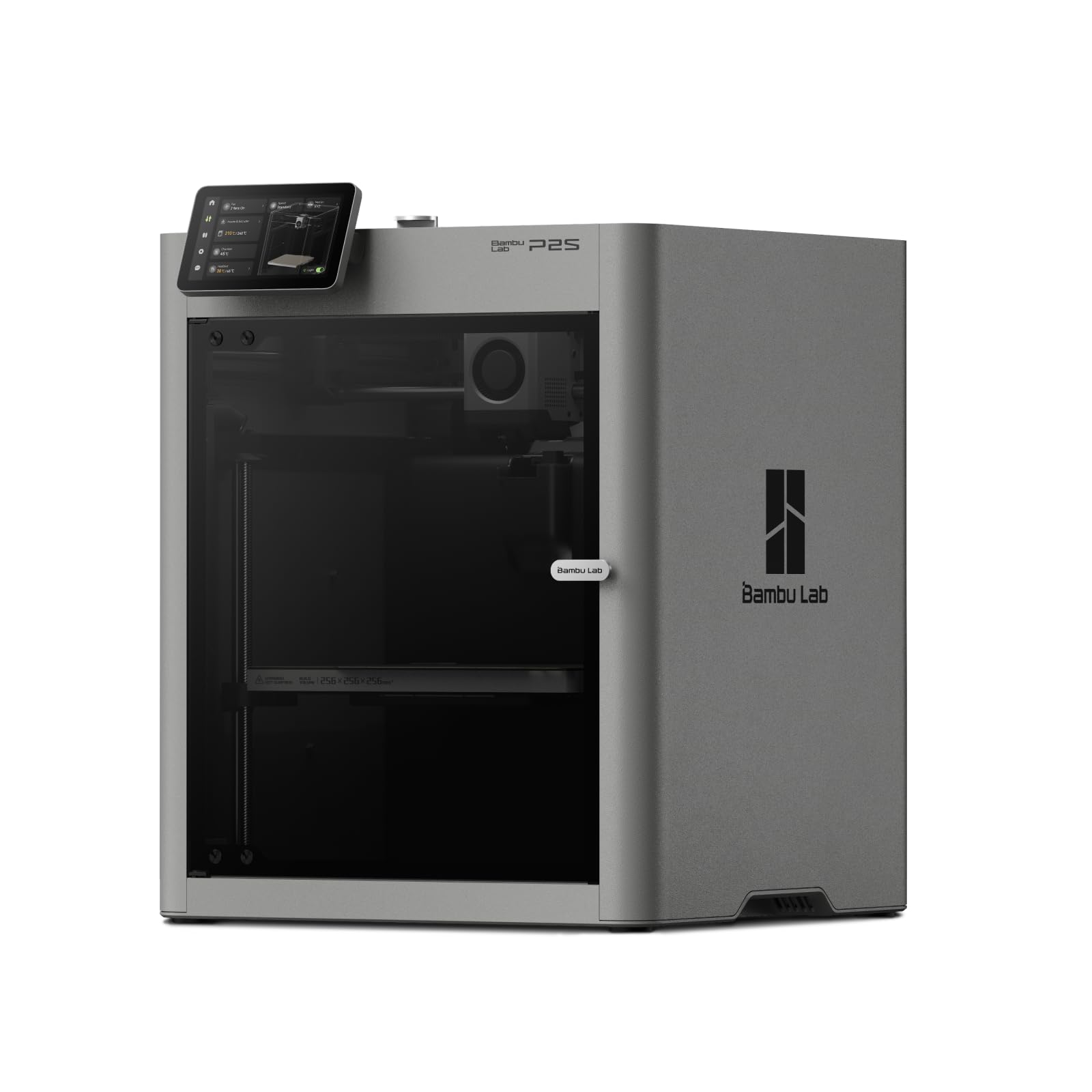
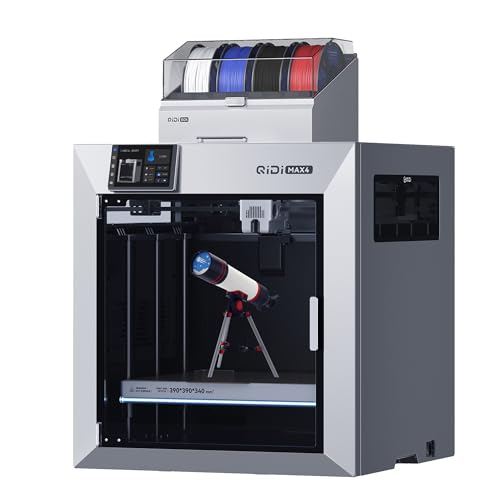
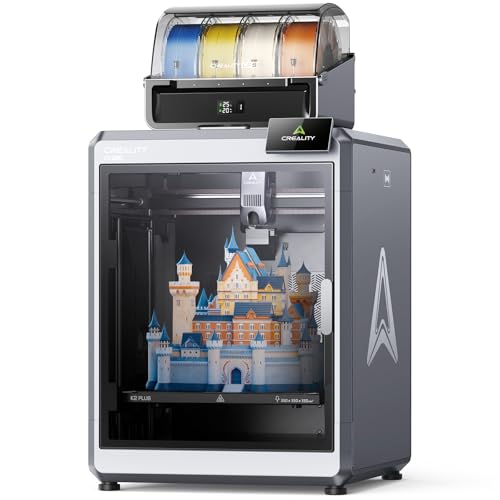

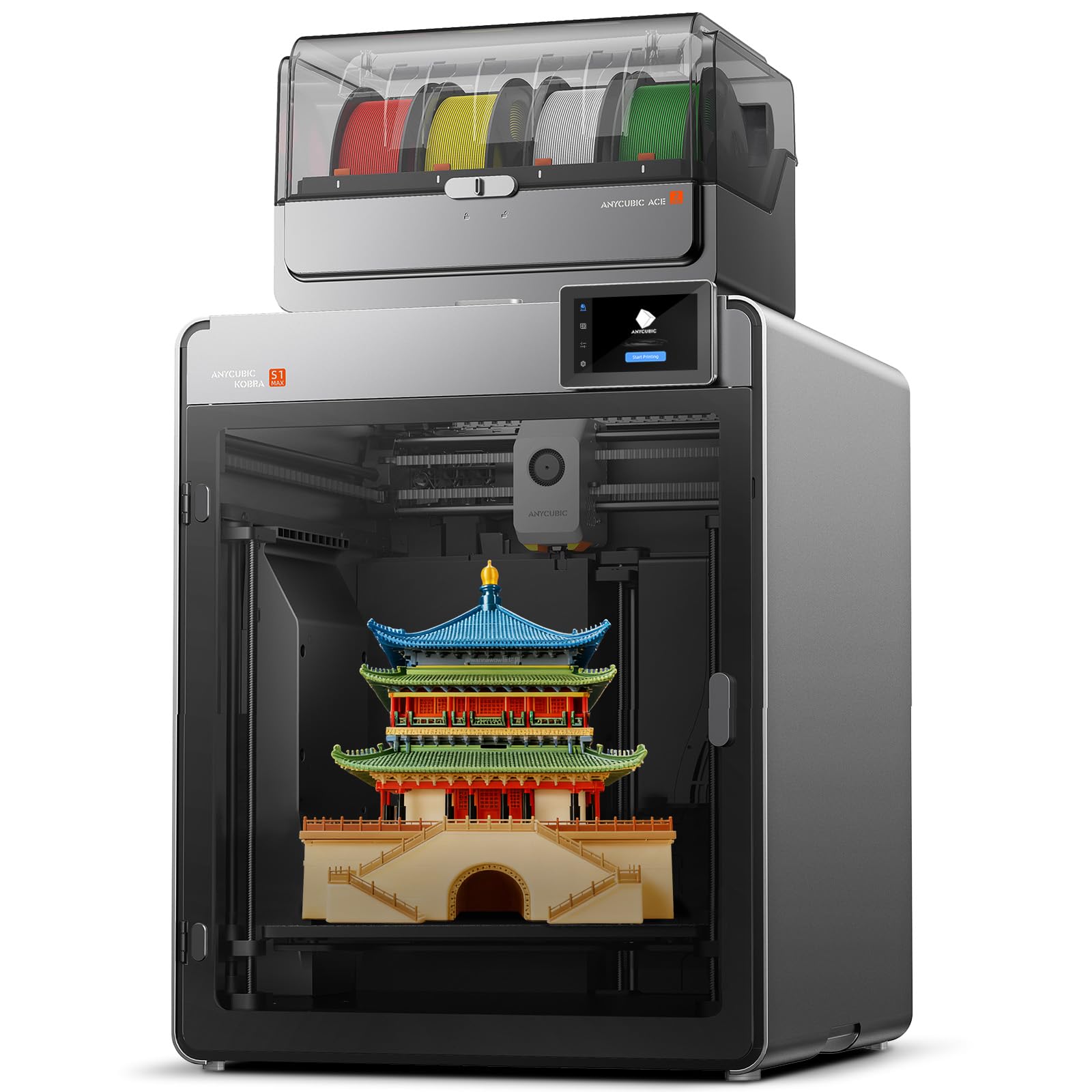
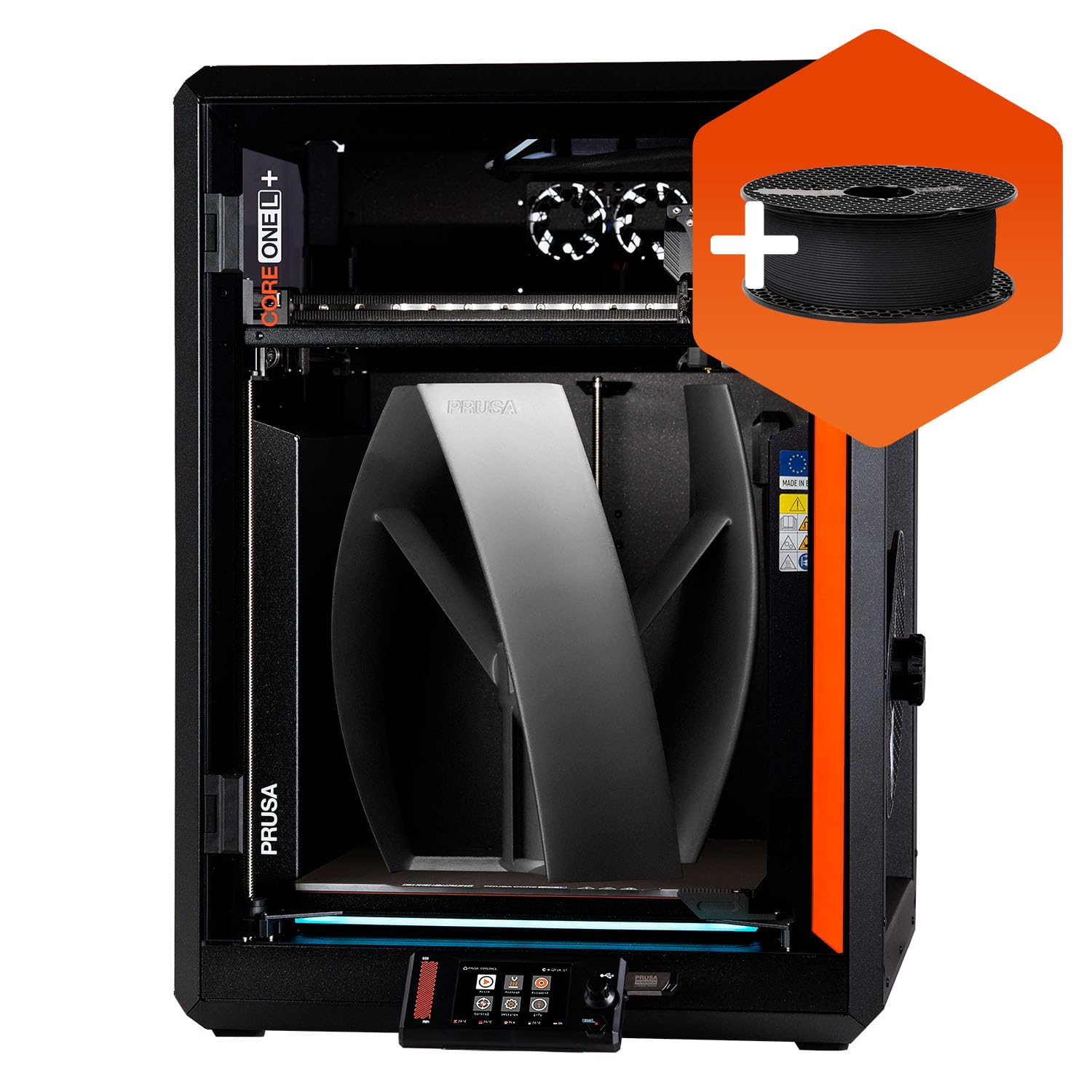
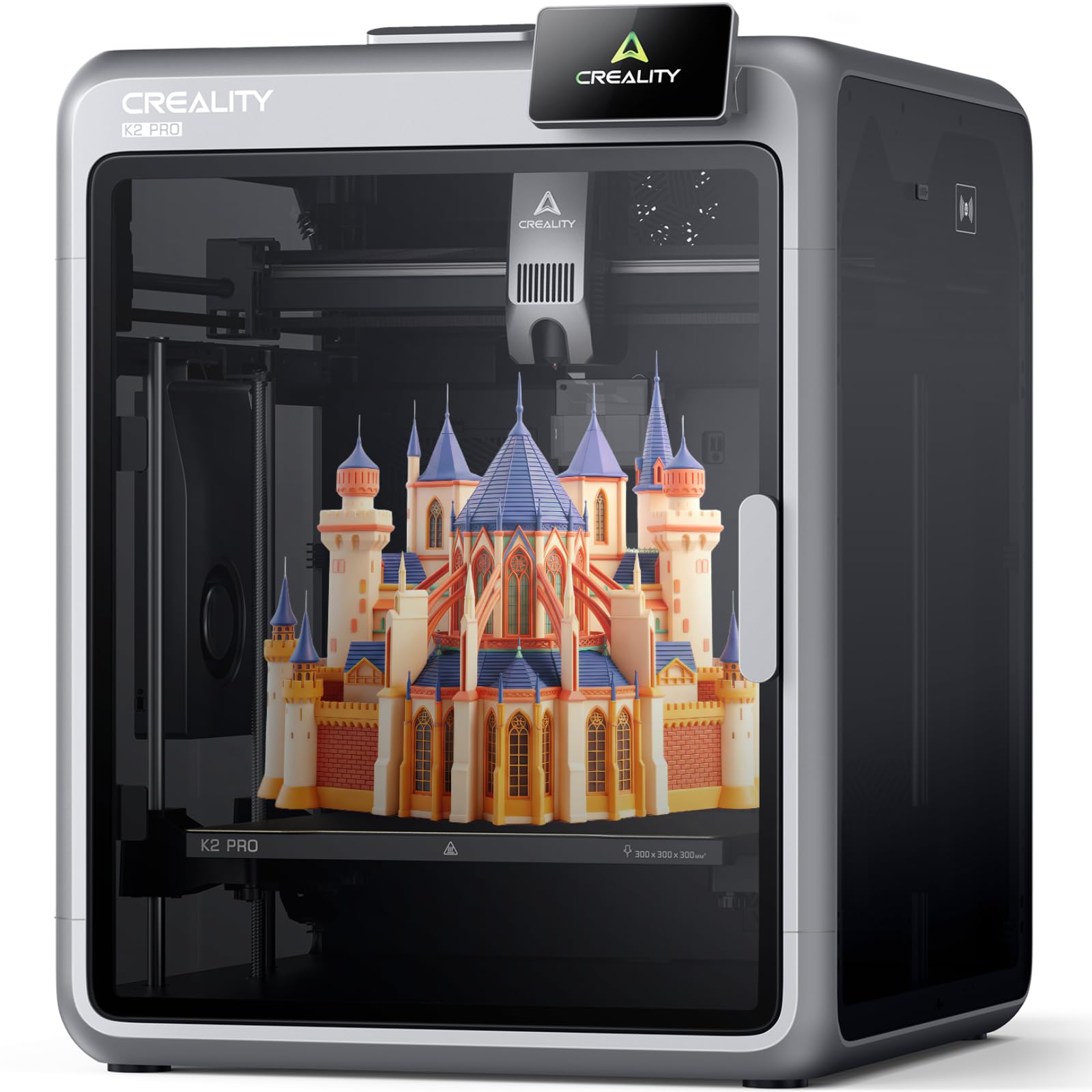
3D Printers 101: The Basics
A 3D printer builds an object layer by layer from a digital model. Software called a slicer turns the model into instructions, setting temperatures, speeds, and the path each layer follows. In FDM printing, a heated nozzle melts filament and places it on a heated bed, where it cools and bonds to the layer below.
ABS changes that simple picture in two ways. It prints hot, shrinks as it cools, and gives off a noticeable odor while printing. Shrinkage pulls corners up off the bed, called warping, and uneven cooling can split layers apart. An enclosure keeps the air around the part warm and steady, which is why enclosure design dominates every serious ABS buying decision.
Key Specs Explained in Plain English
Features That Matter for ABS
Four features decide whether ABS printing is routine or miserable. First, look for a fully enclosed build chamber, or at least a frame designed to accept a close fitting cover. Second, the bed should reach about 100 to 110 degrees Celsius and hold that heat evenly. Third, an all metal hot end should sustain nozzle temperatures around 240 to 260 degrees Celsius without a plastic liner softening inside. Fourth, part cooling must be controllable, since ABS needs far less cooling fan than PLA. Auto bed leveling helps too, because a perfect first layer is your best defense against warping.
For a wider view of printer categories before you narrow down, our general guide to the best 3d printers explains how ABS capable machines differ from basic PLA focused models.
Printer Type: Why Enclosed FDM Leads
FDM is the practical printer type for ABS, and enclosed FDM is the practical form of it. Open frame machines can print small ABS parts in a warm, draft free room, but larger parts tend to warp or crack as cool air reaches them. Resin printers do not use ABS filament at all, though a few resins mimic some ABS like toughness for very different uses. Inkjet, laser, and tank printers make paper documents, so any listing that mixes their specs into an ABS discussion is confusing two product families. Keep your search on enclosed FDM models.
Filament Costs and the Real Cost per Print
Paper printer guides talk about cost per page and ink tank savings, but for ABS the honest measure is cost per finished print. A standard spool of ABS often costs about $15 to $25, and a typical small part may use only a few dollars of material or less. Failed prints are the hidden cost, since a warped large part can waste hours and a quarter of a spool. An enclosure and a reliable bed surface pay for themselves by cutting failures. Also budget for spare nozzles and bed surfaces, which wear faster at ABS temperatures.
Connectivity and Mobile Printing
WiFi lets you send files, start prints, and watch progress through an app or camera, which is handy during long ABS jobs. It is a convenience, not a quality feature, and a memory card workflow works fine if the printer sits near your computer. AirPrint belongs to paper printers and plays no role here. What matters more is whether the printer reports temperatures clearly and lets you pause or adjust settings mid print. A camera earns its keep on ABS because early warping is visible long before a print fully fails.
Print Quality and Resolution
Print quality with ABS depends less on headline resolution and more on temperature stability. Layer heights around 0.12 mm to 0.28 mm cover most ABS work, from smooth housings to fast brackets. DPI is a paper printing term and tells you nothing useful about a filament printer. Look instead for a rigid frame, smooth motion, and a well supported bed, since vibration and wobble show up as ripples in walls. Good ABS parts also depend on dry filament, because moisture causes pops, rough surfaces, and weak bonding between layers.
If price is your main limit, our guide to the best inexpensive 3d printers shows which budget features still allow small ABS work and which corners should never be cut.
Rookie Mistakes to Avoid
- Buying an open frame printer for large ABS parts. Drafts and cool room air will warp big prints no matter how carefully you tune settings.
- Ignoring ventilation. ABS gives off fumes and a strong smell while printing. Run the printer in a ventilated space, keep the enclosure closed during prints, and avoid sitting beside it for hours in a sealed room.
- Using PLA settings for ABS. ABS needs a much hotter bed and nozzle, and far less part cooling. Loading the wrong profile is the fastest route to a failed first print.
- Skipping bed adhesion steps. A clean bed, correct first layer height, and a brim on tall parts prevent corners lifting mid print.
- Storing ABS out in the open. ABS absorbs moisture over time. Keep spools sealed with desiccant and dry a suspect spool before blaming the printer.
Getting Started: Setup and First Use
Place the printer on a stable surface in a room where you can ventilate after printing, away from bedrooms and away from curious pets during hot prints. Assemble or unpack it slowly, check that the frame is square, and run the guided leveling and temperature checks in the manual. Load ABS only after a successful test print in PLA if the machine ships with a sample, since PLA makes it easier to confirm the basics work.
For your first ABS job, choose a small, solid object with a wide base. Preheat the bed fully and let the enclosure warm for several minutes before starting, because warm chamber air is part of the recipe. Watch the first layers closely. If corners begin to lift, stop early, clean the bed, add a brim, and try again rather than wasting a full spool of time and material.
Beginners who want extra hand holding before tackling ABS can browse our guide to the best starter 3d printers for models built around simple first prints.
FAQs
What features matter most in 3d printers for abs?
An enclosure, a bed that reaches about 100 degrees Celsius, and an all metal hot end matter most. Together they control shrinkage, which is the root cause of warping and cracked layers in ABS. Controllable part cooling and auto bed leveling come next. One point buyers often miss is chamber warm up time. A printer whose enclosure warms slowly needs a preheat routine, so build that pause into your workflow for consistent results.
What does cost per page mean?
Cost per page is a paper printing term for ink or toner cost per sheet, and it does not describe filament printing. The useful ABS equivalent is cost per finished print, counting filament used, electricity, and failed attempts. A practical tip is to weigh a finished part and its supports, then price that weight against your spool cost. That simple habit shows you exactly what each project costs and where failures hurt most.
Inkjet or laser: which is cheaper long term?
Laser printers usually win on cost per page for plain text, while inkjets suit color and photos. Neither prints ABS objects, so treat that choice as separate home office shopping. For ABS ownership costs, the long term winners are printers with cheap spare parts, standard nozzles, and strong failure prevention features. One avoided weekend of warped prints can save more material than a small difference in spool price ever will.
Are ink tank printers worth it?
Ink tank printers are worth it for households printing many paper pages, since bottled ink undercuts cartridge costs. They have nothing to do with ABS printing, and their specs sometimes appear in mixed listings by mistake. Judge an ABS printer instead by its enclosure, temperatures, and bed surface. Also check whether the maker sells replacement build plates openly, because a worn plate is the most common reason good ABS setups slowly lose adhesion.
Which 3D printer is easiest for beginners?
The easiest route is an enclosed FDM printer with auto bed leveling, a flexible build plate, and clear on screen guidance. Such a machine removes the two hardest beginner tasks, leveling and part removal, and its enclosure forgives room drafts while you learn. Our guide to the best hobby 3d printers covers machines of this kind for home workshops. Start with small ABS parts, master adhesion, then move to larger pieces.
Readers comparing dedicated options can also see our guide to the best abs printers for a focused look at enclosed models.
Wrapping Up
For ABS, hardware beats clever settings every time. Insist on an enclosure, a hot and even bed, and an all metal hot end, then add auto leveling and a camera if your budget allows. Compare your shortlist in the product table above against those three essentials, keep the printer ventilated, and store filament dry. Choose from the best 3d printers for abs with those rules in mind and your first prints will be far less of a gamble.


