
The Best 3D Printers Comparison: A Clear Buying Guide for 2026
Disclosure: We may earn a commission when you buy through links on this page, at no extra cost to you. As an Amazon Associate I earn from qualifying purchases. Learn more

Use this best 3d printers comparison guide to weigh build volume, print quality, ease of use, and running costs before you choose a printer for home use.
Comparing 3D printers feels confusing at first because the spec sheets mix build volume, layer height, speed, and filament types into one long list. This best 3d printers comparison guide sorts those numbers into plain decisions, so you can match a printer to the objects you actually want to make. The product table gives you a quick view of the main options side by side.
Start with what you plan to print most often, then work through size, material, and ease of use in that order. A printer that looks impressive on paper can still be a poor fit if it takes up your whole desk or needs constant tuning.


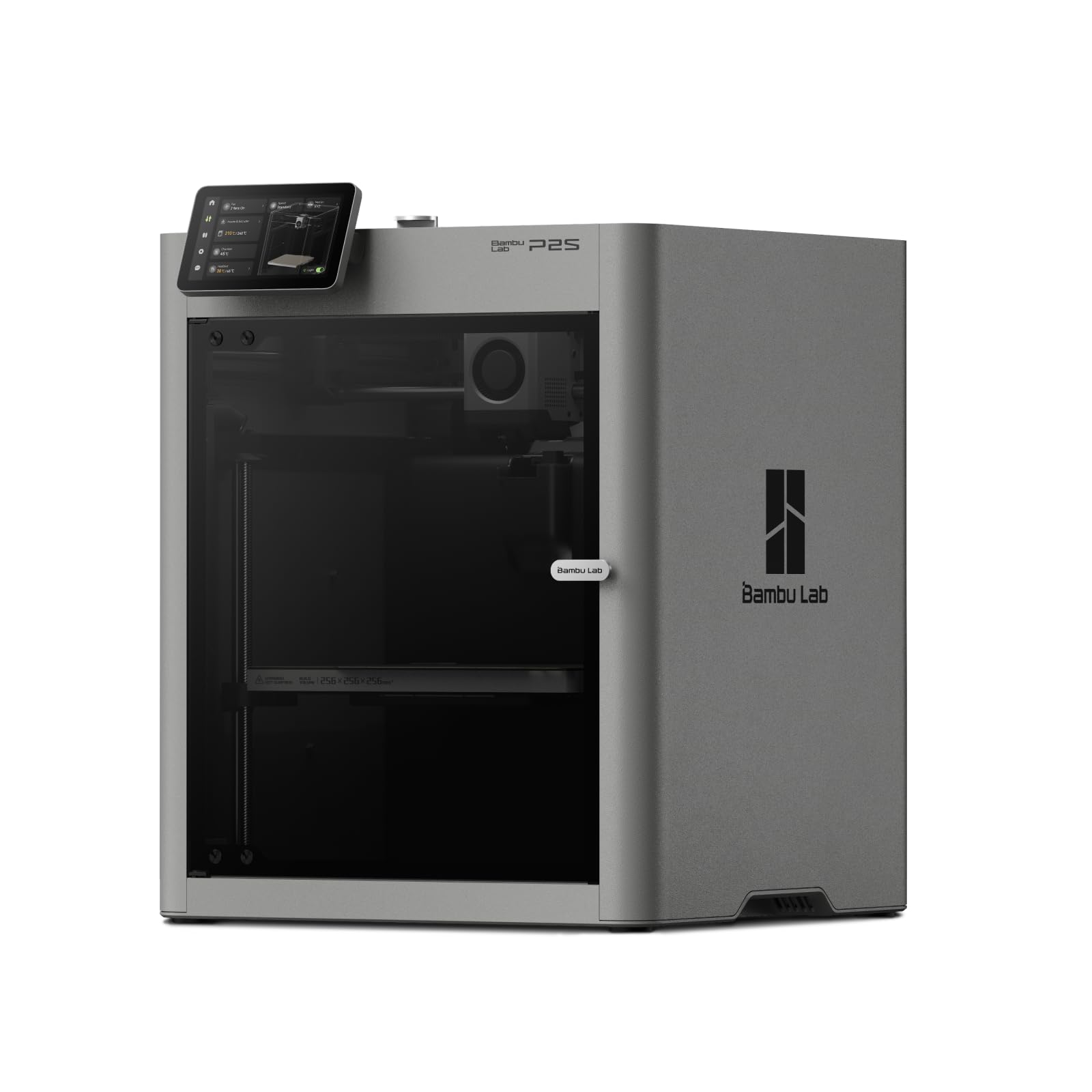
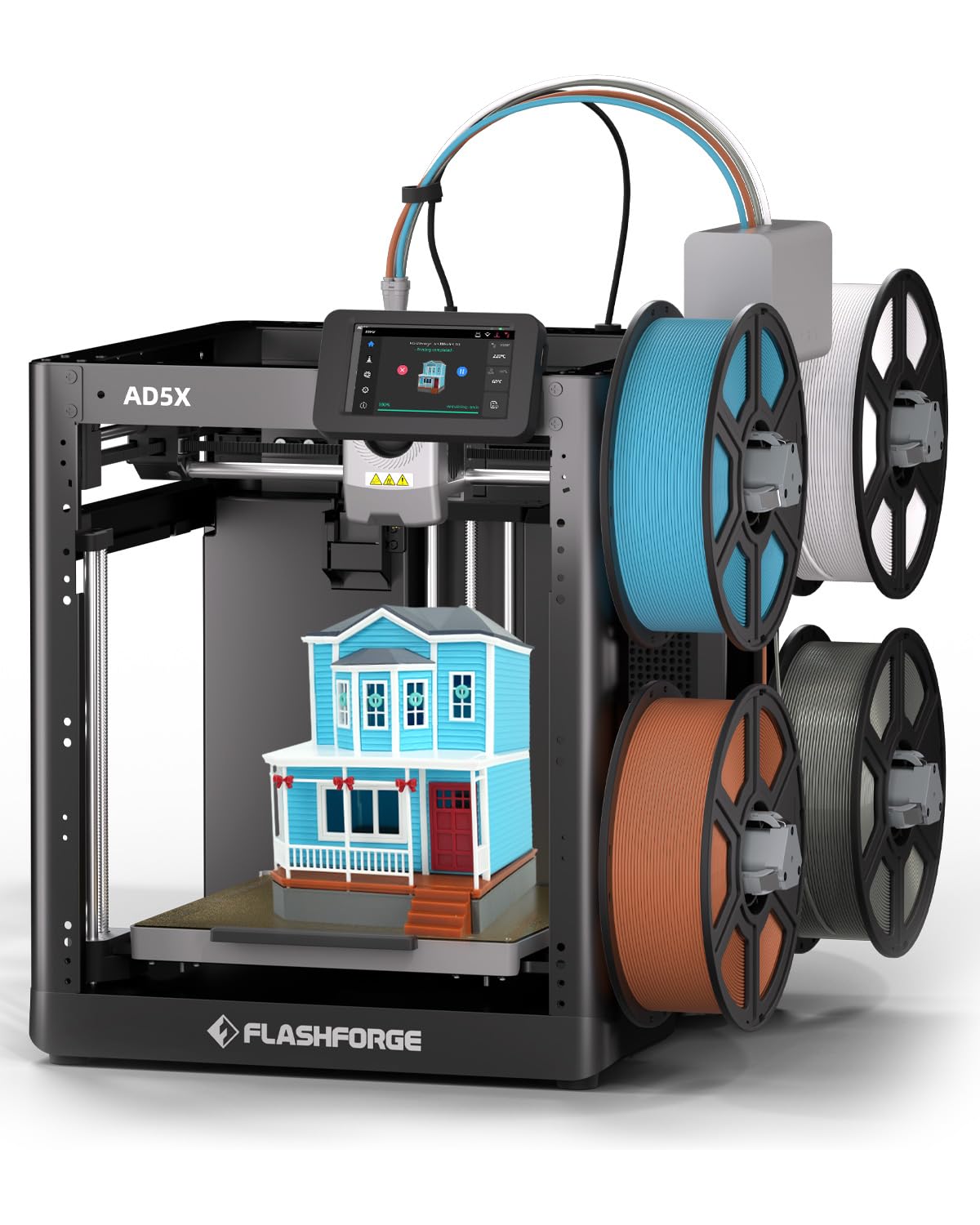
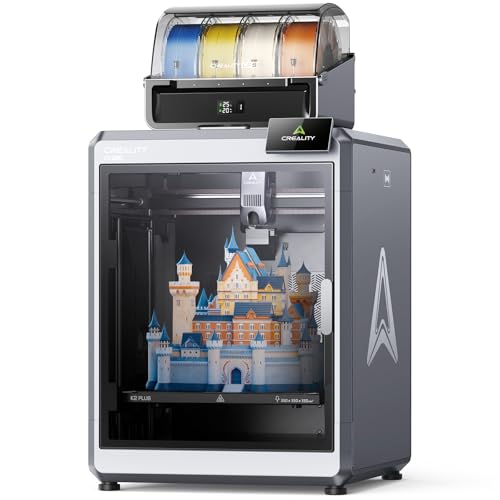
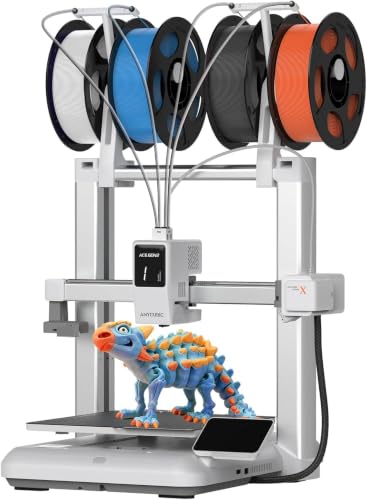

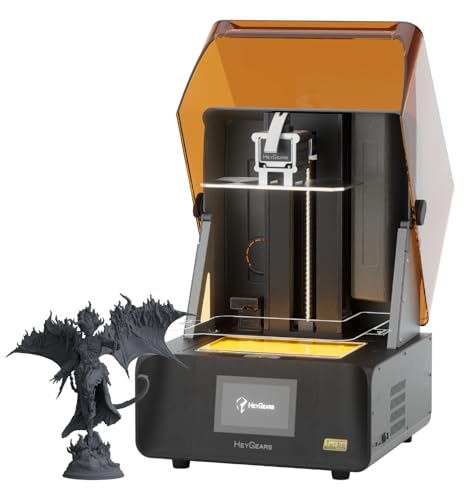
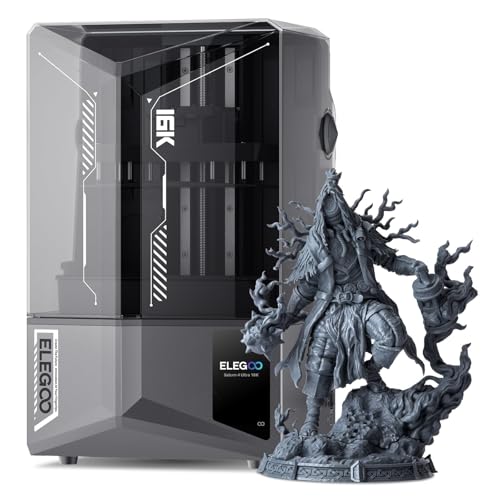
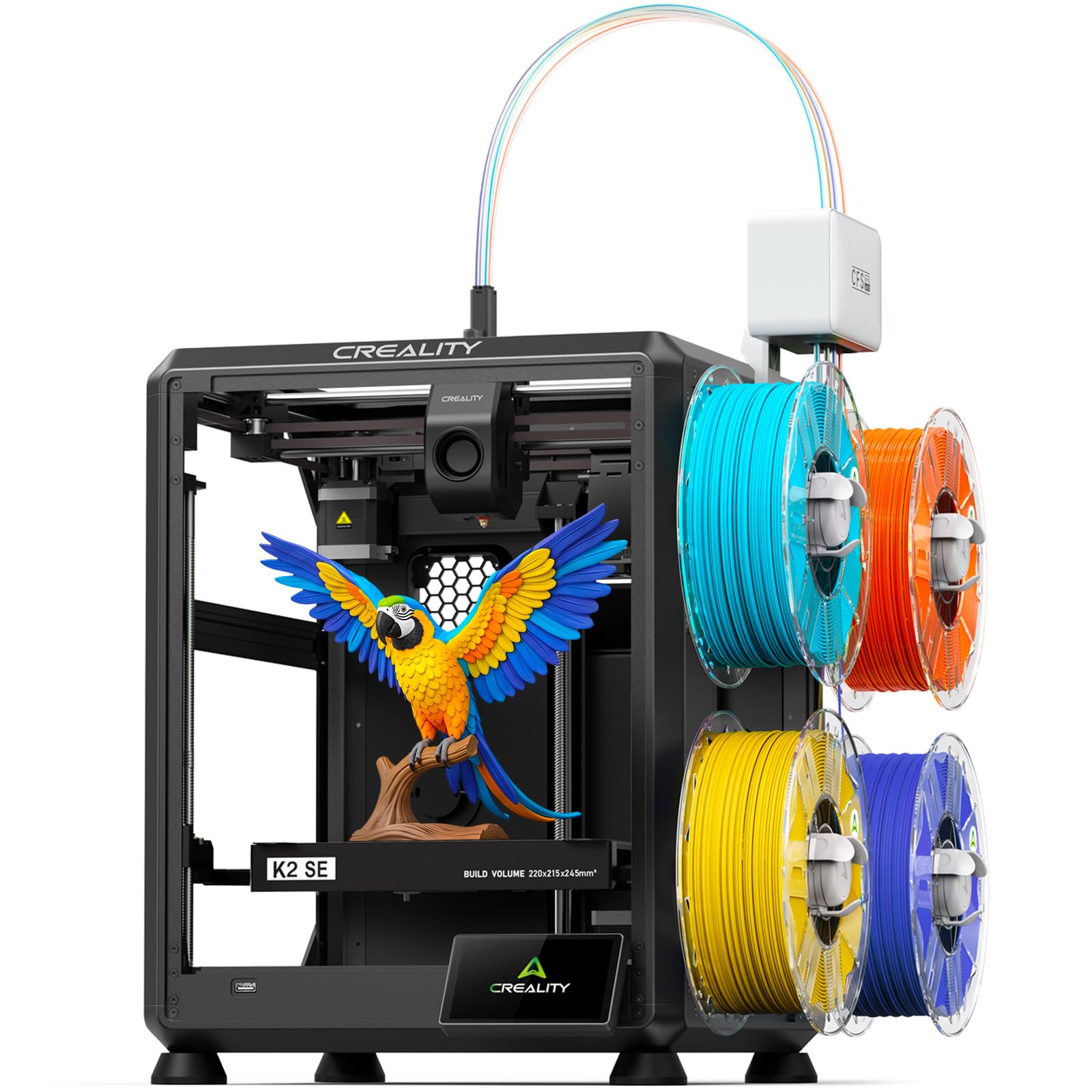
What Each Price Tier Gives You at a Glance
Price tiers are a useful shortcut in any best printers comparison because they predict how much setup work, speed, and polish you can expect. Use the tiers below as profiles rather than promises, since features move down in price over time.
Budget Tier Profile
Budget printers, often around $150 to $300, suit learning, simple PLA parts, and occasional hobby projects. Expect a modest build volume, manual or partly assisted bed leveling, and a basic screen. Print quality can be very good once the machine is tuned, but you will spend more time on setup and small adjustments. This tier rewards patience. If you enjoy tinkering and print mostly small items, it can be a sensible place to start without spending much.
Mid Tier Profile
Mid tier printers, often about $300 to $700, usually add auto bed leveling, a sturdier frame, quieter motors, and better part cooling. Those upgrades matter because they make results repeatable, which is what most home users actually want. Build volumes grow enough for larger props, storage parts, and multi piece projects. Filament runout sensors and resume after power loss features also become common. For most buyers, this tier offers the best balance of price, reliability, and print quality.
Premium Tier Profile
Premium printers, often about $700 to $1,500 or more, focus on speed, consistency, and convenience. Expect enclosed frames on many models, stronger motion systems, better cameras and controls, and support for more demanding filaments. These machines suit users who print weekly, sell finished pieces, or need large parts to come out right the first time. The trade off is cost and size. Pay this much only when your projects truly need the extra capacity or material range.
How to Choose: The Buying Guide That Matters
The sections below walk through the decisions that shape daily use. Read them in order and note your answers, because a short list of firm needs will narrow the product table above far faster than chasing maximum specs.
Printer Type: FDM or Resin
FDM printers melt filament and lay it down layer by layer, and they are the default choice for functional parts, brackets, toys, and prototypes. Running costs stay low and PLA filament is easy to handle. Resin printers cure liquid resin with light and capture far finer detail, which suits miniatures and jewelry patterns. Resin brings extra steps, including washing and curing, plus gloves and ventilation. If detail is your top priority choose resin, and if versatility matters more choose FDM.
Readers who want a broader shortlist can start with our guide to the best 3d printers, which frames the same choice by user type.
Ease of Setup and Calibration
Setup quality decides whether your first week feels fun or frustrating. Auto bed leveling is the single most helpful feature for new owners because a level bed is the foundation of every successful print. Look also for a clear assembly path, a guided first print, and a screen that explains errors in plain words. A removable flexible build plate makes part removal easier and reduces damage to finished prints. Machines that need constant manual tuning can still print well, but they ask more of you.
Print Quality and Resolution
For FDM printers, layer height tells you more than headline resolution numbers borrowed from paper printing, where DPI is the usual measure. A layer height range around 0.1 mm to 0.3 mm covers fine detail through fast draft prints. Resin printers quote pixel size and screen resolution, and smaller pixels generally mean sharper detail on tiny features. Remember that slicer settings, cooling, and material quality affect results as much as hardware. Clean, consistent layers beat a flashy spec that the machine cannot hold.
Build Volume and Footprint
Build volume is the largest object the printer can make in one piece, stated as width, depth, and height. A volume near 220 mm in each direction handles most home projects, while larger volumes suit helmets, big storage parts, and batch printing. Check the full footprint too, including space for the bed to move and for you to open a door or lift a lid. Measure your desk or shelf before ordering. A printer that fits the space will get used far more.
Reliability and Support
Reliability shows up in small ways, such as stable firmware, spare parts that are easy to order, and a large owner community sharing fixes. A strong community matters because most problems you will meet have already been solved and documented by other owners. Check that replacement nozzles, belts, and build plates are sold openly and priced fairly. Warranty length and responsive support also count, especially for electronics faults. A slightly less exciting machine with great support often outlasts a bold one with none.
If your budget is tight, our guide to the best inexpensive 3d printers explains where makers safely save money and where cheap parts cause trouble.
Connectivity and Software
Most printers accept files by memory card or USB, and many add WiFi so you can send jobs from your computer and watch progress in an app. WiFi is convenient, but a stable wired or card based workflow is perfectly fine for a printer sitting near your desk. AirPrint is a paper printer feature and does not apply here, so ignore it in listings that copy paper printer language. What matters more is slicer support. A printer that works with popular free slicers gives you better profiles and more learning resources.
Types of 3D Printers Explained
FDM 3D Printers
FDM machines are the workhorses of home printing. They handle PLA, PETG, and TPU filaments, produce parts strong enough for real use around the house, and cost little per print. Surfaces show visible layer lines, and very fine detail is limited. They suit practical parts, prototypes, and larger objects. If you are weighing a first machine for general use, our guide to the best hobby 3d printers shows how this type fits typical home projects.
Resin 3D Printers
Resin machines excel at small, detailed work such as tabletop figures, dental models, and masters for casting. Detail is smooth and sharp, and prints often need little sanding before paint. The trade offs are smaller build volumes, careful handling of liquid resin, and post processing after every print. You will need gloves, a wash station or tubs, and a way to cure parts fully. For a deeper look at this branch, see our guide to the best resin 3d printers.
A Note on Paper Printers in Mixed Listings
Some comparison pages mix in inkjet, laser, and all in one paper printers, along with terms such as ink tank refills and cost per page. Those machines print documents, not objects, so they are not alternatives to a 3D printer. If your home needs both, shop for each separately using its own criteria. For a 3D printer, the equivalent running cost idea is cost per print, driven by filament or resin used plus failed prints.
Setup and Care Tips
- Level and clean the bed first. A clean, level surface prevents most early failures. Wipe FDM build plates with a suitable cleaner and keep resin vats free of cured bits.
- Store filament dry. Damp filament pops, strings, and weakens parts. Keep spools in sealed boxes with desiccant, especially in humid rooms.
- Start with known good settings. Use the filament maker profile in your slicer for the first prints, then change one setting at a time.
- Keep spare wear parts on hand. A spare nozzle, a belt, and a build plate surface save a weekend when something wears out mid project.
- Print something small every week or two. Regular use keeps your skills sharp and reveals small issues before they ruin a long print.
New owners who want a gentler learning curve can also read our guide to the best starter 3d printers, which focuses on simple setup and forgiving first prints.
Frequently Asked Questions
What does cost per page mean?
Cost per page is a paper printer term for the ink or toner cost of one printed page. It does not apply directly to 3D printing, where the matching idea is cost per print. Estimate that from grams of filament or milliliters of resin used, plus electricity and failed prints. In a best printers comparison, translate any page based claim into material used per finished object before you trust it.
Are ink tank printers worth it?
Ink tank printers can be worth it for heavy document printing because refill ink costs less than cartridges. That question belongs to paper printing, though, and has no bearing on choosing a 3D printer. For objects, judge value by material cost per print, reliability, and how much reprinting a machine saves you. A dependable mid tier 3D printer usually costs less to own than a cheap one that fails often.
Inkjet or laser: which is cheaper long term?
Laser printers usually cost less per page for text heavy office work, while inkjets handle color and photos better. Again, neither makes physical objects, so this choice sits beside your 3D printer decision rather than inside it. For long term 3D printing costs, focus on filament price per spool, resin price per bottle, spare parts, and your failure rate. Reducing failed prints saves more money than any small gap in material price.
Which 3D printer type is easiest for beginners?
FDM is the easiest type for most beginners. Setup is simpler, PLA filament is forgiving and low odor, and finished parts need no washing or curing. Choose a model with auto bed leveling and a flexible build plate to shorten the learning curve. Resin rewards patience and careful handling, so it suits beginners only when fine detail is the whole point of the purchase and they accept the extra safety and cleanup steps.
Our Verdict
Decide on printer type first, then build volume, then ease of setup, and let price tier follow from those answers. Most home users land happily in the mid tier, where auto leveling and sturdy frames make results repeatable. Use the product table to check your shortlist against those priorities, and treat this best 3d printers comparison as your checklist each time a tempting sale appears.


