Best 3D Monitors in 2026: A Complete Buying Guide
Disclosure: We may earn a commission when you buy through links on this page, at no extra cost to you. As an Amazon Associate I earn from qualifying purchases. Learn more
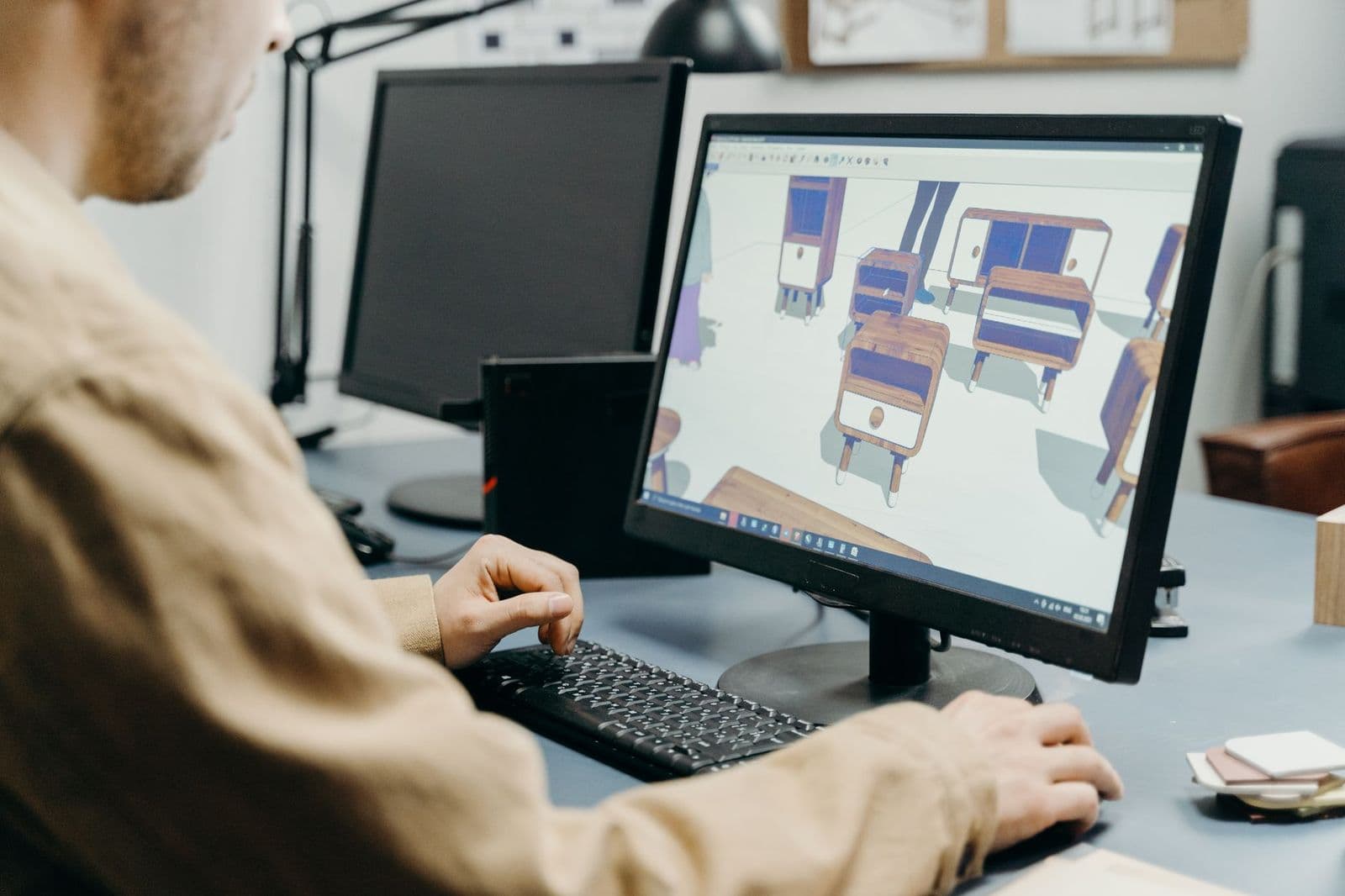
Compare the best 3d monitors by 3D method, brightness, refresh rate and glasses fit, with sizing help and setup tips for games, film and design work.
A 3D monitor can look flat and dim in a store demo, then feel deep and clear at home once the glasses, brightness and seating distance are right. The best 3d monitors match their 3D method to your sources and room, rather than chasing the largest screen. This guide walks through the choices that shape depth and value, so you can read any spec sheet with a clear plan.
Start with how you will actually watch. A gamer needs speed and low crosstalk, a film fan needs contrast in a dark room, and a designer needs stable depth while moving around a model. The sections below connect each need to panel type, refresh rate, glasses and price.
Who Should Buy Which 3D Monitors?
Your main use decides which 3D method and panel deserve your money. Choose for the content you open every week.
Gamers Who Want Depth Without Losing Speed
You need a fast panel first and 3D second, because depth will not rescue motion that smears during a turn. Look for 144Hz or higher, adaptive sync and a response time near 1 to 3 milliseconds. Active shutter glasses suit most gaming desks, since the view stays full resolution for each eye. If flat gaming matters too, compare the best 3d gaming monitors alongside your shortlist.
Film Fans Watching in a Dark Room
You sit still, face the screen squarely and notice black levels more than raw speed. An OLED or VA panel gives you deep contrast, so night scenes hold their depth instead of washing out to gray. Passive polarized glasses suit longer films, since they are light and need no charging. Prioritize brightness headroom, because every lens cuts light.
Designers and Modelers Checking Depth at a Desk
You move your head, lean in and judge edges, so viewing angle and stable depth matter more than cinematic contrast. An IPS panel with low crosstalk keeps the image consistent as you shift in your chair. Screen space also counts, since tool panels crowd a small display. Work desk readers may also want our guide to the best monitors for 3d modeling.
Key Features to Compare
Compare these factors in order. The best 3d monitors for your desk will pass the first two checks before price even enters the picture.
3D Method and Glasses Compatibility
Active shutter glasses open and close each lens in turn, so each eye sees a full frame and detail stays sharp, but the glasses need power and cost more to replace. Passive polarized glasses split the image by lines, which lowers vertical detail yet keeps glasses light and cheap. Glasses free designs use a lenticular layer to send separate views to each eye, so you must sit in a set zone.
Speed Specs That Keep 3D Motion Smooth
Refresh rate decides how much motion each eye receives, since a 120Hz panel in 3D can show about 60 frames per second to each eye. A 144Hz or 240Hz panel leaves more headroom, and depth looks steadier in fast pans. Response time matters because slow pixel changes leak into the next eye view as ghosting. Adaptive sync helps when graphics card output rises and falls, and our guide to the best gaming monitors explains it further.
Panel Type, Brightness and HDR
Brightness is not a vanity spec on a 3D display, because glasses can cut perceived light by half or more. Look for about 300 to 400 nits or higher if you watch in a lit room. OLED panels give near perfect black levels and fast response, VA panels give strong contrast at lower cost, and IPS panels give the widest stable colors off center. HDR10 helps tone detail, but brightness and contrast shape the result more.
Resolution, Screen Size and Viewing Distance
Resolution buys cleaner edges in 3D, since each eye gets its own view and soft source material looks softer still. A 27 inch 1440p screen suits most desks at about 24 to 32 inches of viewing distance, while 4K earns its cost at 32 inches or when you sit closer. Passive polarized models lose vertical resolution in 3D mode, so step up a tier if you read fine text. A wide screen viewed too closely forces head turns that break the 3D zone.
Ports, 3D Formats and Source Support
Check that your computer, console or player can send the format the monitor expects, because 3D support is not automatic over every port. Look for HDMI and DisplayPort inputs with enough bandwidth for your target resolution and refresh rate, and confirm support for frame sequential, side by side or top and bottom formats as your sources require. Test your main source during the return window.
Stand Adjustment, VESA Mounting and Eye Comfort
Small angle changes matter more in 3D than in flat viewing, since tilt and height decide whether both eyes stay in the clear zone. Choose a stand with height and tilt adjustment, or confirm the VESA mount pattern if you plan an arm. Flicker free backlight modes can ease longer sessions. Keep the screen center near eye level and sit square to it.
Types of 3D Monitors Compared
The three families below differ mainly in how they deliver two views to your eyes.
Active Shutter 3D Monitors for Full Detail
These models pair a fast panel with powered glasses that alternate views at speed. You keep full resolution for each eye, which suits games and detailed design work. The trade off is cost and upkeep, since glasses need charging and extra pairs add up. Expect to pay about $300 to $700, before spare glasses.
Passive Polarized 3D Monitors for Easy Group Viewing
These models use light polarized glasses like those handed out at many cinemas. Extra pairs are cheap, so a family movie night costs little beyond the screen. The cost is vertical detail in 3D mode, which shows in fine patterns and small text. Prices often land around $200 to $500, suiting film first buyers on a budget.
Glasses Free 3D Monitors for Solo Desk Use
These models track your head or rely on a fixed sweet spot to aim separate views at each eye. You gain a clean desk and no eyewear, which suits solo demos and short creative checks. A second viewer sees a broken image, and moving off center breaks the effect. Most models cost about $800 and up, so treat them as a specialist tool. Creative readers may also compare our guide to the best monitors for 3d artists.
Common Mistakes to Avoid
- Buying a 60Hz panel for 3D games leaves each eye with a low frame rate and makes motion feel choppy.
- Ignoring brightness means glasses dim the picture until dark scenes lose the detail you paid for.
- Assuming your console or player sends a supported 3D format can leave you with a flat image only.
- Sitting off center or too close breaks the clear viewing zone and creates double images and eye strain.
- Forgetting the cost of extra or replacement glasses makes a cheap monitor expensive for a household.
- Judging 3D quality on a bright store floor misleads you, since home lighting changes the result.
Care and Maintenance for a 3D Monitor
Clean the screen with a dry microfiber cloth and light pressure, adding a small amount of water to the cloth only if a smudge stays. Never spray liquid onto the panel, because fluid can seep past the edge and damage the layers that steer the 3D image. Keep vents clear and wipe dust from the back panel each month.
Care for the glasses as carefully as the screen. Wipe lenses with their own soft cloth, store powered glasses with some charge left, and keep all pairs in a case away from heat. Recheck cable seating a few times a year, and run any pixel care routine the maker provides for OLED models. If depth looks wrong on known content, test a second source before you assume the panel failed.
FAQ
Do 3D monitors need special glasses for every viewer?
Most 3D monitors do, and the glasses must match the display method. Active shutter and passive polarized glasses are not interchangeable, even when they look similar in photos. Glasses free models are the exception, but they serve one viewer in a set position. Budget for one pair per regular viewer, plus one spare.
Can a 3D monitor work as a normal everyday monitor?
Yes, a 3D monitor works as a normal monitor whenever 3D mode is off. Text, web pages and flat games render as they would on a standard panel of the same type. A strong 2D spec sheet also keeps the screen useful if your 3D viewing fades over time. Check 2D brightness and color coverage, not only 3D claims.
Why does a 3D monitor picture look dimmer than a flat picture?
A 3D monitor picture looks dimmer because the glasses block part of the light and each eye receives only part of the frames. A dark room restores much of the lost contrast without raising brightness to harsh levels. If you watch in daylight, close blinds near the screen first, since raising backlight alone can wash out black levels.
What refresh rate should a 3D gaming monitor have?
A 3D gaming monitor should have at least 120Hz, and 144Hz or 240Hz is better for fast play. Your graphics card must also hold a high frame rate, since a fast panel cannot invent frames the card never sends. Competitive players may prefer flat play for ranked matches and save 3D for solo campaigns, where timing pressure is lower.
Can two people watch a glasses free 3D monitor together?
Two people cannot share most glasses free 3D monitors well. The lenticular layer aims views at one head position, so a second viewer sits outside the zone and sees overlap and ghosting. A few wide models offer a broader zone, but quality still drops off center. For shared viewing, choose a glasses based model instead.
Final Thoughts
Match the 3D method to your viewers first, then weigh brightness, refresh rate and the formats your sources can send. Size the screen for your seating distance, and include glasses in the true cost. When you compare best 3d monitors with those checks, you will find a screen whose depth still impresses after week one.