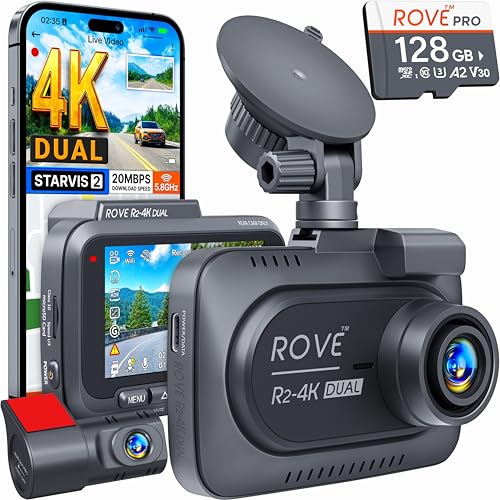
Best 3 Channel Dash Cams in 2026: Layouts and Buying Guide
Disclosure: We may earn a commission when you buy through links on this page, at no extra cost to you. As an Amazon Associate I earn from qualifying purchases. Learn more

Compare the best 3 channel dash cam layouts by cabin lens, night video, parking mode and install effort for rideshare and family cars.
A front camera alone leaves two gaps in your record. It cannot show what happened inside the cabin during a dispute with a passenger, and it cannot show the car that rolled into you from behind at a stop light. Choosing the best 3 channel dash cam closes both gaps at once, since one system records the road ahead, the cabin, and the road behind at the same time.
This guide compares the main layout types rather than pushing a single model. It weighs compatibility with your vehicle, video performance, and ease of use. Use the layouts below to match one to your car, your parking situation, and your budget before you read the detailed sections.
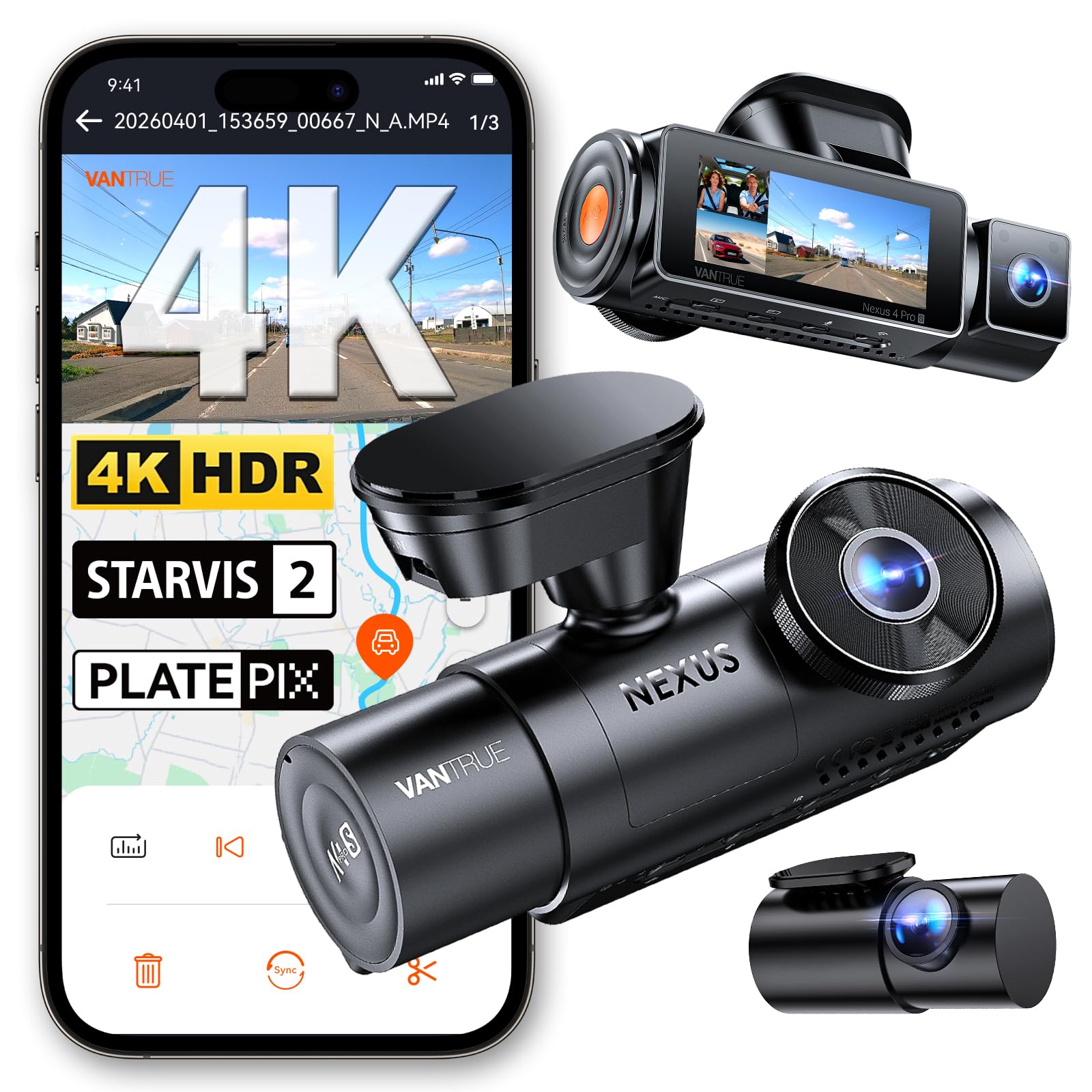
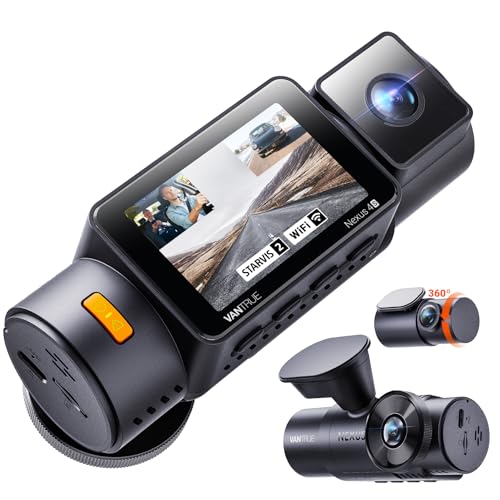
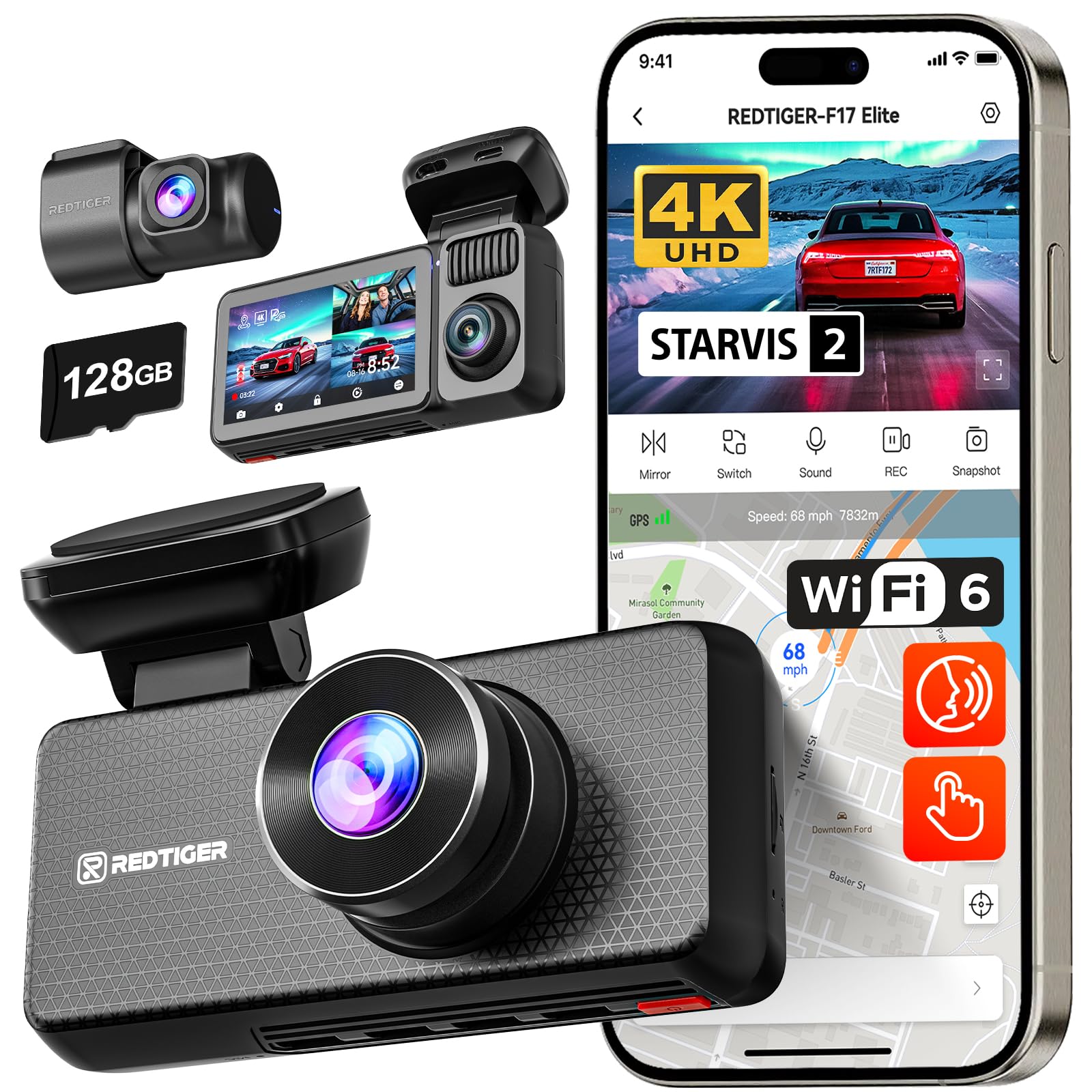

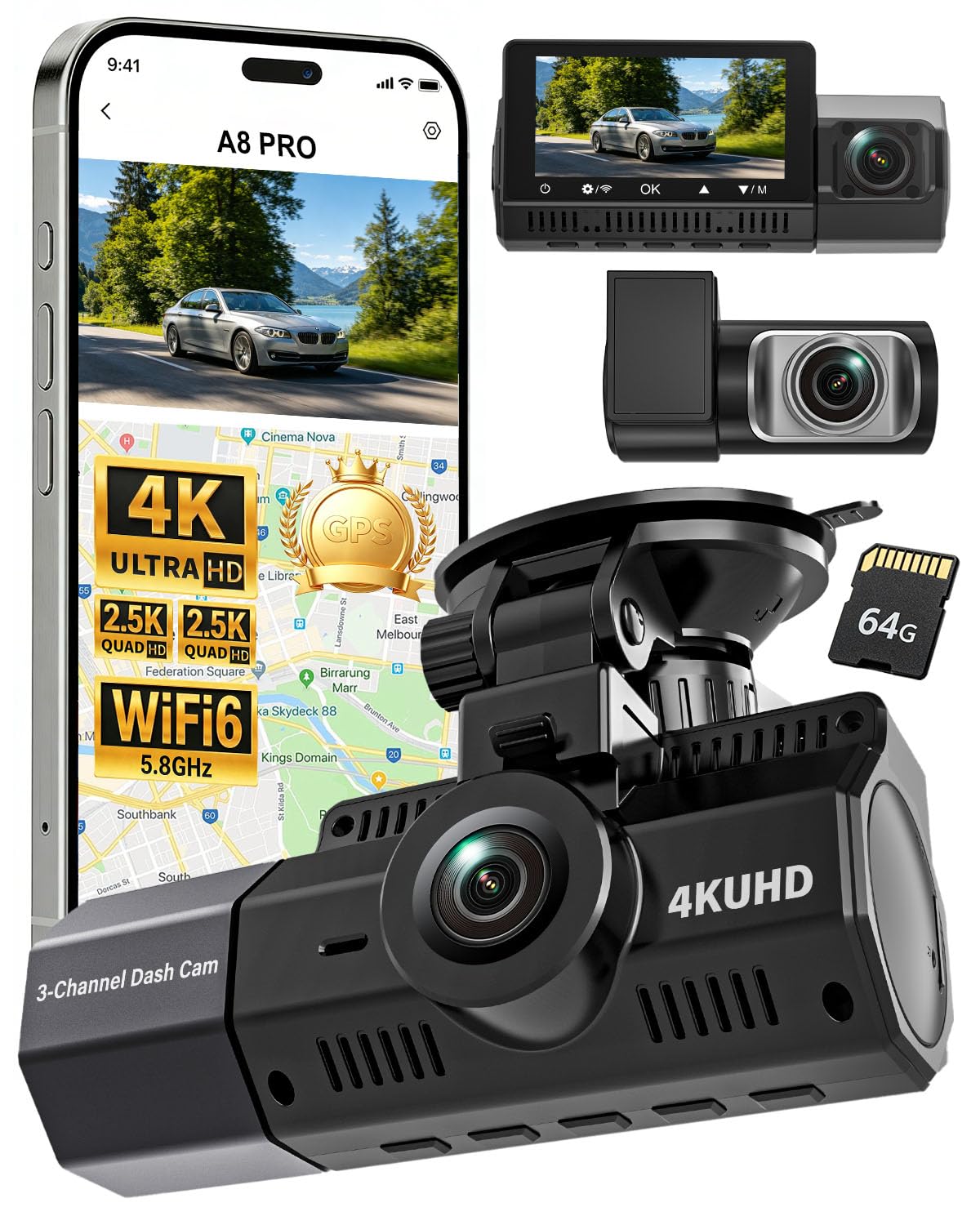

Three Layouts at a Glance
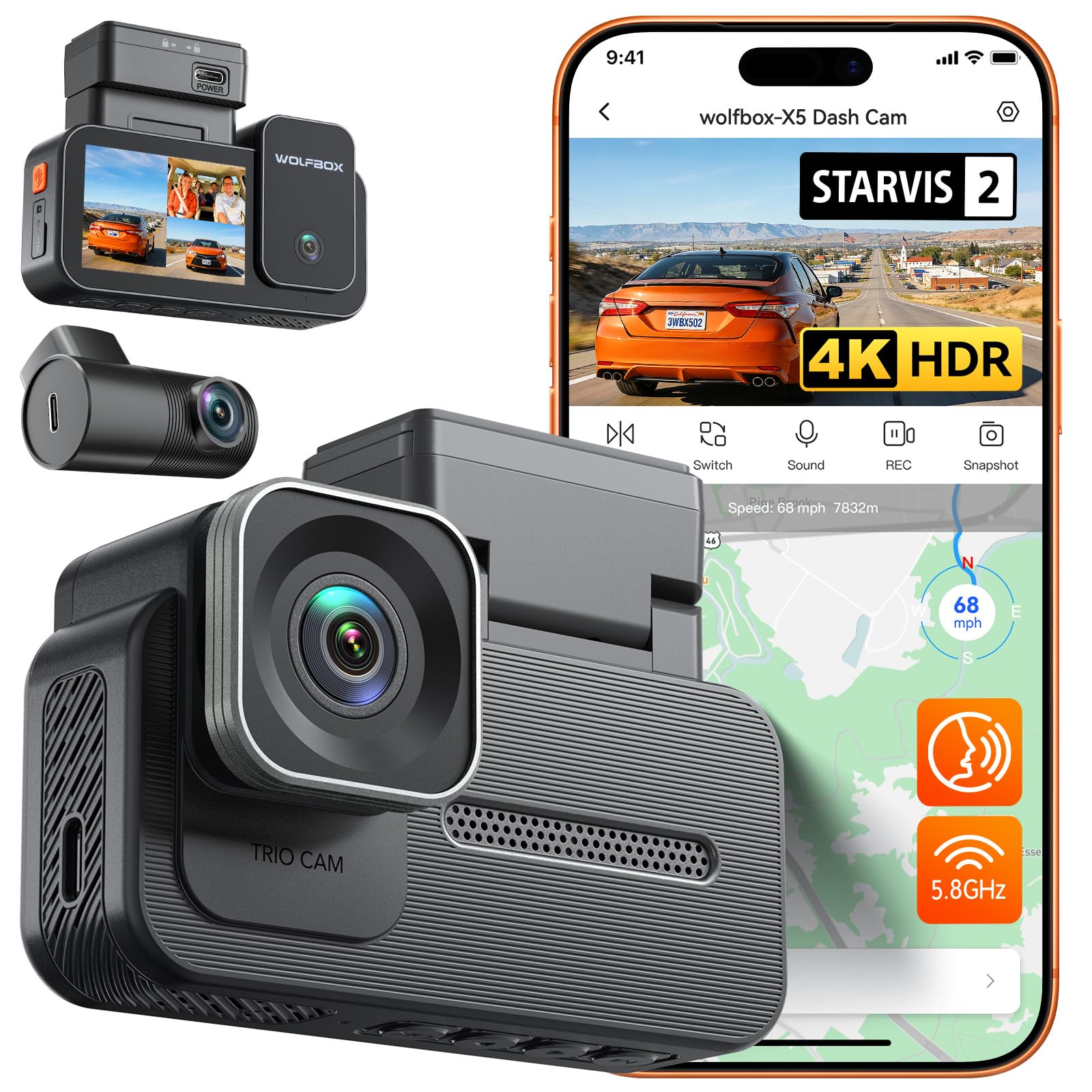
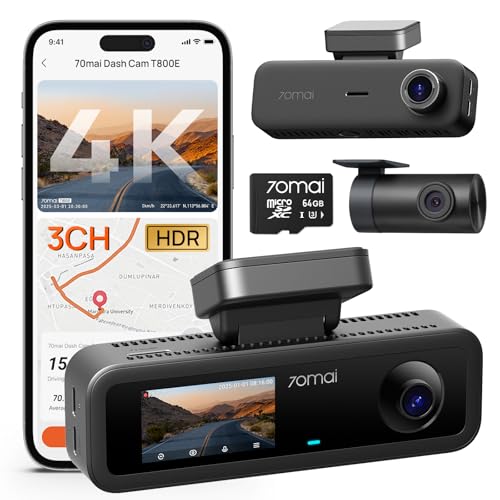
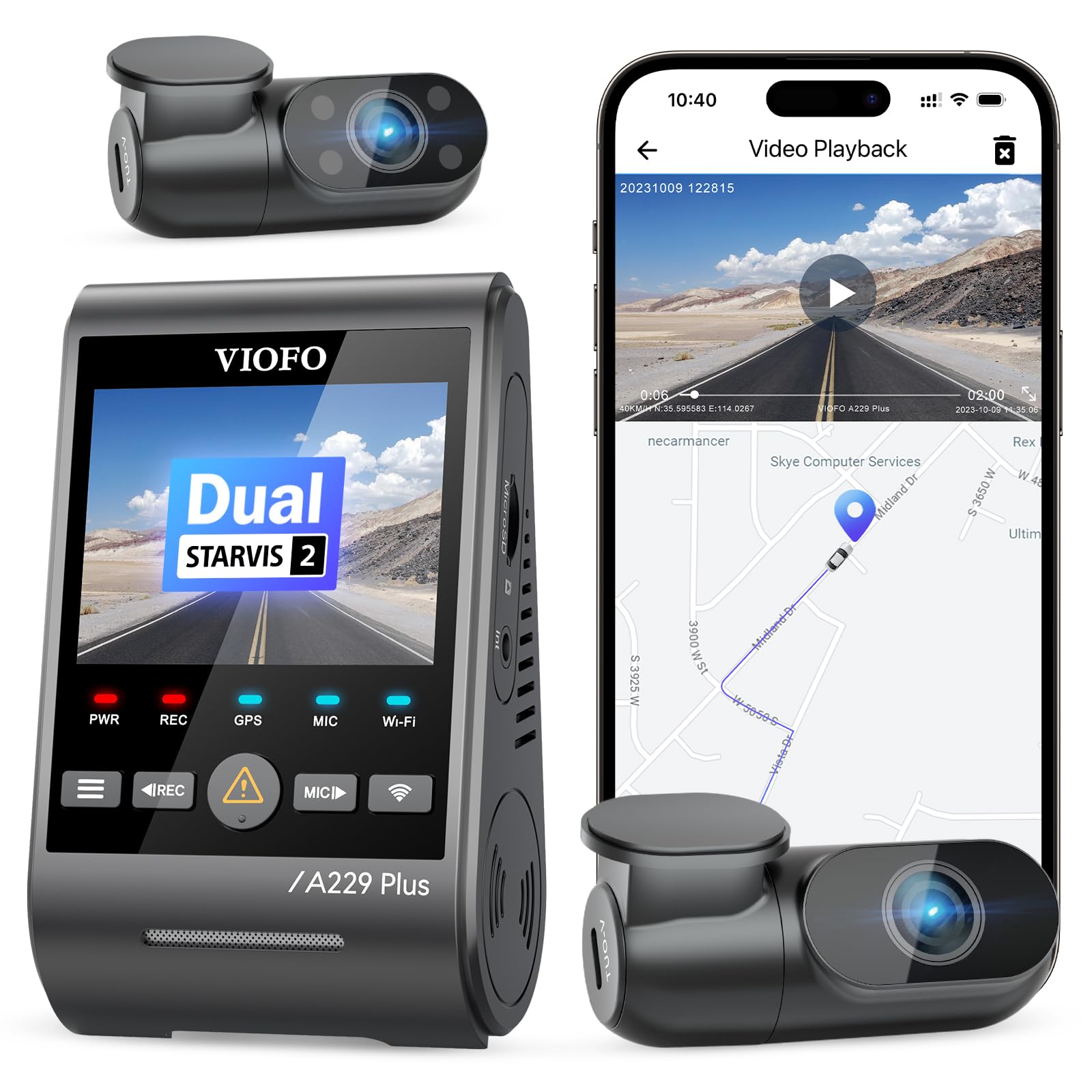
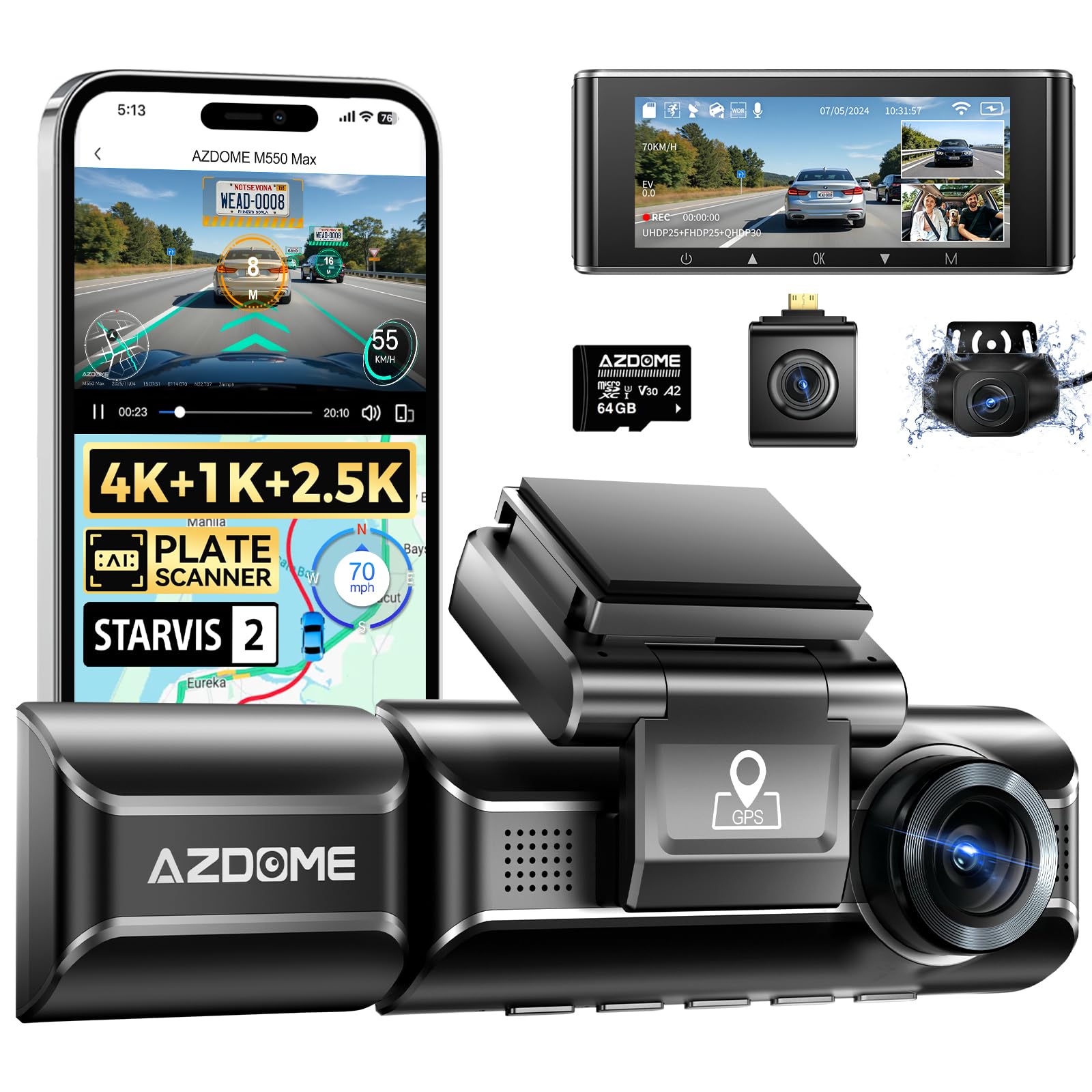
Every true 3 channel system records three views at the same time: forward through the windshield, inward toward the seats, and rearward through the back window. The layouts differ in how those views are captured. Some put the front and cabin lenses in one body and run a cable to a small rear camera. Others add a separate cabin module you can aim. The sections below compare these layouts by setup effort, cabin coverage, and how much of your windshield they occupy.
Three Layout Types Compared
Layout is the first decision, because it decides how many cables you run and where each lens can point.
Integrated Units With a Fixed Cabin Lens
An integrated unit houses the front lens and the cabin lens in a single body that mounts behind the rearview mirror. Only the rear camera sits apart, joined by one long cable. This is the simplest layout to install, and the cabin lens always points at the seats without extra aiming. The limit is flexibility. You cannot move the cabin view toward a side window, and the wider body takes more room on small windshields or in cars where the mirror sits close to driver assistance sensors.
Systems With a Separate Cabin Camera
Some systems split the cabin camera into its own small module on a short cable. You can place it on the dashboard, on the A pillar trim, or near the mirror, then aim it at the front seats, the back seat, or a side window. Rideshare drivers often like this freedom, since it frames passengers more evenly. The trade off is a second cable to route and one more mount that can loosen over time. Check that the module cable is long enough for your cabin before you commit to a mounting spot.
Compact Units Built for Small Windshields
Compact layouts shrink the main body, sometimes moving the screen off the camera entirely and into a phone app. They suit sports cars, convertibles, and city cars where mirror space is tight and a large body would block your view. You give up the quick glance at a built in screen, so reviewing a clip at the roadside means opening the app and waiting for a WiFi transfer. If you rarely review footage on the spot, that cost is minor. If you drive for work and show clips often, a screen may matter more.
How We Chose the Options in This Guide
We judged layout types against five criteria drawn from maker specifications and patterns in verified buyer feedback: compatibility with your vehicle, video performance in day and night driving, ease of use, durability in cabin heat, and warranty support. No layout earns a place here because of brand reputation alone.
How to Choose the Right Dash Cam
Work through the factors below in order and most shoppers narrow the field to one layout quickly. If you want a slower walk through the basics first, read our explainer on how to choose a dash cam before you compare channel counts.
Type
Channel count is the core type decision. A front only camera is the cheapest path and may be enough for a garaged car that rarely carries passengers, a case our roundup of the best dash cam options covers well. Front and rear systems add rear coverage without a cabin lens. A 3 channel system is the only type that also records inside the car, which matters for rideshare work, teen drivers, and company vehicles. Mirror style and mini bodies change the shape, not the channel count, so treat them as layout choices within each type.
Features Worth Paying For
Infrared cabin lights matter most after dark, because a cabin lens without them records little more than shapes at night. Parking mode with motion and impact detection guards the car while you are away, and GPS logging adds speed and location to each clip, which can settle disputes about where an event happened. A phone app makes saving clips far easier than pulling the card. If cable free file transfer matters most to you, compare the app experience described in our guide to the best wireless dash cam before you buy.
Vehicle Compatibility
Measure before you order. Check the space behind your mirror, since sensor housings for lane keeping and rain sensing can crowd the usual mounting spot. Confirm the rear camera cable length against your vehicle, because long trucks and three row SUVs often need an extension. Cars with a heated or coated windshield can weaken GPS reception, so an external GPS module may help there. Drivers of smaller cars who park in tight garages may also like the compact footprints covered in our guide to the best dash cam for cars.
Installation
Most owners fit a 3 channel system in about an hour. Mount the main unit high and centered, tuck the power lead along the headliner and down the A pillar, then run the rear cable along the headliner edge to the back window, keeping it clear of side airbags. Adhesive mounts hold better in summer heat than suction cups. Once it is mounted, our walkthrough on how to use a dash cam covers the daily checks that keep all three channels recording.
Power and Performance
Three channels draw more power and fill a card faster than one. Recording three feeds at once can cut your stored history to a fraction of what a single channel setup holds on the same card, so buy a high endurance card in the largest size the camera accepts and let loop recording overwrite the oldest unlocked clips. For parking mode, a hardwire kit with a voltage cutoff protects the car battery by shutting the camera down before the battery drops too far to start the engine.
Warranty
Look for at least a one year warranty that covers the rear camera and its cable, not just the main body, since thin rear cables are a common failure point. Keep your order confirmation and register the product if the maker asks, because some brands extend coverage for registered buyers. A maker that still posts firmware updates after launch is a safer long term bet than one that abandons a model at release.
How Much Should You Spend?
Entry level 3 channel systems at about $100 to $150 usually record the front view in lower resolution and lean on basic cabin lighting. Spending about $150 to $250 typically buys sharper front video, better night cabin footage, and GPS. Above about $250 you pay for higher resolution on all channels, faster WiFi, and stronger parking features rather than basic coverage. Under about $100, true simultaneous 3 channel recording is rare, so read the listing closely to confirm the cabin and rear feeds record at the same time.
3 Channel vs Other Dash Cams: Pros and Cons
The clear gain is evidence. A cabin feed can confirm you were belted and attentive, show a passenger dispute as it happened, and the rear feed can prove the other driver followed too closely before a rear impact. Our guide to the best front and rear dash cam covers two channel systems in depth if you decide the cabin view is more than you need.
The costs are real but modest. You run one extra cable, you spend more than a comparable two channel setup, and three feeds fill your memory card faster and demand more from the processor, which can mean lower resolution per channel on cheaper units. Privacy is the other trade off. Tell passengers the cabin is recorded, and check local rules on audio recording inside a vehicle, since consent law for audio varies by state.
Common Mistakes to Avoid
- Buying a slow memory card, which causes dropped frames and lost clips when three feeds write at once.
- Mounting the main unit low on the windshield, which blocks your view and skews the cabin angle toward the dashboard.
- Running the rear cable across a side airbag path, which can block the airbag and adds a safety risk in a crash.
- Leaving audio recording on without telling passengers, which can breach local consent rules and start arguments.
- Skipping a trial drive after fitting, so a rattling mount or a rear lens aimed at the headliner goes unnoticed for weeks.
FAQs
What is the best 3 channel dash cam?
The best pick depends on your vehicle and your reason for wanting cabin coverage. Rideshare drivers gain most from a separate cabin camera with strong infrared lighting, while most families do well with an integrated unit that is simple to fit and forget. Match the layout to your windshield space first, then compare resolution and parking features within that layout using the product table above.
Are 3 channel dash cams worth it?
They are worth it when the cabin view solves a real problem for you, such as passenger disputes, a new teen driver, or a work vehicle shared by several drivers. If you drive alone on a calm commute and park in a private garage, the cabin feed adds little, and the same money buys a sharper front and rear setup instead. The rear channel alone justifies much of the cost for anyone who has been blamed for a rear collision.
How long does a dash cam last?
Most dash cams serve about three to five years before heat and constant power cycles wear them down. Models with a supercapacitor instead of a small lithium battery tend to cope better with hot parked cars, since capacitors tolerate heat that swells and weakens batteries. The memory card usually wears out first, so replacing the card once a year is cheap insurance against gaps in your record.
Is a dash cam worth it?
For most drivers, yes, because a single clear clip can save far more in a disputed claim than the camera cost. Insurers and police can work with time stamped video far faster than with two conflicting stories. The value drops if you never check that the camera is recording, so build a quick weekly glance at the indicator light into your routine.
How do you clean a dash cam?
Power the camera down, then wipe each lens with a dry microfiber cloth using light circles, working from the center outward. For road film on the front lens, breathe on the glass or use a single drop of lens cleaner on the cloth, never on the lens itself, since liquid can creep past the seal. Clean the cabin lens too, because dust there shows up as haze under infrared light at night.
What is the most reliable dash cam brand?
No single brand wins on reliability for every buyer, and maker level claims are hard to verify. A more useful test is support over time: steady firmware updates, a warranty that covers cables and the rear camera, spare mounts you can actually buy, and a card compatibility list the maker maintains. A brand that answers support mail and stocks parts for older models will serve you better than a famous name that drops a model after one season.
Final Thoughts
A 3 channel system earns its place when you need proof from inside the cabin as well as from the road ahead and behind. Pick the layout that fits your windshield and your wiring patience, spend enough for clear night cabin footage and honest parking mode, and use a high endurance card from day one. Compare the layouts in the product table above, then choose the best 3 channel dash cam for the way you actually drive, carry passengers, and park.