
Best 3.1 Soundbars in 2026: Center Channel Layouts and Guide
Disclosure: We may earn a commission when you buy through links on this page, at no extra cost to you. As an Amazon Associate I earn from qualifying purchases. Learn more
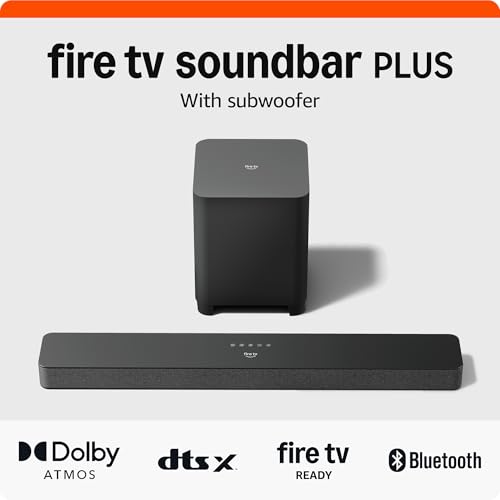
Compare the best 3.1 soundbar layouts by center channel, subwoofer type, room size and connections for clearer dialogue at home.
Movie night starts, the action sounds huge, and then everyone leans in because nobody caught the last line of dialogue. That gap between loud effects and quiet voices is exactly why many families shop for a best 3.1 soundbar instead of a basic stereo bar. A dedicated center channel gives voices their own speaker, so words stay clear while music and effects spread around them.
This guide helps you choose by room size, by who shares the TV, and by budget, whether the bar serves a living room, a bedroom, or a home office. The layouts compared below pull the key options together so you can compare them at a glance.


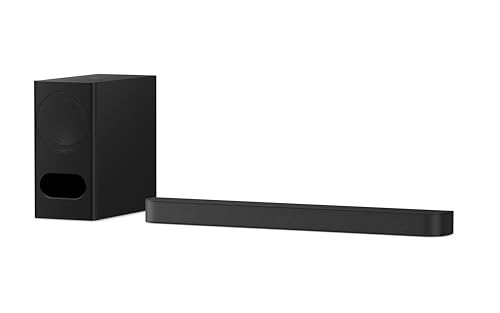

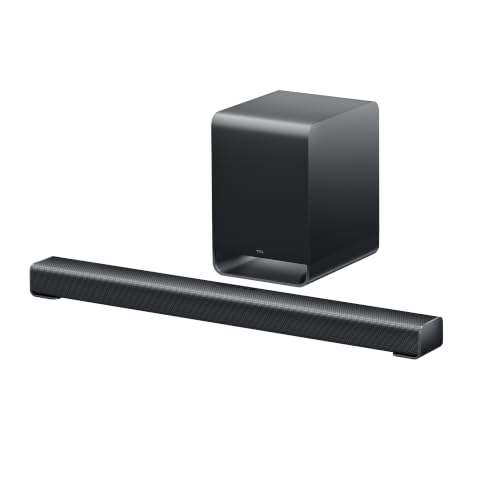

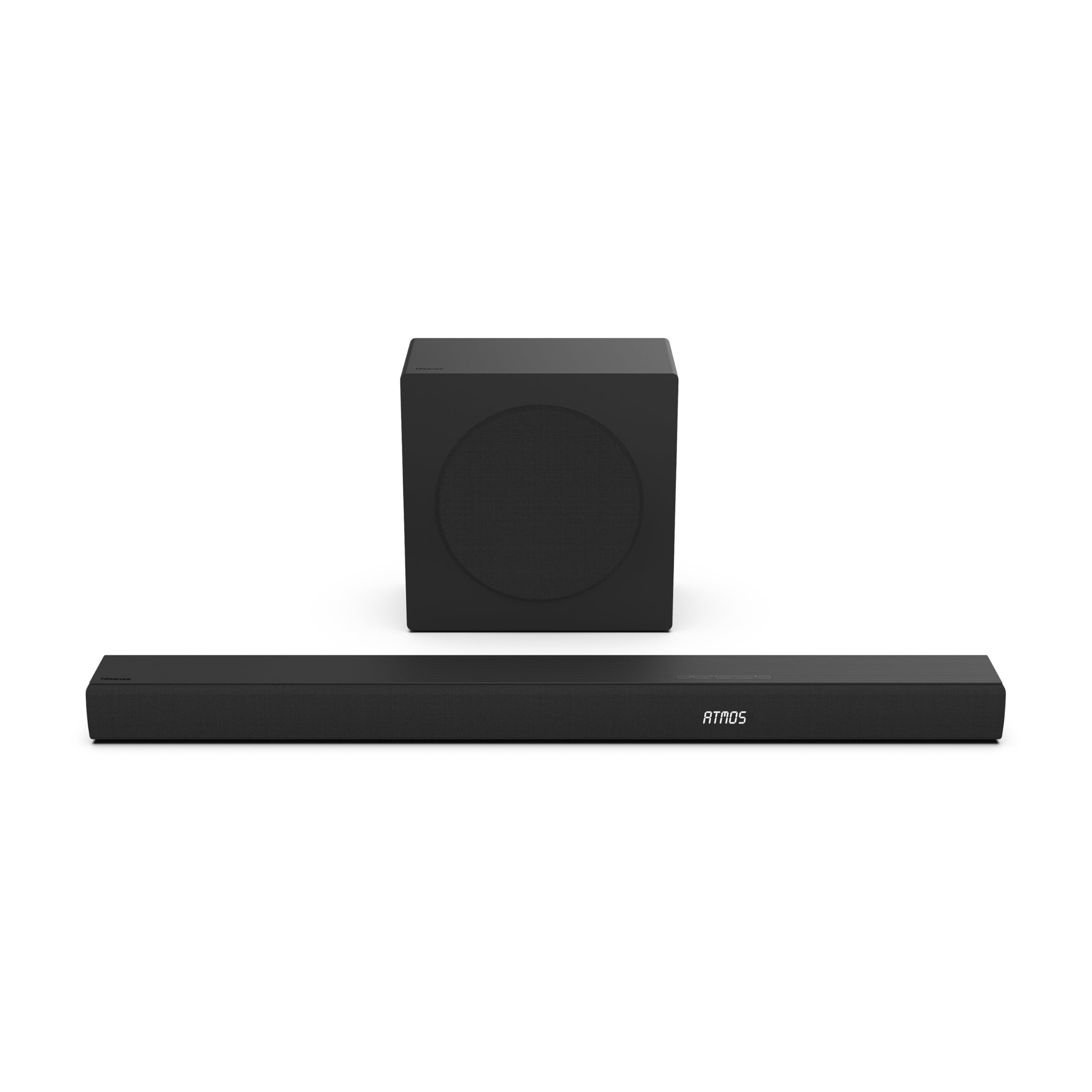

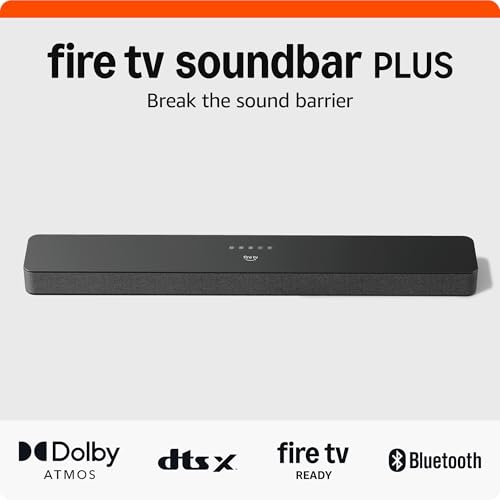
Quick Answer: What a 3.1 Setup Gives You
A 3.1 system pairs left, center, and right channels in the bar with a separate subwoofer for bass. The center channel does the heavy lifting for dialogue, while the subwoofer handles footsteps, engines, and low notes that small TV speakers cannot reproduce. For most shared living rooms, that mix is the simplest step up the whole family can hear.
Before You Buy: A Quick Checklist for Choosing a Soundbar
Size: Match It to Your Space
Measure your TV stand or cabinet before you shop, and pick a bar that sits fully on that surface with room to spare at each end. Check the height as well, because a tall bar can block the bottom edge of the screen or the remote sensor on some TVs. Channel count and bar length are separate choices, so a compact bar can still carry three front channels.
Which Type Fits Your Routine
Think about an ordinary week, not a special occasion. A shared living room used for films, sports, and streaming shows suits a full featured bar with a wireless subwoofer. A bedroom where you mostly watch morning news suits a slimmer, simpler model. A home office may value Bluetooth for music between calls more than deep bass. Some bars also accept Dolby Atmos signals and render them virtually, though a 3.1 layout has no height speakers.
Features Worth Paying For and Ones to Skip
Pay for a center channel level control, a dialogue enhancement setting, and HDMI eARC, because you will use all three every week. A wireless subwoofer also earns its cost through placement freedom. Skip extras that duplicate what your TV already does well, such as built in streaming apps, and skip rear speaker kits when your seating sits flat against a wall.
Room Size and Placement
A 3.1 setup covers small and medium living rooms comfortably, roughly up to about 200 square feet of seating space. In a large open plan room, voices still improve, but you will want a stronger subwoofer so bass reaches the far seats. Place the bar centered under the TV at the front edge of the stand so sound travels straight into the room. When your bar arrives, our walkthrough on how to set up a soundbar covers the first connection steps.
Dialogue Clarity and Night Mode
Most film and TV dialogue is mixed into the center channel, so a 3.1 bar lets you raise voices without raising everything else. If a model offers a center level control, raise it a few steps and replay a quiet scene to check that voices sound natural rather than harsh. Night mode works differently. It softens loud peaks and lifts quiet passages, so you can lower the volume late in the evening and still follow the conversation.
Connections: HDMI eARC, Optical, and Bluetooth
HDMI eARC is the first choice for most homes because one cable carries sound from the TV and lets your TV remote control the bar volume on TVs that support control over HDMI. Optical is a solid fallback for older TVs, though it carries fewer audio formats. Bluetooth is best reserved for music from a phone, since a wireless link can add a small delay that puts voices out of step with the picture.
Subwoofer and Surround Options
Common subwoofer drivers run about 6 to 10 inches, and a larger driver generally moves more air for big rooms. A wired subwoofer must sit close to the bar, while a wireless one can go beside the sofa or near a corner, as long as a power outlet is nearby. Some 3.1 systems can also grow later with optional rear speakers from the same product family. Confirm that path before you buy, because add on speakers are rarely shared across brands.
Realistic Budget Ranges
At around $100, expect a basic bar with a wired subwoofer, simple controls, and clear gains over TV speakers. Between about $100 and $250, you typically gain a wireless subwoofer, a center level control, and sturdier build quality, and our guide to the best budget soundbar options shows what that tier covers. Between about $250 and $500, you get stronger output and expandable designs. Above that level, you mostly pay for premium materials, finer tuning, and broader format support.
Types Compared: Three 3.1 Layouts for Real Homes
Compact Bar With a Wireless Subwoofer for Most Homes
This is the layout most families should start with. The bar stays short enough for a 43 to 55 inch TV stand, and the wireless subwoofer tucks beside a sofa without a cable crossing the room. You get the full dialogue benefit of the center channel plus flexible bass placement. The trade off is output. In a long room, this size can sound thin at the far end, so keep your main seats within a moderate distance of the TV.
Slim Bar With a Wired Subwoofer for Bedrooms and Offices
A slim bar suits a bedroom dresser or a desk setup where space is tight and listening happens up close. The wired subwoofer keeps the price down and works well beside a bed or under a desk, where the short cable is no hardship. Because you sit near the bar, modest power still delivers clear voices for morning news and evening shows. The trade off is reach. This layout will not fill a large shared living room, and the subwoofer position is fixed by the cable.
Expandable Bar for Buyers Planning Rear Speakers Later
An expandable 3.1 bar starts as a front focused system and lets you add wireless rear speakers from the same family when budget or room layout allows. That staged approach spreads the cost and keeps the first setup simple. Choose this type if your sofa sits away from the back wall, leaving honest space for rear speakers to work. The trade off is commitment. Your future upgrades stay inside one product family, and the total cost ends higher than buying a fixed system once.
Our Selection Process for Choosing a 3.1 Soundbar
We weigh dialogue clarity first, because it is the reason most buyers choose 3.1 over 2.1, then sound quality at normal volume, ease of setup, connectivity, and value for money. Our comparisons draw on manufacturer specifications and patterns in verified buyer feedback about setup and dialogue clarity. If you are still weighing formats, our broader guide to the best soundbar for tv setups shows how a 3.1 bar compares with simpler and larger systems.
Is a 3.1 Soundbar the Right Fit for You?
Start with the honest comparison. A 2.1 bar splits sound into left and right channels plus a subwoofer, so dialogue shares space with music and effects and often gets buried during busy scenes. A 5.1 system adds rear speakers for effects behind you, but it also adds placement demands, more power outlets, and a higher price. Finding the best 3.1 soundbar for your home means taking the middle path on purpose, not settling for less.
Choose 3.1 if your household watches a mix of films, series, and sports on one shared TV and clear speech matters more than effects behind the sofa. It also suits renters and anyone who wants one cable and a short setup. Skip it if your seating sits in a very large open plan space, or if you only watch at a desk, where a smaller stereo bar may be enough for one listener.
Common Buying Mistakes to Avoid
Most regrets with a 3.1 purchase come from fit and placement, not from sound quality on paper.
- Buying a bar wider than the stand, so its ends hang over the edge.
- Placing the subwoofer inside a closed cabinet, which muffles the bass and can make the furniture rattle.
- Connecting the TV over Bluetooth instead of a cable, which can leave voices out of step with the picture.
- Tucking the bar inside a shelf cubby, where walls around it block the side drivers and dull the sound.
- Paying for rear speaker kits when the sofa touches the back wall and leaves no room for them to work.
- Ignoring the height of the bar, so it covers the bottom of the screen or the TV remote sensor.
Cost of Ownership and Care
Running costs stay low. A soundbar and subwoofer draw modest power during use and a small amount on standby, so the yearly electricity cost is minor next to the TV itself. Budget for remote batteries, and possibly a longer HDMI cable at around $15 to $30 if the included cable falls short. Some bars include a wall mounting kit, while others sell the bracket separately, so check the box contents before you order.
Simple upkeep protects that modest investment. Keep the vents and speaker grilles free of dust, and keep drinks away from the subwoofer. Store the spare cable and the manual together, because a lost remote is the most common reason owners replace a bar that still works.
Your Questions, Answered
What size soundbar do I need for a 55 inch TV?
Match the bar to the stand, not only to the screen. For a 55 inch TV, measure the flat surface the bar will sit on and the gap between the TV feet if the bar goes between them. Many buyers overlook the feet measurement and order a bar that fits the stand but not the space under the panel.
How do you clean a soundbar?
Unplug the bar and the subwoofer first, then wipe the cabinet and grille with a dry or slightly damp soft cloth. Keep liquid out of the ports and seams, and never spray cleaner directly onto the bar. Around the subwoofer driver, check for dust buildup and pet hair, which collect faster near the floor. Clean the remote buttons as well, because sticky volume keys are a common and easily fixed annoyance.
How long does a soundbar usually last?
Many soundbars serve a household for years, and the first limits are usually practical rather than acoustic. Connection standards change, streaming features age, and remotes wear out before the speakers themselves fail. You can stretch that lifespan by choosing a bar with standard HDMI and optical inputs instead of one that depends on a single app, because wired connections stay useful across several TV upgrades.
Is a soundbar worth it if you mostly watch news and sports?
Yes, and the benefit shows up differently than with films. News anchors and sports commentators sit in the center of the mix, so a center channel keeps speech steady while crowd noise rises around it. If you are weighing the purchase in general, our explainer on is a soundbar worth it walks through the costs and gains. One underrated gain is lower volume overall, since nobody reaches for the remote at every quiet interview.
What is the most reliable soundbar brand?
No single brand wins for every home, and reliability depends more on support than on a logo. Look for a clear warranty of at least one year and spare remotes and cables that are easy to order. A bar a maker still supports with parts and updates will usually outlast a fancier model the maker has quietly stopped maintaining.
Final Thoughts
For most shared living rooms, a compact bar with a wireless subwoofer is the sensible starting point, while an expandable design suits homes that plan to grow. Use the product table above to compare layouts side by side, then choose the best 3.1 soundbar that fits your stand, your seating, and your budget. If you want the wider picture first, our guide to the best soundbar choices covers every format.

