Best 2k Ips Monitors in 2026: Made Simple for First Time Buyers
Disclosure: We may earn a commission when you buy through links on this page, at no extra cost to you. As an Amazon Associate I earn from qualifying purchases. Learn more

Shopping for the best 2k ips monitors for the first time? Learn the key terms, compare sizes and specs, and avoid rookie mistakes with this guide.
Buying a first monitor is confusing because every listing leads with numbers. A 2K IPS model sits in a useful middle ground, with sharper text than 1080p and lower prices than most 4K screens. The best 2k ips monitors balance that sharpness with accurate color and wide viewing angles, and the product table below lets you check the basics side by side.
This guide starts with plain definitions, then moves to the specs that change daily use: size, refresh rate, ports and stand features.


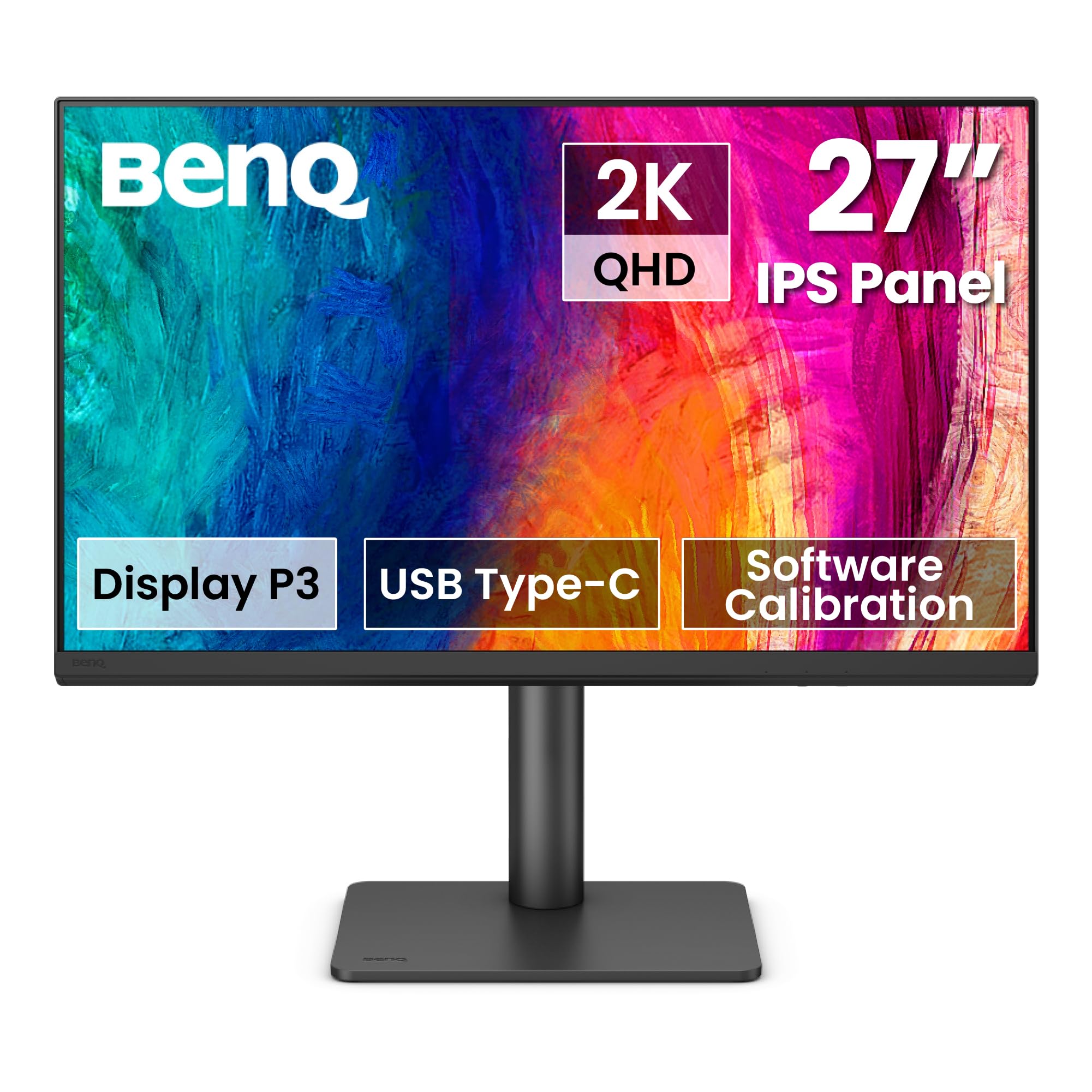


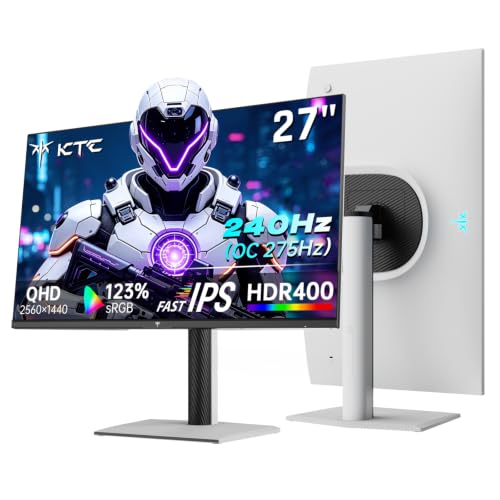
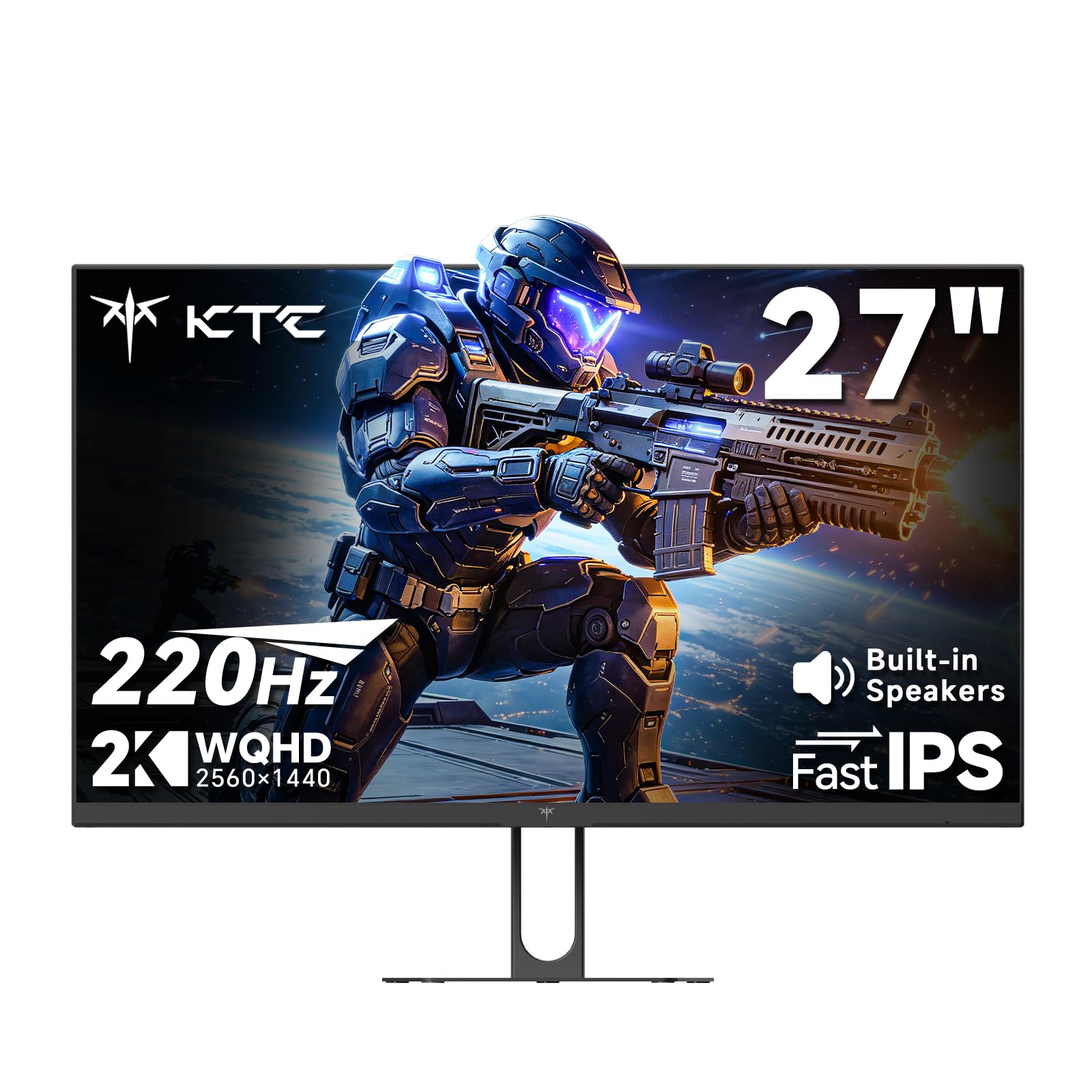
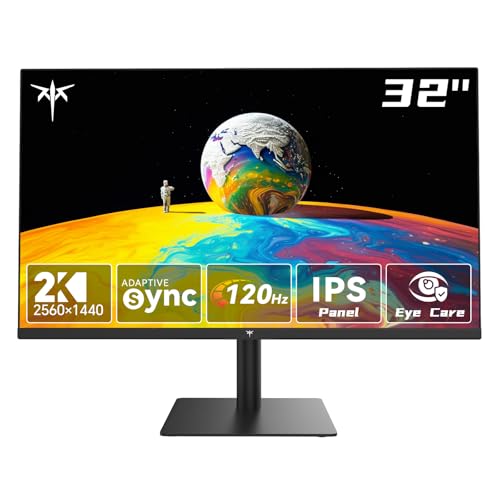
2K IPS Monitors 101: The Basics for New Buyers
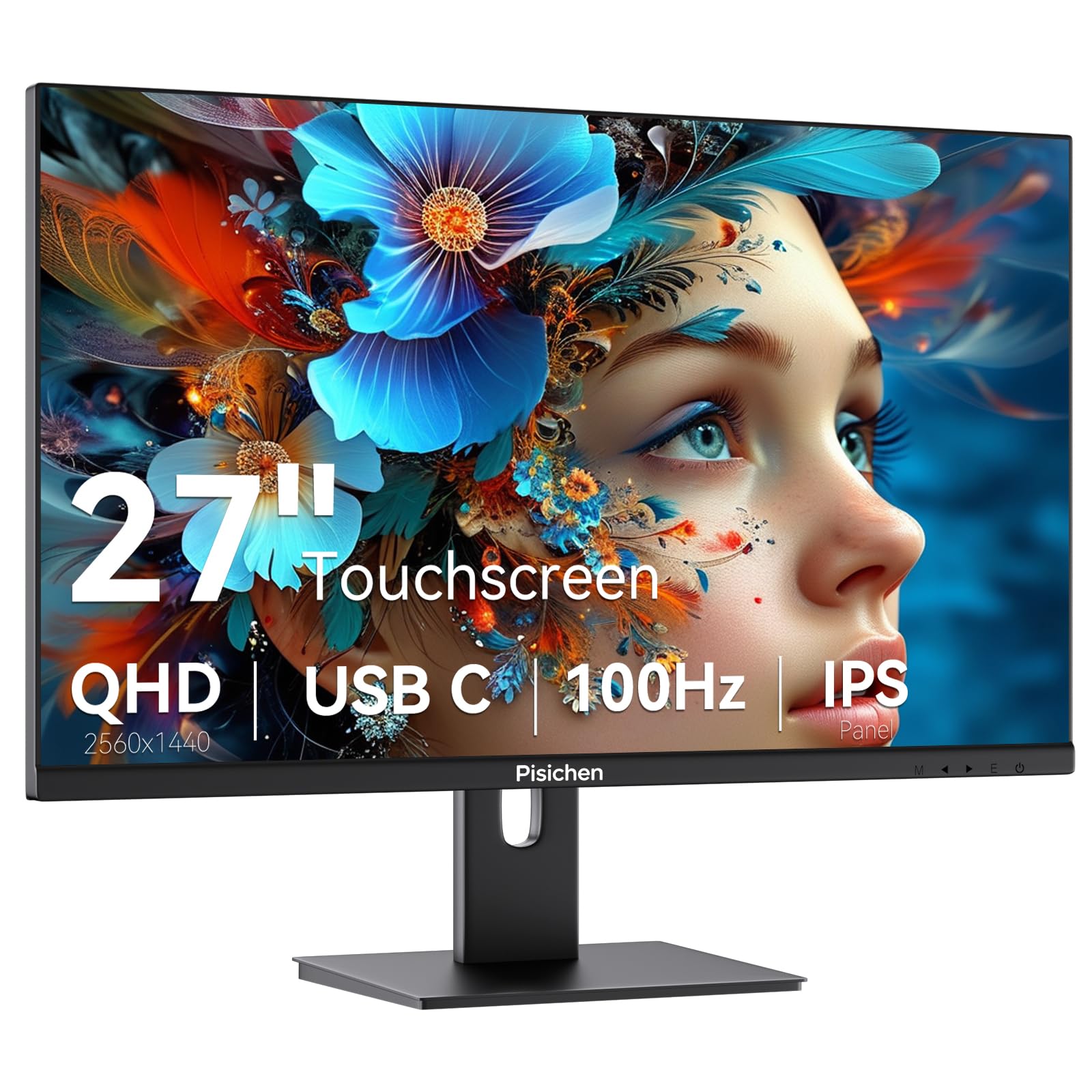
2K on a monitor listing almost always means a resolution of 2560 by 1440 pixels, also called 1440p or QHD. That grid packs about 78 percent more pixels than 1920 by 1080, so text looks cleaner and two documents fit side by side with less squinting. Games and video also look finer, provided your computer can drive the extra pixels.
IPS describes the panel that makes the image. It holds color and brightness well when you view it off center, which matters when you lean back, share the screen, or use two monitors at an angle. Its main trade off is contrast, because blacks often look dark gray in a dim room compared with VA or OLED panels.
If color accuracy matters less than that pixel count, see our guide to the best 2k monitors for the wider field. When you compare best 2k ips monitors specifically, you are paying for the panel behavior above, not only for the resolution number on the box.
Who Should Buy a 2K IPS Monitor?
Find your group first, because it sets your size, refresh rate and budget.
Home Office and Study Users
You read, write and join video calls for hours, so clear text and a stand that raises the screen to eye level matter most. A 27 inch model at 60 Hz to 75 Hz is enough for documents. A USB hub also cuts desk clutter, a point covered in our guide to the best ips computer monitors for desk setups.
Photo, Video and Design Beginners
You need color you can trust more than raw speed. Look for coverage of at least 95 percent of the sRGB space, and consider wider DCI P3 coverage if you edit video for phones and streaming. A matte surface helps in bright rooms, and pivot lets you view portrait photos and long documents upright.
Players Who Mix Fast and Story Games
You want smooth motion for shooters and racing, plus good color for slower story titles. A 27 inch screen at 144 Hz or higher suits that mix, and adaptive sync keeps motion steady when frame rates dip. For speed focused models, see our guide to the best gaming monitors before you decide how much speed to buy.
2K IPS Specs Decoded for Everyday Buyers
The sections below state what each term means and the level most first time buyers should choose.
Resolution and Screen Size for a 2K IPS Monitor
Resolution only tells half the story, because the same 2560 by 1440 grid looks sharper on a smaller screen. At 27 inches it gives about 109 pixels per inch, a sweet spot for crisp text at about 24 to 30 inches from the screen. At 32 inches the image feels larger, but text is less fine. Ultrawide 34 inch models stretch the width to 3440 by 1440 and suit wide timelines and spreadsheets.
IPS Panel Color, Viewing Angles and Contrast
IPS panels are known for stable color when you move your head or sit slightly to one side. That stability helps shared viewing and dual monitor desks where each screen angles toward you. Contrast is the weak point, near 1000 to 1, so movie scenes in a dark room can look washed out. Some glow at the corners is also common. If panel behavior is your top concern, see our guide to the best ips monitors.
Motion on a 2K IPS Panel: Refresh Rate, Response and Adaptive Sync
Refresh rate, measured in Hz, is how often the screen redraws each second, and higher rates make scrolling and game motion look smoother. Office work feels fine at 60 Hz to 75 Hz, while players gain the most up to 144 Hz or 165 Hz. Response time in milliseconds describes pixel change speed, and lower values reduce blur. Adaptive sync, such as FreeSync, matches the screen rate to your graphics card output and reduces tearing.
Color Coverage, Brightness and HDR on a 2K IPS Monitor
Color coverage tells you how much of a standard color space the panel can show, and 95 to 100 percent sRGB suits most work and play. Brightness near 300 to 350 nits handles a lit room well, and a matte coating spreads window reflections. HDR labels need care on IPS screens, because most lack the local dimming that HDR video needs. Treat HDR on a budget IPS model as a bonus, not a reason to buy.
Ports, Stand Adjustments and VESA Mounting
Check ports before price, because a missing port means adapters on your desk every day. Most buyers need at least one HDMI port and one DisplayPort, plus USB C with video input and power delivery if a laptop is the main computer. A good stand adjusts for height, tilt and swivel. A 100 by 100 mm VESA pattern lets you fit a monitor arm later if the stand takes too much desk depth.
Getting Started: Setup and First Checks
Unpack the screen face down on a soft, flat surface and attach the stand before you lift it, because a large panel is awkward to hold by its edges. Connect DisplayPort for a desktop or USB C for a laptop, then set the resolution to 2560 by 1440 and the refresh rate to the highest stable value in your display settings.
Next, lower brightness until white areas look like paper rather than a lamp, often near 30 to 50 percent in a home room. Choose the standard or sRGB picture mode instead of a vivid mode, which pushes color past accuracy. Finally, view a dark image and a plain gray page to spot damage early, while a return is still simple.
Rookie Mistakes to Avoid
Each error below costs money, desk space or image quality that a short check would have saved.
- Buying a 32 inch screen for a shallow desk puts the edges too close and forces constant head turning.
- Chasing the highest refresh rate while your graphics card is weak leaves games running far below that rate.
- Ignoring USB C power delivery leaves a laptop user plugging in a separate charger every day.
- Trusting an HDR label on a low brightness IPS panel leads to dull, flat looking HDR video.
- Skipping the VESA pattern check means a planned monitor arm may not fit the screen at all.
Care and Maintenance for a 2K IPS Monitor
Clean the screen only when it is off and cool, using a dry microfiber cloth with light pressure. For marks, dampen the cloth with plain water, never spray liquid on the panel, and avoid paper towels and glass cleaner, which can damage the coating. Keep drinks behind the screen so a spill cannot run into the lower vents.
Dust the vents and rear panel each month so heat can leave the case, and keep cables loose enough that ports are not pulled sideways. Support the screen with both hands when you adjust the stand, and keep the original box, because it is the safest way to move the monitor later.
Frequently Asked Questions
What size 2K IPS monitor should I get for my desk?
A 27 inch 2K IPS monitor is the right starting point for most desks. It gives sharp text without scaling and leaves room for speakers or a second screen. Allow at least about 24 inches from your eyes to the screen. If your desk is under 24 inches deep, a 24 inch 1440p model keeps the whole image in easy view.
Is 4K worth it over a 2K IPS monitor?
4K is worth it mainly if you sit close to a large screen or edit high resolution photos and video daily. It offers finer detail at 32 inches and above, but it costs more and demands a stronger graphics card for games. For office work and mixed play at 27 inches, 1440p gives most of the clarity gain with far less strain on your computer.
Is IPS or OLED better for a desk monitor?
IPS is the safer first buy for a mixed use desk monitor, while OLED wins on contrast and response speed. OLED blacks are true black, but static toolbars shown all day raise the risk of burn in over time. IPS costs less at 1440p and suits long document sessions. Choose OLED only if movies and games are your main use.
Does refresh rate matter for non gamers using a 2K IPS monitor?
Yes, refresh rate matters a little for non gamers, but the gain is modest above 75 Hz. Scrolling and moving windows look smoother at 100 Hz to 120 Hz, which can feel calmer during a full workday. The jump matters far less than screen size and stand height for office use. Spend on ergonomics first, then take extra refresh rate if the price gap is small.
How long does a 2K IPS monitor usually last?
A 2K IPS monitor usually lasts about five to eight years of daily use. The backlight slowly dims over that span, so an older screen may need a higher brightness setting for the same look. Buttons and ports often wear out before the panel itself. Keeping vents clear and avoiding constant maximum brightness helps the backlight age more slowly.
Wrapping Up
Start with size and panel basics, then match refresh rate, color coverage and ports to your main task. A 27 inch screen, honest sRGB coverage and a height adjustable stand cover most first desks well, and extra speed only pays off if your computer can feed it. Use the product table above to compare those points across current models.
When you shop for best 2k ips monitors with that short checklist in hand, the long spec lists become easy to sort. Pick the simplest model that fits your desk and your main use, and set it up with care on day one.