Best 24 Inch LED TVs for 2026: Budget, Midrange, and Premium Tiers Explained
Disclosure: We may earn a commission when you buy through links on this page, at no extra cost to you. As an Amazon Associate I earn from qualifying purchases. Learn more

Compare the best 24 inch led tvs by price tier in this buying guide, with clear help on panels, smart features, HDR, sound, gaming, and long term costs.
A 24 inch TV can cost less than a nice dinner out or as much as a large screen on sale, and the gap is not always obvious from the box. Resolution, panel type, smart software, and sound all change as price climbs. This guide to the best 24 inch led tvs shows what each tier really gives you, so you can spend where it shows on screen and save where it does not.
These small sets serve kitchens, dorms, bedrooms, caravans, and desks where a big panel simply will not fit. The product table lines up the main options by price, and the sections that follow explain the trade offs behind the numbers.
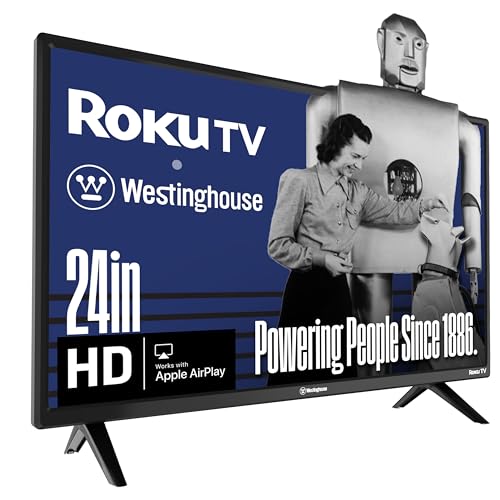
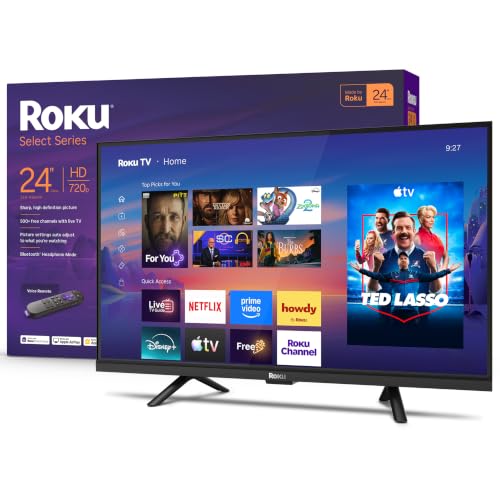
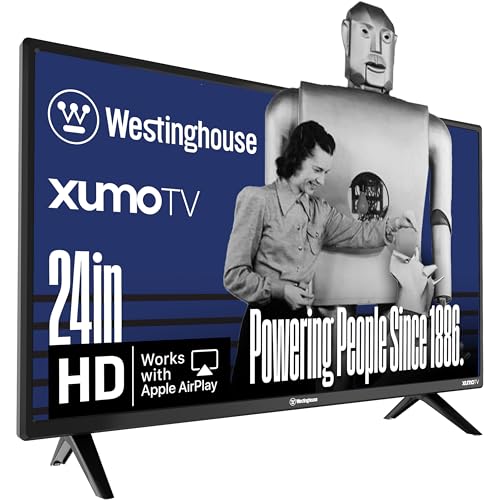
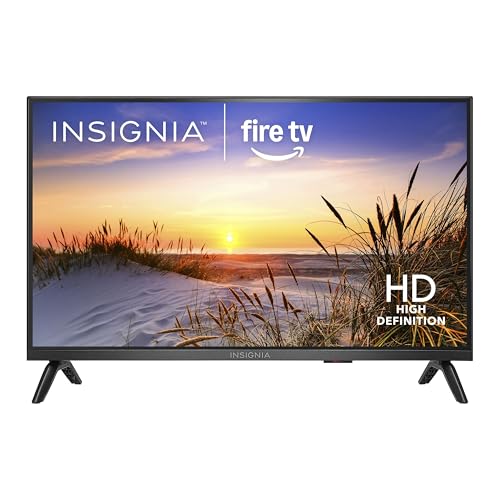


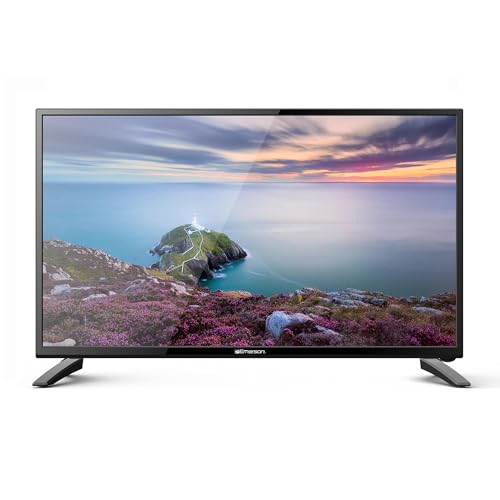


What Each Buying Tier Looks Like
Instead of naming winners, use these tier profiles to read the product table with clear eyes. Each tier suits a different room and a different level of pickiness about picture quality.
The Budget Tier Profile
Budget sets, usually under $120, give you a 720p or basic 1080p panel, two HDMI ports, and simple or no smart features. They work well for broadcast TV, a kitchen news screen, or a spare set for guests. Sound is thin, viewing angles are narrow, and the remote and menus can feel slow. The honest strength of this tier is value per inch, and for casual viewing the picture is often better than the price suggests.
The Midrange Tier Profile
Midrange sets, about $120 to $220, add a full 1080p panel, a proper smart platform with the main streaming apps, and better speakers or at least cleaner audio output options. Colors and contrast improve, and most add a third HDMI port or a USB port for media. This is the tier most buyers should target, because the gains in daily ease are large while the price stays modest.
The Premium Tier Profile
Premium small TVs, about $220 to $350, focus on panel quality, with wider viewing angles, better brightness, and sometimes support for more HDR formats. Some double as strong PC monitors, with low input lag and crisp text. You also pay for slimmer bezels and better remotes. Choose this tier for a desk setup, a small gaming corner, or a bedroom where this screen is your main evening viewing.
What Your Money Gets You at Each Price Tier
Budget Tier: What to Expect
Expect a VA or basic TN style panel with modest contrast, 720p resolution on the cheapest units, and a refresh rate of 60 Hz. Smart features, when present, may run an older app store with slow updates. Build quality is light plastic, and the stand may wobble on uneven surfaces. None of this ruins casual viewing, but it does mean the set works best in a bright room at a short viewing distance, showing news, sports, or background shows.
Midrange Tier: The Sweet Spot for Most Buyers
At this level you get true 1080p, which keeps text and faces sharp at desk distance, plus a current smart platform such as Roku, Google TV, or a maker system with regular updates. Brightness rises enough for daytime rooms, and color looks fuller. Many sets add voice control and screen casting from a phone. If you compare models in our guide to the best 24 inch tvs in general, most of the sets people keep for years sit in this band. Among the best 24 inch led tvs, this is where picture, apps, and price balance out most evenly.
Premium Tier: When Spending More Pays Off
Spending more pays off when the TV doubles as a monitor or a gaming screen. You gain an IPS panel with wide viewing angles, lower input lag, better HDR handling, and cleaner sound that needs no extra speaker for dialogue. Some premium models add a height adjustable stand or VESA mount points in stronger positions. For a closer look at connected features, our roundup of the best 24 inch smart tvs explains which platforms get updates longest.
Features Worth Paying For, and Ones to Skip
Panel Technology: IPS, VA, OLED, and Mini LED
At 24 inches, almost every set is an LED backlit LCD, in IPS or VA form. IPS gives wide viewing angles, which suits kitchens and shared rooms, while VA gives deeper blacks for movie nights in dim light. True OLED and Mini LED panels are rare at this size and sit in the premium tier when they appear. Do not pay a large premium for a panel label alone; brightness and tuning matter just as much.
Smart Platform and Sound
A current smart platform saves you the cost of a separate streaming stick, about $30 to $50, and keeps apps updated. Check that your must have services are present before you buy, especially smaller sports and local apps. Sound is the weak point of nearly all small TVs, because thin cabinets leave no room for real speakers. A headphone jack or Bluetooth audio lets you add a small speaker later, and that single feature is worth more than most picture modes.
HDR and Brightness
HDR10 support is common even in midrange sets, but a small panel with low peak brightness can only show part of the benefit. Look for brightness figures around 250 to 350 nits for a bright room. Dolby Vision appears on some premium models and helps with streaming movies. Treat HDR as a nice bonus at this size rather than the main reason to pay more, since screen area limits the impact.
Refresh Rate and Response Time
Nearly all 24 inch TVs run at 60 Hz, which is fine for broadcast, streaming, and casual console play. Marketing terms that double the number usually describe motion processing, not a true higher panel rate. Response time figures of about 5 to 8 ms are typical and adequate. If fast gaming matters to you, input lag matters more than either number, so look for a dedicated game mode that bypasses picture processing.
Adaptive Sync and Gaming Features
HDMI 2.1, variable refresh rate, and adaptive sync tools like FreeSync mostly live on premium models and on sets sold as gaming monitors. They smooth frame pacing from a PC or newer console and cut screen tearing. At 24 inches and 1080p, many players find a simple low lag game mode enough. Pay for the full gaming suite only if you play fast competitive titles on this screen every week.
Long Term Costs to Factor In
The sticker price is only part of ownership. A wall mount or a better desk stand may add about $20 to $60, and a small soundbar about $50 to $100 if dialogue matters to you. Power use is low, roughly 25 to 40 watts, so yearly electricity cost is only a few dollars at typical viewing hours. LED backlights fade slowly, and a midrange set should serve five to eight years. If you later move this TV to a spare room and size up, our guides to the best 55 inch led tvs and the best 65 inch led tvs show how the same tiers scale to a living room.
24 Inch LED TVs: Your Questions Answered
Is 4K worth it on a 24 inch TV?
For most people, no. At normal viewing distances for this size, about three to five feet, the eye cannot separate 4K detail from good 1080p detail. Money is better spent on panel quality, brightness, and sound. The exception is a desk setup where you sit very close and also use the screen for PC work with small text, where higher resolution does help.
What size TV should I get for my room or desk?
A 24 inch set suits viewing distances of about three to six feet, which covers most desks, kitchen counters, dorm rooms, and small bedrooms. Measure the width of your stand or shelf, because the feet of many models sit near the edges. Also check the VESA pattern, often 75 or 100 mm, if you plan to mount the set on an arm or a wall bracket.
Does refresh rate matter for non gamers?
Not much. News, films, and streaming shows are produced at rates a 60 Hz panel handles well, and film content actually maps cleanly onto it. Motion smoothing features can make movies look like video, and many viewers turn them off. Sports fans may like a mild motion setting for fast pans, but a true high refresh panel is a gaming feature, not a general viewing need.
How long do 24 inch LED TVs last?
Most LED backlit sets run about 40,000 to 60,000 hours before brightness drops to half, which means a decade or more at typical daily use. In practice, smart software support ends first, often after four to six years, when apps stop updating. A low cost streaming stick can extend the useful life of a good panel for years after that point.
IPS vs OLED: which is better for a small TV?
OLED gives perfect blacks and instant response, but at 24 inches it is rare and costly, and static desk content raises the risk of image retention over time. IPS gives wide angles and no such worry, at a far lower price. For a mixed use small screen, IPS is the practical choice. Choose OLED only for a dedicated movie and gaming screen in a dim room.
The Bottom Line
Set your tier first, then check panel type, smart platform support, and sound options. Most buyers land happily in the midrange, while desk users and gamers gain real value from the premium tier. Whichever way you lean, the best 24 inch led tvs for your room are compared in the product table above, with prices that make the trade offs easy to judge.