Best 1920x1080 Monitors in 2026: Which Type Is Right for You?
Disclosure: We may earn a commission when you buy through links on this page, at no extra cost to you. As an Amazon Associate I earn from qualifying purchases. Learn more
Confused by all the options? We compare every type of 1920x1080 monitor side by side so you can choose the best 1920x1080 monitors for your space and budget.
Choosing a monitor sounds simple until you compare size, panel type and speed side by side. The best 1920x1080 monitors share the same pixel count, but they feel very different on a desk for work, study and play. This guide compares types first, so you can use the product table with a clear idea of what matters most.
Start with how you sit and what you view most. Text rewards sharpness at a close distance, video rewards contrast, and fast games reward speed. The sections below match each need to size, panel, refresh rate, ports and price.


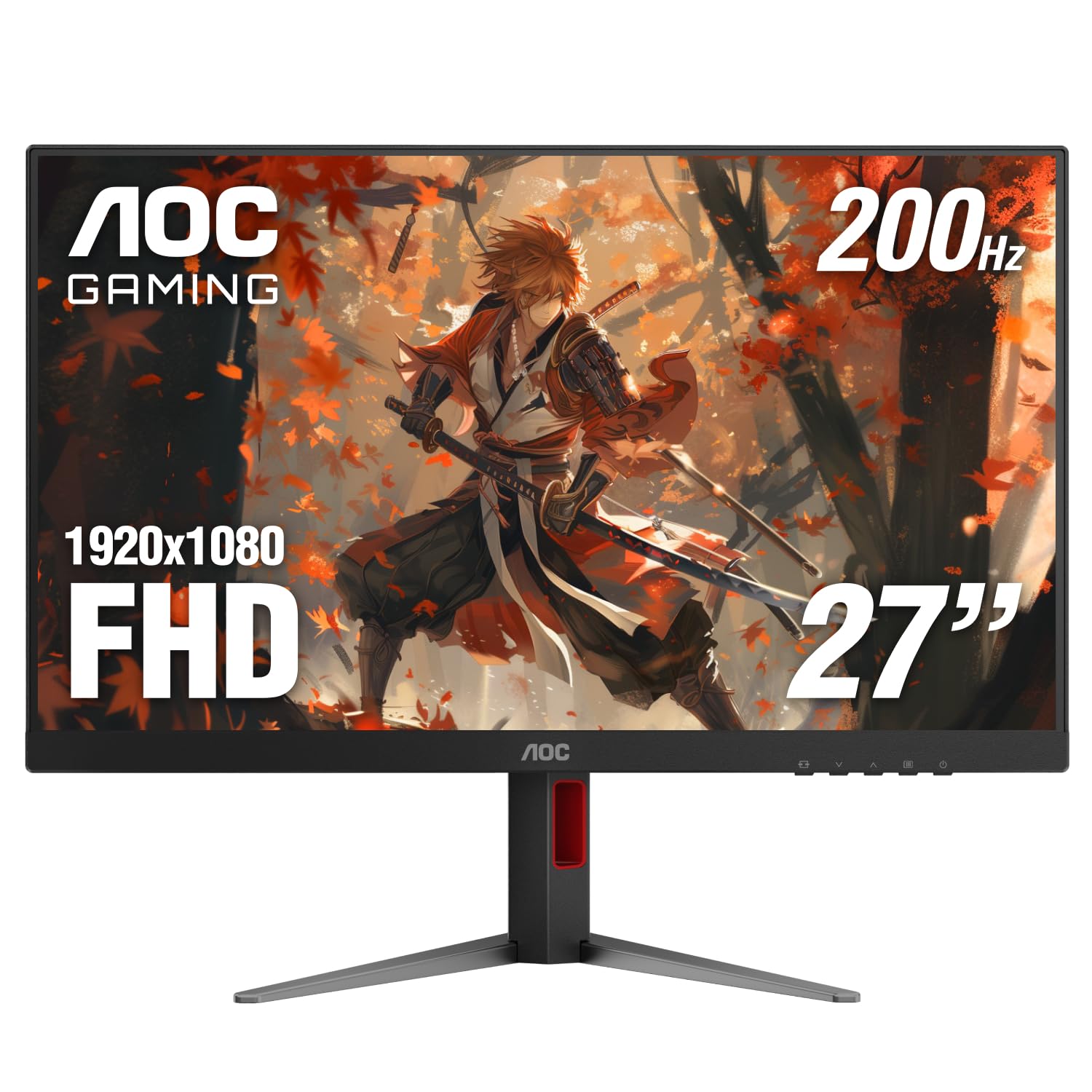
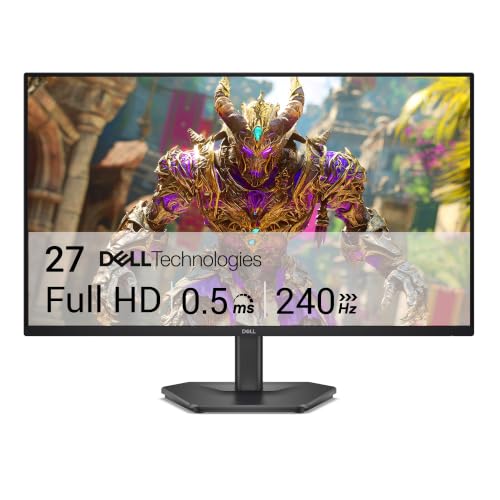


Best 1920x1080 Monitors Compared by Type
All models here show 1920 by 1080 pixels in a 16:9 shape, unless a wider model stretches that height across more width. What changes is size, panel and purpose. Read each type by the task it suits best, then check price last.
Productivity and Ultrawide Displays
Standard productivity models use the exact 1920x1080 grid on a 16:9 screen, most often at 24 inches, where text stays crisp at a normal desk distance. Ultrawide models keep the same 1080 pixel height but stretch the width to 2560 pixels, so the full grid is 2560x1080 rather than 1920x1080. Choose the standard shape for documents and mixed work. Choose the wider shape only if you accept that change in resolution and often place two windows next to each other.
Large Screen Options
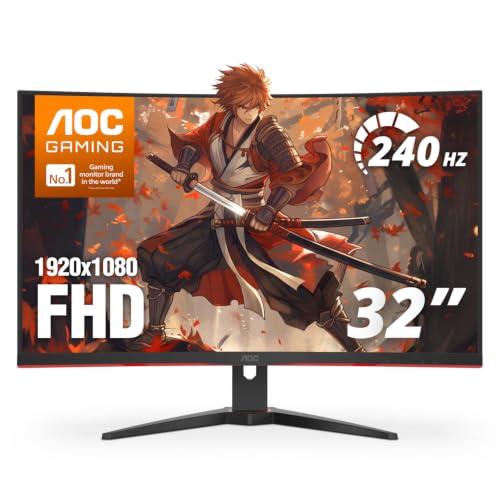
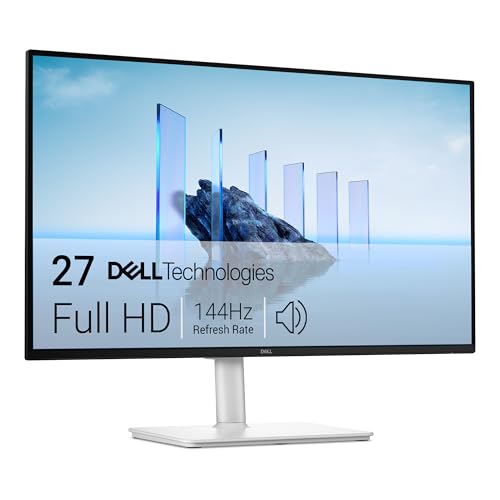
Large screen options place the same 1920x1080 grid on a 27 inch or 32 inch panel, so each pixel grows and the image looks less sharp up close. That trade suits viewing from farther away, console play from a chair set back, and video where fine text matters less. At a close distance, small text can look soft or grainy. Choose a large panel for distance and immersion, not for dense spreadsheets.
OLED Displays
OLED displays light each pixel on its own, so black areas can turn fully off and contrast looks striking for film and dark game scenes. Response time is very fast, and color stays rich at wide angles. Exact 1920x1080 OLED monitors are uncommon, since most OLED models use a higher or wider grid, and prices sit well above IPS or VA models. Static toolbars left for long hours also raise burn in concern, so varied content suits OLED best.
Productivity and Ultrawide Displays vs Large Screen Options: Which Should You Choose?
Judge this choice by distance first. A standard or ultrawide display keeps pixels tighter, so text stays clean when you sit about 2 to 3 feet away. A large screen option spreads those pixels, which helps only when you sit farther back.
Judge it by layout next. Two windows side by side favor width, while one full screen video favors height and scale. Check desk depth first, because a larger panel placed too close forces constant head movement. Price rarely settles it, since similar money buys either tighter pixels or a bigger picture. If your day mixes both, the 24 inch standard shape is the safer middle ground.
How to Choose the Right 1920x1080 Monitor
Compare the factors below in order. Size and panel shape your daily comfort, speed shapes motion, and ports decide what you can connect without adapters.
Resolution and Screen Size
Resolution and screen size work together, because the same 1920x1080 grid looks sharp on a small panel and soft on a large one. A 24 inch screen is the balanced choice for most desks, with readable text at arm length. A 27 inch screen needs a deeper desk, and a 32 inch screen suits distance viewing. Step up to 1440p or 4K only if you value finer detail over lower cost.
Panel Technology (IPS, VA, OLED, Mini LED)
Panel technology controls color, contrast and viewing angles. IPS panels keep color steady when you lean or share the screen, so they suit work and general use. VA panels show deeper blacks for video but can smear dark motion. TN panels are fast but look washed out from an angle, and Mini LED backlights are rare here. If color matters most, see our guide to the best quality monitors before you narrow your list.
Ports, Ergonomics and Built In Sound
Ports and ergonomics decide how the monitor fits your setup. Look for at least one HDMI port and one DisplayPort input, plus USB C only if you want one cable for laptop video. A VESA mount pattern, often 100 by 100 mm, lets you use an arm and free desk space. Height and tilt adjustment help you line the screen top near eye level. Built in speakers save space for calls, but most sound thin for music.
HDR and Brightness
Brightness tells you how well the screen holds up in a lit room. Most office models reach about 250 to 350 nits, which suits indoor use away from direct window glare. HDR labels here, such as HDR10 support, add some range for supported video, but low peak brightness limits the effect. Treat HDR as a bonus on a 1080p monitor, not a reason to pay much more, and value a matte finish first.
Adaptive Sync and Gaming Features
Refresh rate shows how often the image updates each second. A 60 Hz or 75 Hz screen suits office work, while 144 Hz or higher makes fast motion look smoother for games. Response time near 1 to 5 ms helps reduce blur, though makers measure it in different ways. FreeSync and G Sync let the screen match the game rate and cut tearing. For a deeper shortlist, see our guide to the best gaming monitors.
1920x1080 Monitors for Specific Needs
Two searches confuse buyers at this point. One adds gaming to the same resolution, and the other mixes two different resolutions in one phrase. Each needs a different answer.
Best 1920x1080 Monitors for Gaming: Which Type Works Best
For gaming at this resolution, favor speed over size. A 24 inch fast IPS or VA panel at 144 Hz or above keeps motion clear without demanding a powerful graphics card. Low input lag and adaptive sync matter more than HDR here. If your desk also hosts a PC built for play, see our guide to the best computer monitors for gaming for PC focused pairings.
Best 4K 1920x1080 Monitors
That phrase mixes two native resolutions, so no single monitor is both at once. A 4K monitor shows 3840 by 2160 pixels and can scale a 1080p signal, while a 1920x1080 monitor cannot add detail beyond its own grid. Choose 4K for finer text, or 1080p for lower cost and higher frame rates. Console players can also see our guide to the best monitors for ps5 for HDMI 2.1 and variable refresh needs.
Common Mistakes to Avoid
These errors look minor at checkout and feel major after a week at the desk.
- Buying a 32 inch 1080p screen for close desk work leaves text soft and forces you to move your head all day.
- Paying extra for HDR alone wastes money when peak brightness stays too low to show the effect well.
- Chasing the lowest response time number ignores how each maker measures it and can hide poor color or viewing angles.
- Forgetting to check VESA spacing leaves you unable to fit the monitor arm you already own.
- Placing a large monitor on a shallow desk puts the screen too close and makes the edges hard to see without turning.
Care and Maintenance Tips for 1920x1080 Monitors
Turn off vivid picture mode for daily work and use a standard or sRGB mode, because vivid settings push color and brightness beyond what text and photos need. Run pixel refresh on an OLED model when the menu prompts you, and let it finish without unplugging the screen.
Clean the screen only with a dry or slightly damp microfiber cloth and no spray applied directly to the panel. Dust vents and ports with a soft brush, and keep cables loose enough to avoid strain at the plugs.
1920x1080 Monitors: Your Questions Answered
What size 1920x1080 monitor should you get for your room or desk?
Get a 24 inch 1920x1080 monitor for most rooms and desks. Size is measured on the diagonal, so a 24 inch class screen is only about 21 inches wide. Measure desk width and leave room on each side for speakers or a lamp before you order. Allow extra depth if you plan to add a monitor arm later.
Is IPS or OLED better for a 1920x1080 monitor?
IPS is better for most buyers of a 1920x1080 monitor. IPS models are common here, cost far less, and show clean text for long work sessions. OLED suits dark room film and games, but its pixel layout can make small text look less crisp, and exact 1080p OLED choice is very limited.
Does refresh rate matter for a 1920x1080 monitor if you do not play games?
Refresh rate matters little for a 1920x1080 monitor if you do not play games. Most office apps and streamed video present at 60 frames per second or less, so a 75 Hz screen already covers them. A higher rate mainly makes scrolling feel smoother. Spend the difference on panel quality or a better stand instead.
How long does a 1920x1080 monitor usually last?
A 1920x1080 monitor usually lasts for many years of daily use before the picture fades. The backlight dims slowly, so an aging screen looks less bright even at full setting. Try a suspect monitor with a second cable and computer, because flicker that follows the monitor itself points to a panel or power fault.
Is 4K worth it over a 1920x1080 monitor?
4K is worth it over a 1920x1080 monitor only if you sit close to a larger screen and read fine text all day. At 32 inches, the extra pixels are easy to see, and you will likely raise display scaling so apps stay readable. At 24 inches, the gain is small, while price and demand on your graphics hardware rise.
Our Verdict
Start with size for your distance, then panel for your content, then speed only if you play fast games. A 24 inch IPS model covers most desks well, and a larger VA model suits distance viewing.
When you compare best 1920x1080 monitors on those points, use the product table above to confirm size, ports and price for the type you chose.