Best 10g Routers 2026 Buying Guide for Fast Home Networks
Disclosure: We may earn a commission when you buy through links on this page, at no extra cost to you. As an Amazon Associate I earn from qualifying purchases. Learn more
Best 10g routers explained: which wired ports and wifi standards matter, and when 10 gigabit speed is worth the price for your home.
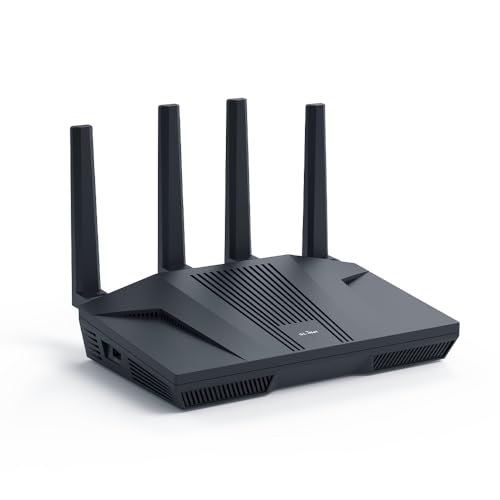
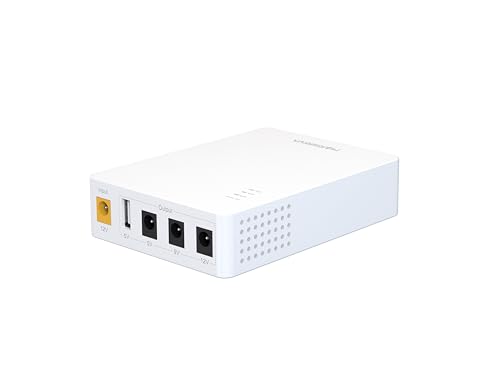
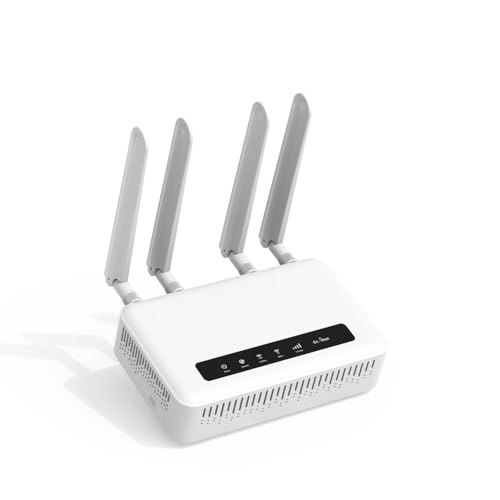
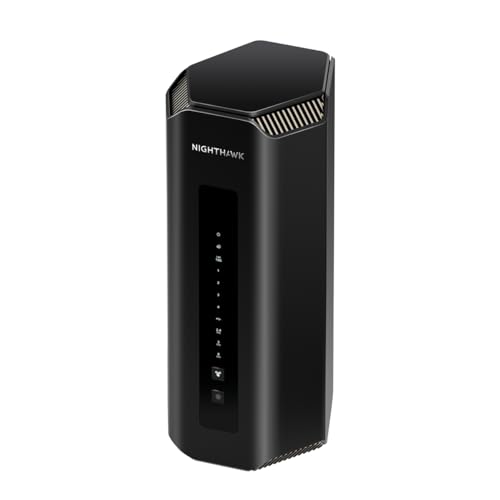
A 10 gigabit router sounds futuristic, but the buying question is practical: does your home actually need that much wired speed, and that is the heart of best 10g routers. Most homes do not have internet faster than a gigabit, so a 10g router mainly helps internal traffic, such as a home server, a fast NAS, or a wired workstation. The product table shows the picks side by side.
The key parts are wired ports, wifi standard, and device capacity, not the headline number alone. A router with one 10g port and the rest at gigabit speed still limits most devices, while a router with several multi gig ports suits a wired home network. Check your internet plan, your wired devices, and your cabling before you pay for top speed.


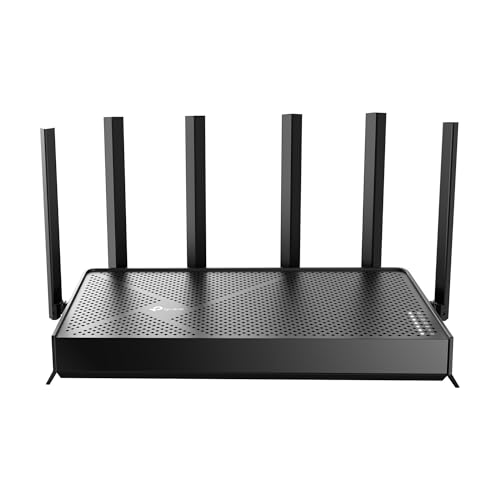


Who Should Buy a 10g Router
A 10g router suits a home with a fast NAS, a media server, or a workstation that moves large files over a wired network. It also suits a small office or a creator household where several people edit video from shared storage. If your internet plan is a gigabit or less and your devices connect over wifi, a good wifi 6 or wifi 7 router usually serves you better for less money.
It is less suited to a small flat with a handful of wifi devices and no wired server. In that case, coverage, wifi quality, and simple setup matter far more than wired speed. Also check cabling, since older cabling may not support multi gig speeds, and upgrading cables adds cost and work.
How to Choose the Best 10g Routers: Key Features to Compare
Wired ports come first. Look at how many ports run at 10g, 2.5g, and gigabit speeds, and whether the WAN port matches your internet plan. A single 10g port helps one server, while several multi gig ports help a wired network. Also check link aggregation and switch capacity if you plan a larger wired setup.
Wifi standard, device capacity, and security come next. Wifi 7 brings faster wireless and better handling of many devices, while wifi 6 remains a solid choice for most homes. Multi user technologies help when many devices stream and game at once, and automatic security updates plus parental controls add everyday value. For provider specific choices, see best routers for spectrum and best routers for comcast, and for wireless focused options, best wlan routers.
Cabling, Placement, and Setup
Cabling decides whether wired speed is real or theoretical. Short, good quality cables and a capable switch matter, and very old cabling may cap speeds below the router rating. Check wired speed from a capable device after setup, rather than trusting a headline figure.
Place the router centrally, raised, and away from thick walls and metal objects for the best wifi coverage, and use wired connections for fixed devices that need speed or stability. Keep firmware updated, change default passwords, and set up a guest network for visitors. A mesh system may suit a large house better than a single powerful router, even at high speeds.
Common Mistakes to Avoid
One mistake is paying for 10g ports while the internet plan, modem, and devices all run at gigabit or less, which leaves the extra speed unused. Another is ignoring wifi coverage, since a fast router in a poor spot still leaves dead zones. A third is buying without checking port counts, then finding only one fast port where several were needed.
Also avoid neglecting security updates and default passwords, which matter more than raw speed for a home network. Finally, do not judge a router by one speed reading, since wifi varies with distance, walls, and neighbours. Try it in the rooms you actually use, at the times you use them.
Living With a 10g Router Day to Day
A 10g router changes a home network gradually, since most devices still connect over wifi or standard gigabit wired links. The biggest early gains usually appear on wired machines, such as a desktop, a media server, or a network storage box. Map which devices actually use wired links before judging the upgrade, since wifi devices rarely show the full benefit.
Network storage is where 10 gigabit speed often shines, because large files move between machines in seconds rather than minutes. Video editors, photographers, and households with shared media libraries notice this most, especially when several people access the same files. Keep storage drives and cables matched to the speed, since a slow drive or old cable caps the whole chain.
Over time, keep firmware updated and review connected devices, since a fast network still needs basic security habits. Change default passwords, use a strong wifi password, and check for unknown devices occasionally. A 10g router is a long term investment, so buy one with solid support and a clear update history rather than the cheapest option.
A Final Check Before You Order
Before ordering, audit your current network honestly, including your internet plan, your wired devices, and your cabling. A 10g router cannot make a slower internet plan faster, and it needs suitable cables and switches to deliver its speed. Check whether your main machines even have 10 gigabit ports, since upgrading them adds cost beyond the router itself.
Compare port counts, wifi standards, and management features across a few models, and picture them in your actual home layout. A router with too few fast ports may need an expensive switch, while a model with poor wifi coverage may disappoint despite its wired speed. Read recent user feedback on stability and updates, since a fast router that crashes often is worse than a slower stable one.
Finally, weigh the upgrade against your real needs over the next few years, since network gear lasts a long time. If your household already moves large files and plans faster internet soon, 10 gigabit makes sense now. If your use is mainly browsing and streaming, a good gigabit router may serve you better for less money.
When upgrading to 10 gigabit networking, upgrade one link at a time and check speeds after each change. Step by step checking reveals which part of the chain limits speed.
Keep old cables labelled and stored separately from new high speed cables, since mixing them up can silently cap a link. A small label now saves confusing troubleshooting later.
Small business users working from home should check VPN and remote access support before choosing a 10g router. A router that handles secure remote work smoothly protects productivity, while one that struggles with VPN traffic can frustrate an entire working day.
Frequently Asked Questions
Do I need a 10g router for gigabit internet?
No, a gigabit plan cannot exceed gigabit speed from the internet, so a 10g router mainly helps internal wired traffic. If you have a fast NAS, a server, or a wired workstation moving large files, 10g ports can help locally. For most homes on a gigabit plan, a good wifi 6 or wifi 7 router is the better spend.
What is the difference between 10g and wifi 7?
10g refers to wired port speed, while wifi 7 is a wireless standard for wifi connections. A router can offer fast wired ports and modern wifi together, but one does not replace the other. Check both figures separately, since a fast wired port does not speed up a wifi device and fast wifi does not speed up a wired port.
Will a 10g router make my wifi faster?
Not directly, since wifi speed depends on the wifi standard, the device, distance, and interference. A 10g router may include modern wifi that helps, but the wired rating alone does not improve wireless performance. For better wifi, prioritise placement, wifi standard, and coverage, and use wired connections for fixed devices.
What cabling do I need for multi gig speeds?
Good quality, short cables and a capable switch matter, and older cabling may limit speeds. Check the cable category and length for your runs, and check speeds with a capable wired device after setup. If cabling is old or very long, upgrading it may be needed before multi gig speeds become real.
Is a mesh system better than one powerful router?
For a large or awkwardly shaped house, a mesh system often gives more even coverage than a single router, even a fast one. For a smaller home or a wired setup, a single strong router may suffice. Choose by coverage and wired needs together, not by headline speed alone. Place nodes centrally and keep them in open air for the best handoff between rooms.
Final Thoughts
Buy for the network you actually have: internet plan, wired devices, cabling, and coverage needs. A 10g router earns its price in a wired, server heavy home, while a strong wifi router serves most households better. The product table compares the picks, so check ports and wifi together before you order. With the right match, best 10g routers is a sensible investment rather than a headline purchase.