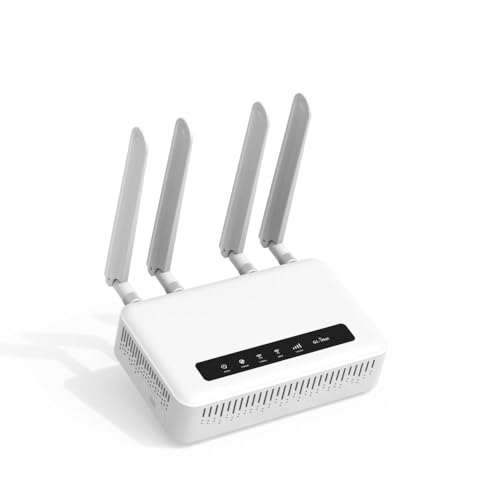
Best Battery Backup for Wifi Router at Every Price for 2026
Disclosure: We may earn a commission when you buy through links on this page, at no extra cost to you. As an Amazon Associate I earn from qualifying purchases. Learn more
Stay online in a blackout with the best battery backup for wifi router setups. Compare runtime, capacity and price tiers to fit your home.
When the power goes out, a home network usually dies with it, even though the internet connection itself may still be available. The best battery backup for wifi router setups keep your router, and often your modem, running long enough to finish a call, save your work, or wait out a short outage. This guide explains how to match runtime, capacity, and output to your equipment, so you can compare the picks in the product table with a clear sense of what you actually need.
Start with your router power draw, which you can find on its power adapter label, and decide how long you want to stay online during an outage. A small setup that runs a single router for an hour suits many homes, while a larger setup that also powers a modem and a mesh node needs more capacity and a higher budget.

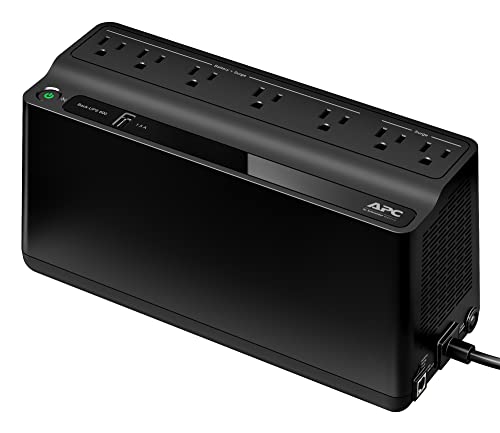
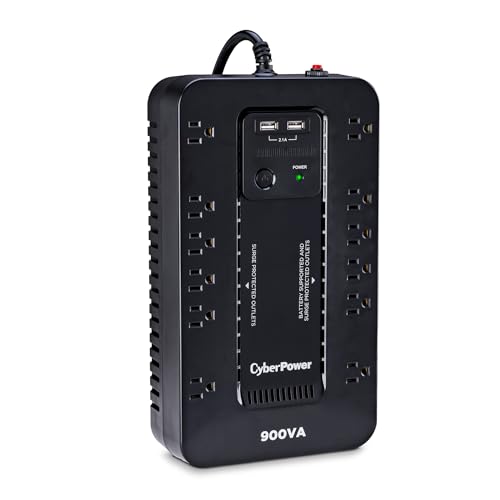
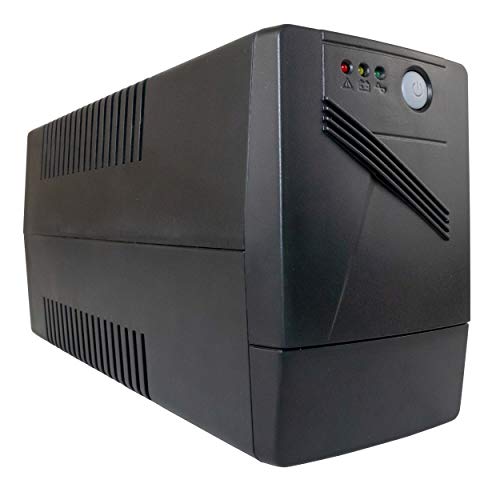
Price Tiers and What They Deliver
Price tiers for router backups are driven mainly by battery capacity, output options, and switchover speed. The tiers below describe what each level typically delivers, so you can see where extra spending buys real runtime and where it only buys convenience features.
Lower Cost Setups
Lower cost setups, usually about $40 to $90, typically pair a small battery with a single direct current output for one router. They suit a single router home that needs roughly one to two hours of backup for short outages. Expect manual cable matching and a simple status light rather than a display, and check that the output voltage matches your router adapter exactly.
Middle Price Setups
Middle price setups, usually about $90 to $180, often add higher capacity, more than one output, and automatic switchover when mains power fails. They suit homes that want to keep both a modem and a router running, or a router plus a mesh node, for two to four hours. This range is where most households find the best balance of runtime, compatibility, and ease of use.
Higher Price Setups
Higher price setups, usually about $180 to $350, typically offer large capacity, several outputs, pass through charging, and clearer status displays. They suit home offices, larger mesh networks, and households that need four hours or more of backup. Before spending at this level, confirm your total power draw, because a large battery that still cannot feed every node will not deliver the runtime you expect.
Features Worth Paying For and Ones to Skip
Not every feature on a backup unit matters for a router. The factors below focus on what changes runtime and reliability, and they flag extras that rarely justify a higher price for this job.
Runtime and Power Draw
Runtime is the result of battery capacity divided by the total power draw of everything you connect, so always calculate it for your own equipment. A router that draws 12 watts will run about twice as long as a router and modem pair drawing 24 watts on the same battery. If the maker states runtime, check which load that figure assumes, since a figure based on a tiny router will not hold for a power hungry mesh node.
Battery Capacity and Output Type
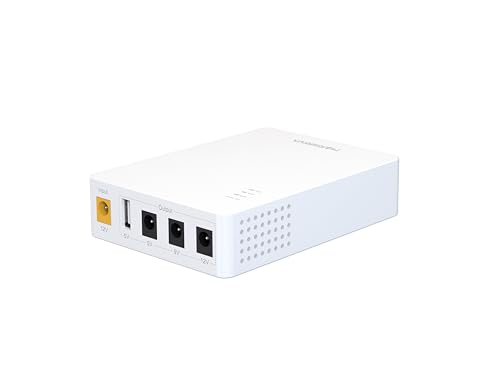
Capacity, usually given in watt hours, tells you how much energy the battery stores, while output type tells you whether it can feed your router correctly. Most home routers use a direct current barrel input, commonly 12 volts, so a backup with a matching direct current output is usually simpler and more efficient than one that converts power to alternating current and back again. Check the output voltage, the connector size, and the maximum current before you buy, and confirm the cable set includes the tip your router needs.
Automatic Switchover and Pass Through Charging
Automatic switchover means the backup takes over instantly when mains power fails, so your router never reboots and your video calls stay connected. Pass through charging lets the unit charge its battery while also powering the router, so it stays ready without unplugging anything. Both features are worth paying for in a home office, while a basic unit without them may still suit a household that only needs backup for occasional short outages.
Ports, Cables, and Router Compatibility
Compatibility is about more than voltage. Count the devices you want to back up, check each power adapter, and make sure the unit has enough outputs of the right type. If you run a mesh system, remember that every node you want to keep online needs power, and our guide to best wifi mesh routers can help you map your network before you size a backup. For a single router home, one well matched output beats three outputs you will never use.
Extras Worth Skipping
Some extras add cost without adding useful runtime for a router. Large alternating current inverters, for example, suit power tools and appliances but waste energy when feeding a small direct current router. Flashy displays, app control, and solar input sound useful, yet they rarely matter during a short outage, and a solar panel adds little unless you plan for multi day backup. Spend on capacity and correct outputs first, and treat the rest as optional.
Long Term Costs to Factor In
The purchase price is only part of the total cost. Batteries lose capacity over time, so plan for a replacement battery or a replacement unit after a few years of regular use, and check whether the maker sells the battery separately. Also factor in the small ongoing cost of electricity to keep the battery charged, plus any extra cables or adapters needed for your modem and mesh nodes. A unit with a replaceable battery often costs less over its full life than a sealed unit that must be replaced whole, and it creates less waste as well.
Placement affects long term value too. Keep the unit in a cool, dry spot with airflow around it, and follow the maker guidance on charging and storage. Heat shortens battery life, so avoid placing the backup in a hot attic or directly above a heating vent.
Router Backup Questions Answered
What features matter most in battery backups for wifi router?
The features that matter most are correct output voltage and connector size, enough capacity for your target runtime, and automatic switchover so the router never reboots. Multiple outputs matter only if you plan to back up a modem or extra mesh nodes as well. A clear low battery indicator is also useful, since it tells you when to save work and shut down gracefully before the battery runs out.
Does a battery backup work with a mesh router system?
A battery backup works with a mesh router system, but only the nodes connected to the backup stay online during an outage. If you power only the main node, devices near satellite nodes will lose their connection even though the main node keeps running. For full coverage, either back up every node you rely on or accept that only rooms near the powered node will stay connected during an outage.
Do I need a new router to use a battery backup?
You do not need a new router to use a battery backup, as long as the backup output matches your current router power requirements. Check the voltage, connector size, and current rating on your router adapter, and match them to the backup output. A new router only helps if your current one draws far more power than your budget allows, or if it lacks the coverage you need, and our guide to best affordable wifi routers covers efficient options for that case.
Will a battery backup speed up my internet?
A battery backup will not speed up your internet, because it only supplies power and does not change your internet plan or your router wireless performance. Your speeds during an outage will match your normal speeds as long as your internet provider service stays up. If your connection feels slow, the cause is usually your plan, your router placement, or congestion, and a backup unit will not fix any of those issues.
How often should I replace a battery backup?
Replace a battery backup when its runtime drops noticeably below what you need, which often happens after three to five years of regular use. Check the runtime once or twice a year by unplugging the mains power and timing how long your router stays online. If the unit has a replaceable battery, swapping the battery restores runtime at a lower cost than buying a whole new unit, so check that option first.
Final Thoughts
Match the backup to your router power draw, your target runtime, and the number of devices you want to keep online. Capacity and correct outputs matter far more than flashy extras, and automatic switchover is worth the extra cost if you work from home. Compare the picks in the product table against those three checks, and size up one step if you plan to add a mesh node later.
If your router itself is due for an upgrade, our guide to best wifi routers for gaming covers high performance models, though their higher power draw means a larger backup. The best battery backup for wifi router setups are the ones that keep your network running exactly as long as you need, with no surprises when the lights go out.