
Best 1080p Projectors (2026): Size, Features and Buying Tips
Disclosure: We may earn a commission when you buy through links on this page, at no extra cost to you. As an Amazon Associate I earn from qualifying purchases. Learn more
What matters when choosing the best 1080p projector: size, features, budget and the mistakes to avoid.
A good movie night can fall flat when the picture looks washed out or the projector does not fit the room. Choosing the best 1080p projector for your home starts with your space, your seating distance, and how your family actually watches. This guide walks you through size, brightness, image technology, and budget so you can match a model to a living room, bedroom, or home office with confidence.
The product table on this page gathers current options side by side, so keep it in view as you read the checklist that follows. If you are still weighing every format, our guide to the best projector shows where 1080p models sit beside 4K and portable options.
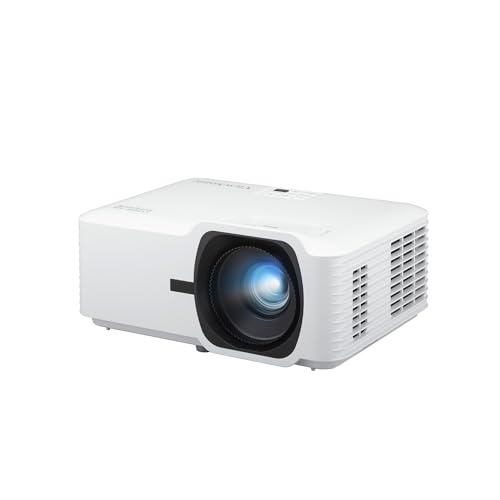
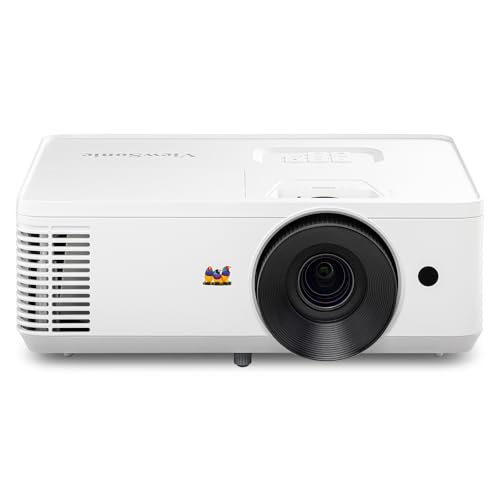


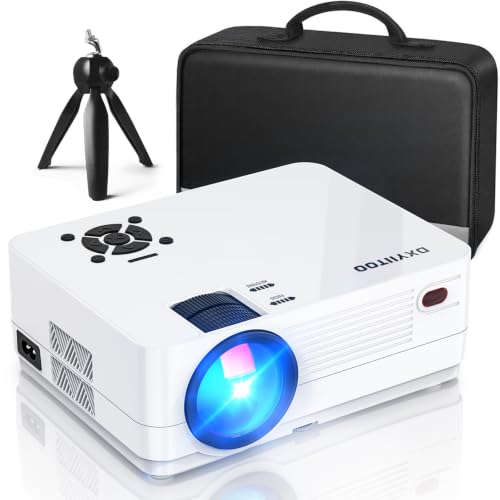

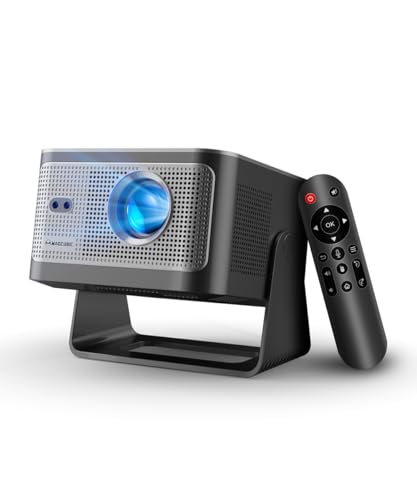
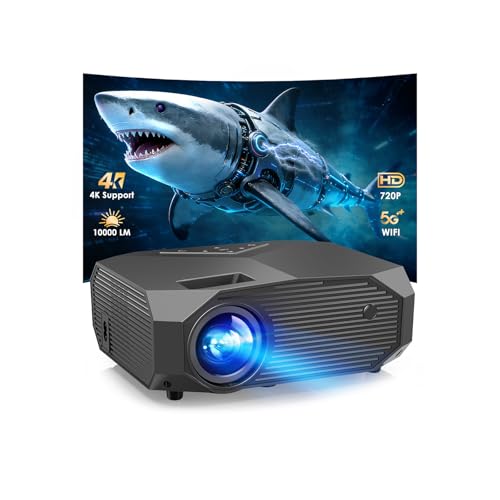
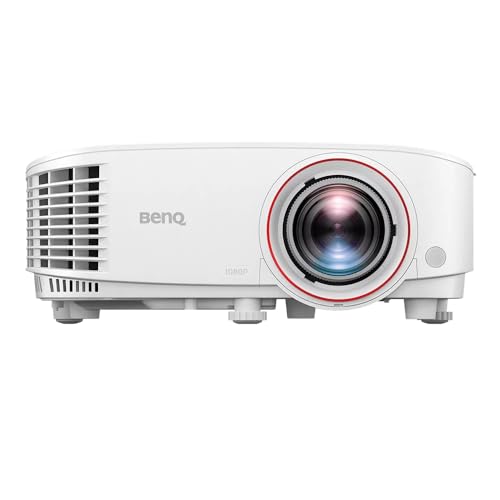
Quick Answer: Three Types That Fit Real Homes
If you need a fast shortlist, think in types rather than model names. A standard throw model suits a living room where the projector can sit several feet from the wall. A portable model suits bedrooms and renters who move the setup often. A dedicated theater model suits a dark room where a large fixed screen and separate speakers are already planned.
All three types deliver the same 1920 by 1080 resolution, yet they differ in brightness, lens reach, speaker quality, and price. Match the type to your room first, then compare details inside that type.
Before You Buy: A Quick Checklist for Choosing a Projector
Size: Match It to Your Space
Mini models are small enough for a shelf and often weigh only a few pounds, which helps in bedrooms and small apartments. Standard models are larger because they carry bigger lenses and stronger cooling. Short throw models make a large image from a short distance, while ultra short throw models rest on a low cabinet just inches from the screen. Our guide to the best mini projector helps if portability matters more than maximum brightness.
Which Type Fits Your Routine
Your routine should narrow the field before you compare prices. Families who stream shows most nights need reliable brightness and simple controls everyone can use. Viewers with a dark media room can trade some brightness for deeper contrast. People who present slides in a home office need a bright, sharp image for text, while occasional backyard viewers need a battery option.
Features Worth Paying For and Ones to Skip
Pay for WiFi and Bluetooth when you plan to stream without cables and pair a soundbar or headphones after dark. A smart platform with the apps you already use saves you from adding a streaming stick. Auto focus and auto keystone help portable models that move often. Skip elaborate gaming modes if you only watch films, a large battery if the projector never leaves one room, and voice features you will not use.
Screen Size for Your Room and Seating Distance
Start with the wall you have, not the largest image a listing advertises. A screen of about 80 to 100 inches suits many living rooms where seats sit about 8 to 12 feet away. Larger images need more brightness because the same light spreads across a wider area. If a dedicated dark room is your goal, our guide to the best projector for home theater covers that setup in depth.
Light Engine and Image Technology
DLP models use a spinning color wheel and tend to look sharp, though some viewers notice brief rainbow flashes in high contrast scenes. LCD and 3LCD models pass light through panels and often show rich color with no rainbow effect, though they can be bulkier. LED and laser light sources last far longer than a lamp and hold brightness more steadily. For a direct comparison of the two main panel approaches, see our guide to dlp vs lcd projector technology.
Brightness for Bright and Dark Rooms
Brightness is rated in lumens, and the number only helps when you match it to your room. A dark room with curtains closed can look great with a modest rating. A living room with lamps on and daylight at the windows needs a much higher rating to keep colors from fading. Favor makers that publish ANSI lumens, and be careful with listings that quote peak numbers with no clear standard.
Smart Platform, Sound and Ports
Check the ports before you fall for the picture specs. Most homes need at least one HDMI port for a streaming stick, console, or disc player, and a second port gives room to grow. An HDMI port with eARC lets the projector send sound to a soundbar over one cable. Built in speakers are fine for news in a small room, but film dialogue is clearer through a soundbar.
Realistic Budget Ranges
Models under about $100 are toys for dark rooms and small images, and their true resolution is often lower than the box suggests. About $100 to $250 buys entry level native 1080p for bedroom viewing at night. About $250 to $500 is where brighter lamps, better lenses, and usable smart platforms become common. Above about $500, you pay for stronger contrast, laser light sources, and quieter cooling.
Types Compared: Three Routes to a Good 1080p Picture
Standard Throw Models for Living Rooms
These models sit on a coffee table, a rear shelf, or a ceiling mount and throw the image across the room. They usually offer the best balance of brightness and price. The trade off is placement, since people walking through the beam can cast shadows. Choose this type when one room hosts most of your viewing and the layout stays stable.
Portable Models for Bedrooms and Flexible Use
Portable models trade some brightness for a small case and simple setup. They work well for a bedroom ceiling show, a dorm room, or a rented home where drilling into the ceiling is not an option. Some include a battery for about one full film, while others need a wall outlet. Choose this type when the projector moves between rooms or gets stored in a drawer.
Dedicated Home Theater Models
Theater focused models aim for contrast, color accuracy, and quiet operation in a dark room, and they often cost more than living room models with similar brightness. They pair best with a fixed screen, controlled lighting, and separate audio. Lens shift on some models makes alignment easier without tilting the image. Choose this type when movie quality matters more than casual daytime viewing.
How to Compare Models on Paper
Start with native resolution and confirm the listing says 1920 by 1080 rather than supported 1080p input, because those are very different claims. Next compare ANSI lumens, throw ratio, and image size at your seating distance. Then check light source life, ports, and whether the smart platform carries your main apps. Finish with noise level and warranty length.
Read buyer reviews for patterns rather than single opinions. Repeated notes about focus drift, loud fans, or missing app support tell you more than one glowing comment. Check the maker site for the full spec sheet when a listing seems vague.
1080p Compared With Other Choices
A 1080p projector shows 1920 by 1080 pixels, which looks sharp on screens up to about 100 inches at normal seating distances. A 4K projector packs in more detail you can appreciate on a larger screen or from closer seats, but it costs more and needs 4K sources. On smaller screens the gap narrows a lot, which is why 1080p remains a smart value.
Against a large TV, a projector wins on image size per dollar and loses on convenience in bright rooms. A TV turns on instantly and handles daylight well. A projector gives you a cinema scale picture you can roll away, which suits renters who dislike a huge dark screen dominating the room all day.
Common Mistakes to Avoid
- Buying by advertised lumens alone, which leads to a dim picture in a bright living room.
- Confusing supported resolution with native resolution, which leads to a softer image than you expected.
- Ignoring throw distance, which leads to an image that is too large or too small for your wall.
- Forgetting the cost of a screen, mount, cables, and a soundbar, which leads to a budget that falls short.
- Placing the projector where its fan vents are blocked, which leads to heat buildup and early shutdowns.
- Skipping a return check on the smart apps, which leads to missing services you use every week.
Cost of Ownership and Care
Ownership costs depend mostly on the light source. A lamp model may need a new lamp after a few thousand hours, for about $50 to $150. LED and laser models avoid that swap, a point covered in our guide to laser vs lamp projector designs, but they cost more at purchase. Add a screen, a mount, and longer HDMI cables to your first year budget so the setup is complete.
Care is simple and cheap. Clean the air filter as the manual directs, keep vents clear, and let the fan finish its cool down cycle before you unplug the unit. Store a portable model in a padded case, and wipe the lens only with a soft cloth made for optics. Avoid a hot, sealed cabinet, because trapped heat shortens the life of every part inside.
FAQ
How to mount a projector?
You can place a projector on a shelf, a tripod, or a ceiling mount, and the right choice depends on your lens and room layout. A rear shelf is easiest when its height lines up with the screen center. A ceiling mount frees table space but needs careful cable routing and a solid anchor. Before you drill, project a sample image from a ladder to confirm the size and position work.
How many lumens do I need?
For a dark room, about 1,000 to 1,500 ANSI lumens usually looks bright and balanced on a 100 inch screen. A living room with some ambient light often needs about 2,000 to 3,000 ANSI lumens to hold contrast during the day. Screen material matters too, since a gray screen can deepen blacks in a lit room while a white screen keeps colors vivid in the dark. When in doubt, choose the brighter model and lower its lamp mode at night.
How to connect phone to projector?
You can mirror a phone over WiFi when both devices share the same network, or use a wired adapter from the phone charging port to HDMI for a steadier link. Some streaming apps block mirroring for paid content, so a streaming stick in the HDMI port is often the more reliable route. Our step by step guide to how to connect phone to projector walks through each method for both phone types.
How to set up a projector?
Set the projector at the distance its throw ratio requires, level it, and then use zoom and focus before you touch keystone correction. Digital keystone shrinks the image and softens text, so straight placement looks better than a corrected angle. Use a subtitle heavy scene to fine tune focus, because small letters reveal softness faster than faces do. Save separate picture settings for day and night viewing if the menu allows it.
Are 1080p projectors worth it?
Yes, for most homes a native 1080p model is worth it when the screen is about 100 inches or smaller and seats are a normal distance away. Streaming services and consoles feed it plenty of matching content. The money you save versus a 4K model can fund a proper screen and better sound, which improve the experience more than extra pixels alone would at this size.
What is the best 1080p projector?
There is no single answer, because the right model depends on your room light, screen size, and how portable you need it to be. A bright standard throw model fits most living rooms, a compact portable fits renters and bedrooms, and a contrast focused model fits a dark theater room. Use the product table above to compare native resolution, ANSI lumens, and throw distance for your space, and let those three specs make the final call.
Final Thoughts
For most households, the best 1080p projector is the one whose brightness, throw distance, and light source fit the room you already have, not the one with the longest feature list. Start with the product table above, narrow your choice to one type, and spend what remains on a screen and sound that complete the picture. That approach gives your family a setup everyone can use without fuss, night after night.


