
Arlo vs Nest: Which One Fits Your Home Better? (2026)
Disclosure: We may earn a commission when you buy through links on this page, at no extra cost to you. As an Amazon Associate I earn from qualifying purchases. Learn more

Arlo vs Nest: see how they differ in everyday use, features and value, and which one makes more sense for your home and budget.
Picture a weekday evening at home. A package lands on the porch while dinner is on the stove, the dog is pacing near the back door, and someone in the family asks who just pulled into the driveway. The camera you choose decides how fast you get a clear answer and how much effort that answer takes. When you compare arlo vs nest, you are really choosing between two different daily routines, and the comparison table below sums up the split in plain terms.
This guide walks through how each system fits a living room, a nursery, a home office, and the doors your whole household uses every day. It weighs the rooms you want to watch, the number of people who will share the app, and the budget you can live with over time. If you want the wider field first, start with our guide to the best security camera options, then come back here for the direct brand choice.






Arlo vs Nest at a Glance
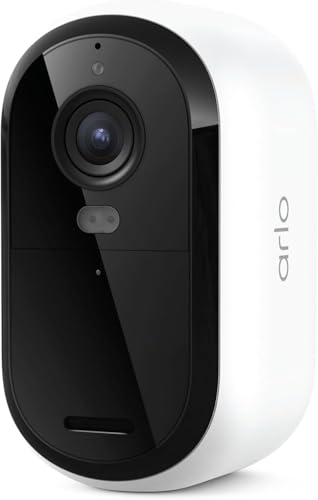
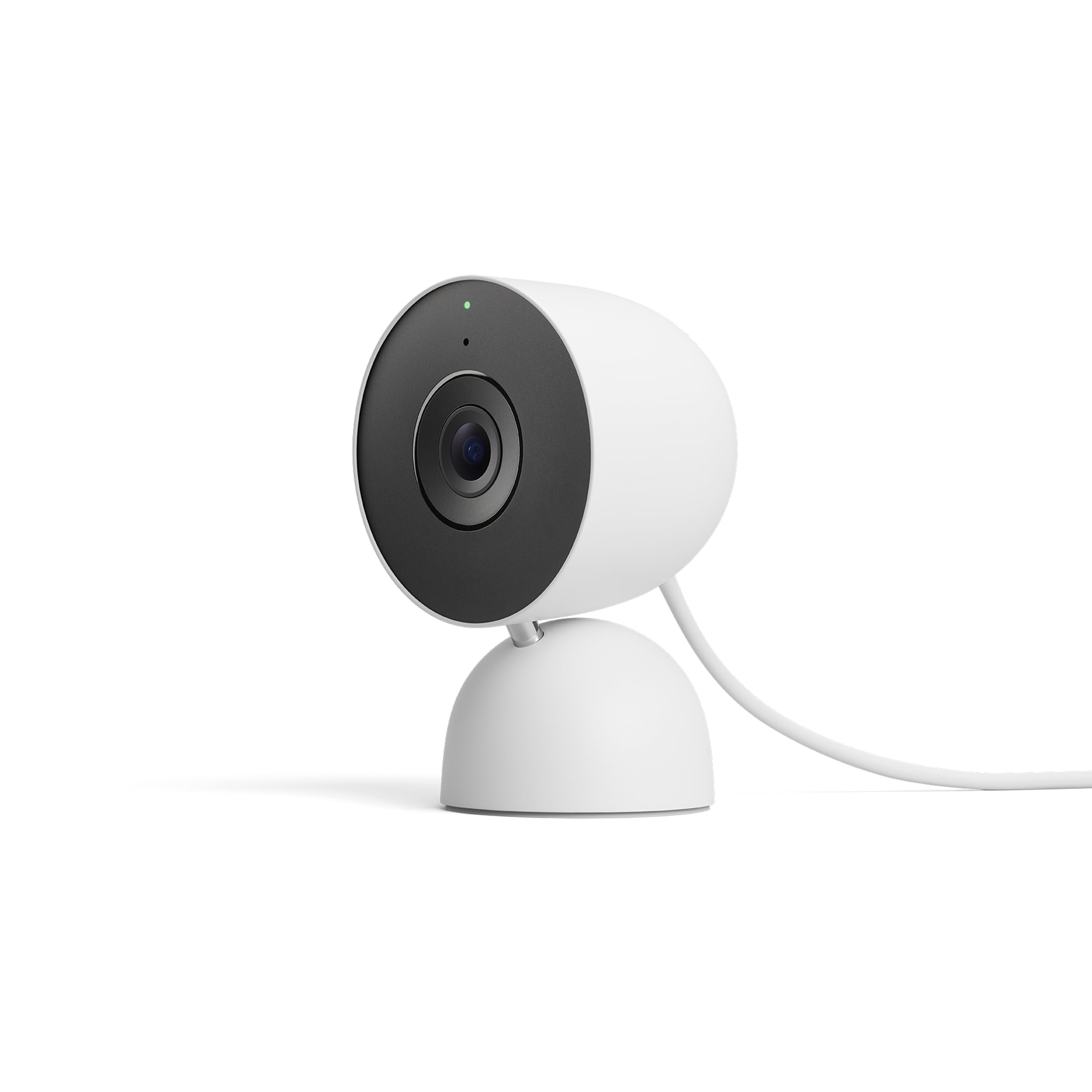
The short version is simple. Arlo leans toward flexible placement, since many of its cameras run on batteries and can go where no outlet exists. Nest leans toward a tidy Google centered home, with cameras that feel at home beside other Google devices and an app experience many families find calm and simple. Your wiring, your WiFi strength, and your feelings about a monthly plan will move the answer more than any single spec.
| Criteria | Arlo | Nest | Edge |
|---|---|---|---|
| Power options | Battery first, with wired choices | Wired first, with battery choices | Depends on the spot |
| Storage focus | Plan based clips, some local options on select setups | Plan based clips, short event history without a plan | Tie |
| Smart home fit | Works across several platforms | Built around Google Home | Nest for Google homes |
| Placement freedom | Strong for yards and sheds | Strong near doors and outlets | Arlo for remote spots |
| Shared family use | Capable, more settings to manage | Simple sharing inside Google accounts | Nest for simple sharing |
Meet the Contenders: Arlo and Nest
Arlo Overview
Arlo built its name on cameras you can mount almost anywhere. Battery power is the core idea, so a camera can watch a side gate, a garage corner, or a fence line without an electrician and without a long cable run. The range covers indoor cameras, outdoor cameras, floodlight cameras, and video doorbells, and many models can pair with a solar panel to stretch the time between charges. It also suits renters, since a mount with a few screws is easier to undo than new wiring.
Nest Overview
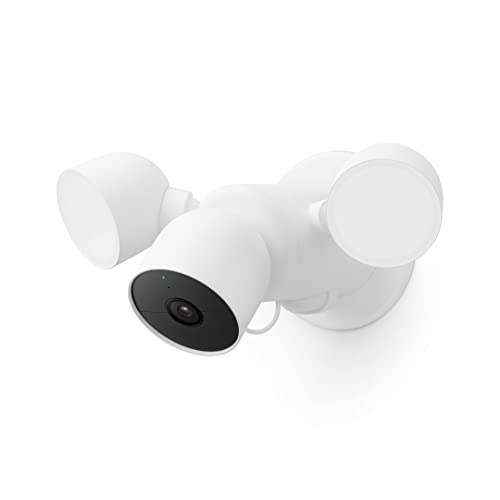
Nest is the camera line inside the Google smart home family. Its cameras share an app and a design language with Google thermostats, speakers, and displays, so the whole setup feels like one system rather than a shelf of separate gadgets. Nest offers indoor and outdoor cameras, a floodlight camera, and a well known doorbell line. If your household already uses Google routines, Google speakers, and Android phones, Nest slides into that routine with very little friction. The trade is flexibility. Nest gives you fewer ways to store video without a plan and fewer placement tricks for spots with no power nearby.
Head to Head: Where They Really Differ
Image Quality
Both brands sell cameras with sharp sensors, and on paper their top resolutions look close. In daily use, the gap shows up less in raw sharpness and more in how each system handles a bright window behind a dark room or a face half lit by a porch light. Arlo tends to push contrast and detail, which can make a license plate or a jacket logo easier to read at the edge of the yard. Nest tends to produce a softer, more natural picture inside the home, which many people prefer for a living room or nursery view. Field of view matters as much as resolution, since a wider view covers a whole room but makes faces at the far wall smaller.
Low Light Performance
At night, both systems switch to infrared for a black and white view, and both offer color night views on some models when a bit of ambient light is present. Arlo floodlight and spotlight models put more light on the scene, which helps in a dark yard where the camera itself is the only light source. Nest cameras rely more on nearby porch or room light, and they do a calm, even job when that light exists. A camera aimed at a white wall can bounce its own infrared back and wash out a face, while a small angle change often fixes the picture for free.
Ease of Use and Setup
Setup is where the two brands feel most different. An Arlo battery camera can be live in minutes. You charge it, scan a code, mount it, and adjust the angle while watching your phone. That speed is real, but the bill comes later in the form of charging trips, and a camera mounted high above a garage door makes each trip a ladder job. Nest wired cameras ask more of you on day one, since you need power at the spot and a bit more patience with mounting. After that, they simply stay on. For the app itself, Nest benefits from the Google Home layout that many families already know, while Arlo gives you more toggles for modes, zones, and schedules, which confident users enjoy and busy parents sometimes ignore.
Software and Features
The difference between arlo and nest grows clearer once you live with the alerts. Both can tell a person from a pet and a vehicle from a swaying branch, but the smartest alerts on each side sit behind a paid plan. Nest ties its smart features to Nest Aware, and Arlo ties its own to Arlo Secure. Each plan adds longer clip history, richer alert types, and in some cases activity zones with more control. Think about who else will use the system. A grandparent who watches the nursery feed, a partner who checks the porch, and a teen who comes home first all need access that is easy to grant and easy to remove. Nest handles that sharing through Google household accounts. Arlo handles it through its own account invites. Neither is hard, but the one your family already uses will feel easier.
Doorbells deserve a quick note, because the front door is often the first camera a home gets. If that is your starting point, read our google nest doorbell review for the doorbell specific details, then weigh it against a battery doorbell from Arlo that can go on a frame with no doorbell wiring at all. Renters and owners of older homes often find that single wiring question decides the whole brand choice.
Price and Value
Sticker price tells only half the story for either brand. A single camera from either line often lands in a similar band, roughly about $100 to $250 depending on the model and the season, and kits change the math again. The real cost of ownership adds three things. First, the plan, since most buyers end up paying monthly for longer history and smarter alerts. Second, the mounts, panels, and extra batteries your layout demands. Third, your time, since a battery camera in a busy spot may need a charge every few weeks while one in a quiet corner can go far longer. Arlo can cost less to start in a spot with no outlet, because you skip any wiring work. Nest can cost less to live with in a Google home, because you skip buying a second hub of any kind and manage everything in one app.
Our Recommendation for Your Home
Pick Arlo If
Choose Arlo when the places you care about sit far from power. A back fence, a detached garage, a shed, or a long driveway all favor a battery camera you can move in an afternoon. Arlo also fits households split across platforms, since it plays well with more than one smart home system. It suits people who like control, too. If you enjoy setting zones, modes, and schedules room by room, the Arlo app gives you more levers to pull. Just be honest about charging. Pick mounting spots you can reach safely, or budget for a solar panel where the camera watches a busy area.
Pick Nest If
Choose Nest when your home already runs on Google. If your speakers, displays, and phones live in that world, adding Nest cameras feels like turning on a feature rather than adopting a new system. Nest also fits families who value a calm daily routine over deep settings. The picture looks natural indoors, sharing with family members is simple, and wired models remove charging from your life entirely. Nest makes the most sense near doors and rooms with power nearby, and for buyers who already expect to pay for a plan, since the free tier is brief and the paid tier is where the system shines.
Not Sold on Either? One More Option
Some homes need a different trade entirely, such as a camera that stores video at home with no plan at all, or a budget outdoor model for a single quiet corner. If low running cost matters most outdoors, the blink outdoor 4 review covers a battery option built around long intervals between battery swaps. If you like the idea of a camera that pans to follow motion and pairs with a solar panel, the eufy solocam s340 review looks at that route in detail. Either way, keep the same short list of needs you used here, and judge any third brand against your wiring, your WiFi reach, and your plan budget rather than against a spec sheet alone.
Your Questions, Answered
Which Lasts Longer, Arlo or Nest?
For battery models, Arlo usually gives you more ways to stretch the time between charges, including larger batteries on some models and easy solar panel pairing. Real life still rules the result. A camera over a busy sidewalk can drain in weeks, while the same camera over a quiet side yard can run for months. Wired Nest cameras remove the question entirely, since they draw power all day. If you hate ladders, that steady power may matter more than any battery rating.
Which Is Easier to Clean, Arlo or Nest?
Both wipe clean with a soft dry cloth, and both suffer the same main enemy, which is a spider web across the lens that glows brightly in infrared at night. Arlo battery models have a small edge here, since many lift off the mount in seconds so you can clean the lens at a table instead of on a ladder. For any model, avoid sprays on the lens itself, clean the housing first, and check the view on your phone before you put the ladder away.
What Is the Main Difference Between Arlo and Nest?
The core split is placement freedom against ecosystem simplicity. Arlo starts from the camera and asks where you need it, then offers battery power to put it there. Nest starts from the Google home and asks what you already use, then offers a smooth shared routine inside that world. People comparing nest vs arlo on forums often land on the same point. Owners praise Arlo for covering odd spots and praise Nest for a feed the whole family actually checks without being reminded.
Is Arlo Better Than Nest?
Neither brand wins for every home, and asking arlo vs nest which is better only helps once you name your rooms. Arlo is better for a yard with no outlet and for a household split across smart home platforms. Nest is better for a Google centered home that wants one app, simple sharing, and wired cameras near the doors. Write down your three hardest spots, check power and WiFi at each one, and the better brand for your home usually names itself.
Final Thoughts
Both systems will watch your home well once they are placed with care, and both will disappoint you if the camera sits in the wrong spot on weak WiFi. Let your floor plan decide. Count the outlets near the places you worry about, count the people who will share the feed, and count the true yearly cost with a plan included. Do that, and arlo vs nest stops being a brand debate and becomes a simple match between a system and a home. Use the product table above to check your short list before you order.


