
Aqara Doorbell G4 Review (2026): Is It Worth the Money?
Disclosure: We may earn a commission when you buy through links on this page, at no extra cost to you. As an Amazon Associate I earn from qualifying purchases. Learn more

Our Aqara Doorbell G4 review covers performance, design, cleaning, pros and cons, and who should buy it. Plus top alternatives. Updated 2026.
A video doorbell earns its place by answering the door clearly, alerting you fast, and storing clips you can actually find later. This aqara doorbell g4 review walks through the points that decide that outcome, from camera quality and face recognition to power options, storage, and platform support. It is a useful starting point if you are also scanning our guide to the best video doorbell options for a wider view of the category.
Rather than repeat headline claims, the sections below focus on what you can check before ordering. Use the comparison table below to line up the core specs against other doorbells you are considering.


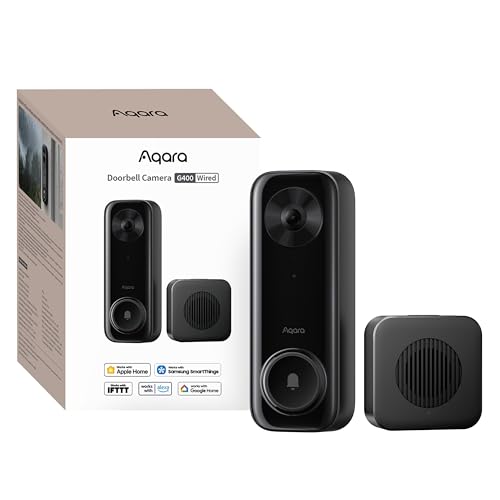

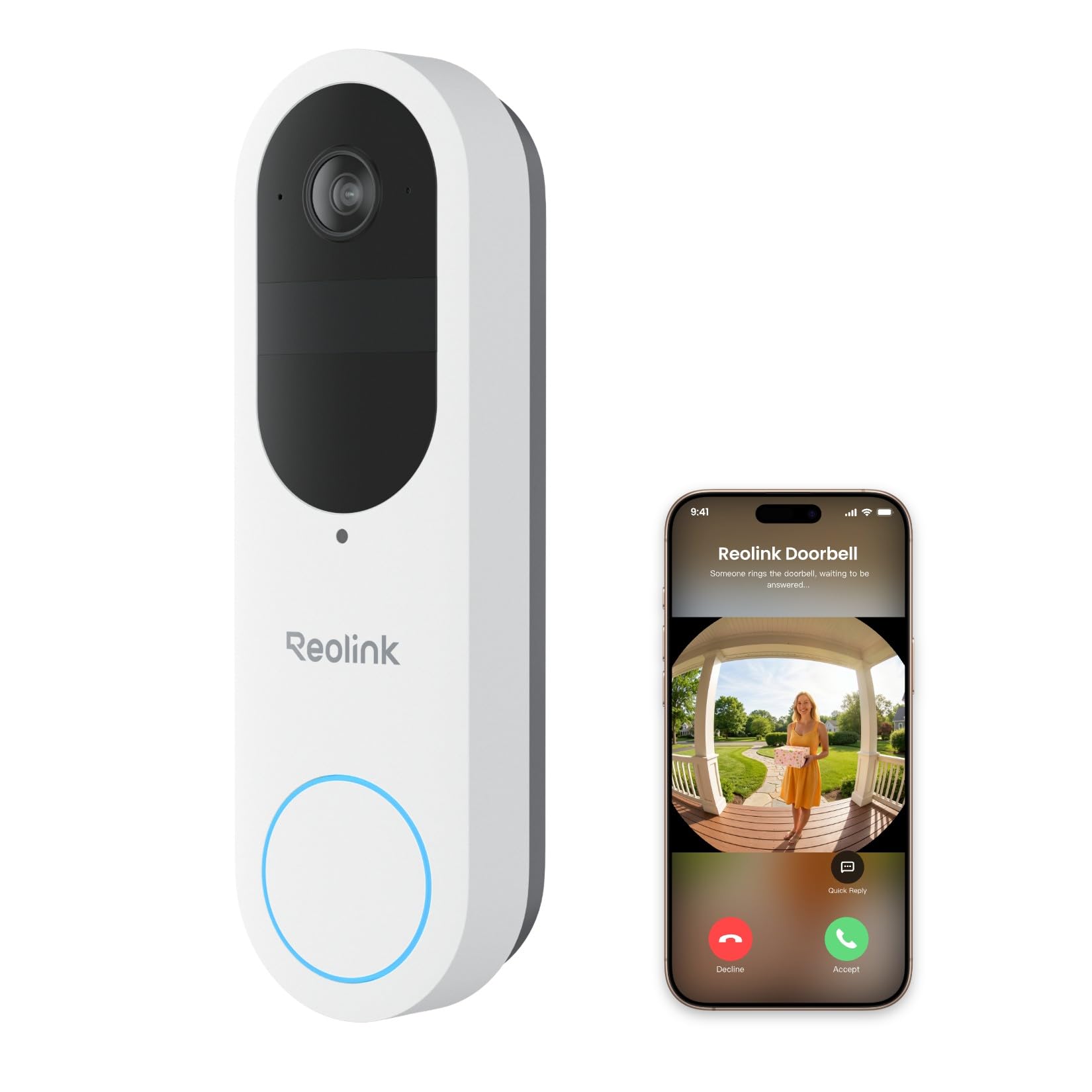
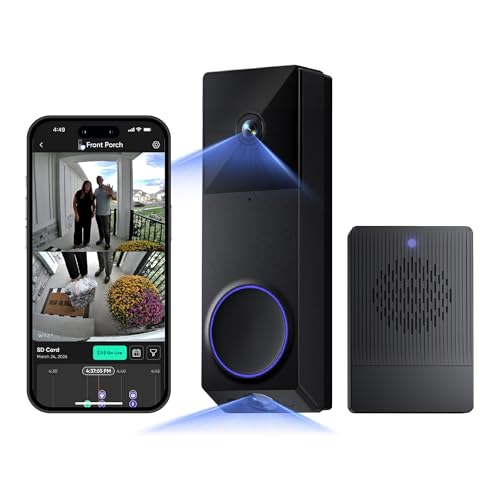

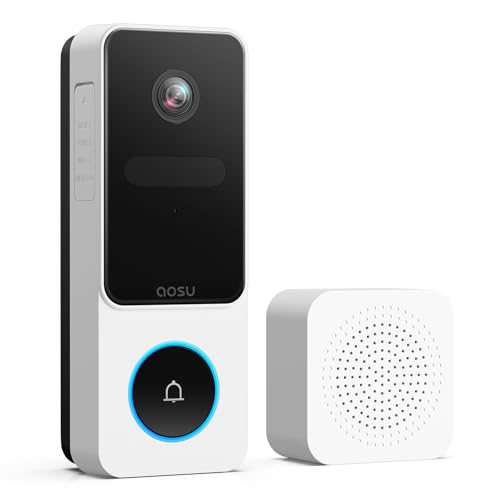
Aqara Doorbell G4 Specs at a Glance
The headline specs centre on a 1080p camera with a wide field of view, colour night vision, and motion detection backed by a passive infrared sensor. Power comes from batteries or from existing doorbell wiring, and a plug in chime unit is included in the box. That chime also holds a memory card for local recording. Face recognition runs on the device itself, and the doorbell works with HomeKit Secure Video, Alexa, and Google Home.
Design and Build Quality
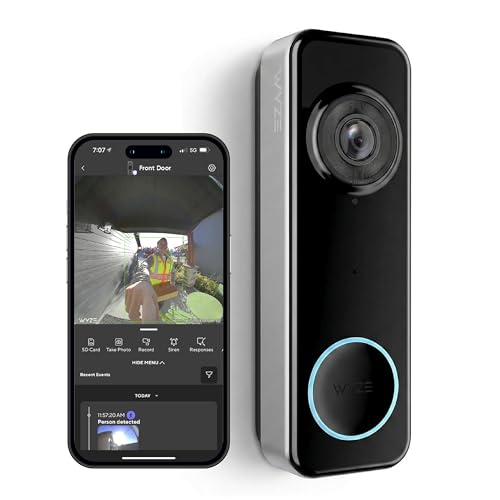
The doorbell unit is a slim rectangle that mounts flat against the door frame or wall, so it suits narrow trim where a bulky camera would overhang. Two colour finishes are offered, and the face of the unit keeps the layout simple, with the lens at the top, a sensor below it, and one large button that lights up so visitors can find it in the dark.
Build quality matters outdoors, where the unit faces rain, heat, and dust all year. The housing feels solid for a battery powered camera, and the weather rating covers normal outdoor exposure on a covered or uncovered wall. Battery access is through the back of the unit, which means you remove the doorbell from its mount to swap cells. A tamper alert in the app warns you if someone pulls the unit off the wall, which helps offset that removable design.
Performance
Performance for a doorbell camera comes down to four things you will notice every week. Picture clarity decides whether a face at the door is recognisable, alerts decide whether you look at your phone in time, and power and storage decide how much upkeep the camera asks from you. The sections below take each area in turn.
Reliability and Accuracy
Daytime video at 1080p with a wide field of view captures the full entryway, including parcels left low on the step, which narrower cameras can crop out. Faces close to the door read clearly, while people at the far edge of the frame look smaller, as with any wide angle lens. Face recognition runs locally and can tag familiar visitors by name in your alerts, which cuts down on generic motion notices. Occasional missed tags happen when a visitor wears a hat or turns away, so treat the feature as a helpful filter rather than a perfect record.
Compatibility
Platform support is the strong suit here. The doorbell works with Apple HomeKit, including HomeKit Secure Video recording through an iCloud plan, and it also links with Alexa and Google Home for voice alerts and viewing on smart displays. That breadth matters if your household mixes phones and speakers from different brands, since many doorbells lock you into one app. You manage settings in the Aqara app as well, where face profiles, alert zones, and local clips live alongside the platform views.
Installation
You can run the doorbell on batteries alone, which keeps setup to a few screws and a mounting plate, or wire it to an existing doorbell transformer for constant power. Battery only running suits renters and homes with no doorbell wiring, while a wired setup removes battery swaps and supports steadier recording. The included chime plugs into an indoor outlet and doubles as the hub for local storage, so place it within good WiFi reach of the door. Total setup time for most homes is well under an hour.
Subscription Costs
There is no required monthly fee to use the core features, which sets this model apart from doorbells that paywall person detection or clip history. Face recognition and local recording to a memory card in the chime work without a plan, and the card can be a large one, so months of events can stay in the house rather than in the cloud. If you want HomeKit Secure Video storage, that uses your existing iCloud plan instead of a separate doorbell subscription. Check what your plan covers before relying on it as your only copy of clips.
Key Features
Local face recognition is the feature most buyers ask about, since it sorts alerts by who is at the door instead of sending one alert for every passer by. Two way talk lets you answer from your phone, and you can also play a short prerecorded reply when you cannot talk live. A voice changer option disguises your voice during calls, a small privacy touch that some households will value.
Storage choice is the second feature to weigh. Local recording keeps clips on a card inside your home, which appeals if you dislike cloud accounts, while HomeKit Secure Video gives you cloud history tied to your Apple setup. Motion zones let you ignore the street and focus on your path and porch, and the included chime means you still hear a ring indoors even if your phone is in another room or switched to silent.
Ease of Use, Cleaning and Maintenance
Daily use runs through the app, where live view, recorded events, and face profiles sit on one home screen. Answering a ring takes one tap, and sharing access with family members is handled inside the app rather than by sharing one login. Visitors get a clear light ring around the button, so most people press it without hunting.
Cleaning takes a soft, slightly damp cloth over the lens and housing every few weeks, since dust and pollen soften the picture before you notice the drop in quality. Skip sprays aimed straight at the lens or speaker holes. Check the battery level in the app once a month, keep spare AA cells on hand if you run on battery power, and install firmware updates when the app offers them, since updates often carry detection and security fixes.
Aqara Doorbell G4 Pros and Cons
Weighed as a purchase, the balance of strengths and trade offs looks like this.
- Pro: Face recognition and local recording work with no required monthly fee.
- Pro: Support for HomeKit, Alexa, and Google Home in one doorbell is uncommon at this price level.
- Pro: Battery or wired power gives you a real choice at install time.
- Con: Resolution stops at 1080p, so fine detail at a distance is limited.
- Con: Battery swaps mean taking the unit off its mount each time.
- Con: Local clips live on one card in the chime, so a lost card means lost footage.
Who Should Buy the Aqara Doorbell G4 (and Who Shouldn't)
Buy it if your home already runs on Apple HomeKit and you want doorbell clips inside HomeKit Secure Video without adding another subscription. It also suits households that mix platforms, since few doorbells speak to Apple, Amazon, and Google setups at once. Renters and owners without doorbell wiring should shortlist it too, because battery running plus an indoor plug in chime avoids drilling for power.
Skip it if you want the sharpest possible image for reading plates or faces across a long driveway, since higher resolution doorbells serve that job better. Also look elsewhere if you never want to think about batteries and your home has no wiring to add, or if you want all footage stored off site by default with no card to manage.
Aqara Doorbell G4 vs Alternatives
The main split in this category is between battery models, wired models, and subscription led models, and your wiring and budget decide which group fits. If you prefer a battery doorbell inside the Ring system, with clip history tied to a Ring plan, read our ring battery doorbell plus review for how that route handles power and storage. That path suits homes already invested in Ring cameras and happy to pay a plan for richer alerts.
If your home has solid doorbell wiring and you want constant power with no battery upkeep, our ring wired doorbell pro review covers the wired end of the Ring range. Compared with both, the Aqara model stands out for local face recognition and card storage with no plan attached, while the Ring models lean on cloud recording and a wider accessory range. Choose by platform first, then by how you want clips stored.
Where to Buy and Best Price
Expect pricing in the mid range for a video doorbell with this platform support, roughly about $75 to $100 depending on the season and any bundle with extra batteries or a larger memory card. Prices and availability can change, so check the product page before ordering. Seasonal sales events can trim the cost, and buying from a seller with free returns is wise.
FAQs
Is the Aqara Doorbell G4 worth it?
For most smart home users, yes, because the value sits in what you do not pay for later. Face recognition, local storage, and support for three major platforms come in the box with no plan required. It is worth less if you rent and your lease bans even screw mounted fittings, so check your agreement first, or ask your landlord about the adhesive and screw options before ordering.
What are common Aqara Doorbell G4 problems?
The complaints that come up most involve WiFi rather than the camera itself. The doorbell uses the 2.4 GHz band, so a router set to 5 GHz only, or a chime placed far from both door and router, can cause dropouts and slow live view. Moving the chime to an outlet midway between router and door fixes most cases. Slow alerts can also trace back to phone battery saver settings that delay app notifications, so exempt the app if alerts arrive late.
How long does the Aqara Doorbell G4 last?
Battery life depends heavily on how busy your door is, since every motion event wakes the camera. A quiet porch can go many months on one set of AA cells, while a door facing a busy street may need fresh cells far sooner. Cold snaps shorten battery life on any outdoor camera, so expect the shortest run times in midwinter. The hardware itself should serve for years if the lens stays clean and the mount stays firm.
What is a cheaper alternative to the Aqara Doorbell G4?
A basic battery doorbell with no face recognition and app only alerts usually costs less, and it may be enough if you only want to see callers live. A cheaper stopgap is an indoor camera pointed through a window, but glass reflects the infrared light used at night, so night footage turns murky. Weigh those savings against losing local storage and HomeKit support, which are the main reasons buyers pick this model.
How do you clean the Aqara Doorbell G4?
Wipe the lens with a dry microfibre cloth first, then a slightly damp one if marks remain, and dry it so water spots do not blur the next clip. Avoid compressed air near the microphone and speaker holes, since blasts can push dust and moisture inside. Pollen season is the worst offender for a hazy picture, so add a quick lens wipe to your routine in spring if your porch sits near trees or flower beds.
Final Thoughts
This doorbell makes the most sense for households that want smart alerts, local storage, and freedom to use Apple, Amazon, or Google gear without a new monthly bill. Check your wiring, your WiFi strength at the door, and where the chime will live before you order, and compare those answers with the product table above. If those basics line up, the aqara doorbell g4 review points to a doorbell that covers the daily jobs well and keeps its running costs at zero.


